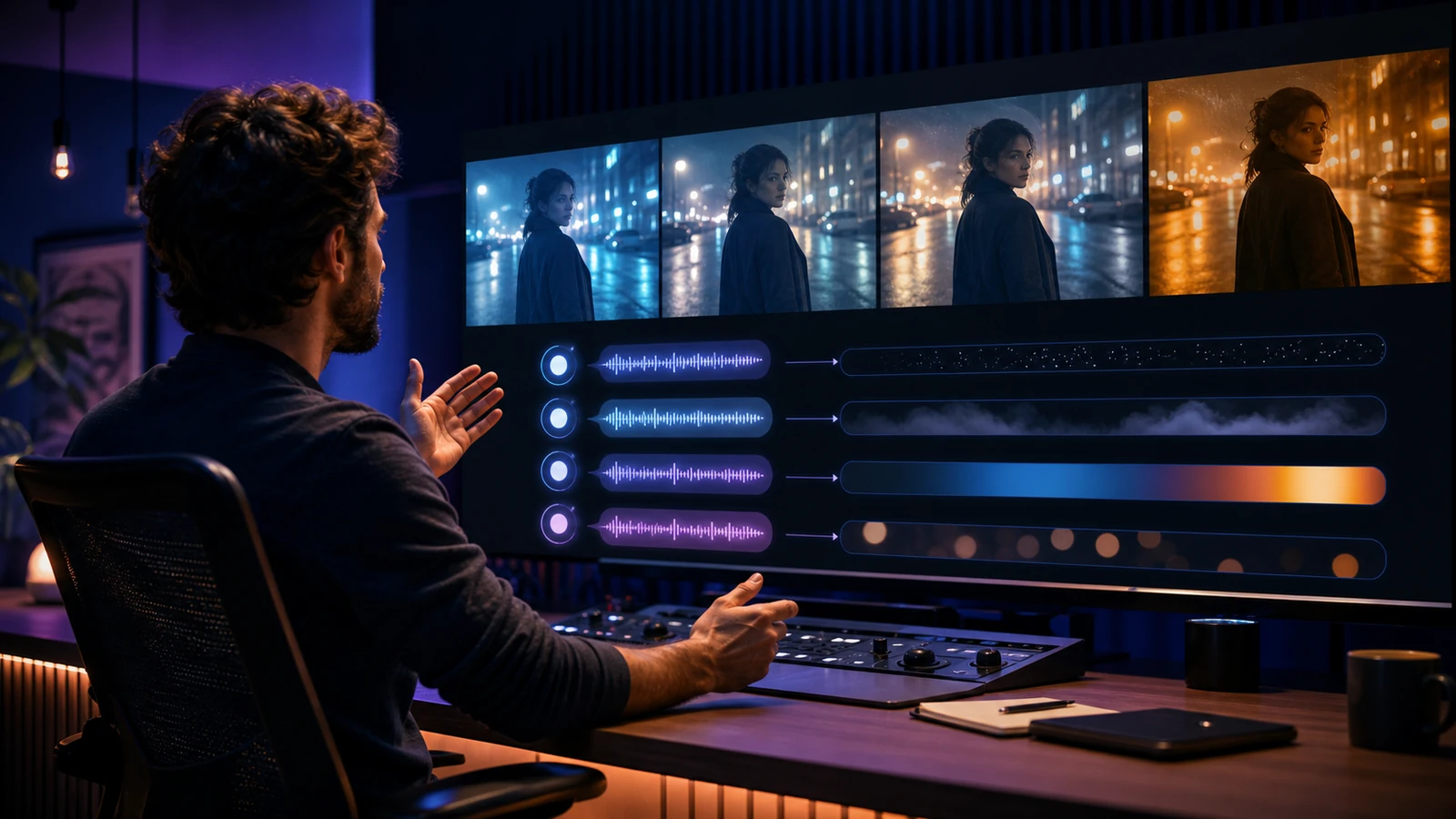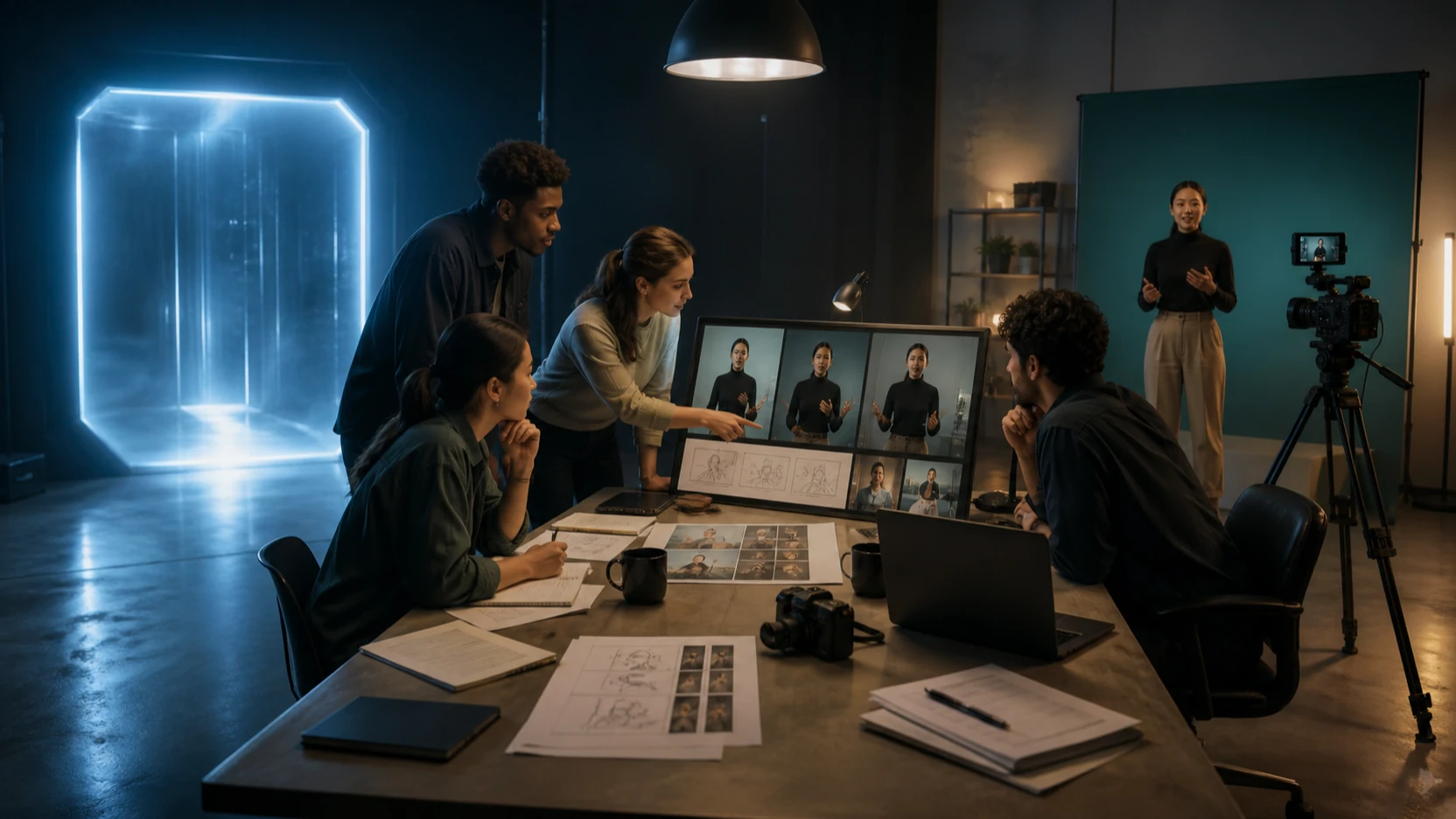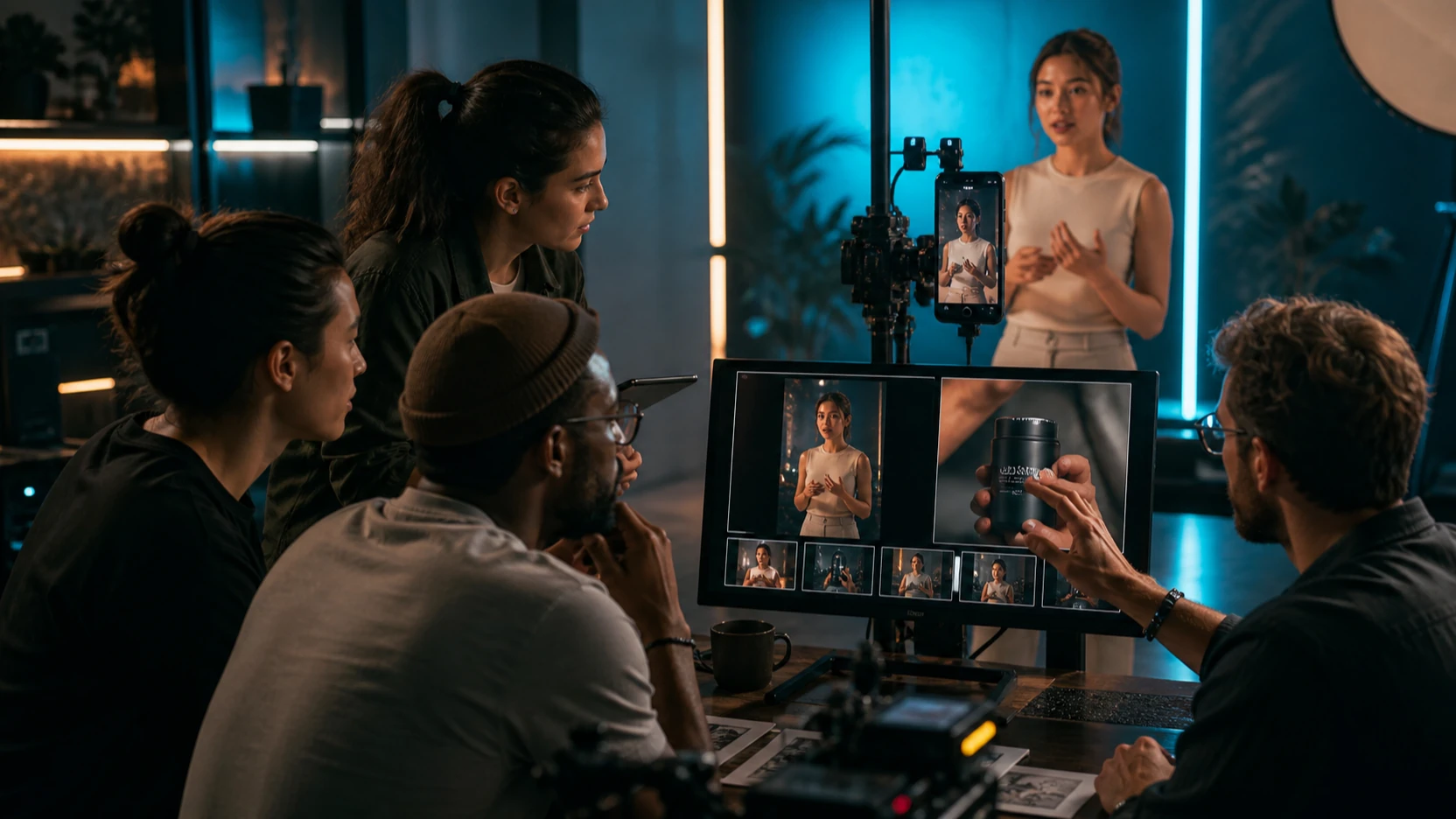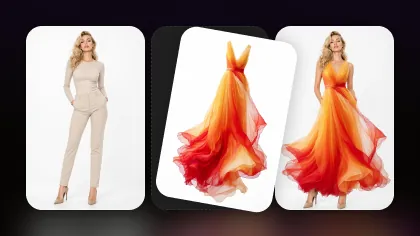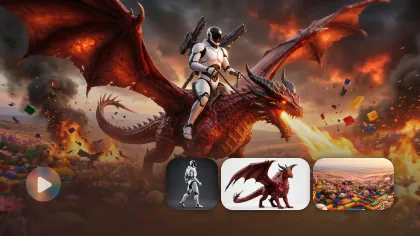
AI image generation has moved far beyond novelty. Today, creators expect models that can follow prompts clearly, keep visual details consistent, and produce images that feel usable in real projects, from marketing campaigns and product mockups to digital art, social posts, and concept design.
That is why Seedream has become one of the most practical AI image model families for creators. It is flexible enough for artistic visuals, stable enough for repeatable marketing assets, and accessible enough for everyday prompt-based workflows.
The best way to use it depends on your goal. Seedream 4.0 is a stable choice for reliable image generation and practical editing. Seedream 4.5 is better when you want richer lighting, stronger detail, and more expressive creative output. If you want to test the newer generation, Seedream 5.0 is also available on Flyne AI for updated image generation and editing workflows.
This guide focuses on Seedream 4.0 and 4.5, explains what each version does best, and shows how to use them on Flyne AI as part of a cleaner creator workflow.
Why Seedream Is Becoming a Go-To AI Image Model
Seedream sits in a useful middle ground. Some AI image models are powerful but unpredictable. Some are fast but not polished enough for final assets. Some create beautiful images but struggle when you ask for controlled revisions.
Seedream is valuable because it balances four things creators actually care about:
- Prompt understanding
- Visual quality
- Style flexibility
- Production reliability
That balance makes it useful for both creative exploration and real content production. You can use it to generate realistic scenes, stylized illustrations, product concepts, campaign visuals, social media graphics, and image-to-image edits without feeling like every prompt is a gamble.
Seedream is not only about making pretty pictures. Its real value is that it helps creators move from idea to usable asset with fewer wasted generations.
What Is Seedream AI Image Generation?
Seedream is a modern AI image generation model family developed for text-to-image and image editing workflows. In plain language, it helps you turn written prompts or existing images into polished visuals.
When creators talk about Seedream as an AI image generator, they usually mean three practical strengths:
- It understands creative prompts well.
- It can produce consistent, polished outputs across multiple attempts.
- It supports both realistic and stylized visual directions.
This makes Seedream useful when you need repeatable results rather than one lucky image. A designer can use it for visual exploration. A marketer can use it for ad concepts. A creator can use it for thumbnails, character visuals, or social graphics. A product team can use it for mockups and campaign imagery.
On Flyne AI, Seedream is not treated as an isolated technical endpoint. It fits into a broader workflow with the Flyne AI Image Generator, Image to Image AI, product visual tools, and final enhancement options.
Seedream 4.0 vs Seedream 4.5: Which One Should You Use?
Seedream 4.0 and 4.5 are both useful, but they serve different creator needs.
| Version | Best For | Main Strength | Use When |
|---|---|---|---|
| Seedream 4.0 | Stable image generation and practical editing | Reliability, speed, consistency | You need clean drafts, repeatable visuals, or efficient marketing assets |
| Seedream 4.5 | Higher-quality creative visuals | Richer detail, stronger lighting, more expressive style | You need polished artwork, premium visuals, or more cinematic output |
| Seedream 5.0 | Newer image generation and editing workflows | Updated model capability and broader creative testing | You want to test the latest available Seedream path on Flyne AI |
The simplest rule is this: use Seedream 4.0 when reliability matters most, use Seedream 4.5 when visual quality and style matter more, and test Seedream 5.0 when you want the newer workflow option.
Seedream 4.0: Stable, Efficient, and Practical
Seedream 4.0 is a strong starting point for users who want dependable results without overcomplicating the process. It works well for concept drafts, marketing visuals, social posts, product display images, and image editing tasks.
Use Seedream 4.0 when you need:
- Fast creative drafts
- Consistent style across variations
- Clean product or campaign visuals
- Practical image editing
- Everyday content creation
- Reliable prompt following without too much trial and error
Seedream 4.0 is especially useful when you are building a workflow instead of chasing a single perfect image. For example, you might generate several product-scene ideas, choose one, adjust the background, then upscale the final version.
Think of Seedream 4.0 as the dependable workhorse version. It is not always the flashiest choice, but it is a strong tool when you want efficient, controlled image creation.
Seedream 4.5: Richer, More Expressive, More Polished
Seedream 4.5 builds on the Seedream 4.0 foundation with stronger detail, lighting, texture, and creative expression. It is better suited for images where visual finish matters more.
Use Seedream 4.5 when you need:
- Premium marketing assets
- High-end illustration
- Cinematic lighting
- Stylized campaign images
- More expressive character or scene design
- Better detail in complex compositions
If Seedream 4.0 feels like a reliable production camera, Seedream 4.5 feels like an upgraded creative lens. It keeps the workflow approachable while giving the image more depth and polish.
For creators who make posters, fantasy art, fashion visuals, social campaigns, or brand moodboards, Seedream 4.5 is usually the more attractive choice.
What About Seedream 5.0?
The original Seedream 4.0 and 4.5 comparison still matters, but creators should also know that Seedream 5.0 is available on Flyne AI.
That does not automatically make Seedream 4.0 or 4.5 obsolete. Model choice still depends on the job. Seedream 4.0 remains useful for stable workflows. Seedream 4.5 remains useful for polished creative output. Seedream 5.0 is worth testing when you want newer image generation and editing behavior, especially for updated creative workflows and image-guided tasks.
A practical approach is to test the same prompt across all three versions when quality matters. Compare them by:
- Prompt accuracy
- Subject consistency
- Lighting and texture
- Editing flexibility
- Final publishability
- Credit and time cost
The best model is the one that gives you the cleanest usable result for the least effort.
Core Capabilities That Make Seedream Stand Out
1. Text-to-Image That Understands Creative Intent
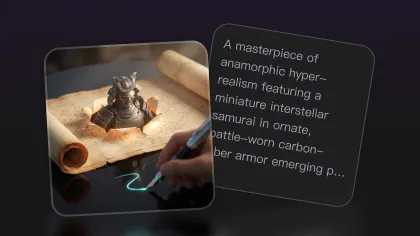
Seedream is strong for text-to-image workflows because it tends to respect prompt structure and stylistic direction. Instead of only reacting to keywords, it can produce images that better reflect the full creative brief.
A strong Seedream prompt should include:
- Subject
- Setting
- Style
- Lighting
- Composition
- Mood
- Any restrictions or must-have details
Example prompt:
Create a cinematic product image of a matte black wireless speaker on a modern desk, warm evening light, soft reflections, clean background, premium advertising style, shallow depth of field, no readable text.
This kind of prompt works because it gives the model enough creative direction without overloading it.
2. Image-to-Image for Iteration and Refinement
Seedream is also useful when you already have an image and want to improve, restyle, or transform it. With an Image to Image AI workflow, you can start from a rough concept, product photo, sketch, or reference image and guide it toward a more polished version.
This is especially useful for:
- Product mockups
- Fashion concepts
- Character redesigns
- Background changes
- Social media variations
- Visual refreshes of existing assets
The key is to make focused edits. Instead of asking the model to change everything at once, keep the subject stable and revise one or two things at a time.
Example edit prompt:
Keep the product shape and camera angle. Replace the background with a clean studio setup, add soft shadows, improve lighting, and make the image look like a premium e-commerce product photo.
3. Artistic Control Without Losing Coherence
Many creators use Seedream because it can handle stylized visuals without losing structure. It can move between realism, digital illustration, cinematic aesthetics, product concepts, and editorial designs while keeping the image coherent.
This matters because many real projects are not purely realistic or purely artistic. A campaign visual might need realism with a surreal twist. A thumbnail might need stylized lighting but believable subject detail. A product image might need commercial polish without looking sterile.
Seedream is good for that middle space.
4. Consistency Across Creative Variations
Consistency is essential when you need multiple visuals for the same campaign. Seedream can help maintain a coherent visual direction across variations when your prompts are structured and your style instructions remain stable.
For better consistency, keep these elements fixed:
- Subject description
- Color palette
- Lighting style
- Camera angle
- Background type
- Output ratio
- Core mood words
Then change only one variable per generation, such as the product placement, headline space, pose, or environment.
Where Seedream Fits in a Flyne AI Workflow
Seedream is powerful on its own, but it becomes more useful when placed inside a full creator workflow.
Here is a practical Flyne AI path:
- Start with Flyne AI Image Generator when you want to test prompts and model options.
- Use Seedream 4.0 for stable drafts and controlled production visuals.
- Use Seedream 4.5 for richer creative output and more polished final imagery.
- Test Seedream 5.0 when you want the newer available Seedream workflow.
- Use Image to Image AI when your project starts from an existing image.
- Use AI Product Photography for product-specific visual workflows.
- Use AI Image Upscaler only after choosing a final result worth enhancing.
This workflow helps you avoid wasting effort. You do not need to upscale every draft or over-edit weak images. Generate first, compare second, polish last.
How to Use Seedream on Flyne AI Step by Step
Step 1: Choose the Right Seedream Version
Start with your use case.
- Choose Seedream 4.0 for reliable drafts and practical edits.
- Choose Seedream 4.5 for richer details and more expressive visuals.
- Choose Seedream 5.0 if you want to test the newer available generation path.
Step 2: Write a Prompt With a Clear Job
Do not write vague prompts like “make a cool poster.” Give the model a job.
Use this formula:
Create a [type of image] for [use case]. Subject: [main subject]. Setting: [environment]. Style: [visual style]. Composition: [camera angle or layout]. Lighting: [lighting direction]. Constraints: [must-have or avoid].
Example:
Create a vertical social media ad for a skincare serum. Subject: a glass serum bottle on a marble surface. Setting: clean bathroom counter with soft morning light. Style: premium beauty advertising. Composition: product centered with empty space above for text. Constraints: no readable text, no distorted bottle shape, elegant minimal background.
Step 3: Generate Several Drafts Before Editing
Do not polish the first image immediately. Generate a few variations first.
Look for:
- Strong composition
- Clean subject shape
- Good lighting
- Usable background
- Clear visual direction
Pick the best candidate before moving into refinement.
Step 4: Edit With Small Instructions
Once you have a strong draft, make targeted edits.
Good edit prompts are narrow:
Keep the product unchanged. Make the background warmer and less cluttered. Add softer shadows and leave more empty space on the right.
Keep the character’s face, outfit, and pose. Change the lighting to golden hour and make the background more cinematic.
Keep the layout and color palette. Improve the texture detail and make the image look more premium.
Small edits give you more control than asking for a full redesign.
Step 5: Upscale Only the Final Image
Use AI Image Upscaler after you have selected the strongest output. Upscaling too early can waste credits and time.
A professional workflow is:
- Draft.
- Compare.
- Edit.
- Select.
- Upscale.
- Publish.
Best Use Cases for Seedream
Marketing Visuals
Seedream is a strong fit for social campaigns, product ads, email graphics, and brand concept images. Use Seedream 4.0 for stable variations and Seedream 4.5 for more polished final visuals.
Product Concepts
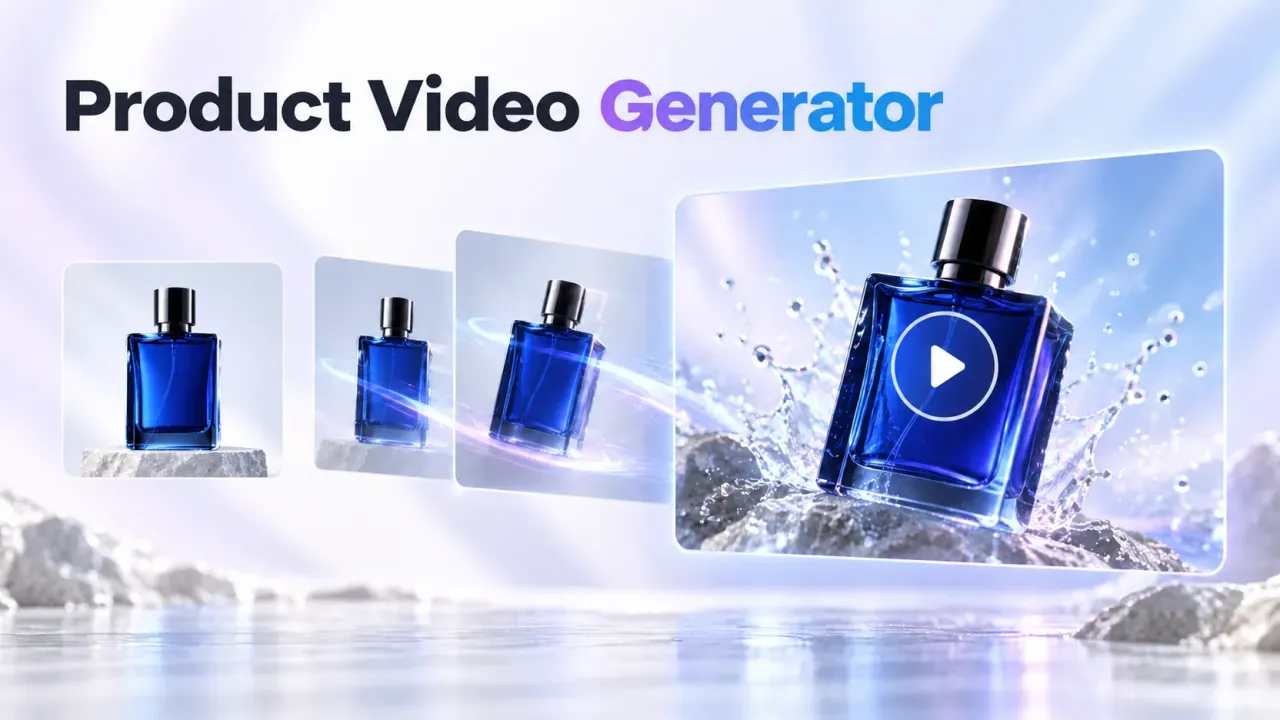
Use Seedream to test product scenes, packaging moods, lifestyle backgrounds, and e-commerce-style visuals. For dedicated product workflows, use AI Product Photography.
Digital Art and Illustration
Seedream 4.5 is especially useful for stylized art, character concepts, cinematic images, and expressive visual storytelling.
Social Media Content
Seedream can help creators produce repeatable visual formats for posts, thumbnails, carousels, and campaign variations. Keep the prompt structure consistent if you need series-style output.
Image Editing and Redesign
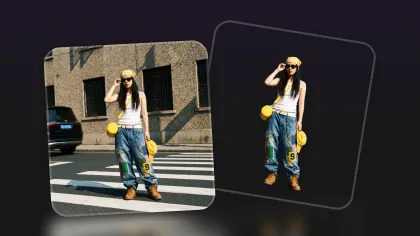
Seedream works well when you need to restyle an existing image, change the background, improve lighting, or create a more polished version of a rough concept.
Common Mistakes to Avoid
Overloading the Prompt
Seedream can follow detailed prompts, but too many instructions can still conflict. Keep the prompt specific, not messy.
Changing Too Much at Once
For image-to-image workflows, change one or two major elements per edit. If you change subject, background, style, camera, and lighting all at once, consistency will drop.
Upscaling Weak Drafts
Upscaling does not fix a bad composition. Choose a strong image first, then upscale.
Ignoring the Version Difference
Seedream 4.0 and 4.5 are not identical. Use 4.0 for stable production and 4.5 for more expressive polish.
Final Recommendation
Seedream 4.0 and 4.5 remain practical AI image generation options for creators who want reliable results, flexible style control, and usable output for real projects.
Use Seedream 4.0 when you want dependable drafts and efficient production. Use Seedream 4.5 when you need stronger visual polish, richer details, and more expressive creative direction. Test Seedream 5.0 when you want to compare the newer available option on Flyne AI.
The strongest workflow is not choosing one model forever. It is using the right version at the right stage: draft with control, refine with intention, and upscale only when the image is ready.
That is where Flyne AI becomes useful. It gives Seedream a practical home inside a broader creator workflow, so you can move from prompt to image, from image to edit, and from draft to final asset with less friction.
Recommended Tools
- Flyne AI Image Generator — the best starting point for creating images from prompts and testing multiple model paths.
- Seedream 4.0 — useful for stable image generation, practical editing, and repeatable marketing visuals.
- Seedream 4.5 — best for richer detail, stylized creative work, and more polished final imagery.
- Seedream 5.0 — useful for testing newer Seedream generation and editing workflows.
- Image to Image AI — ideal when you want to transform an existing image with prompt guidance.
- AI Product Photography — practical for commercial product photos, mockups, and e-commerce visuals.
- AI Image Upscaler — useful for improving final assets before publishing.
Related Articles
- Where to Find the Best Seedream 4.0 / 4.5 for AI Image Generation
- Best 10 Prompts for the Seedream 4.5 AI Image Generator
- Seedream 5.0 Lite Guide: Faster AI Image Generation and Editing
- Seedream 4.5 vs Nano Banana Pro: Which AI Visual Tool Fits Your Creative Workflow?
- Seedream AI 4.0: The ByteDance Image Generator for AI Creativity
People Also Read
- Seedream 5.0 Lite Image Generation: Practical Review and Workflow Guide
- Seedream 5.0 AI Image Editor Guide on HeyDream AI
- The Seedream 5.0 AI Image-to-Image Analysis Guide 2026
- Seedream 4.5 Is Here: ByteDance’s Biggest Leap in AI Image Editing Yet
- Seedream 5.0 Lite vs Seedream 4.5: What’s Different and Which One Should You Use?