Bear Mountain Harmony Tattoo - Flux.1.1 pro
prompt
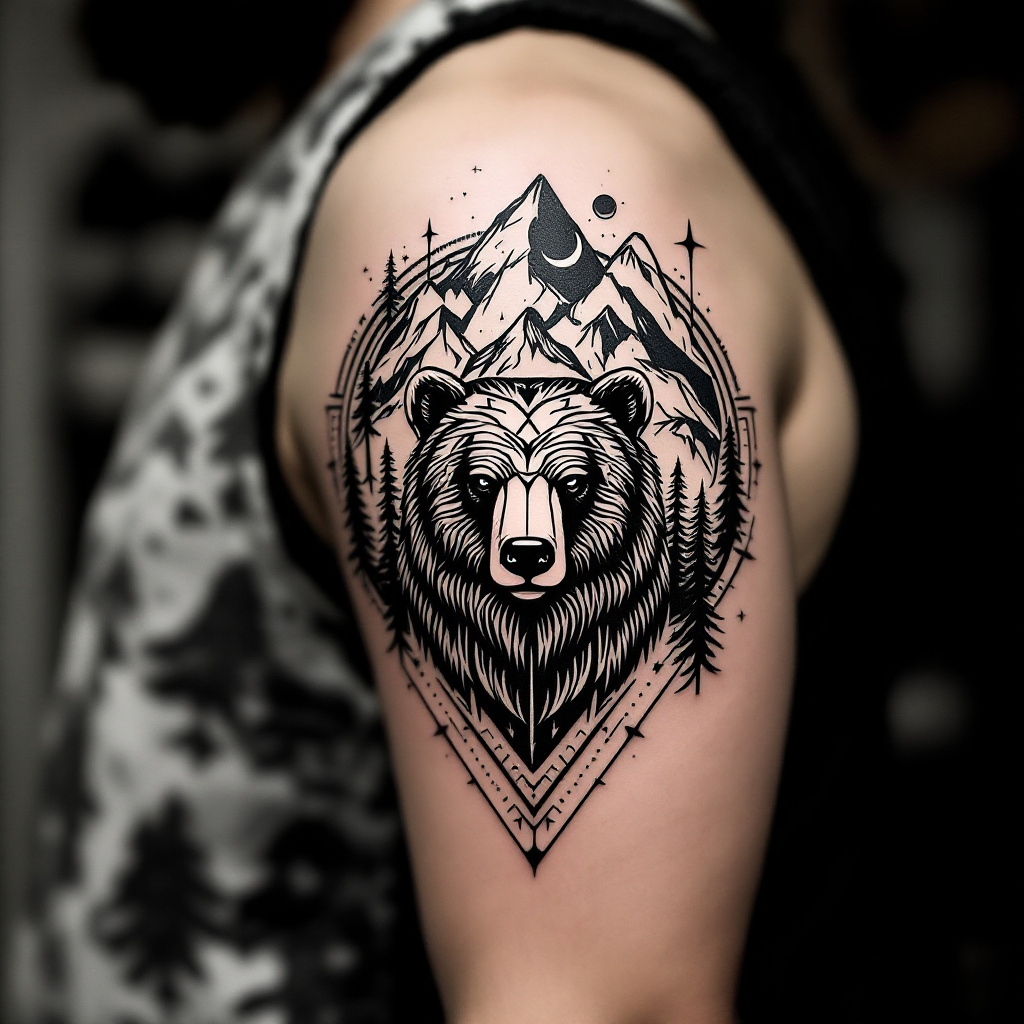
Create a tattoo design for the side of the upper arm featuring a stylized bear at the center, surrounded by intricate geometric patterns that flow seamlessly into a backdrop of majestic mountains. The bear should be depicted in a minimalist yet bold style, with sharp lines and angular shapes, emphasizing its strength and grace. Incorporate elements like pine trees and a crescent moon within the mountain range to add depth and a sense of wilderness. The tattoo should be medium-sized, wrapping slightly around the arm for a dynamic effect. Use a monochromatic color palette, focusing on deep blacks and grays with subtle shading to enhance the geometric elements. The overall aesthetic should evoke a sense of adventure and connection to nature, reflecting cultural symbols of strength and resilience, reminiscent of Native American art. The intricate patterns should draw the eye, creating a harmonious balance between the bear and the surrounding landscapes.
Detailed Analysis of the Flyne AI Image Prompt
Analyze the detailed prompt used to generate the image with Flyne AI Image Generator.
Explore AI Image Prompts with Flyne AI Image Generator
How to generate image by Flyne AI Image Generator Flux.1.1 pro
Follow these four simple steps to create your desired image.
Step 1: Enter Your Text (Feel free to refine your prompt for better results)
Step 2: Choose Image Aspect Ratio
Step 3: Select Your Image Model:
Step 4: Click the Generate Button and Wait a Few Seconds for Your Image
Related Flyne AI tools for prompts about image generation Flux.1.1 pro
Discover advanced tools from Flyne AI to boost your creative workflow.