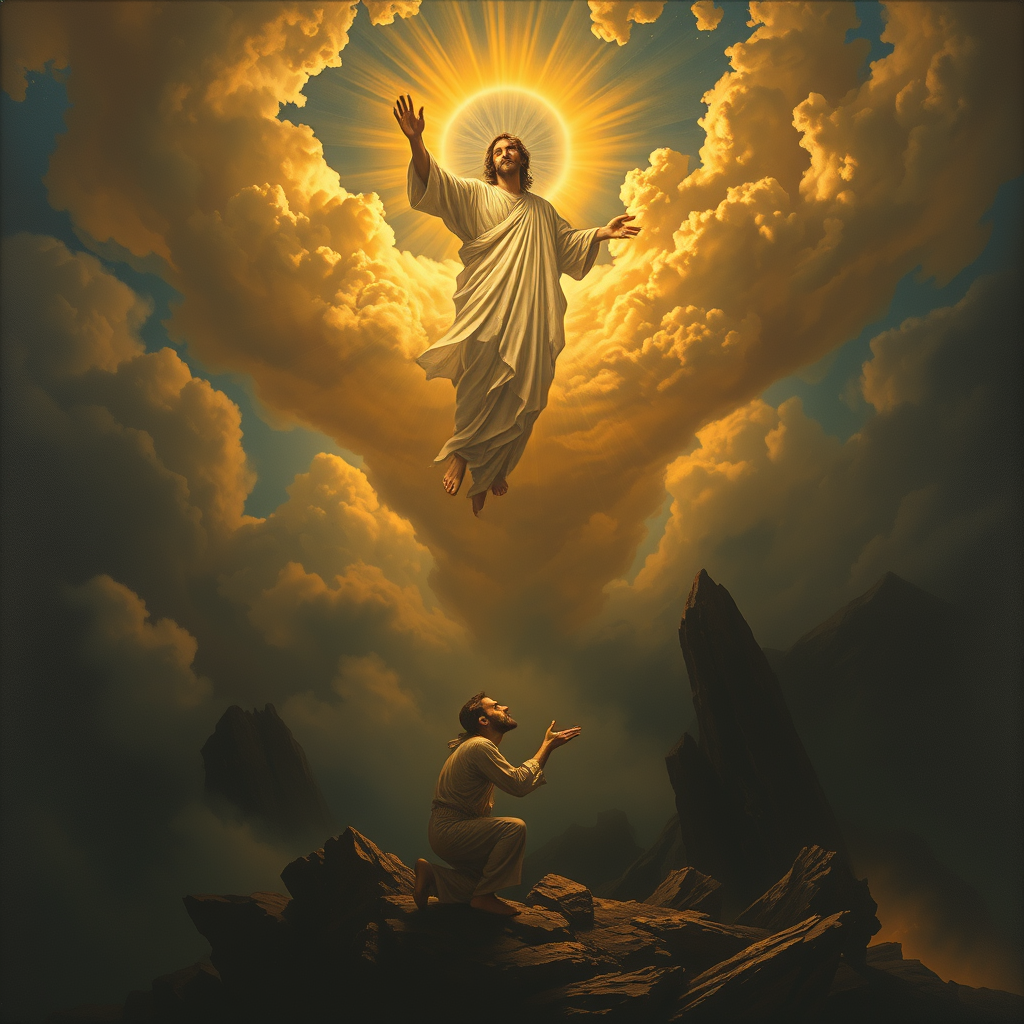
The Lord saves the righteous. - Flux.1 schnell
prompt
**Prompt:** "A dramatic, celestial scene where a radiant, divine figure (The Lord) descends from golden clouds, bathed in ethereal light, extending a hand to lift a humble, weary traveler (the righteous) from a shadowy valley below. The traveler kneels in prayer, their face illuminated with hope, while dark, chaotic forces—twisting shadows and jagged rocks—recede in the background. Style: Baroque-inspired with rich contrasts, dynamic composition, and intricate details reminiscent of Caravaggio’s chiaroscuro. Mood: triumphant yet serene, with a heavenly glow casting warm highlights against a stormy, muted landscape. Colors: deep blues, luminous golds, and soft whites, evoking divine intervention and salvation.
Detailed Analysis of the Flyne AI Image Prompt
Analyze the detailed prompt used to generate the image with Flyne AI Image Generator.
Explore AI Image Prompts with Flyne AI Image Generator
How to generate image by Flyne AI Image Generator
Follow these four simple steps to create your desired image.
Step 1: Enter Your Text (Feel free to refine your prompt for better results)
Step 2: Choose Image Aspect Ratio
Step 3: Select Your Image Model:
Step 4: Click the Generate Button and Wait a Few Seconds for Your Image
Related Flyne AI tools for prompts about image generation
Discover advanced tools from Flyne AI to boost your creative workflow.