Whisked Away to Kitchen Joy - Flux.1 dev
提示
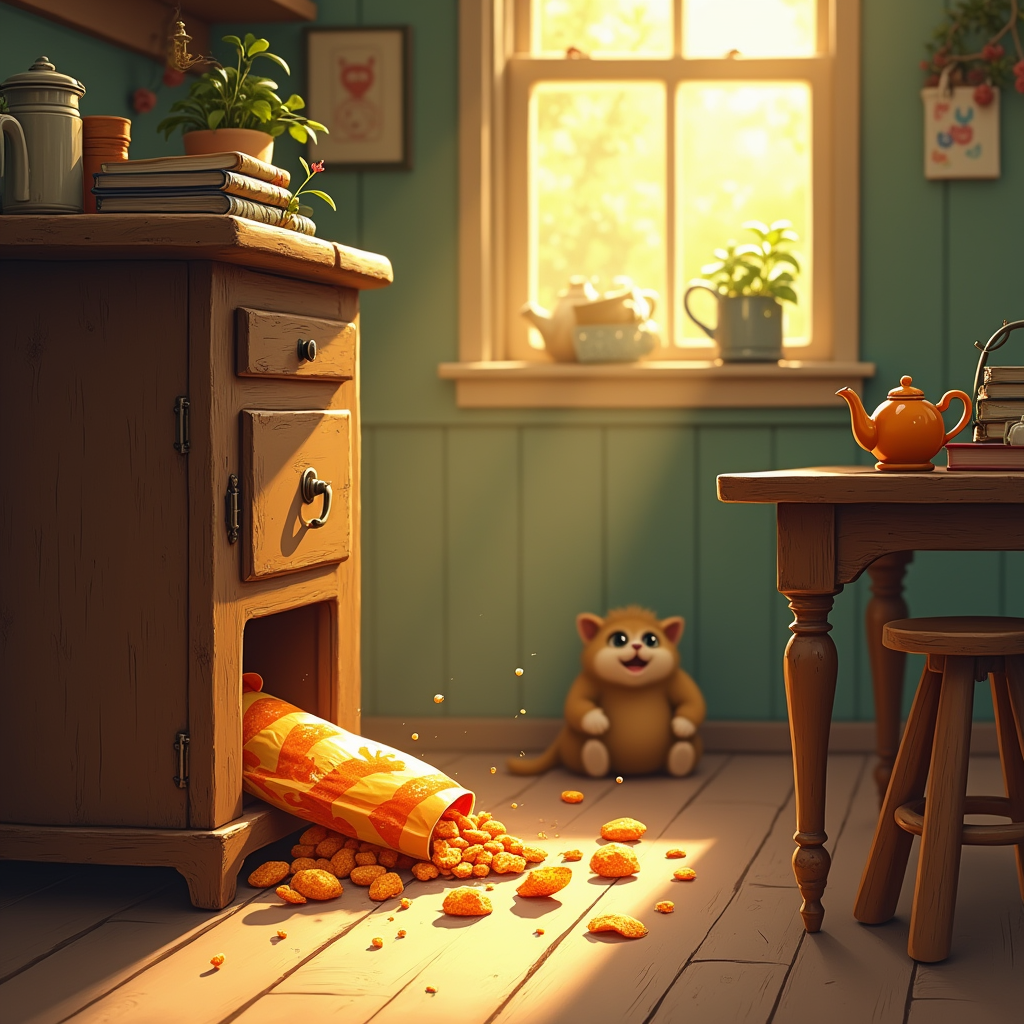
Create a whimsical scene depicting a cozy kitchen, bathed in warm, golden afternoon light streaming through a window. In the foreground, a slightly open, vintage wooden cupboard reveals a hidden treasure: a colorful, half-eaten snack bag, with chips spilling out like jewels. Surrounding the snack, playful dust motes dance in the sunlight. The background features a rustic table adorned with a mismatched array of kitchen items—an old teapot, a stack of cookbooks, and a potted plant. The colors should be rich and inviting, with earthy tones of browns and greens, contrasted by the vibrant hues of the snack. Incorporate a curious cat peeking from behind the cupboard, its eyes wide with intrigue. Use a soft, painterly style reminiscent of a storybook illustration, emphasizing warmth and nostalgia to evoke the feeling of discovery and joy.
Flyne AI 圖像提示的詳細分析
分析使用 Flyne AI Image Generator 生成圖像所用的詳細提示。
探索 Flux AI 圖像生成器的提示
如何使用 Flyne AI Image Generator 生成圖像 Flux.1 dev
遵循以下四個簡單步驟來創建您想要的圖片。
步驟 1:輸入您的文字 (可自由調整提示以獲得更好的結果)
步驟 2:選擇圖片的縱橫比
步驟 3:選擇您的圖像模型:
步驟 4:點擊生成按鈕並等待幾秒鐘獲取您的圖片
與圖像生成提示相關的 Flyne AI 工具 Flux.1 dev
發現來自 Flyne AI 的高級工具,提升您的創意工作流程。