Radiant Confidence in Bloom - Flux.1.1 pro
提示
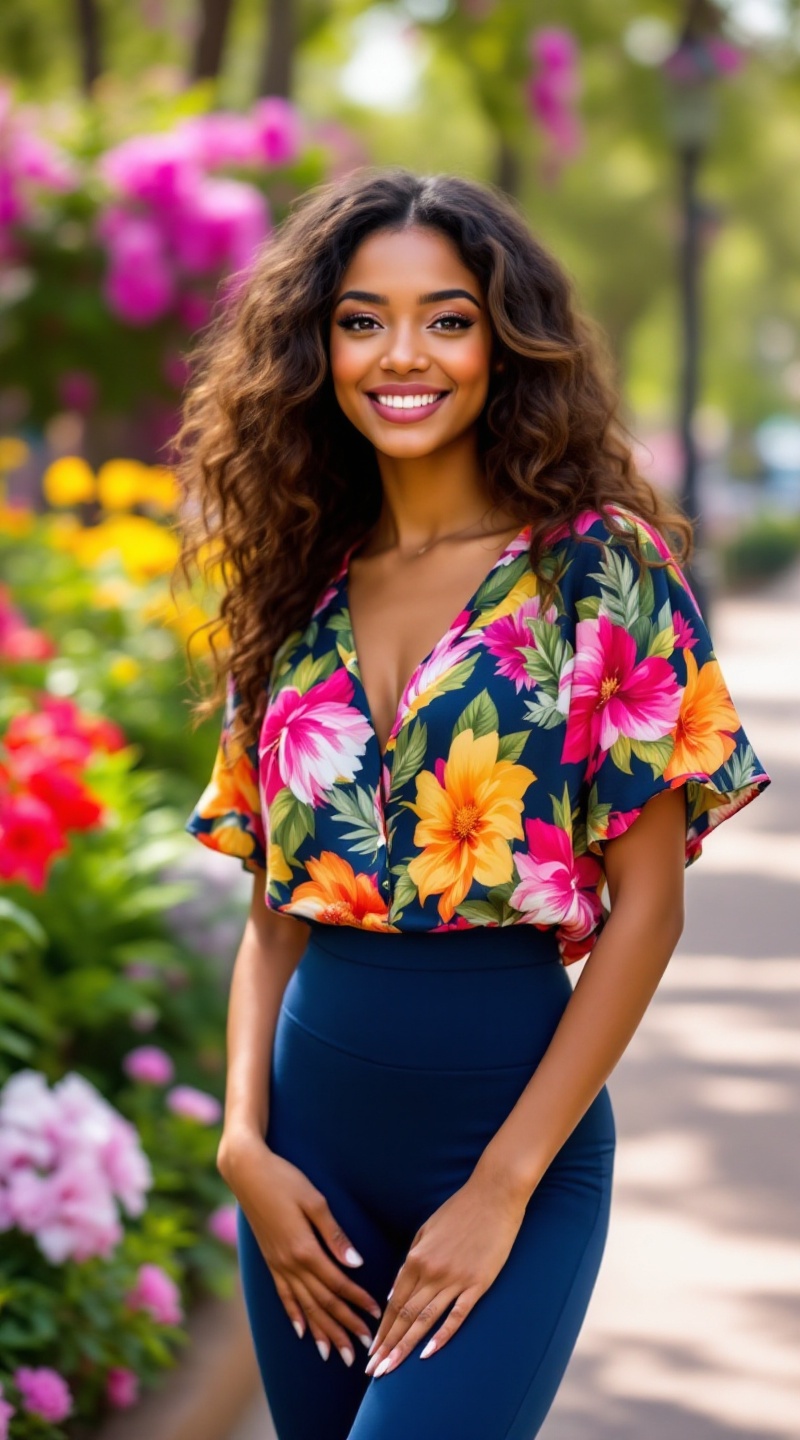
A petite woman stands confidently, her warm caramel skin glowing under the soft sunlight. She has bright, expressive hazel eyes framed by long, dark lashes and a delicate nose. Her hair is a cascade of loose, bouncy curls, falling just past her shoulders, with sun-kissed highlights. She wears a vibrant floral blouse, rich in colors like deep pink, bright yellow, and lush green, with short sleeves and a slightly loose fit that accentuates her slender frame. Her leggings are form-fitting, a deep navy blue that contrasts beautifully with her top. With a cheerful smile, she leans slightly to the side, hands on her hips, exuding confidence and joy. In the background, a lively park setting is visible, with blooming flowers and tall trees, adding to the vibrant atmosphere of a sunny day.
Flyne AI 圖像提示的詳細分析
分析使用 Flyne AI Image Generator 生成圖像所用的詳細提示。
探索 Flux AI 圖像生成器的提示
如何使用 Flyne AI Image Generator 生成圖像 Flux.1.1 pro
遵循以下四個簡單步驟來創建您想要的圖片。
步驟 1:輸入您的文字 (可自由調整提示以獲得更好的結果)
步驟 2:選擇圖片的縱橫比
步驟 3:選擇您的圖像模型:
步驟 4:點擊生成按鈕並等待幾秒鐘獲取您的圖片
與圖像生成提示相關的 Flyne AI 工具 Flux.1.1 pro
發現來自 Flyne AI 的高級工具,提升您的創意工作流程。