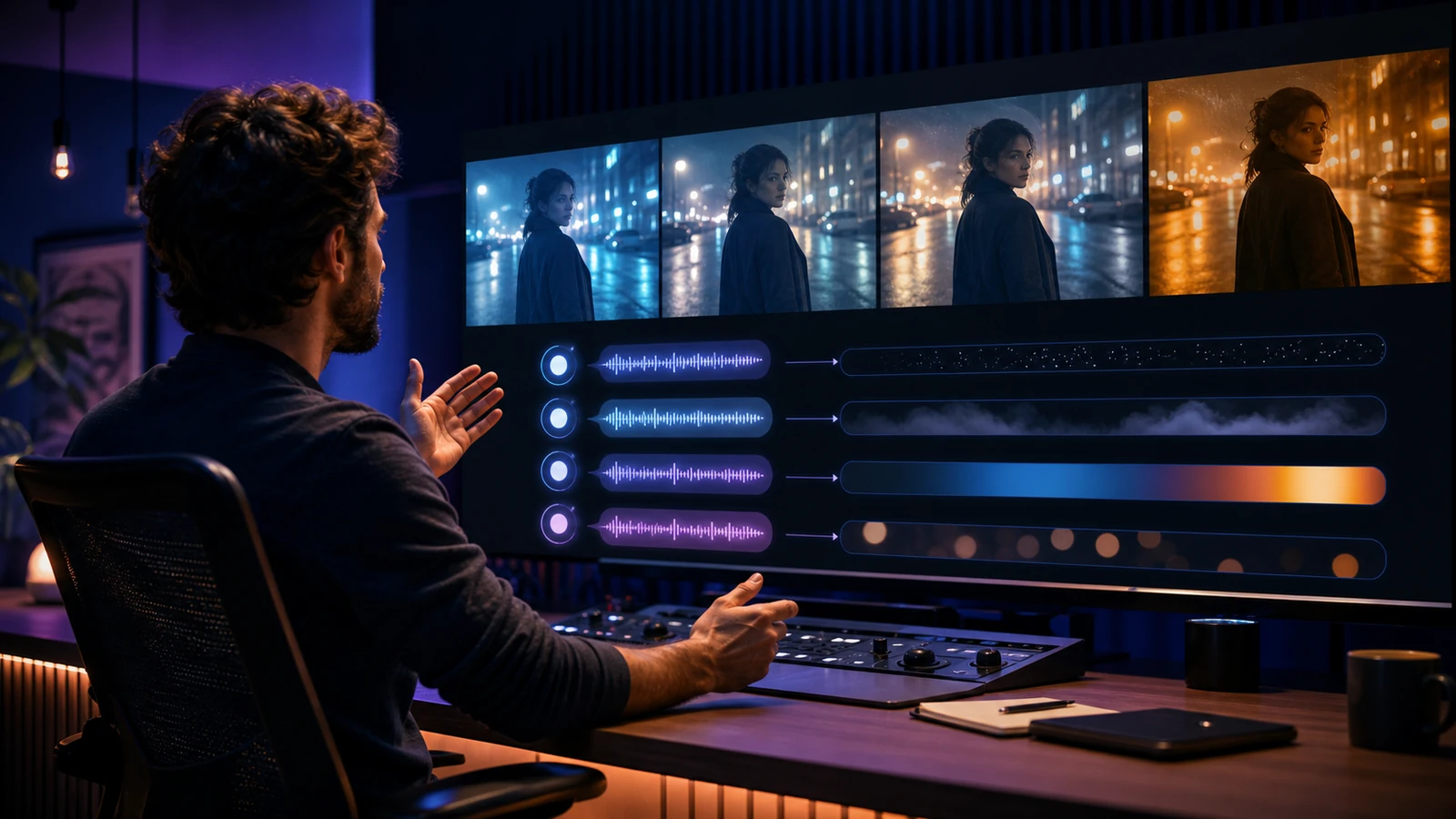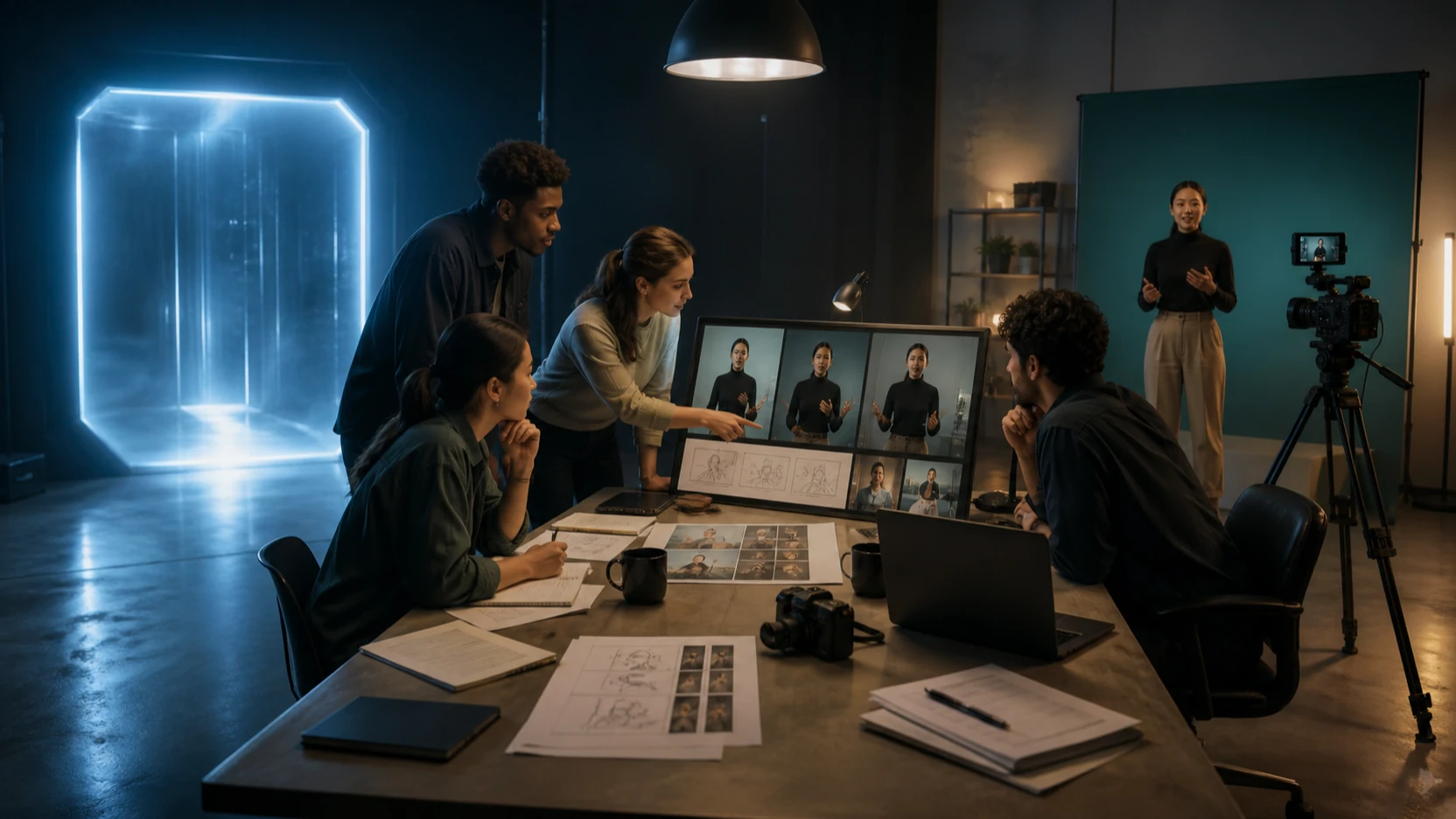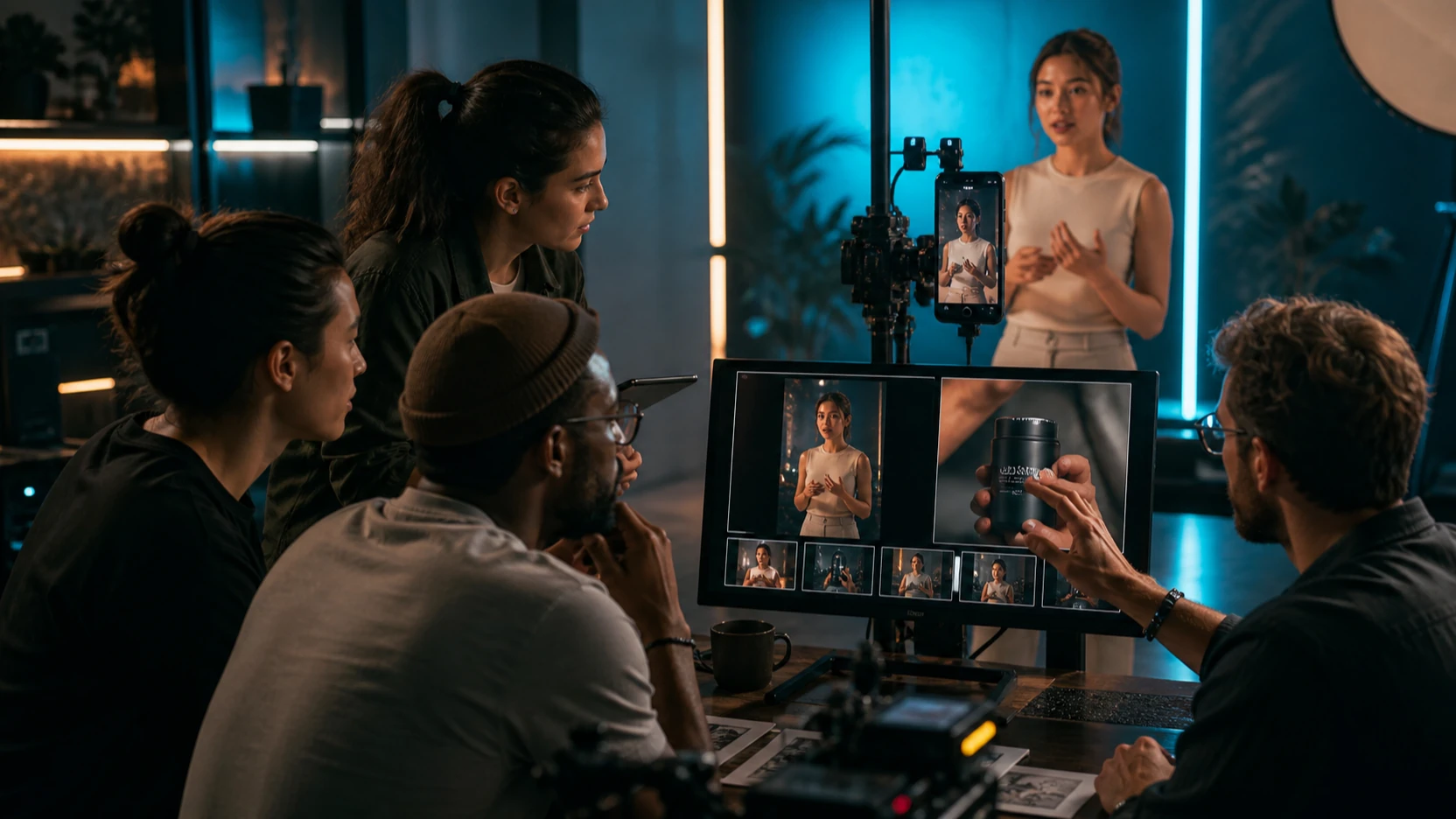
Kling O1, also described as Omni One, points toward one of the most important shifts in AI video: moving from separate tools into a unified creation-and-editing workflow.
Instead of treating text-to-video, image-to-video, reference-to-video, video editing, style transfer, and shot extension as separate modes, Kling O1’s core idea is simpler: give one model text, images, videos, and subject references, then iterate like a director.
That direction matters because most creators do not only need a beautiful first render. They need to revise the clip. They need to remove distractions, preserve the main character, change lighting, extend a shot, repaint the style, or create several ad variants from one base video.
This review explains what Kling O1 is trying to solve, what the MVL concept means for creators, where the approach could become powerful, and what to use now while full O1 access continues to evolve. For practical current access, the best recommendation is to test Kling workflows on Flaq AI, especially Kling O3 Standard Video Edit API, Kling O3 Standard Text-to-Video API, Kling O3 Standard Image-to-Video API, Kling 3.0 Standard Text-to-Video API, and Kling 3.0 Standard Image-to-Video API.
Quick Verdict
Kling O1 is most interesting as a product direction rather than a simple model upgrade. Its promise is a unified AI video workflow where creators can generate, edit, extend, and restyle clips through natural-language and multimodal references.
That makes O1 especially relevant for:
- Short narrative videos
- Product and brand ads
- Character-consistent clips
- Social video variants
- Previsualization and storyboarding
- Reference-based video generation
- Natural-language video editing
The caution: creators should avoid assuming that every O1-style capability is already available in every public tool. If you want to create and edit videos now, use the current Flaq AI Kling suite. Start with Kling O3 Standard Video Edit API for instruction-based video editing, Kling O3 Standard Image-to-Video API for image-led animation, and Kling 3.0 Standard Text-to-Video API for prompt-first generation.
What Is Kling O1?
Kling O1, or Omni One, is best understood as a unified multimodal AI video model concept. The goal is not only to generate video from prompts. The larger promise is to combine video creation and video editing inside one interaction system.
In plain English, O1 aims to let you do things like:
- Generate a fresh video shot from text.
- Generate from image or video references.
- Create motion from first and last frames.
- Add or remove objects or people in a clip.
- Modify a subject’s look or outfit.
- Repaint the visual style of a video.
- Extend a shot while preserving motion and pacing.
- Use subject references to improve identity consistency.
This matters because many AI video tools still work like isolated machines. You use one tool to generate a clip, another to edit it, another to extend it, and another to fix style or continuity problems. Kling O1’s idea is to reduce those handoffs.
For creators, that would mean less time managing fragmented workflows and more time directing the final video.
The Big Idea: MVL and Multimodal Direction
The most important concept behind Kling O1 is MVL, or Multi-modal Visual Language. In a normal prompt-based workflow, text carries most of the instruction. In an MVL-style workflow, text, images, video references, motion examples, and subject references all become part of the instruction.
That changes the relationship between creator and model.
Instead of saying:
Create a cinematic video of a woman walking through a city.
You can move toward a richer instruction:
Use this woman as the subject reference, keep her face and jacket consistent, follow the motion style of this reference clip, place her in a rainy neon street, remove background pedestrians, and extend the shot as the camera slowly pushes in.
That is the O1-style promise: not just prompting, but directing with multimodal constraints.
Why Unified Generation and Editing Matters
Most AI video failures happen after the first result is almost good. The model creates a strong clip, but something is wrong:
- A bystander appears in the background.
- The character’s face drifts.
- A logo warps.
- The lighting is wrong.
- The outfit changes color.
- The clip ends too early.
- The style is close but not on-brand.
In older workflows, fixing these issues often means exporting, masking, re-rendering, using another tool, or generating the entire clip again. That wastes time and credits.
A unified model like Kling O1 would be valuable because it treats editing as part of creation. The creator could say:
Remove the bystander, keep the main subject unchanged, change the scene to golden-hour lighting, and extend the shot by three seconds.
If this workflow becomes reliable, it could make AI video production feel less like gambling and more like iterative direction.
Kling O1 Capability Review
1. Text-to-Video Creation
The simplest use case is still text-to-video. You describe a scene, camera motion, subject, and mood, then generate a video from scratch.
For creators who want a current Flaq AI access point, Kling 3.0 Standard Text-to-Video API and Kling O3 Standard Text-to-Video API are practical options.
Best for:
- Short cinematic clips
- Social video drafts
- Product concept scenes
- Character moments
- Previsualization
Prompt example:
A cinematic close-up of a young courier standing under neon rain at night, soft reflections on the street, slow camera push-in, natural breathing, subtle jacket movement, dramatic but realistic lighting.
2. Reference-to-Video
Reference-to-video is where Kling’s multimodal direction becomes more interesting. Instead of relying only on text, you can use an image or video reference to guide subject identity, style, motion, or composition.
For image-led generation, test Kling 3.0 Standard Image-to-Video API or Kling O3 Standard Image-to-Video API.
Best for:
- Product animation
- Character portraits
- Fashion visuals
- Social ad clips
- Brand assets
- Keyframe animation
Prompt example:
Animate this product image into a premium commercial clip. Keep the product shape and label area unchanged. Add a slow dolly-in, soft reflections, clean studio lighting, and subtle background movement.
3. Instruction-Based Video Editing
This is the most important part of the O1 direction. One-sentence video editing could become a major workflow shift for creators and developers.
Flaq AI already provides a practical current path through Kling O3 Standard Video Edit API, which is the closest access point to the “edit by instruction” direction discussed in the O1 concept.
Useful editing requests include:
Remove the person in the background and keep the main subject unchanged.
Change the scene to golden-hour lighting while preserving the character’s face, outfit, and motion.
Repaint the clip into a clean cinematic anime style, keeping the camera movement and subject pose consistent.
This type of editing is valuable because it turns post-production into a conversational workflow.
4. Style Repaint and Transformation
Style repaint means changing the look of a video while keeping the core motion and structure. For example, you might turn a realistic street clip into anime, watercolor, comic-book style, or luxury commercial style.
This is powerful for creators because one base video can become multiple campaign variants.
Example:
Repaint this clip into a dark cyberpunk anime style. Keep the character identity, camera movement, and walking motion consistent. Add neon blue and magenta lighting with rain reflections.
For ad teams, this could mean faster A/B testing. For artists, it could mean more flexible style exploration. For developers, it could become a scalable editing feature inside video apps.
5. Shot Extension
Shot extension is another important O1-style workflow. If a video clip is too short but the motion works, you do not always want to regenerate everything. You want to continue the same motion.
A strong extension prompt should preserve:
- Subject identity
- Camera direction
- Motion rhythm
- Lighting
- Scene continuity
- Emotional tone
Example:
Extend this shot by four seconds. Continue the same walking motion, keep the camera slowly pushing in, preserve face identity and outfit details, maintain the rainy neon atmosphere.
Shot extension is especially useful for narrative content, product reels, music visuals, and social video loops.
The Hardest Problem: Consistency
Kling O1’s biggest promise is not simply “better video.” It is better continuity.
AI video systems often struggle with:
- Face drift
- Outfit changes
- Logo deformation
- Prop movement
- Background melting
- Inconsistent lighting
- Identity loss across edits
A unified multimodal model could help because the model would use the same internal understanding of subject, style, scene, and motion across generation and editing tasks.
For practical results today, creators should still work carefully:
- Start with a strong subject reference.
- Keep identity terms consistent.
- Avoid changing too many variables at once.
- Use image-to-video when subject consistency matters.
- Use video edit workflows for small corrections instead of full rerolls.
Where Kling O1 Could Matter Most
Short Narrative Content
O1-style subject anchoring and shot extension could help creators build short sequences with recurring characters. This is useful for web shorts, story ads, game trailers, and proof-of-concept films.
Product and Brand Ads
Product teams need stable object identity. If O1-style workflows can keep the same product while changing backgrounds, lighting, hands, props, or camera motion, it could become a powerful ad-variant tool.
Social Volume Workflows
Social creators often need many versions of the same idea. One base clip could become multiple variants: different background, different lighting, different pacing, different style, shorter or longer format.
Previsualization and Storyboarding
Directors, animators, and creative teams can use O1-style workflows to test blocking, camera motion, mood, and pacing before committing to a final production path.
Developer Video Apps
For developers, the biggest opportunity is not just better output quality. It is API-driven creative control. A unified model can support product features like video editing by instruction, object removal, clip extension, reference-based generation, and style transformation.
Current Access Recommendation: Use Kling Models on Flaq AI
Because a clearly confirmed Flaq AI page for exact Kling O1 access is not currently the safest assumption, the practical recommendation is to use the available Kling suite on Flaq AI.
Start here:
- Kling O3 Standard Video Edit API — best for existing video edits using natural-language instructions.
- Kling O3 Standard Text-to-Video API — useful for prompt-first video generation with optional audio workflows.
- Kling O3 Standard Image-to-Video API — useful for animating still images with controlled motion.
- Kling 3.0 Standard Text-to-Video API — useful for high-quality prompt-based video generation.
- Kling 3.0 Standard Image-to-Video API — useful for image-based animation and reference-led clips.
This gives creators and developers the best current path: test today’s Kling workflows, build prompt habits, and prepare for more unified O1-style workflows as they become accessible.
Alternative Recommendations
Kling is strong, but it is not always the best model for every video job. Use alternatives when the project needs a different strength.
Best Cinematic Alternative: Veo 3.1
Use Veo 3.1 Text-to-Video API when you want premium cinematic atmosphere, stronger film language, and high-end scene interpretation.
Use Veo 3.1 Fast Image-to-Video when you want a faster image-to-video route with cinematic behavior.
Best for:
- Brand films
- Concept trailers
- Premium product reveals
- Cinematic story scenes
- Dramatic lighting and camera work
Best Practical Production Alternative: Wan 2.7
Use Wan 2.7 Text-to-Video API for controlled prompt-first video generation.
Use Wan 2.7 Image-to-Video API when you need stable image-led animation.
Best for:
- Product clips
- Social video drafts
- Practical short-form production
- Image-to-video workflows
- Controlled motion from clean keyframes
Best Social Video Alternative: Seedance 2.0
Use Seedance 2.0 Text-to-Video API when you need social-friendly generation with sound-aware workflows.
Best for:
- TikTok-style clips
- Short ads
- UGC-style concepts
- High-volume social creative testing
Best Fast Testing Alternative: Vidu Q3
Use Vidu Q3 Turbo Text-to-Video when speed and cost-conscious testing matter more than premium cinematic finish.
Best for:
- Draft clips
- Fast prompt testing
- Social variations
- Early creative exploration
Best Experimental Alternative: Grok Imagine
Use Grok Imagine Text-to-Video for experimental prompt-first videos.
Use Grok Imagine Image-to-Video when the workflow starts from a still image.
Best for:
- Experimental campaigns
- Social-first concepts
- High-volume creative drafts
- Unusual style tests
Best Volume Alternative: PixVerse
Use PixVerse V6 Text-to-Video or PixVerse C1 Image-to-Video when you need scalable video testing and fast image-led animation.
Best for:
- Social volume
- Campaign variations
- Image-to-video drafts
- High-output creator workflows
Workflow Recommendation
Use this simple workflow when testing Kling O1-style ideas through current Flaq AI tools:
- Start with the task. Decide whether you need text-to-video, image-to-video, or video editing.
- Use the closest current Kling path. Choose Kling O3 Video Edit for existing videos, Kling O3 Image-to-Video for source images, or Kling 3.0 Text-to-Video for prompt-first clips.
- Lock the identity first. Use subject references, consistent outfit descriptions, and clear negative constraints.
- Generate one strong base clip. Do not create variants before the core motion works.
- Use edit instructions for targeted fixes. Remove distractions, change lighting, repaint style, or adjust background in small steps.
- Compare alternatives only when needed. Use Veo for cinema, Wan for practical production, Seedance for social video, and Vidu or PixVerse for fast testing.
- Move to API integration after validating the prompt flow. Test in the playground first, then automate.
Prompt Patterns
Baseline Shot Prompt
Create a cinematic video of a young explorer walking through a ruined glass city at sunrise. Keep the subject centered, slow camera push-in, soft golden light, realistic fabric motion, calm emotional tone, no face drift, no outfit color change.
Image-to-Video Prompt
Animate this character image with subtle breathing, blinking, and a slow head turn. Keep the face, jacket, hairstyle, and color palette unchanged. Add soft background parallax and cinematic lighting.
Video Edit Prompt
Remove the background pedestrian, keep the main subject unchanged, preserve the original camera motion, and shift the lighting to warm golden hour.
Style Repaint Prompt
Repaint this clip into a polished cyberpunk anime style. Keep the subject identity and camera movement consistent. Add neon blue and purple lighting, rain reflections, and clean cinematic contrast.
Shot Extension Prompt
Extend the clip by four seconds. Continue the same motion and camera direction. Preserve the subject identity, outfit, lighting, and scene atmosphere. Keep the transition smooth.
Final Verdict
Kling O1 is important because it represents where AI video is going: unified multimodal generation, editing, reference guidance, style control, and shot extension in one workflow.
The review takeaway is optimistic but practical. O1’s promise is powerful, but creators should not wait passively for one perfect model. The current Flaq AI Kling suite already gives you useful access to the same direction: text-to-video, image-to-video, and instruction-based video editing.
Start with Kling O3 Standard Video Edit API if your priority is editing existing clips. Use Kling O3 Standard Image-to-Video API or Kling 3.0 Standard Image-to-Video API when you want to animate a source image. Use Kling 3.0 Standard Text-to-Video API when you want prompt-first video generation.
For alternatives, choose Veo 3.1 for cinematic quality, Wan 2.7 for practical production, Seedance 2.0 for social video, Vidu Q3 for fast testing, and PixVerse for scalable variations.
The best AI video workflow is not one button. It is a repeatable model stack: generate, revise, extend, compare, and ship.
Recommended Tools
- Kling O3 Standard Video Edit API — closest current Flaq AI path for instruction-based video editing.
- Kling O3 Standard Text-to-Video API — useful for prompt-first Kling video generation with optional audio workflows.
- Kling O3 Standard Image-to-Video API — useful for animating still images with controlled motion.
- Kling 3.0 Standard Text-to-Video API — strong for high-quality text-to-video generation.
- Kling 3.0 Standard Image-to-Video API — strong for source-image animation and reference-led workflows.
- Veo 3.1 Text-to-Video API — best alternative for cinematic quality and premium scene direction.
- Wan 2.7 Text-to-Video API — practical alternative for controlled AI video production.
- Seedance 2.0 Text-to-Video API — useful for social video and sound-aware workflows.
- Vidu Q3 Turbo Text-to-Video — useful for fast creative testing and draft clips.
- Grok Imagine Text-to-Video — useful for experimental video generation.
- PixVerse V6 Text-to-Video — useful for scalable text-to-video production.
Related Articles
- Kling 3 API Guide: Standard vs Pro, Pricing, and How to Use It on Flaq AI
- Flaq AI Video Models Review: Which Video API Should You Use?
- Google Veo 3.1 API on Flaq AI: Features, Pricing, and How to Use It
- Seedance 2.0 API Guide: How to Use Flaq AI for Faster Text-to-Video Workflows
- Wan 2.7 API Guide: How to Use It on Flaq AI
- How to Use Grok Imagine Text-to-Video API on Flaq AI
- Alibaba HappyHorse AI: A Practical New Video Model for Creators and API Builders
People Also Read
- Kling 3.0 Review: Is It the Best AI Video Generator Yet in 2026?
- Kling 3.0 Review: Is It the Right AI Video Tool, or Should You Start Simpler?
- Kling 3.0 on VideoWeb AI: What’s New and How to Get Cinematic Results
- Higgsfield AI Motion Control with Kling 3.0: How It Works
- VideoWeb AI Video Generator 2026: One Hub, Every AI Video Workflow
- SeaImagine AI Text-to-Video Guide: How to Choose Models and Create Better Clips