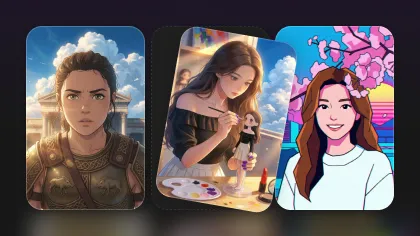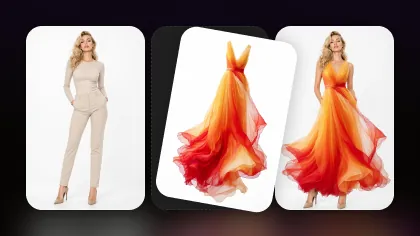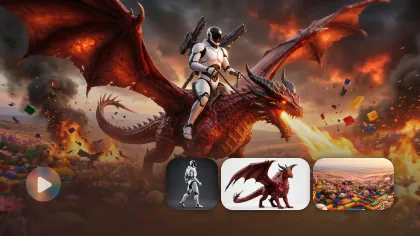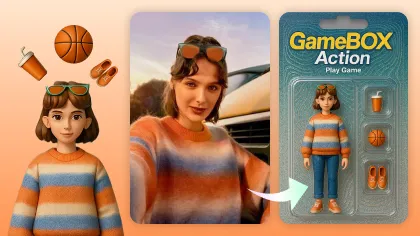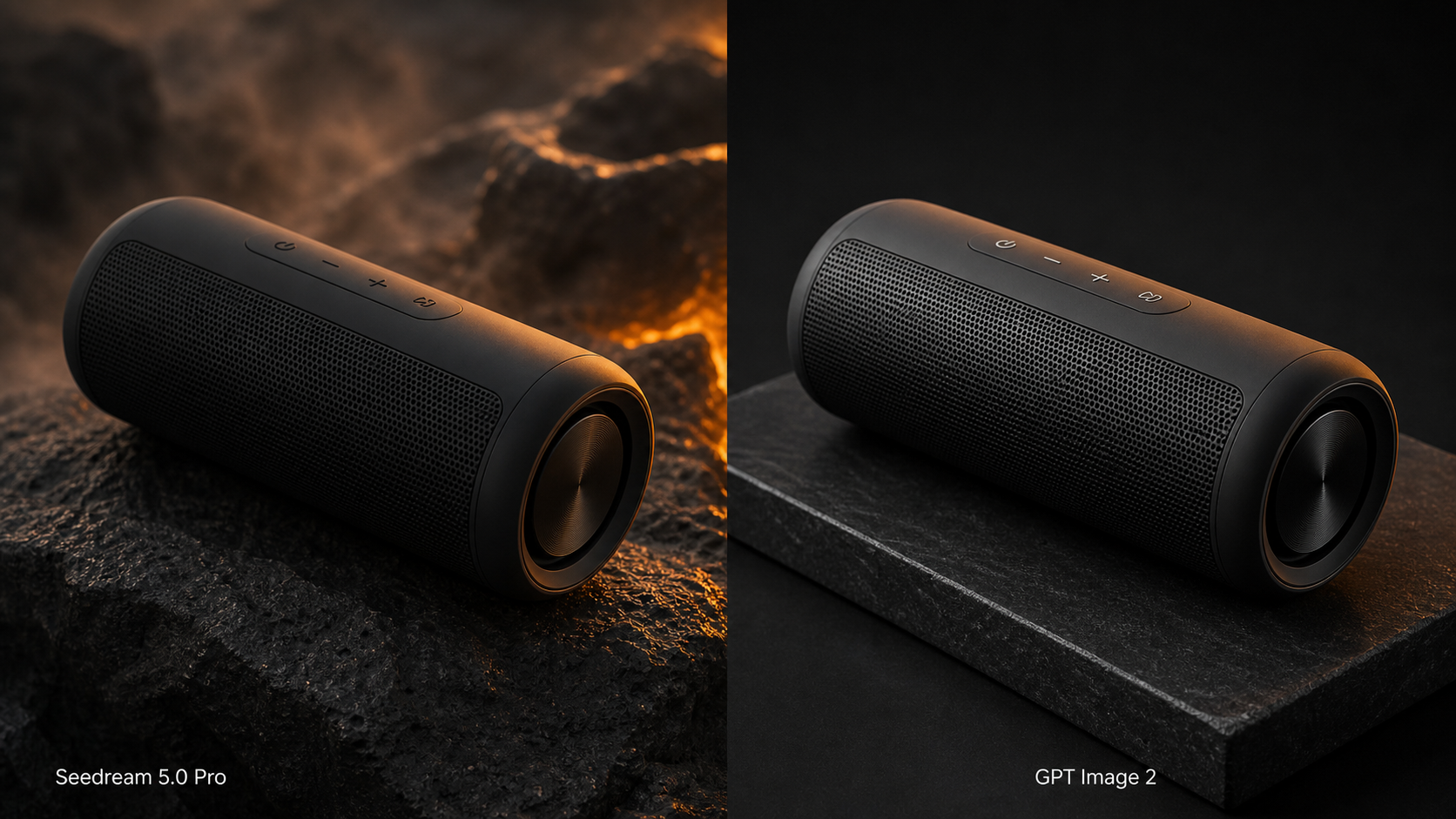
Seedream 5.0 Pro vs GPT Image 2 is not a one-score contest. The useful question is which model produces an acceptable asset with fewer repairs for your brief: a product ad, multilingual poster, portrait, infographic, reference edit, or reusable campaign system.
Quick answer: test both on Flyne AI's image generator when you want a comparable browser workflow. Start with Seedream 5.0 Pro for ambitious commercial compositions, structured design work, and reference-led production. Start with GPT Image 2 for instruction-heavy creation, iterative conversational edits, and text-rich visuals. For production integrations, compare the corresponding Seedream 5.0 Pro API and GPT Image 2 API pages on Flaq AI.

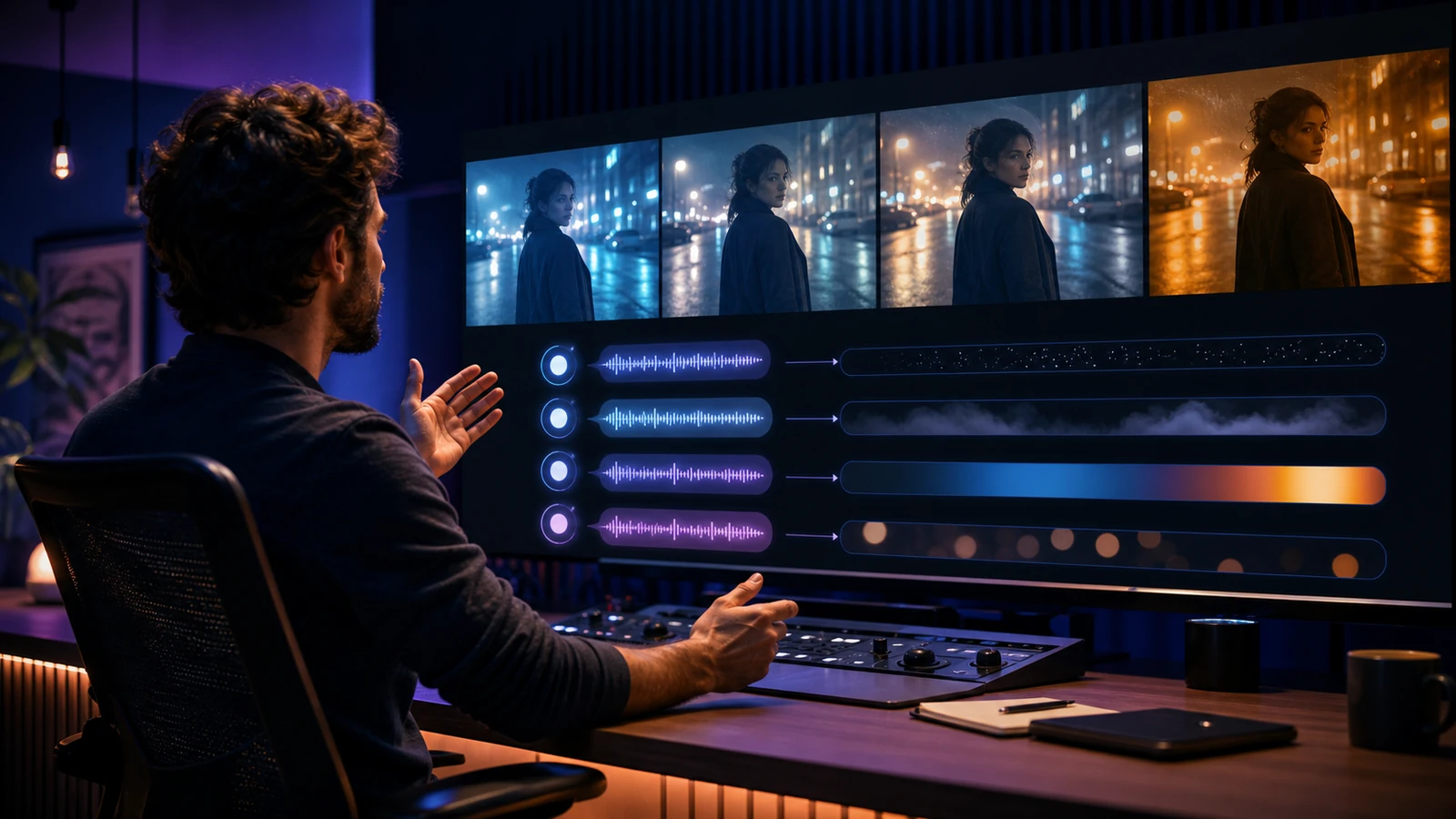
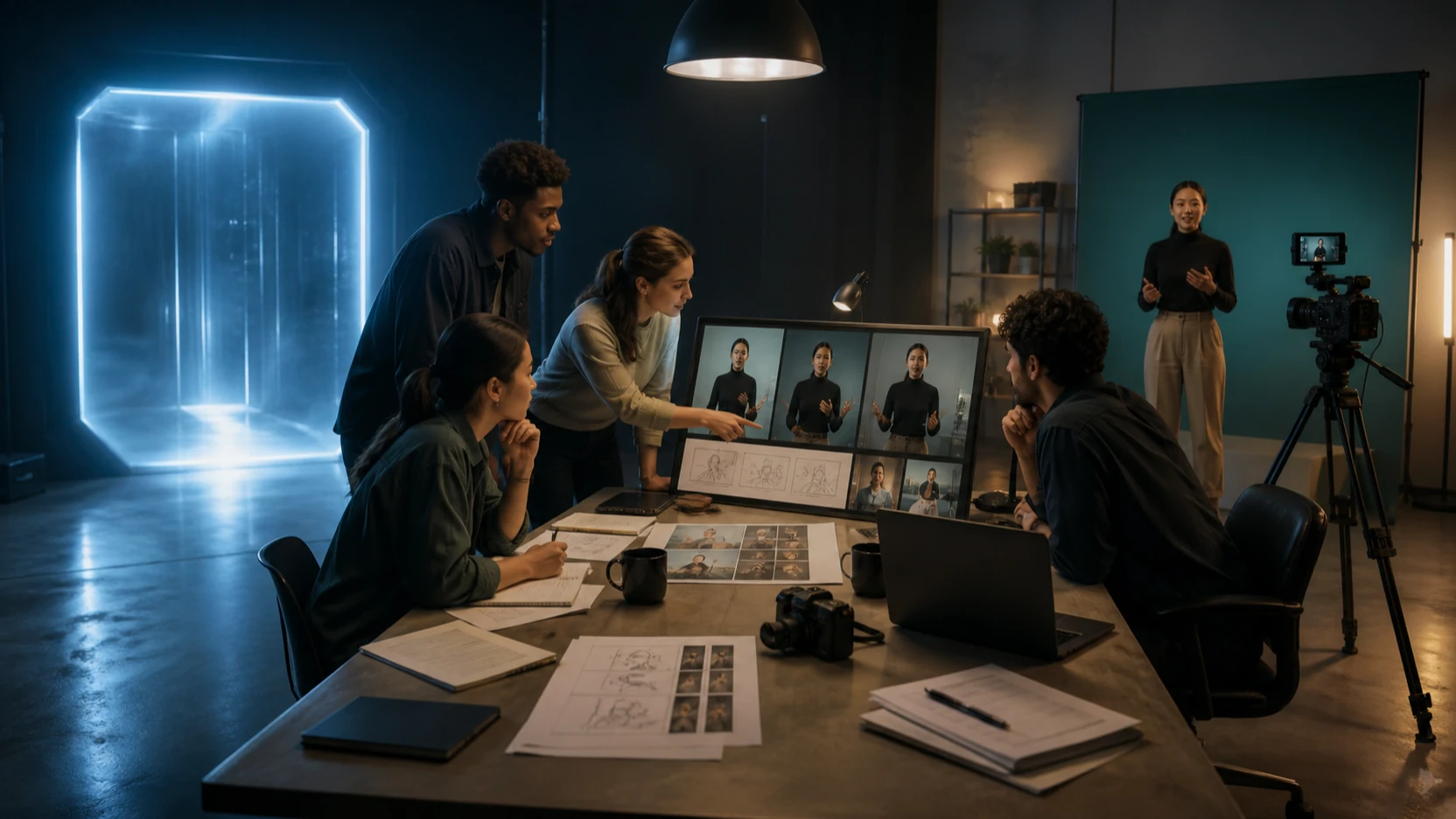
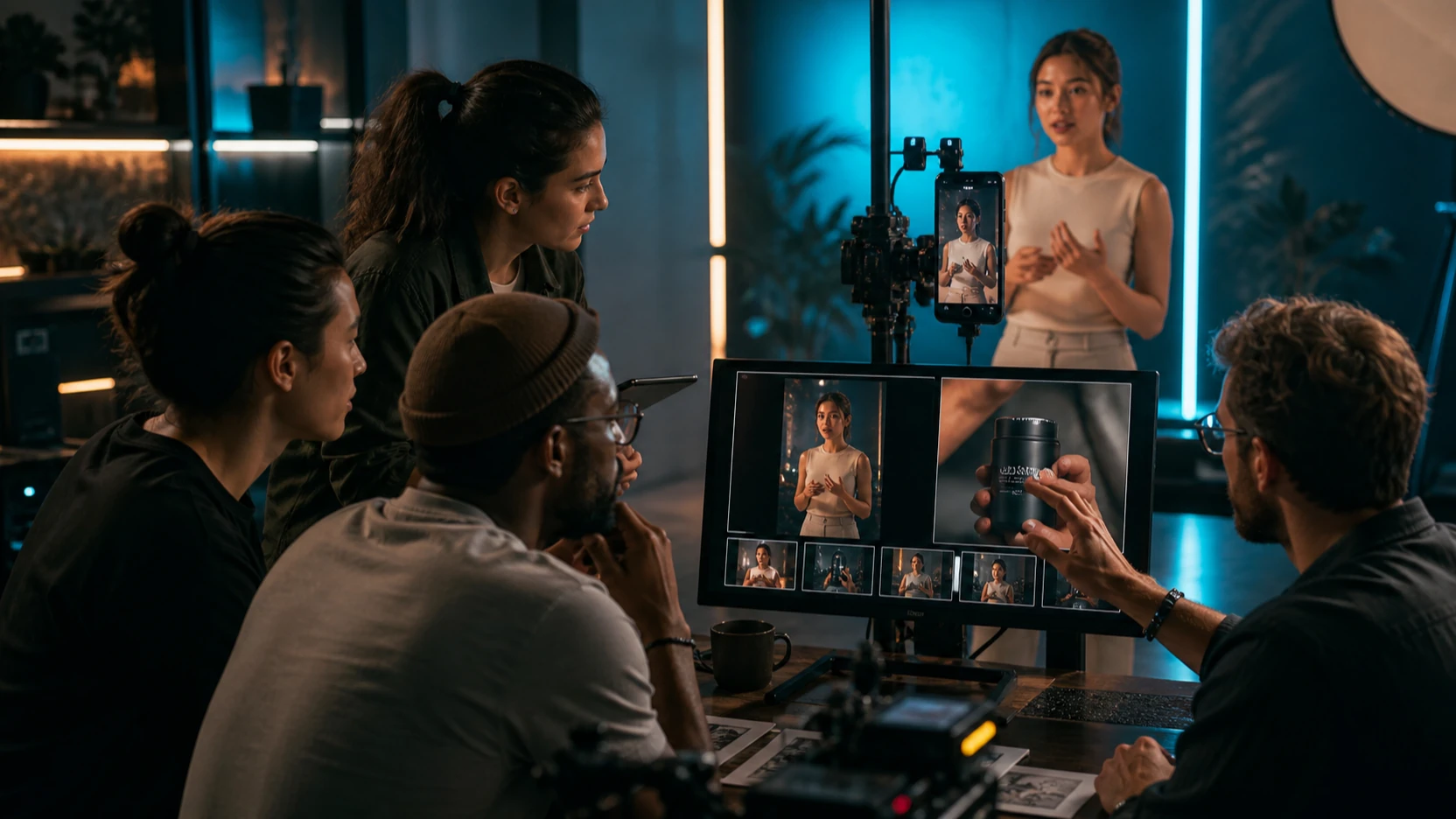
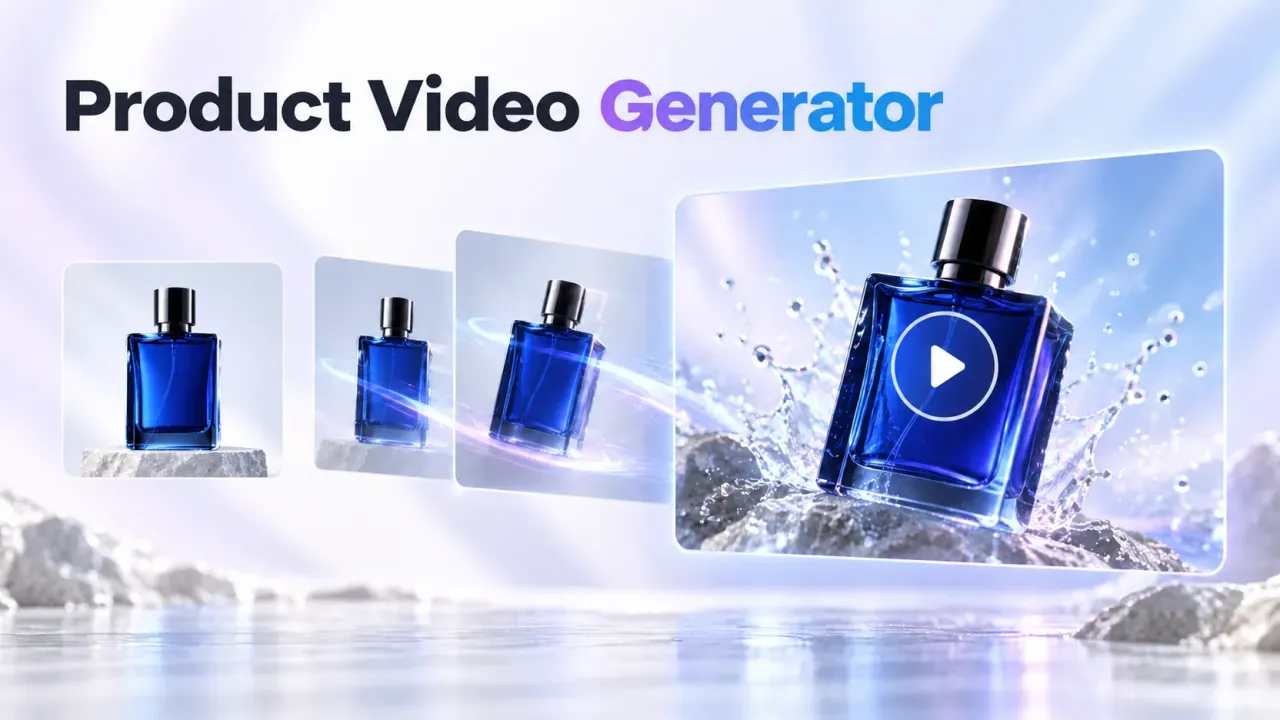
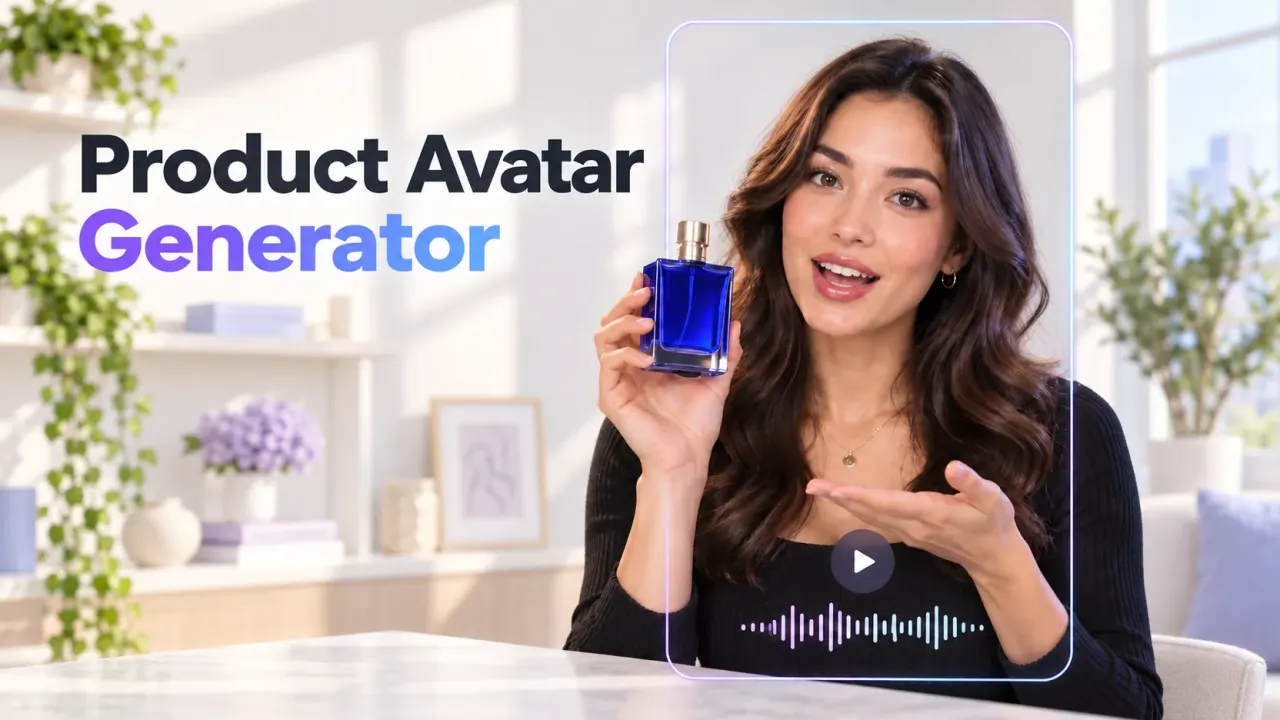
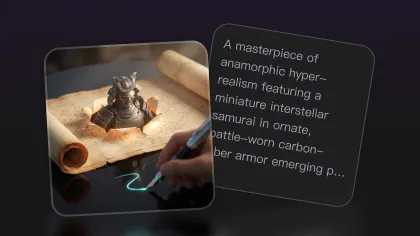
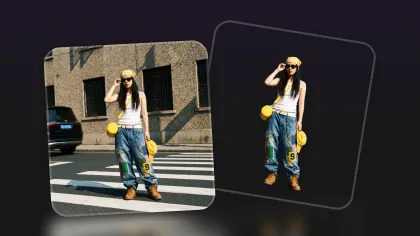
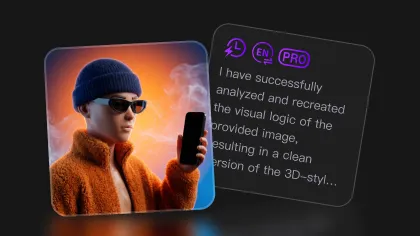
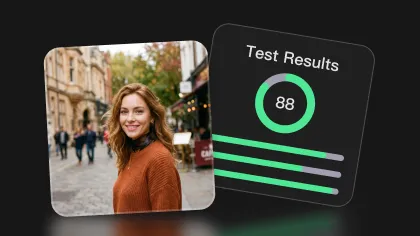
Visual disclosure: The cover and section images are editorial capability illustrations, not official vendor samples or measured Flyne benchmark outputs. No paid head-to-head generations were run for this article. Use the controlled prompts below to produce and disclose your own platform-generated test results before publishing a numerical ranking.
Quick Verdict: Choose by the Asset You Need to Ship
Neither model should receive a universal "best AI image generator for professional design" label without a controlled test. Their practical fit is easier to understand by task.
| Creative job | Model to test first | What decides the result |
|---|---|---|
| Complex product campaign | Seedream 5.0 Pro | Product fidelity, material realism, layout control |
| Iterative image editing | GPT Image 2 | Whether requested changes stay local |
| Multilingual poster | Both | Exact text, punctuation, hierarchy, language accuracy |
| Dense infographic | Both | Readability, factual structure, icon consistency |
| Photorealistic portrait | Both | Anatomy, hands, skin texture, reference identity |
| Character sheet | GPT Image 2, then Seedream | Identity stability across views |
| High-concept commercial key art | Seedream 5.0 Pro | Composition, lighting, visual depth |
| Automated production | Neither by default | API parameters, latency, price, rights, retry rate |
This is a testing order, not a declared winner. A model that looks spectacular but needs four retries can cost more than a quieter model that delivers an editable first draft.

Seedream 5.0 Pro and GPT Image 2: What the Names Actually Mean
ByteDance Seed's official page identifies Seedream 5.0 Pro as a multimodal image-generation model aimed at reasoning and professional production. That supports treating it as a serious candidate for complex visual briefs, but it does not by itself prove that it wins every benchmark, supports every export setting, or includes commercial rights on every third-party platform.
OpenAI uses two related labels. Its public launch is called ChatGPT Images 2.0, while the developer documentation lists the API model identifier as gpt-image-2. Flyne and Flaq use the shorter GPT Image 2 label. In an article or implementation guide, distinguish the ChatGPT product experience from the API model rather than treating the names as interchangeable in every context.
Flyne and Flaq are access platforms in this comparison. Do not imply that either is the official or exclusive provider of the underlying models.

How to Run a Fair Seedream 5.0 Pro vs GPT Image 2 Test
Use the same brief, source image, aspect ratio, resolution, and quality tier. Generate the same number of candidates, then keep the complete run, including failures. Vendor-selected galleries are useful inspiration, but they are not neutral evidence.
Score each output from 1 to 5 on:
- instruction coverage and prompt accuracy
- composition and camera direction
- photorealism, anatomy, lighting, and materials
- exact text and multilingual typography
- product shape, label, color, and logo-area preservation
- reference identity and character consistency
- edit locality: what changed versus what should have stayed fixed
- number of retries and manual repairs
- generation time and total credits consumed
Record both the best image and the median result. Professional value comes from repeatability, not one lucky frame. The most honest cost measure is the total spend required to obtain an acceptable, editable asset.

Prompt Accuracy, Photorealism, Lighting, and Human Anatomy
For photorealism, test scenes that expose weak geometry rather than hiding it: hands holding objects, transparent glass, fabric folds, reflections, overlapping limbs, and mixed light sources. A convincing face is not enough if the product floats or the fingers merge.
Seedream 5.0 Pro is the sensible first test for an art-directed commercial frame with several coordinated elements. GPT Image 2 is the sensible first test when the brief contains many explicit constraints and you expect to refine the result through successive instructions. Those are workflow hypotheses, not guaranteed quality rankings.
Use a fixed portrait brief, then inspect at full size:
- Are both hands anatomically plausible?
- Does window light fall consistently across the face, clothing, and room?
- Do skin, concrete, glass, and fabric have distinct material behavior?
- Does the subject still match the requested age and profession?
- Did either model add decorative objects that were never requested?

Typography and Multilingual Poster Design
Typography is where attractive images often stop being production-ready. Run the exact same English and Japanese copy through both models, then compare spelling, punctuation, line breaks, reading order, and whether the typography respects the requested hierarchy.
Do not award a point merely because the text "looks like" writing. Verify every character. For a multilingual poster, ask a fluent reviewer to check meaning and cultural suitability as well as visual accuracy.
Seedream 5.0 Pro may be appealing for editorial layouts and multilingual design experiments; GPT Image 2 should be tested carefully for literal instruction following and iterative correction. In either case, add final legal copy, prices, dates, and claims in a conventional design tool. Generated text is a draft until reviewed.

Product Advertising and Ecommerce Layouts
Product work needs stricter evaluation than mood boards. A beautiful image fails if it changes the cap, moves a label, alters the number of ports, invents a logo, or makes packaging dimensions inconsistent.
For the product-ad test, upload the same approved reference and ask both models to preserve:
- silhouette and proportions
- label area and readable approved copy
- material, finish, and color
- camera angle and product orientation
- required negative space for campaign text
Test three settings: a clean catalog frame, a lifestyle scene, and a dramatic campaign image. Seedream 5.0 Pro may suit art-directed compositions with multiple elements; GPT Image 2 may suit targeted revisions such as changing only the background or lighting. The better result is the one that preserves the sellable object while reducing retouching.
Flyne also provides a general AI image-to-image workflow when the task starts from an approved product photograph.

Infographics and Information-Dense Designs
Infographics combine image generation with information design, and both parts can fail. Evaluate the hierarchy before admiring the rendering.
A useful five-stage solar-energy graphic needs exactly five stages, correct directional flow, readable labels, consistent icon language, and enough spacing to survive mobile display. Check facts independently; an image model can produce authoritative-looking errors.
Seedream 5.0 Pro deserves testing for structured editorial composition. GPT Image 2 deserves testing for dense text, explicit labels, and correction passes. For either model, treat the generated graphic as a designed draft: rebuild critical data, citations, numbers, and final copy in software where every element is controllable.

Reference Editing, Character Consistency, and Brand Control
Editing quality is not simply whether a requested change appears. It is whether everything else remains stable.
Use a "preserve/change" brief:
Preserve the product shape, label placement, proportions, surface texture, and camera angle. Change only the background to a rainy nighttime street and match the environmental light.
Then compare masks or pixel differences where practical. Look for quiet failures: shifted typography, softened seams, a changed face, altered accessories, or shadows that no longer match.
For character consistency, create front, side, and three-quarter views from the same reference. Check facial structure, hairstyle, body proportions, garment construction, colors, and accessories. GPT Image 2 may fit iterative natural-language correction; Seedream 5.0 Pro may fit a polished multi-element sheet. Neither should be trusted for brand-critical consistency after a single example.

Flyne for Browser Testing and Flaq AI for API Workflows
Flyne AI is the practical browser recommendation because its dedicated model pages put Seedream 5.0 Pro and GPT Image 2 close to the same creative workflow. That makes it easier to reuse prompts and references, although a fair test still requires matching every available setting.
When checked on July 30, 2026, the Flyne Seedream 5.0 Pro page showed a 2K, 1:1 option and a displayed cost of 90 credits. The GPT Image 2 page showed a Low version, 1K, 1:1, Public, optional reference uploads, and a displayed cost of 10 credits. These are interface observations, not an apples-to-apples price comparison. Model tier, output size, reference count, privacy setting, and quality can all change the effective cost.
Before spending credits, verify:
- current model and beta status
- credit cost and package price
- supported resolutions, ratios, and output formats
- reference-image count and file limits
- public versus private generation defaults
- watermark and download rules
- latency, retry behavior, and regional availability
- commercial-use terms and source-asset rights
For developers, Flaq AI lists API-oriented pages for Seedream 5.0 Pro and GPT Image 2. Confirm request parameters, model identifiers, quotas, prices, rate limits, storage behavior, and error handling from the live documentation before writing integration code.

Eight Identical Prompts to Copy for Your Comparison
Use matching settings and run every prompt unchanged in both models.
1. Product advertising
Create a premium 16:9 advertising image for a matte-black wireless speaker placed on dark volcanic stone. Add soft amber rim lighting, realistic reflections, restrained luxury styling, and the exact headline "Sound Without Limits." Keep the product centered and leave clean space for a CTA.
2. Multilingual typography
Design a photorealistic travel poster for Kyoto during autumn. Include the exact English text "Autumn in Kyoto" and the exact Japanese text "京都の秋." Use elegant editorial typography, red maple leaves, a traditional street, warm sunset light, and a vertical 4:5 layout.
3. Ecommerce image
Create a clean ecommerce hero image for [product name]. Show the product at a three-quarter angle on a pale stone pedestal, with realistic shadows, accurate materials, subtle botanical props, and empty space on the left for product information.
4. Dense infographic
Create a clearly structured infographic titled "How Solar Energy Reaches Your Home." Show five labeled stages with readable captions, directional arrows, consistent icons, a balanced grid, and accurate visual hierarchy. Use a polished editorial-science style.
5. Photorealistic portrait
Create a close editorial portrait of a 45-year-old architect inside a modern concrete studio. Use natural skin texture, realistic hands, subtle facial asymmetry, soft window lighting, an 85mm photographic look, and restrained magazine color grading.
6. Reference-guided product edit
Preserve the uploaded product's exact shape, logo placement, proportions, and surface texture. Replace only the background with a rainy nighttime city street, add realistic reflections beneath the product, and match the new environmental lighting without changing the product design.
7. Character consistency
Using the uploaded character reference, create a three-panel character sheet showing front, side, and three-quarter views. Preserve the face, hairstyle, clothing details, body proportions, colors, and accessories consistently across all panels.
8. Complex commercial composition
Create a 16:9 summer campaign image featuring three beverage cans arranged at different depths beside splashing citrus fruit and translucent ice. Preserve readable labels, realistic liquid physics, coherent shadows, and clear space in the upper-right corner for campaign copy.
Reusable formula:
Create a [visual asset] for [brand, product, or project]. Show [main subject] in [environment] with [composition and camera direction]. Include the exact text "[required text]." Use [lighting], [materials], [visual style], and a [aspect ratio] layout. Preserve [reference-image details]. Avoid [specific errors].

Final Verdict: A Two-Model Test Is Better Than a Permanent Winner
Choose Seedream 5.0 Pro first when your brief is visually ambitious, layout-heavy, multilingual, or built around a polished campaign composition. Choose GPT Image 2 first when the work depends on detailed instructions, iterative edits, exact change requests, and a conversational path from draft to revision.
Use Flyne AI for an accessible browser comparison and Flaq AI when your decision depends on API integration. In both cases, test the actual live configuration you intend to buy. A professional model decision should be based on acceptable-output rate, repair time, consistency, and rights, not the prettiest vendor example.
The most defensible answer to "Seedream 5.0 Pro vs GPT Image 2" is therefore conditional: Seedream 5.0 Pro is the stronger first test for complex art direction; GPT Image 2 is the stronger first test for instruction-led creation and editing. Your own controlled batch should decide the contract.

Frequently Asked Questions
Is Seedream 5.0 Pro better than GPT Image 2?
Not for every task. Seedream 5.0 Pro may fit complex commercial composition and structured design work, while GPT Image 2 may fit instruction-heavy generation and iterative editing. Test both with identical inputs and count retries.
Is GPT Image 2 the same as ChatGPT Images 2.0?
They are related labels in OpenAI's current product family, but they refer to different surfaces. ChatGPT Images 2.0 is the public product name; gpt-image-2 is the documented API model identifier.
Where can I compare Seedream 5.0 Pro and GPT Image 2 online?
Flyne AI has dedicated pages for both models and a broader AI image generator page. Match the available ratio, resolution, reference inputs, and quality tier before comparing.
Which model is better for product ads?
Test Seedream 5.0 Pro first for art-directed campaign composition and GPT Image 2 first for precise iterative edits. Product-shape and label preservation matter more than atmosphere.
Which model is better for typography?
Both require testing. Score exact spelling, multilingual characters, punctuation, line breaks, hierarchy, and consistency across variants. Rebuild final legal or factual copy in a design tool.
Can I use either model commercially?
Do not assume so from an output gallery. Check the current platform terms, model terms, account plan, source-image rights, privacy settings, and any restrictions that apply to your use case.

Related reading
- GPT Image 2 explained: features and model comparisons
- GPT Image 2 prompt playbook
- Flyne AI image generator guide
- Seedream 5.0 Lite guide
People also read