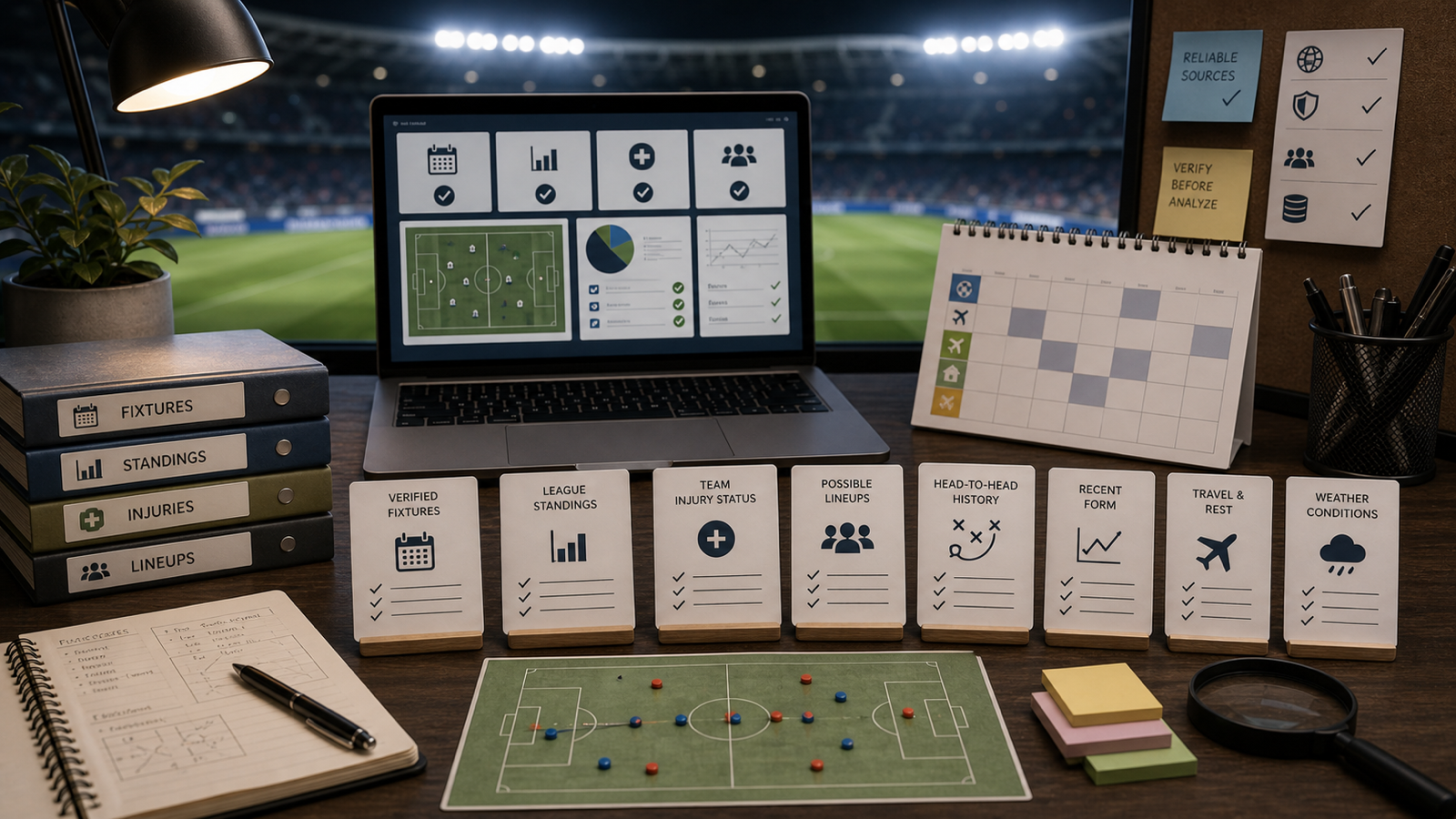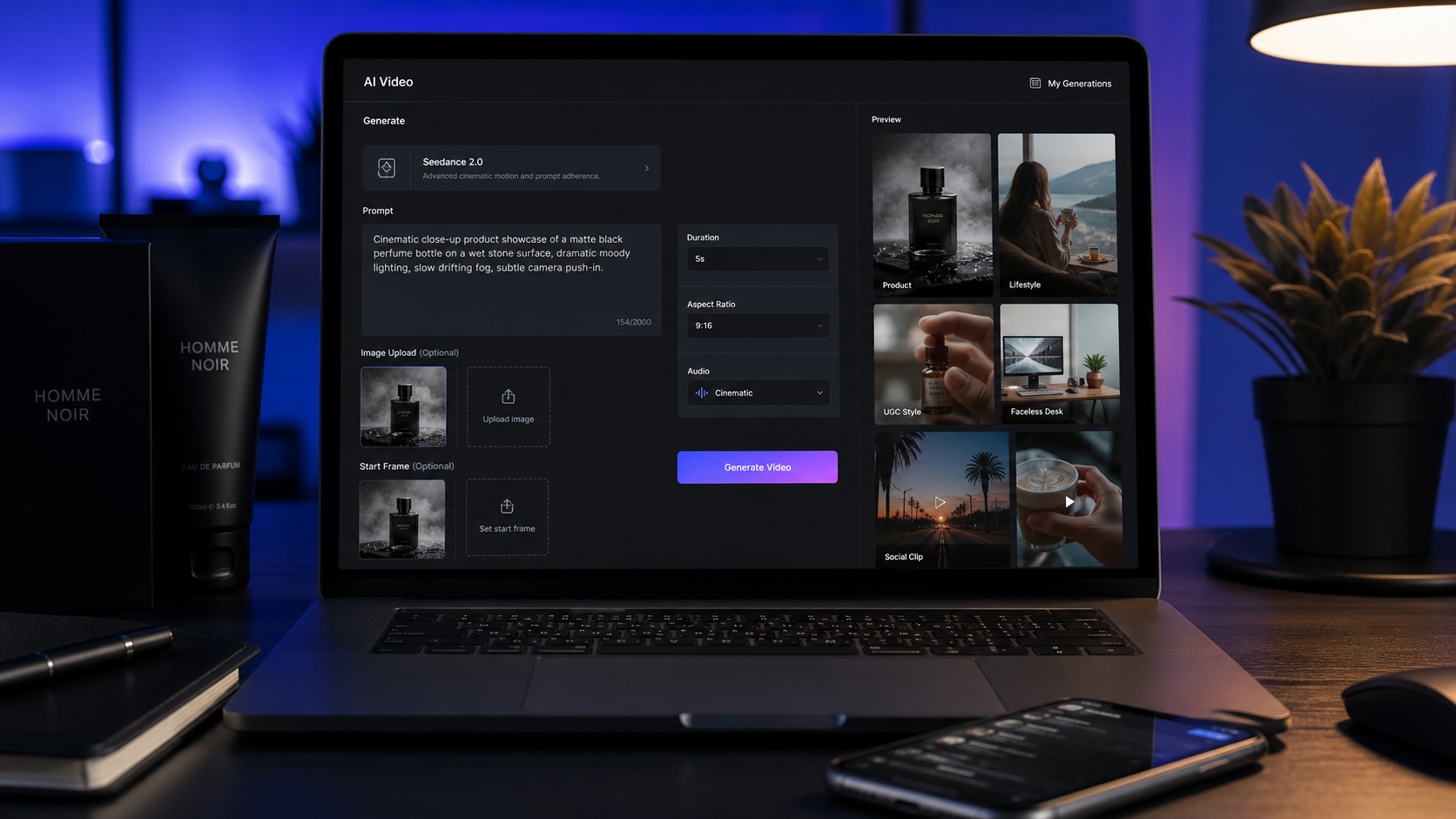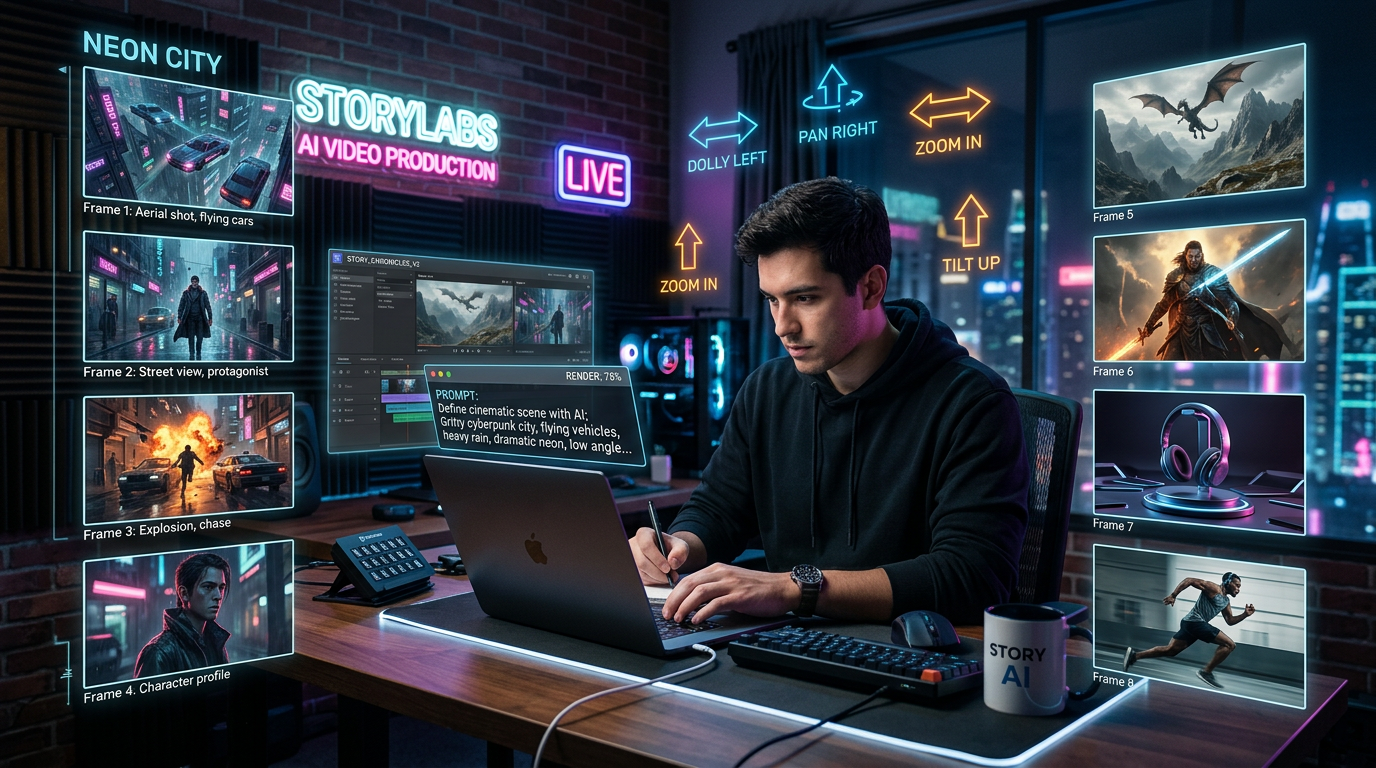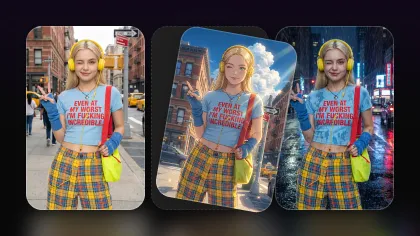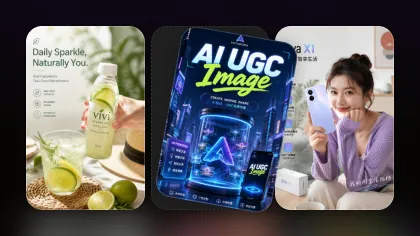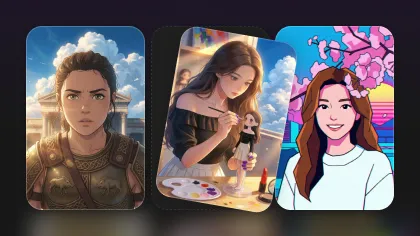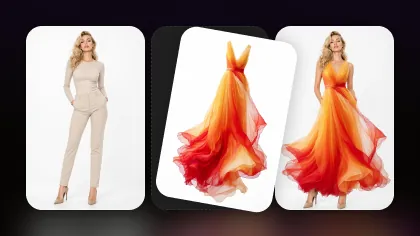
AI image generation is no longer just about typing a short sentence and hoping the result looks good. For creators, the real value comes from repeatable workflows: turning a rough idea into a poster, refining a character design, creating a wallpaper series, testing social graphics, or building a visual direction for a game world.
That is where GPT Image 2 becomes interesting. Instead of treating it as a simple image maker, creators can use it as a flexible visual idea engine. It can help turn messy concepts into structured image prompts, explore different styles, and prepare assets that can later be refined through editing tools. For official access, users can start with the official ChatGPT Images 2.0 release or review the OpenAI image generation API. For a more creator-friendly web workflow, the ChatGPT Image Generator 2 on Flyne AI gives users a practical place to test GPT Image 2 prompts, generate visual drafts, and connect those results with other image tools.
What GPT Image 2 Changes for Everyday AI Image Creation
Many earlier AI image workflows felt unpredictable. A prompt might produce a beautiful result, but the layout could be wrong, the text might be messy, or the style could drift away from the original idea. GPT Image 2 is useful because it encourages a more directed way of creating images. Instead of asking for “a cool poster,” users can describe the subject, visual hierarchy, aspect ratio, text, mood, and final purpose.
This makes it especially useful for everyday creative tasks. A designer can draft product posters. A blogger can create article headers. A game creator can test character silhouettes. An anime fan can explore outfit ideas. A social media creator can generate wallpapers or thumbnail concepts. The model is not just producing art; it is helping the creator think visually.
A good GPT Image 2 prompt guide should therefore focus less on magic words and more on structure. The clearer the creative direction, the easier it becomes to generate images that feel intentional rather than random.
The Best GPT Image 2 Prompt Formula
A strong GPT Image 2 prompt usually contains eight parts: subject, purpose, layout, style, text, ratio, mood, and constraints.
Start with the subject. This can be a cyberpunk city, an anime warrior, a skincare bottle, a fantasy castle, a robot mascot, or an AI 3D character concept. Then define the purpose. Is the image a poster, a wallpaper, a social ad, a game item card, a character sheet, or a product mockup?
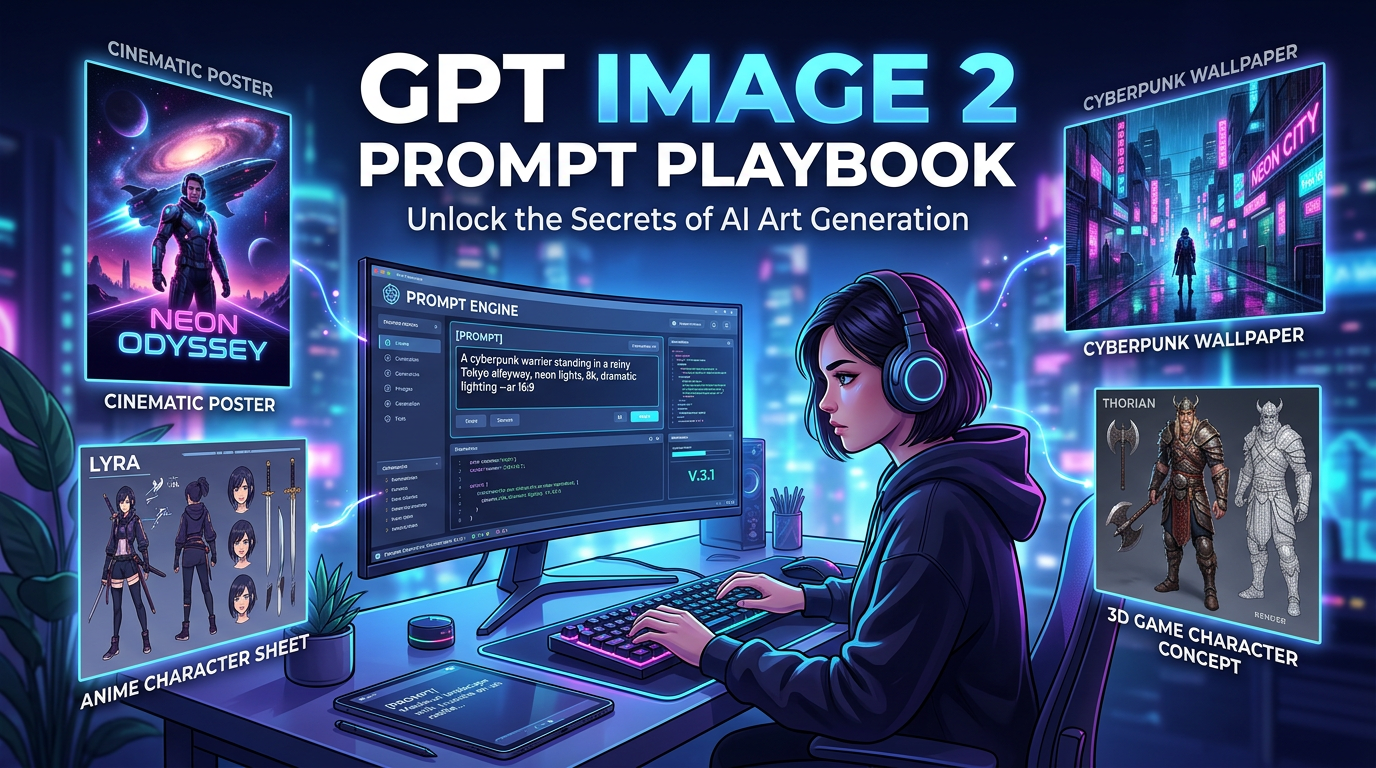
Next comes layout. This is where many prompts become stronger. Instead of saying “make a poster,” say “centered product hero shot with a large headline at the top and clean call-to-action space at the bottom.” For wallpapers, mention whether the scene should be wide, cinematic, minimalist, or filled with detail. For character concepts, ask for front view, side view, expression samples, color palette, and accessory close-ups.
Style is equally important. GPT Image 2 can be guided toward realistic product photography, anime illustration, cinematic fantasy, cyberpunk neon, 3D render, retro poster design, or clean editorial graphics. Text should be included only when needed, and it should be short. Aspect ratio matters too: 1:1 for profile posts, 9:16 for mobile visuals, 16:9 for wallpapers, and 4:5 for social feeds.
Finally, add mood and constraints. Words like “premium,” “dreamy,” “dark,” “playful,” “heroic,” or “minimalist” guide the emotional tone. Constraints such as “no extra text,” “clean background,” “readable title,” or “avoid clutter” help prevent common output problems. After the first result, creators can refine the image with image-to-image AI to adjust lighting, pose, background, colors, or composition without starting from zero.
How to Create AI Posters, Wallpapers, and Social Graphics
Posters are one of the best uses for GPT Image 2 because they combine image, layout, mood, and text. A strong AI poster prompt should include the event or product, the main visual subject, the headline, the color palette, and the intended audience. For example, a music event poster might need dramatic lighting and bold typography, while a skincare launch poster should feel clean, soft, and premium.
For poster-heavy work, an AI poster generator can be especially helpful because poster creation depends on visual hierarchy. The viewer should understand the main message quickly. This means the image should not compete with the title. A good prompt can say where the headline should sit, how much empty space should remain, and whether the design should feel cinematic, editorial, retro, or commercial.
Wallpapers need a different approach. Instead of focusing on text, they should focus on atmosphere, depth, and composition. A useful AI wallpaper generator prompt might describe a wide cinematic scene, a balanced color palette, and a clear foreground-background relationship. For phone wallpapers, vertical composition matters more. The prompt should avoid placing important details where app icons or the lock screen clock may cover them.
Social graphics sit between posters and wallpapers. They need to be beautiful, but they also need to communicate fast. Creators using an AI image generator can start with one core idea, then adapt it into a square post, vertical story, thumbnail, or banner. This is where GPT Image 2 becomes a production helper: one visual concept can become a small campaign instead of a single image.
How to Build Anime, Game, Cyberpunk, and 3D Character Concepts
Character creation is another strong use case because it benefits from iteration. A creator may not know the final design immediately, but they may know the character’s role, personality, outfit, weapon, and world. GPT Image 2 can turn that information into early visual directions.
For anime assets, prompts should specify character archetype, age range, costume, hairstyle, color palette, expression, pose, and background style. If the goal is a clean anime look, Flyne AI’s AI anime generator can help produce more focused anime-style portraits, avatars, and character concepts.
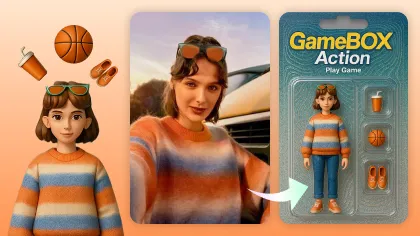
Game assets need more structure. Instead of asking for a “fantasy sword,” ask for a collectible RPG item card with border design, rarity icons, glowing material effects, and readable item name. Instead of asking for a “hero character,” ask for a stylized 3D fantasy hero with a strong silhouette, front-facing pose, costume notes, and weapon details.
Cyberpunk visuals are especially prompt-friendly because the style has recognizable ingredients: neon signs, rain reflections, high-tech fashion, holographic UI, dark streets, glowing glasses, and dense city backgrounds. Still, the prompt should not overload the image. Pick one main subject, then use the environment to support it.
For an AI 3D character workflow, start with the ChatGPT Image Generator 2 to explore the concept, then refine the chosen version through image-to-image AI. This helps preserve the core idea while improving pose, costume, material texture, or facial design.
GPT Image 2 vs Nano Banana Pro vs Seedream AI
GPT Image 2 is a strong fit for structured prompting, poster concepts, text-aware layouts, social graphics, and visual ideation. It works well when the user wants to describe a complete scene and guide the result through language.
Nano Banana Pro is better positioned for flexible image creation and editing workflows, especially when the creator wants variations, style shifts, or consistent visual exploration. It can be useful when one image idea needs to evolve into several options.
Seedream AI is useful for polished image generation and editing, especially when the goal is clean commercial visuals, refined compositions, or high-quality image outputs. If GPT Image 2 helps shape the idea, Seedream can be considered when the creator wants another model direction for visual finishing.
The best approach is not to choose only one model forever. Use GPT Image 2 for prompt-driven concepting, Nano Banana Pro for flexible variations, Seedream AI for polished visual output, an anime tool for stylized character work, and image-to-image tools for refinement.
Workflow Tips: From Text-to-Image to Final Refinement
A reliable workflow starts with text-to-image. Write a clear prompt, generate a few options, and choose the strongest direction. Do not try to perfect everything in one attempt. The first image should answer a simple question: does this concept have potential?
Once the direction works, refine it. Use image-to-image editing to improve the background, fix the pose, adjust the color palette, or make the design more consistent. If the image is for a poster, check whether the text is readable and whether the focal point is clear. If it is for a wallpaper, check whether the composition still works after cropping. If it is for an anime or game character, check whether the silhouette is recognizable.
This is why Flyne AI can work as a multi-model creative bench. A creator can begin with the ChatGPT Image Generator 2, refine with image-to-image AI, test a stylized direction with the AI anime generator, compare output through Nano Banana Pro, and explore polished alternatives with Seedream AI.
The final lesson is simple: better prompts create better first drafts, but better workflows create better final images.
Prompt Pack Add-On: 10 Copy-Paste GPT Image 2 Prompts
1. Product Launch Poster
Create a vertical 9:16 product launch poster for a premium matcha drink. Place the drink in the center on a clean café table with soft morning light, green and cream colors, elegant modern typography, and the headline “Spring Matcha Drop.” Leave space at the bottom for a call-to-action. Make it polished, realistic, and social-media ready.
2. Cyberpunk Wallpaper
Create a 16:9 cyberpunk city wallpaper at night, with neon signs, rain reflections, flying vehicles, and a lone character standing on a rooftop. Use cinematic lighting, deep blue and magenta tones, high detail, and a mysterious futuristic mood. No text.
3. Anime Character Sheet
Create an anime character reference sheet for a young fantasy mage with silver hair, a short cloak, glowing runes, and a crystal staff. Include front view, side view, three facial expressions, a color palette, and accessory details. Use a clean white background and polished anime style.
4. 3D Game Character Concept
Create a stylized 3D character concept of a heroic fox knight for a fantasy adventure game. Include a full-body pose, armor details, weapon design, material notes, and a small face close-up. Use colorful 3D rendering, a strong silhouette, and friendly heroic energy.
5. Sci-Fi Movie Poster
Create a cinematic movie poster for a sci-fi mystery film titled “Signal Beneath the Ocean.” Show a glowing underwater structure, a small submarine, dramatic lighting, and minimal bold typography. Use a dark blue palette and suspenseful atmosphere.
6. Social Media Ad
Create a square 1:1 social media ad for a minimalist skincare brand. Show one glass serum bottle on a stone surface with soft shadows, warm neutral tones, clean editorial lighting, and the headline “Glow Without Noise.” Make it premium, simple, and readable.
7. Fantasy Wallpaper
Create a 4K fantasy wallpaper of a floating castle above a misty forest at sunrise. Add golden clouds, waterfalls falling into the sky, birds, and a soft magical atmosphere. Use painterly realism and cinematic depth. No text.
8. RPG Item Card
Create a collectible RPG item card for a legendary sword named “Moonfire Edge.” Show the sword floating against a dark magical background, with silver flames, ornate border design, rarity stars, and readable fantasy UI text.
9. Anime Cyberpunk Avatar
Create a square anime avatar of a cyberpunk hacker with short purple hair, glowing glasses, a black tech jacket, and neon city lights behind them. Use crisp anime linework, dramatic rim light, and a confident expression. No extra text.
10. 3D Mascot
Create a cute 3D mascot character for an AI design app: a small glowing robot with a paintbrush antenna, friendly eyes, and floating holographic color panels. Use clean 3D rendering, soft studio lighting, rounded shapes, and a white background.
Recommended Tools and Models
For official information, readers can start with the official ChatGPT Images 2.0 release or the OpenAI image generation API. For a browser-based creator workflow, they can try the ChatGPT Image Generator 2 on Flyne AI.
Useful Flyne AI tools include the AI image generator for general text-to-image creation, image-to-image AI for refining existing visuals, the AI anime generator for anime-style characters, the AI poster generator for typography-driven graphics, Nano Banana Pro for flexible visual exploration, and Seedream AI for polished image generation and editing.
Creators who want another image-generation space can also explore the Fylia AI image generator for text-to-image and image-to-image workflows.
Related Article
- GPT Image 2 Explained: What’s New, and How It Compares With Nano Banana Pro
- Higgsfield Launches Nano Banana Pro: What It Is and How to Use It
- Seedream 5.0 Lite on Flux AI: A Practical Guide to Faster, Smarter Image Generation and Editing
People Also Read
- GPT Image 2 OpenAI API: What It Offers and How to Try It
- HeyDream AI Image Generator Guide: Best Models for Text-to-Image and Image-to-Image
- How to Turn Real Photos into Anime Art
- GPT Image 2: What’s New and Where to Access It
- How to Use Nano Banana 2 for AI Image Generation and Editing
- ChatGPT Image 2 Release: Features, Prompts, and API Guide
- Seedream 5.0 Lite vs Nano Banana Pro: A Practical Comparison Guide