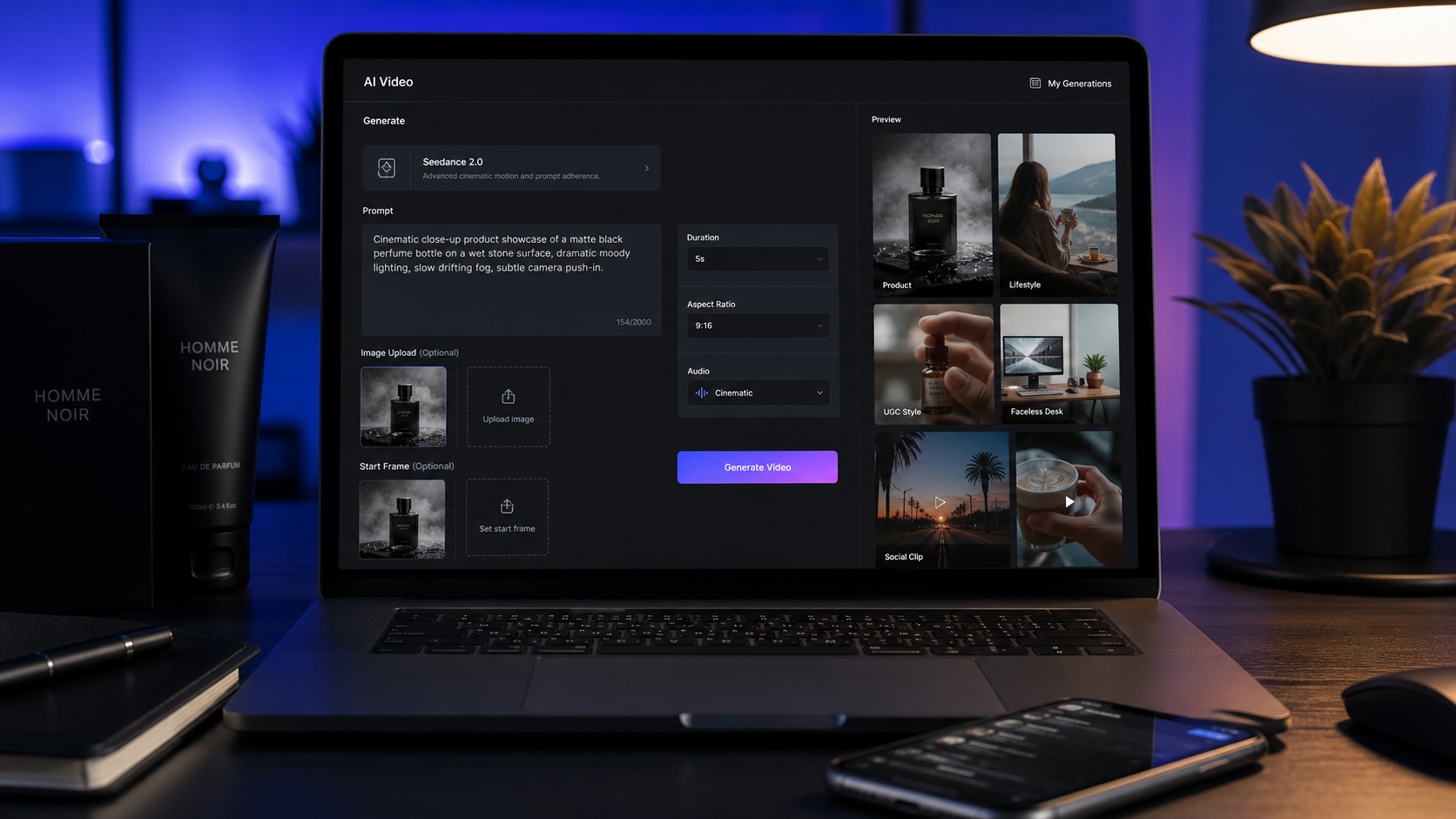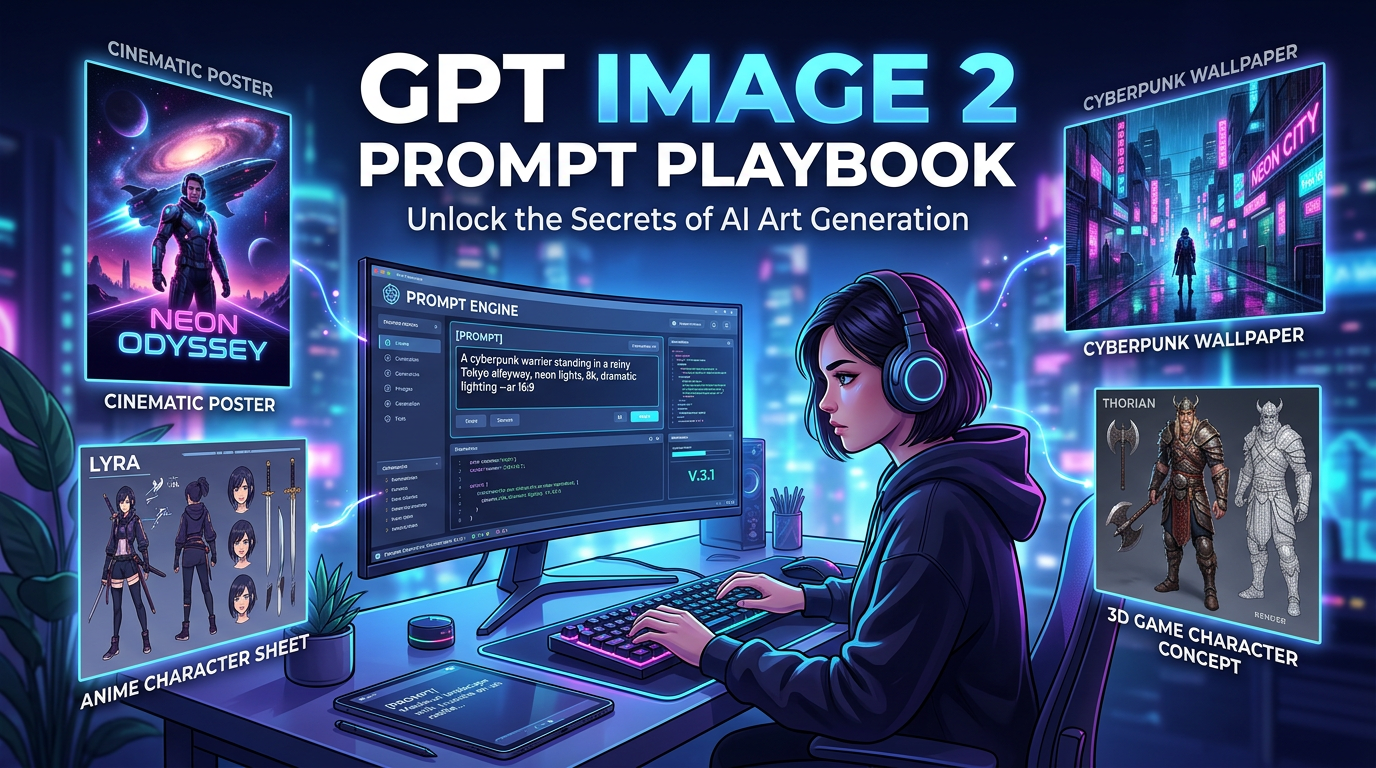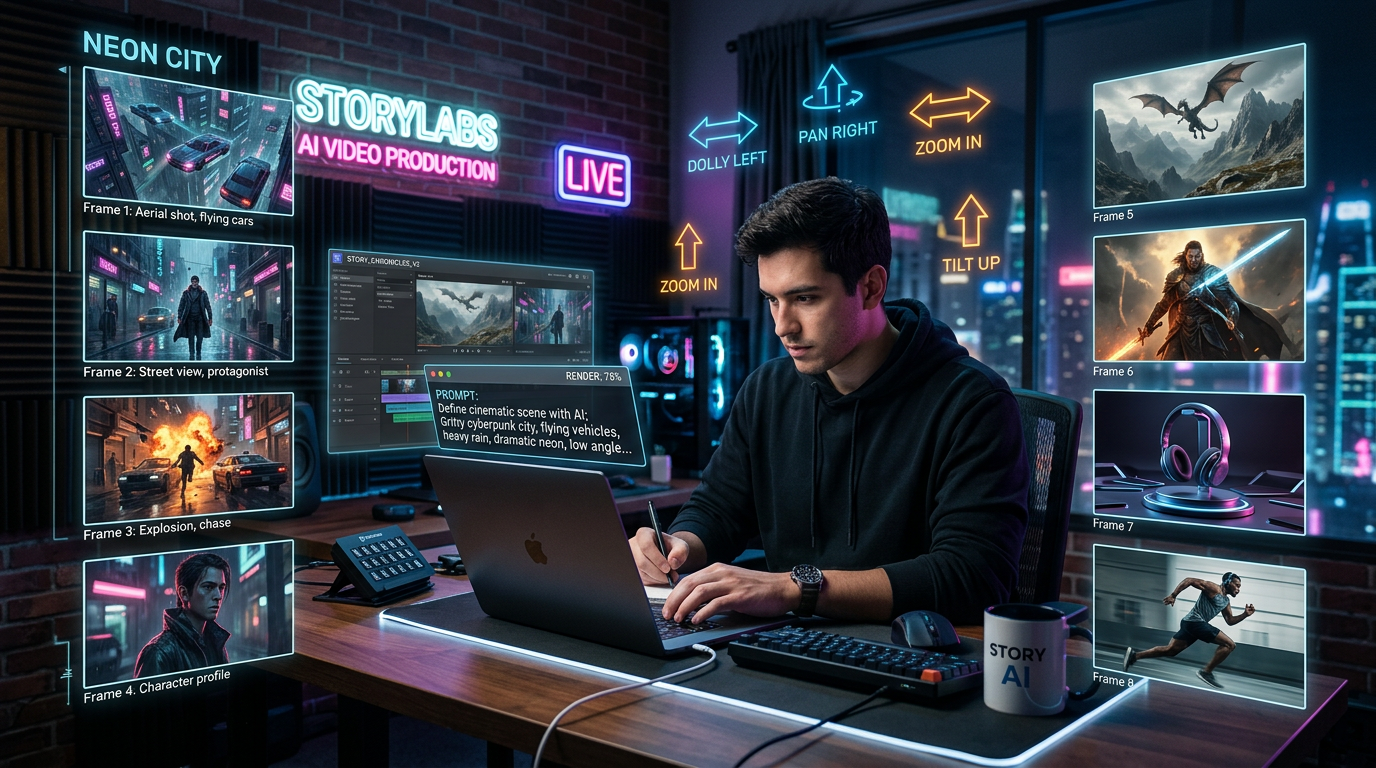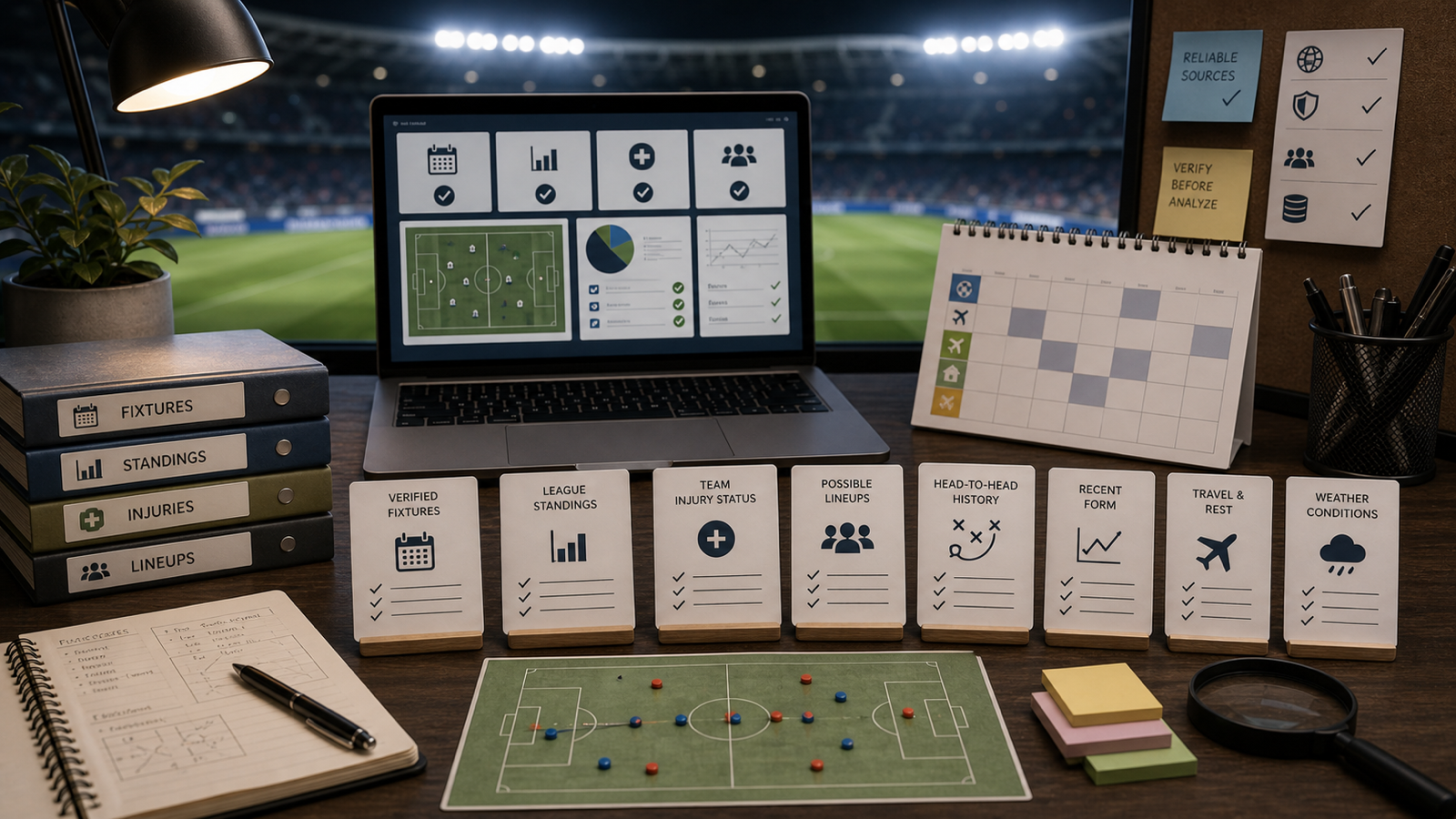
AI football video generation helps fans, creators, sports marketers, ecommerce teams, UGC advertisers, meme pages, and social media managers turn football ideas into short, publishable clips. With Flyne AI as the main platform, you can build a workflow around AI Video Generator, Photo to Video, AI Text to Video Generator, Video to Video, Seedance 2.0, Kling 3.0, Kling Motion Control, and Higgsfield AI.
This guide focuses on practical football fan clips, match-night social videos, product ads, UGC-style promos, cinematic football scenes, faceless football videos, and image-to-video animation. Before publishing, verify model availability, pricing, credits, watermark rules, commercial rights, platform policies, real-person likeness permissions, and official football branding rules on the live pages.
Quick Summary: What AI Football Video Generation Is Best For
AI football video generation is most useful when you need short, energetic football content without relying on official match footage or real player likenesses. A football AI video maker can help you draft watch-party clips, generic fan reactions, product promos, cinematic training scenes, meme-style moments, and football poster animations for Shorts, Reels, TikTok, paid ads, or community pages.
Use Flyne AI as a workflow hub when you want multiple creation paths in one place. Start with text-to-video for new scenes, use football photo to video AI when you already have a poster or product image, try video-to-video for style adaptation, and use motion-control workflows when a reference movement matters.
Key takeaways:
- Use AI Video Generator or AI Text to Video Generator for prompt-first football short video AI.
- Use Photo to Video for football image to video AI, fan poster animation, product reveals, and AI football image animation.
- Use Video to Video when you want to transform an owned or licensed clip into a new visual style.
- Test Seedance 2.0 for controlled social clips, UGC-style drafts, and faceless football video ideas.
- Test Kling 3.0 and Kling Motion Control when cinematic movement or guided motion is the priority.
- Use Higgsfield AI for effect-driven football visuals, but review outputs carefully before publishing.

How to Create Football Clips with Flyne AI
The simplest workflow is to choose the football clip type first, then choose the generation mode. A fan reaction video, a football food ad, and a cinematic training scene need different inputs, pacing, and review checks, so do not start by picking a model alone.
- Define the use case. Choose one destination: fan clip, meme video, match-night promo, ecommerce product ad, UGC-style football promo, faceless tutorial, or cinematic scene.
- Choose the input mode. Use text-to-video for a new fictional scene, photo-to-video for a product image or football poster, video-to-video for owned footage, or motion control for a specific gesture, dance, walk, celebration, or kick pose.
- Set the format. Use 9:16 for TikTok, Reels, Shorts, and UGC ads. Use 16:9 for blog covers, YouTube thumbnails, campaign previews, and editorial examples.
- Write a controlled prompt. Name the subject, scene, camera movement, lighting, motion, rhythm, and safety limits.
- Generate small tests. Start with short clips before spending more credits or time on variants.
- Review before export. Check motion stability, subject consistency, faces, hands, logos, text, product appearance, watermark status, and publishing rights.
For example, a football video AI tool can turn a generic watch-party idea into a 6-second vertical fan reaction. A football poster to video AI workflow can preserve the poster layout while adding parallax, stadium lights, confetti, and camera drift. The best output usually comes from a narrow creative brief, not from a broad prompt like "make a viral football video."

Best Flyne AI Workflows for Football Fan Clips, Ads, and Cinematic Scenes
Flyne AI is strongest as a practical model-and-workflow switchboard rather than a single-purpose AI soccer video generator. The right workflow depends on whether you need speed, image preservation, motion control, or cinematic polish.
Text-to-video for new football scenes
Use AI Text to Video Generator when you want to create a fictional scene from scratch. This is useful for penalty suspense clips, fictional fan reactions, faceless football videos, stadium-light training scenes, and generic match-night promos. Keep real teams, official tournament names, player likenesses, and fake match details out of the prompt unless you have the relevant rights and verified facts.
Photo-to-video for posters, product shots, and fan images
Use Photo to Video when you already have an image that should remain recognizable. This is the best path for football fan photo to video, product packshots, football poster animation, scarf-and-snack setups, and image-to-video animation. Tell the model exactly what to preserve, then describe only the motion you want added.
Video-to-video for owned or licensed source clips
Use Video to Video only with footage you own, have licensed, or are clearly allowed to transform. Avoid uploading broadcast footage, match highlights, real player clips, or copyrighted sports-network overlays unless you have permission.
Seedance 2.0, Kling 3.0, Kling Motion Control, and Higgsfield AI
Use Seedance 2.0 for a Seedance 2.0 football video when you want social-ready prompts, UGC-style football ideas, and faceless football video drafts. Use Kling 3.0 for Kling 3.0 football video tests where cinematic motion and scene polish matter. Use Kling Motion Control for AI football motion control when a reference movement should guide a fictional mascot, fan, or player silhouette. Use Higgsfield AI for Higgsfield football video effects such as dynamic camera energy, stylized reveals, and cinematic transitions.
Check the live Flyne model pages and Flyne AI Pricing before production, because model availability, credit cost, resolution, duration, watermark behavior, and commercial-use terms can change.

Reusable Football Video Prompts for Flyne AI
Good football video prompts are specific about motion, scene safety, and output format. They also avoid implying official sponsorship, tournament affiliation, real match footage, or real player endorsement.
Reusable football video prompt formula:
Create a [duration] football-themed AI video for [platform/use case]. Show [fictional player / fan / coach / mascot / product / football object] in [scene]. Use [camera movement], [motion style], [lighting], [mood], [editing rhythm], and [aspect ratio]. Make it feel like [match night / watch party / celebration / suspense / product ad / meme clip]. Avoid official FIFA logos, real team badges, real player likenesses, broadcast footage, fake scores, and copyrighted slogans.
Image-to-video formula:
Use this uploaded football image as the reference. Preserve [subject / product / fan pose / poster layout / football object / outfit / background] while adding [camera motion / crowd lights / flag movement / celebration energy / slow-motion action / product reveal]. Keep the video realistic, social-ready, and brand-safe. Avoid distorted faces, extra limbs, official marks, team logos, unreadable text, and fake match overlays.
Motion-control formula:
Use this reference image as the subject and this reference video as the motion guide. Transfer the [walk / celebration / dance / gesture / kick pose / crowd reaction] naturally while preserving the subject's appearance and scene style. Keep motion smooth, body proportions stable, and camera movement controlled.
Prompt examples:
- Create a 6-second vertical football fan reaction video. A fictional fan jumps from the sofa after a last-minute goal, warm watch-party lighting, handheld phone-camera feel, snacks on the table, no team logos, 9:16.
- Create a cinematic football training clip. A fictional player practices alone under stadium lights, slow camera push-in, rain mist, dramatic shadows, realistic motion, no real player likeness.
- Use this football poster as the reference. Add parallax stadium lights, subtle confetti, crowd energy, and a smooth camera drift while preserving the poster composition.
- Create a 5-second penalty suspense clip. A football rests on the penalty spot, stadium lights pulse, crowd blur in the background, slow dolly-in, cinematic tension, no broadcast graphics.
- Create a football product ad for [product]. Show the product on a table during a watch party, cheering fans in the background, quick close-up, energetic social-ad pacing, no official tournament marks.
- Create a UGC-style football promo. A fictional creator says the product is ready for match night, fast cuts, casual room lighting, realistic hand movement, clear product close-up, no logos.
- Create a faceless football tutorial clip. Show hands arranging a game-night setup, remote, snacks, football scarf in generic colors, smooth top-down camera movement, captions added later.
- Create a meme-style "VAR check panic" video. Fictional fans freeze in silence, then explode into celebration, fast zoom, comedic timing, generic stadium background, no official branding.
- Create a football celebration dance video using Kling Motion Control. A fictional mascot follows a simple celebration motion, smooth body movement, stable camera, bright stadium lighting.
- Create a football fashion lookbook clip. A fictional fan wears a generic sports jacket, walks through a city at night, stadium-style lights in the background, editorial camera motion, no team badge.
- Create a 6-second football food ad. A plate of snacks sits beside a football-themed watch-party setup, steam and light movement, appetizing close-ups, energetic match-night atmosphere.
- Create three short football video variants from the same image: one cinematic, one meme-style, and one product-ad style. Keep the subject stable and change only motion, lighting, and pacing.
For deeper prompt work, review Flyne's related guides on Seedance 2.0 prompts, controlled Seedance 2.0 results, faceless Seedance 2.0 videos, Kling 3.0 workflows, Kling 3.0 vs Seedance 2.0, and Higgsfield effects.

Brand Safety, Rights, and Publishing Checks for Football AI Videos
Brand safety matters more in football content because official competitions, club identities, players, broadcasters, and sponsors are heavily protected. FIFA's official brand-protection materials explain that unauthorised commercial use of FIFA IP and marketing that creates an unauthorised association with World Cup events can be problematic, especially for commercial promotions.
Use this review checklist before publishing:
- Official marks: avoid FIFA logos, World Cup emblems, trophy replicas, mascots, host-city marks, tournament slogans, and official typography unless licensed.
- Team identity: avoid real club badges, national-team crests, kits, sponsors, federation marks, and color layouts that clearly imply a protected team identity.
- Real people: avoid real player likenesses, celebrity faces, public figures, and voice or endorsement suggestions unless rights are cleared.
- Source footage: do not use broadcast footage, match screenshots, sports-network graphics, real scoreboards, or highlight clips without permission.
- Truthfulness: do not invent scores, standings, fixtures, injuries, transfers, or breaking-news claims.
- Commercial review: check whether your generated result can be used in ads, ecommerce, UGC campaigns, or sponsored posts under the current Flyne terms and the target platform rules.
- Output review: inspect faces, hands, limbs, ball movement, product appearance, captions, logos, watermarks, and aspect ratio before posting.
If your content references live tournament context, verify official details through sources such as FIFA Brand Protection, FIFA World Cup 26 IP Guidelines, FIFA World Cup 2026 Match Schedule, FIFA World Cup 2026 Scores & Fixtures, and FIFA World Cup 2026 Standings. For social publishing, also check the current rules of the platform where you will post.

FAQ and Conclusion: Choosing the Right Football AI Video Maker
What is the best Flyne AI workflow for football fan clips?
Use text-to-video for fictional fan reactions, meme clips, penalty suspense, and cinematic training scenes. Use photo-to-video when you already have a football fan image, poster, product photo, or watch-party setup that needs animation.
Can I use AI football videos for product ads?
Often, yes, but you should verify the current Flyne AI pricing, credits, watermark rules, commercial terms, and the ad platform's policies before publication. Also remove official football branding, real player likenesses, and unauthorised event associations from the creative.
Is Seedance 2.0 better than Kling 3.0 for football videos?
Treat this as workflow-dependent rather than absolute. Seedance 2.0 football video workflows may be useful for prompt-led social clips and faceless ideas, while Kling 3.0 football video workflows may be better to test for cinematic motion and visual polish. Compare short test generations before committing to a campaign.
When should I use Kling Motion Control?
Use Kling Motion Control football video workflows when the motion matters more than the scene description alone. It is especially useful for celebration dances, mascot movement, gesture transfer, walk cycles, crowd reactions, and controlled action references using fictional or licensed subjects.
Can I create football videos with real teams or FIFA World Cup branding?
Only do that if you have the required rights and have verified the relevant official guidelines. For most fan, creator, and commercial workflows, a safer approach is to use generic football culture: fictional fans, generic stadium lights, neutral kit colors, no official marks, and no real player likenesses.
AI football video generation works best when the creative brief is narrow, the input rights are clean, and the final review is strict. Use Flyne AI to test text-to-video, football photo to video AI, video-to-video, Seedance 2.0, Kling 3.0, Kling Motion Control, and Higgsfield AI workflows, then publish only after checking model availability, pricing, credits, watermarks, commercial rights, football branding, and platform rules.