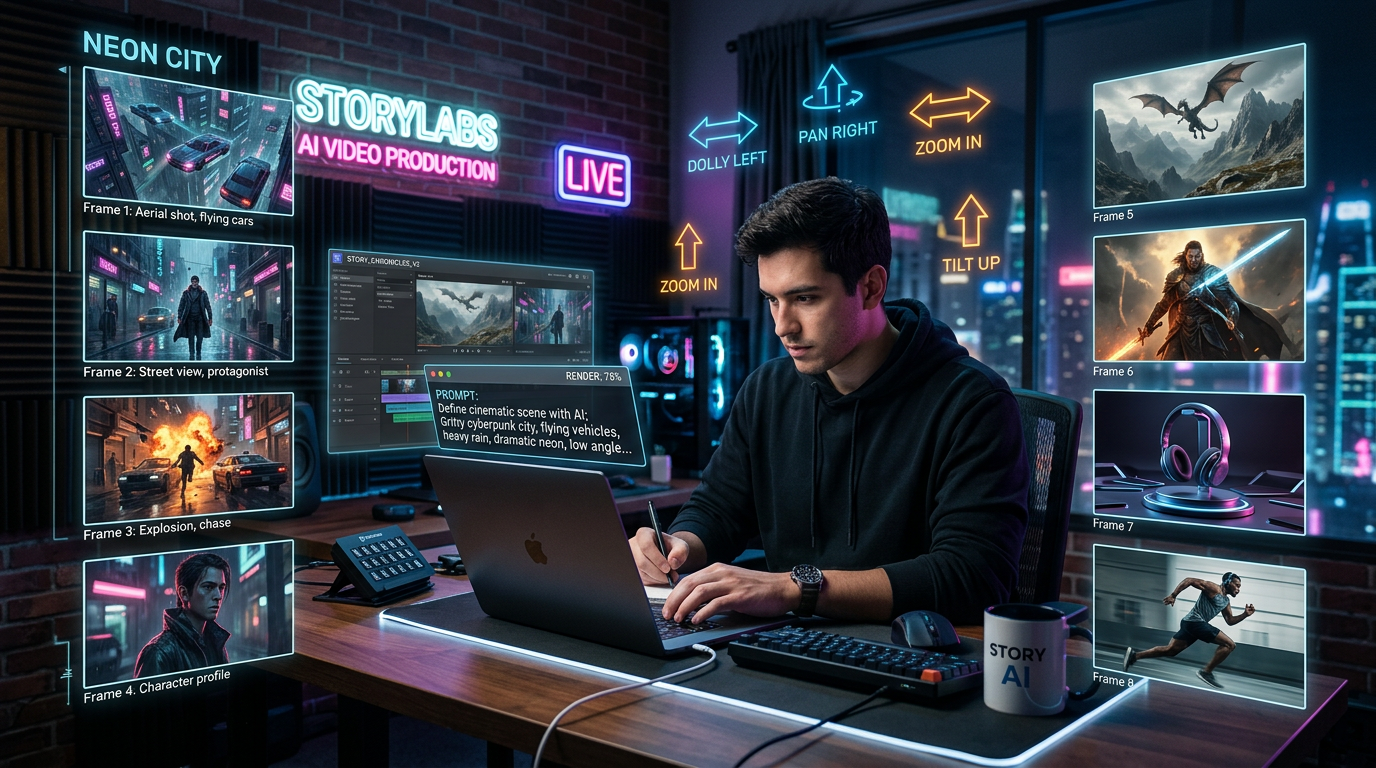
AI video generation has moved past the stage where a simple sentence is enough to create a useful result. A phrase like “a man walking in a city” may generate a moving clip, but it rarely gives you the cinematic rhythm, lighting, facial emotion, camera movement, or story logic that makes a video feel intentional. That is why prompt writing matters so much, especially for a model like HappyHorse 1.0, which is designed around expressive visual production, camera control, realistic characters, and flexible multimodal creation.
This guide explains how to write stronger prompts for HappyHorse-style video generation using a simple but practical formula: Scene + Subject + Motion + Audio / Camera / Style. Whether you are testing a new ai video generator, experimenting with text to video AI, creating short drama scenes, or building social media clips, this structure helps turn vague ideas into detailed production instructions.
For creators who want to prepare concept images before writing video prompts, Flyne AI’s AI Image Generator can be useful for building still frames, character references, visual moods, or storyboard concepts. Once the related model becomes available there, this kind of image-first workflow can make cinematic video prompting much easier.
What Makes a HappyHorse Prompt Different
A good HappyHorse prompt is not just a description of what appears on screen. It works more like a miniature directing note. Instead of only naming the subject, it tells the model where the subject is, what the subject is doing, how the camera should move, what the lighting feels like, and what emotional tone the shot should carry.
For example, a weak prompt might say:
A woman walks through a city.
That prompt gives the model a subject and a basic action, but it leaves too much open. What kind of city? What time of day? Is the mood romantic, tense, futuristic, lonely, or energetic? Is the camera still, handheld, close-up, or tracking beside her? Does the scene need rain, neon lights, soft sunlight, background traffic, or dramatic shadows?
A stronger Happy Horse AI prompt would say:
A stylish young woman walks through a rainy Tokyo street at night, neon signs reflected on the wet pavement, medium tracking shot from her side, soft blue and magenta lighting, cinematic atmosphere, subtle city ambience, realistic short-film style.
The difference is clear. The second version gives the model visual structure. It defines the scene, subject, motion, camera behavior, lighting, and mood. This is the foundation of better AI video prompts: do not only describe the idea; describe how the idea should be filmed.
HappyHorse 1.0 is especially suited to this kind of prompt because its guide emphasizes cinematic lighting, smooth camera movement, expressive faces, realistic medium-to-close-up shots, and flexible video editing. That means a good prompt should not behave like a search query. It should behave like a short production brief.
The Basic Formula: Scene + Subject + Motion + Audio / Camera / Style
The easiest way to write better prompts for a text to video generator is to use a fixed formula. You do not need to write long, complicated paragraphs every time. Instead, build the prompt in layers.
The core structure is:
Scene + Subject + Motion + Camera + Style + Audio or Atmosphere
The scene tells the model where everything happens. It can be realistic, such as a Paris café, a modern office, a mountain trail, or a city street. It can also be imaginary, such as a floating island, an alien marketplace, or an underwater palace.
The subject is the main focus of the video. This might be a person, animal, product, fantasy creature, digital avatar, robot, or object. The more clearly you define the subject, the easier it is for the model to organize the shot.
The motion explains what changes during the video. AI video generation is not only about making a still image move; it is about choosing the right kind of movement. The subject may walk, turn, smile, dance, run, speak, raise a hand, open a door, or interact with another character. The environment can also move: steam rising from coffee, rain falling on a window, leaves blowing in the wind, or lights flickering in the distance.
The camera describes how the viewer sees the scene. A slow push-in creates tension. A wide shot creates scale. A handheld tracking shot creates urgency. A static medium shot creates calm realism. When writing cinematic AI video prompts, camera language often makes the biggest difference.
The style defines the look. This includes lighting, color palette, genre, texture, realism level, and emotional mood. A prompt can be realistic, commercial, noir, fantasy, anime-inspired, documentary-like, nostalgic, luxurious, or surreal.
The audio or atmosphere layer can include spoken lines, background sound, music direction, or environmental ambience. Even when the video generation tool does not fully produce audio in the final workflow, audio cues can still help shape the scene’s emotional direction.
A simple reusable pattern looks like this:
In [scene], [subject] is [motion], captured with [camera movement], in [style or lighting], with [audio or atmosphere].
For example:
In a quiet luxury train cabin at sunset, an older detective studies a sealed envelope while a young woman watches him nervously, captured with a slow push-in camera, warm golden light through the window, tense mystery-drama atmosphere, soft train ambience in the background.
This formula works because it gives the model a complete visual plan without becoming confusing. It is also flexible enough for drama, product ads, social media clips, fantasy scenes, AI avatars, and short-form storytelling.
How to Describe Camera Movement Clearly
Camera movement is one of the most important parts of a strong video prompt generator workflow. Many users describe the subject and setting but forget to tell the model how the shot should be filmed. The result may still look attractive, but it can feel random or flat.
To make prompts more cinematic, use simple camera terms that directly affect the video result. A close-up is useful for emotion, facial detail, product texture, or dramatic tension. A medium shot works well for dialogue, social media talking-head videos, and natural gestures. A wide shot is better for landscapes, action scenes, fantasy scale, and environmental storytelling.
Movement terms are equally important. A slow push-in makes a scene feel intimate or suspenseful. A dolly-out can reveal the environment and create surprise. A tracking shot follows the subject and adds energy. A low-angle shot makes the subject feel powerful. An overhead shot gives a designed, editorial feeling. A handheld camera creates urgency or realism.
For HappyHorse-style prompting, camera movement should match the action. If the subject is walking, a tracking shot may work better than a static shot. If two characters are having a tense conversation, a slow push-in or alternating close-up can make the emotion stronger. If a product is being introduced, a macro close-up or slow rotating camera can highlight texture and detail.
Here is a weak version:
A runner moves through the street.
Here is a stronger version:
A young runner sprints through an empty city street at sunrise, the camera tracks beside him at waist height, slight handheld shake, warm light hitting the buildings, fast but smooth cinematic motion, realistic sports-commercial style.
The second prompt does not simply say what happens. It tells the model how to “shoot” the scene. This is the difference between a basic text to video AI result and a more professional-looking clip.
If you struggle to imagine the framing, you can create a still reference first with Flyne AI’s AI Image Generator. A good concept image can help clarify the camera angle, lighting direction, background layout, and character pose before you turn the idea into a motion prompt.
How to Add Lighting, Mood, and Cinematic Style
Lighting and mood are what make an AI video feel memorable. Without them, even a technically correct clip can feel generic. A strong text to video generator prompt should include a small number of precise style cues rather than a long list of unrelated adjectives.
Start with lighting. Common cinematic lighting terms include golden hour, soft backlight, candlelight, neon glow, moonlight, hard studio light, overcast daylight, warm indoor lighting, cool blue lighting, or high-contrast noir shadows. These terms help define the emotional temperature of the scene.
Then add mood. A scene can be tense, romantic, nostalgic, mysterious, hopeful, lonely, luxurious, playful, dreamlike, frightening, or energetic. Mood helps the model choose expressions, pacing, color, and visual rhythm.
Finally, add the visual style. A cinematic AI video prompt might use terms like realistic short film, fashion editorial, luxury commercial, fantasy adventure, detective noir, retro sci-fi, social media vlog, documentary realism, or premium product advertisement.
For example:
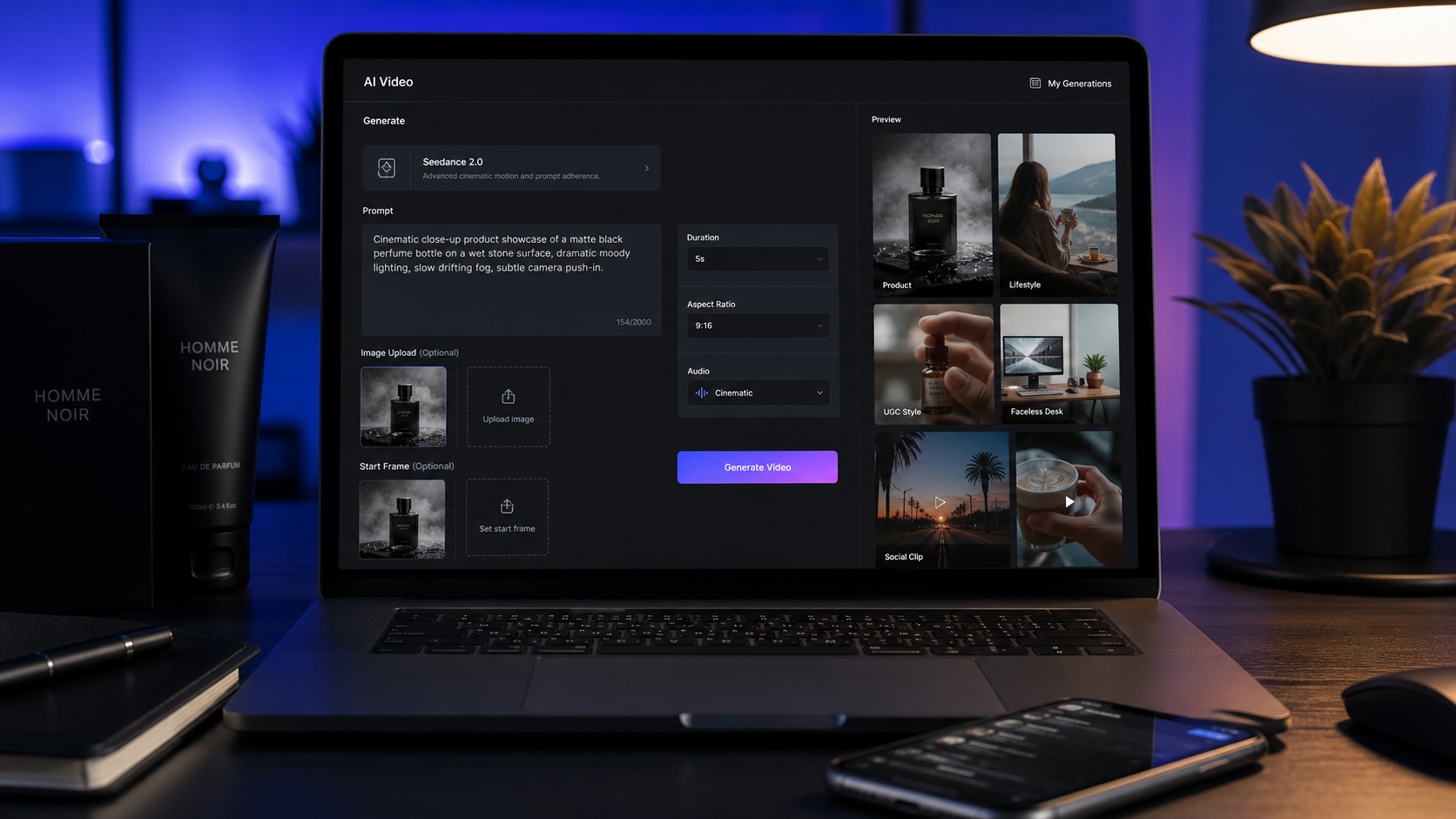
A luxury perfume bottle stands on a reflective black platform, soft spotlight from above, faint mist drifting around the glass, macro close-up, slow rotating camera, elegant beauty-commercial style, warm highlights and deep shadows.
This prompt works because every detail supports the same direction. The product, lighting, camera movement, and mood all point toward a premium commercial look.
A common mistake is combining too many styles that fight each other. For example, “realistic documentary, anime fantasy, horror noir, bright cheerful comedy, cyberpunk fashion commercial” gives the model too many conflicting signals. Choose one main style and two or three supporting details.
For HappyHorse 1.0 prompts, think of style as a focused visual promise. Do you want the clip to look like a film scene, a product ad, a social media short, a fantasy trailer, or a realistic talking-head video? Once you know that, every word in the prompt should support the same goal.
Common Prompt Mistakes to Avoid
The most common problem in AI video prompts is vagueness. Words like “beautiful,” “cool,” “amazing,” or “cinematic” can help, but they are not enough by themselves. A prompt becomes stronger when it explains what beauty or cinema means in the scene: golden light, shallow depth of field, rain reflections, slow camera movement, expressive close-up, or dramatic composition.
Another common mistake is overloading the prompt with too many actions. AI video clips are usually short, so the prompt should not try to fit an entire movie into ten seconds. Instead of asking for a character to wake up, run outside, fight a monster, fly into the sky, and deliver a speech, focus on one clear moment.
Contradictory instructions also reduce quality. A prompt such as “the character stands perfectly still while running quickly” creates confusion. So does “static camera with dramatic handheld movement.” When writing for a Happy Horse AI workflow, keep the action and camera logic consistent.
Many users also over-describe static details while forgetting motion. For video, motion is essential. A beautiful room description is useful, but the prompt should also explain what moves: a person turns, curtains flutter, steam rises, the camera pulls back, or shadows shift across the wall.
A weaker prompt might be:
A cool girl in a city, cinematic, high quality.
A better prompt would be:
A stylish young woman walks through a modern city at night, neon reflections on wet pavement, her coat moving slightly in the wind, medium tracking shot, cool blue and magenta lighting, confident mood, realistic cinematic style.
The better version is not much harder to write, but it gives the model a far clearer plan. This is the real goal of prompt writing: reduce guesswork.
Copy-Paste HappyHorse Prompt Examples
The following examples can be adapted for HappyHorse-style prompting. They are designed to show how the formula works across different use cases.
Cinematic Drama Prompt
A tense reunion between two former lovers inside a quiet Paris café at sunset. Warm golden light pours through arched windows, half-empty coffee cups sit between them, and both characters avoid direct eye contact at first. The camera slowly pushes in from a medium-wide shot to a close-up as the woman finally looks up and smiles faintly. Soft background chatter, shallow depth of field, elegant romantic-drama style, 35mm film look.
This prompt works well because it includes scene, subject, emotion, motion, camera, lighting, and sound atmosphere. It is detailed but still focused on one dramatic moment.
Urban Action Prompt
A young man runs through a rainy neon-lit alley at night, splashing through puddles as red and blue signs reflect across the ground. The camera tracks beside him with slight handheld movement, then briefly shifts to a low-angle shot as he turns a sharp corner. Fast pacing, cool cyberpunk lighting, realistic action-film style, distant traffic and rain ambience.
This is a useful structure for action because the camera and subject move together. The style is clear, and the prompt does not overload the scene with too many story events.
Fantasy Scene Prompt
A silver-haired mage stands in an ancient forest at dawn, mist drifting between tall trees as glowing particles gather around her hands. Her cloak moves gently in the wind while she raises a wooden staff toward the sky. The camera slowly orbits around her, soft golden sunrise light filtering through the branches, ethereal fantasy atmosphere, subtle magical hum in the background.
This example shows how fantasy prompts can stay grounded. Instead of listing many magical effects, it focuses on one subject, one action, and one camera move.
Product Commercial Prompt
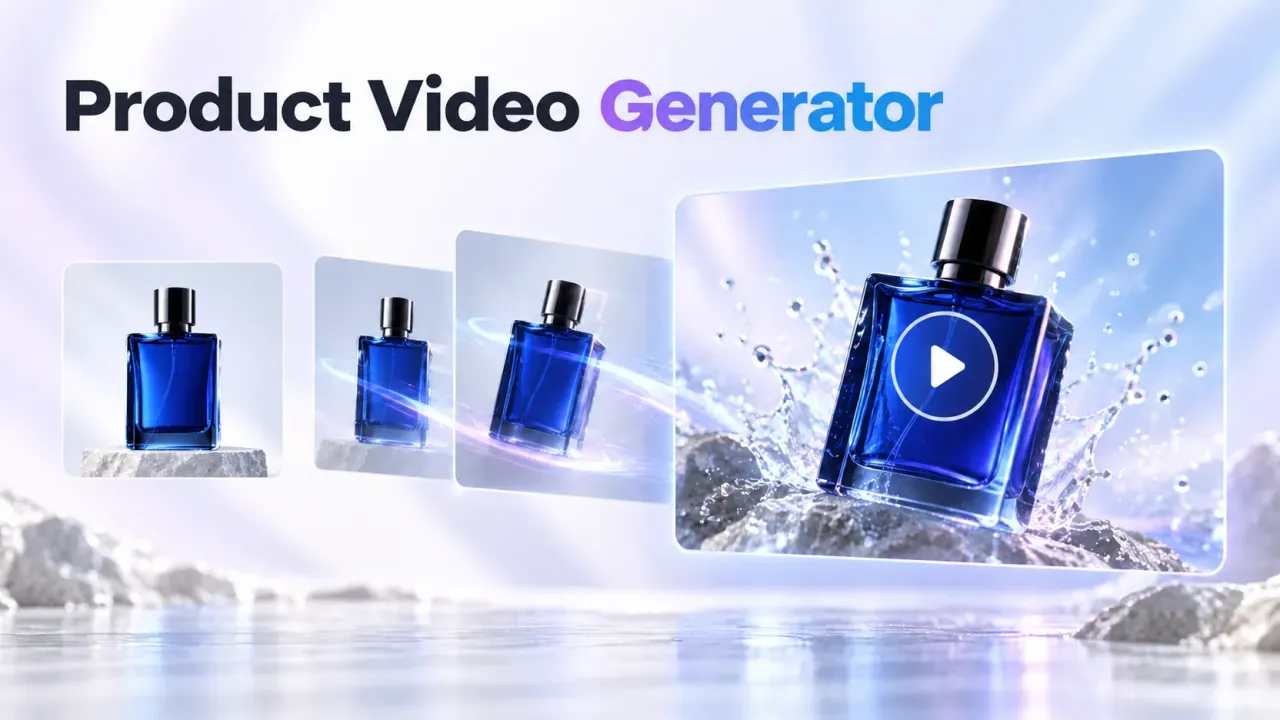
A luxury perfume bottle rotates slowly on a glossy black reflective platform, soft spotlight from above, faint mist surrounding the base, macro close-up revealing glass texture and golden liquid inside. The camera slowly pushes in as highlights move across the bottle surface. Elegant premium beauty-ad aesthetic, clean studio background, quiet luxurious atmosphere.
Product prompts should protect clarity. The subject must remain visible, the motion should be controlled, and the lighting should emphasize texture.
Social Media Talking-Head Prompt
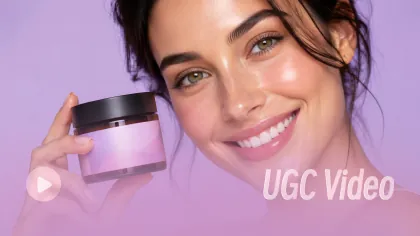
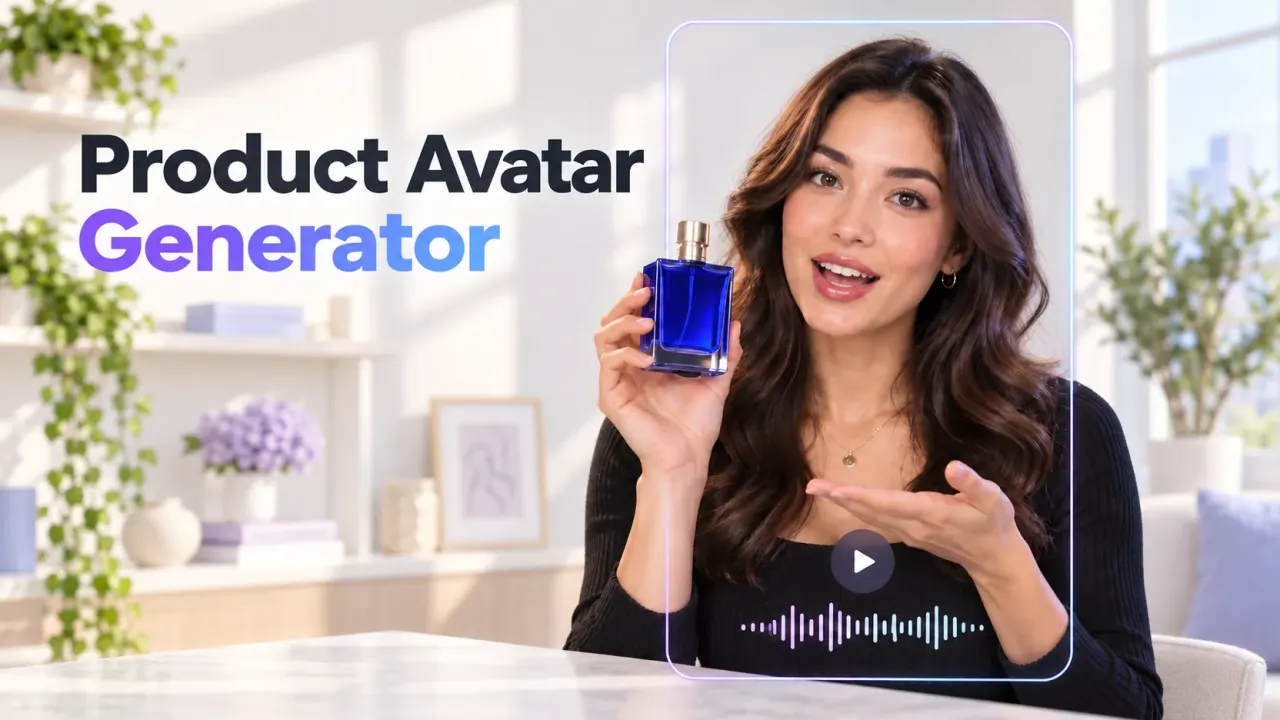
A cheerful skincare creator sits in a bright modern studio, holding a small product bottle beside her face. She smiles naturally and gestures with one hand while speaking to the camera. Medium close-up shot, soft beauty lighting, clean background, energetic social media tone, realistic facial expressions, polished influencer-video style.
For social media content, natural expression and clean framing matter more than complex camera movement. This prompt keeps the result direct and usable.
Short Drama Dialogue Prompt
Inside a dim private jet cabin at sunset, an older businessman in a black suit sits across from a nervous young rival. Golden-red clouds glow outside the window. The older man slowly swirls a glass of whisky and leans forward, saying in a calm, dangerous voice, “There are two paths, and only one leaves you free.” The camera pushes in slowly from the side, tense atmosphere, luxury thriller style.
This example uses dialogue, scene contrast, and slow camera movement to create character tension. It is especially useful for short drama or cinematic ad concepts.
Prompt Writing Tips Summary
The best HappyHorse prompts are not always the longest prompts. They are the clearest prompts. Start with the scene, define the subject, describe one main motion, add camera direction, then finish with lighting, mood, and style. When needed, include sound, speech, or atmosphere.
Think like a director rather than a keyword collector. Instead of stacking popular terms, ask what the viewer should see in the first second, what should change during the clip, and what emotional impression should remain at the end.
For users searching for a practical video prompt generator method, the formula is simple:
Where is it? Who is there? What happens? How is it filmed? What does it feel like?
Once those five questions are answered, the prompt becomes much easier for an AI video generator to follow.
Recommended Tool: Prepare Visual References With Flyne AI
Before generating video, many creators benefit from preparing still visuals first. A strong image reference can clarify the character design, product angle, lighting mood, background composition, or overall art direction. That is why Flyne AI’s AI Image Generator is a practical companion for HappyHorse-style prompt planning, especially for creators who want an AI image generator to build concept frames before video production.
You can use it to create concept frames for short films, product ads, fantasy scenes, social media visuals, or character looks. After that, you can convert the still concept into a more detailed motion prompt by adding action, camera movement, and atmosphere. When the related model becomes available on Flyne AI, this image-to-video planning process can become even more useful for creators who want a smoother workflow from idea to final clip.
More Models and Tools to Explore
For creators who want to keep testing visual AI workflows, Flyne AI is worth following as a model and tool platform. Along with its image-generation workflow, users can explore Nano Banana AI for concept development, Nano Banana 2 for additional image-generation experiments, and the AI Image Generator for building prompt-ready visuals.
These tools can help creators build stronger visual foundations before moving into video prompting. A clearer still image often leads to a clearer video idea, and a clearer video idea usually leads to a better prompt.
Related Article
- How to Turn Static Images Into Better Video Storyboards
- AI Image Prompt Tips for More Consistent Characters
- Best Ways to Build Moodboards Before Text-to-Video Creation
- Cinematic Prompt Writing Tips for Social Media Videos
- How to Use AI Visual References for Product Ad Creation
People Also Read
- How to Generate TikTok Videos With Better Prompt Structure
- Best Prompt Formula for Text-to-Video AI Tools
- Image-to-Video Tips for Product Commercials
- How to Write AI Prompts for Realistic Camera Movement
- Social Media Video Prompt Examples for Short-Form Content
- How to Build a Visual Style Guide Before AI Video Generation