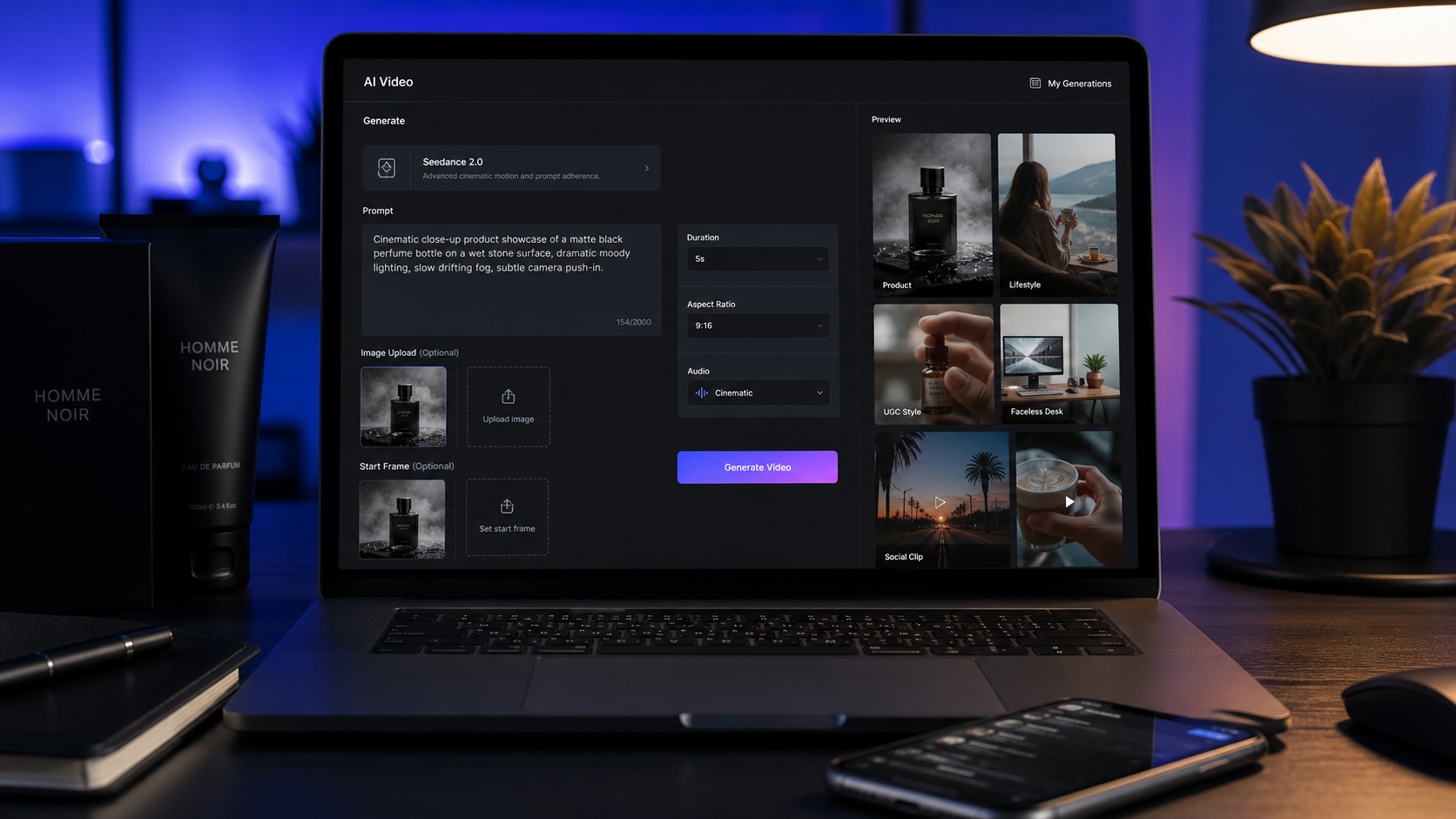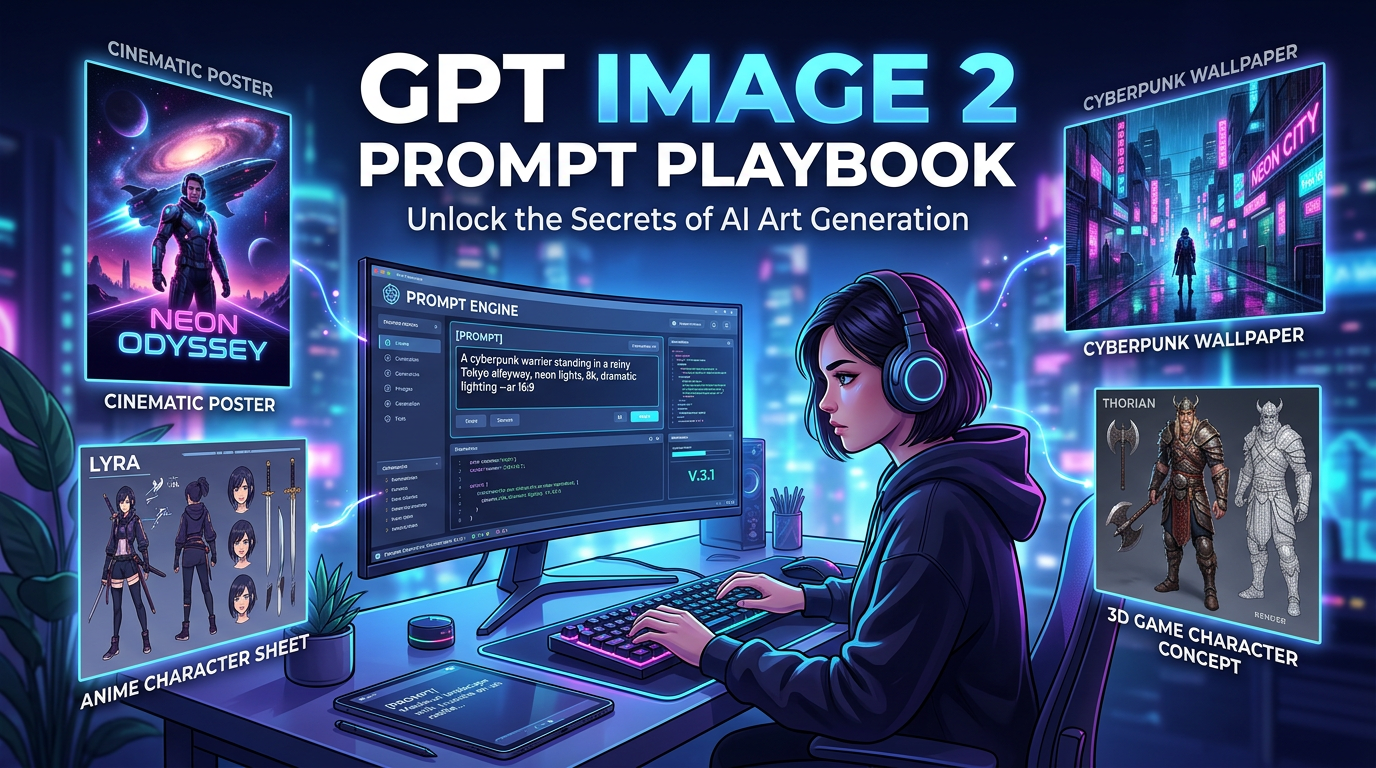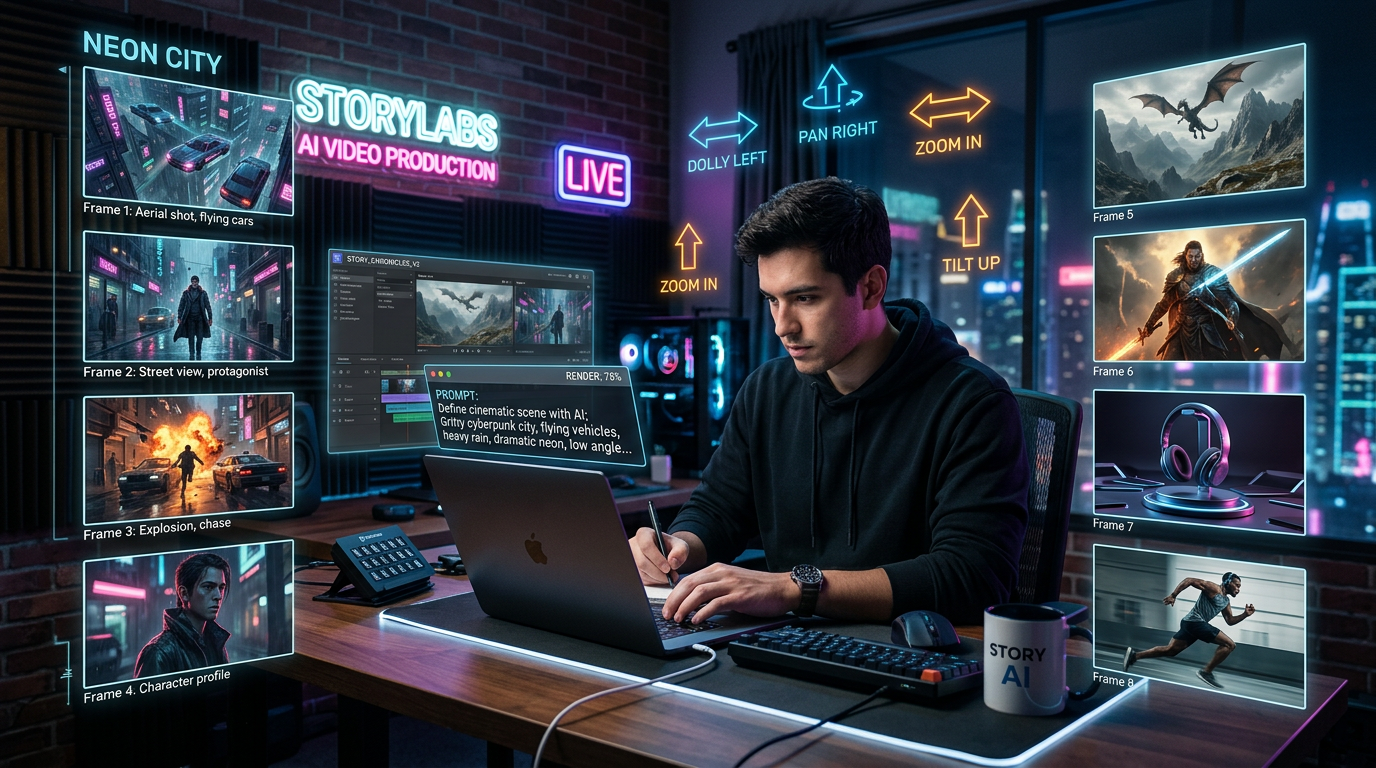
AI 足球影片生成可協助球迷、創作者、體育行銷人員、電商團隊、UGC 廣告主、迷因頁面與社群媒體管理者,把足球點子變成可發布的短片。以 Flyne AI 作為主要平台,你可以圍繞 AI Video Generator、Photo to Video、AI Text to Video Generator、Video to Video、Seedance 2.0、Kling 3.0、Kling Motion Control、以及 Higgsfield AI 建立工作流程。
本指南聚焦於實用的足球球迷短片、比賽夜社群影片、產品廣告、UGC 風格宣傳、電影感足球場景、無臉足球影片,以及圖轉影動畫。在發布前,請到即時頁面確認模型可用性、價格、點數、浮水印規則、商用權利、平台政策、真人肖像授權,以及官方足球品牌規範。
快速摘要:AI 足球影片生成最適合用在哪裡
當你需要短小、充滿能量的足球內容,但又不想依賴官方比賽畫面或真實球員肖像時,AI 足球影片生成最有用。足球 AI 影片製作工具可以幫你草擬觀賽派對短片、通用球迷反應、產品宣傳、電影感訓練場景、迷因風格片段,以及適用於 Shorts、Reels、TikTok、付費廣告或社群頁面的足球海報動畫。
當你希望在同一個地方擁有多種創作路徑時,可使用 Flyne AI 作為工作流程中樞。用 text-to-video 產生全新場景;當你已經有海報或產品圖片時,用 football photo to video AI;想做風格改造時用 video-to-video;當參考動作很重要時,使用 motion-control 工作流程。
重點整理:
- 使用 AI Video Generator 或 AI Text to Video Generator 進行以提示詞為主的足球短片 AI 生成。
- 使用 Photo to Video 進行足球圖轉影 AI、球迷海報動畫、產品揭露,以及 AI 足球圖片動畫。
- 當你想把自有或已授權的片段轉換成新的視覺風格時,使用 Video to Video。
- 想做可控的社群短片、UGC 風格草稿與無臉足球影片點子,可測試 Seedance 2.0。
- 若優先考量電影感運鏡或引導式動作,測試 Kling 3.0 與 Kling Motion Control。
- 需要以特效驅動的足球視覺可使用 Higgsfield AI,但發布前務必仔細審核輸出。

如何用 Flyne AI 製作足球短片
最簡單的流程是先選足球短片類型,再選生成模式。球迷反應影片、足球食品廣告、電影感訓練場景需要不同的輸入、節奏與審核項目,所以不要只從挑模型開始。
- 定義使用情境。選擇一個目的地:球迷短片、迷因影片、比賽夜宣傳、電商產品廣告、UGC 風格足球宣傳、無臉教學,或電影感場景。
- 選擇輸入模式。新虛構場景用 text-to-video;產品圖或足球海報用 photo-to-video;自有片段用 video-to-video;特定手勢、舞蹈、走路、慶祝或踢球姿勢用 motion control。
- 設定格式。TikTok、Reels、Shorts 與 UGC 廣告用 9:16。部落格封面、YouTube 縮圖、活動預覽與編輯示例用 16:9。
- 撰寫可控的提示詞。說清楚主體、場景、鏡頭運動、光線、動作、節奏與安全限制。
- 先做小測試。先生成短片,再投入更多點數或時間做變體。
- 匯出前審核。檢查動作穩定性、主體一致性、臉部、手部、標誌、文字、產品外觀、浮水印狀態與發布權利。
例如,足球影片 AI 工具可以把一個通用的觀賽派對點子變成 6 秒的直式球迷反應。足球海報轉影片 AI 工作流程可以保留海報版面,同時加入視差、球場燈光、彩帶與鏡頭飄移。最好的輸出通常來自精準的創意簡報,而不是像「做一支爆紅足球影片」這種寬泛提示。

適用於球迷短片、廣告與電影感場景的最佳 Flyne AI 工作流程
Flyne AI 的強項更像是實用的模型與工作流程切換台,而不是單一用途的 AI 足球影片生成器。正確的工作流程取決於你需要速度、保留圖片、動作控制,或電影級質感。
以文字轉影片建立新的足球場景
當你想從零創作虛構場景時,使用 AI Text to Video Generator。它適合用於點球緊張感短片、虛構球迷反應、無臉足球影片、球場燈下訓練場景與通用比賽夜宣傳。除非你擁有相關權利且事實已核實,否則提示詞中不要加入真實球隊、官方賽事名稱、球員肖像或捏造的比賽細節。
以圖轉影處理海報、產品圖與球迷照片
當你已經有一張需要保持可辨識的圖片時,使用 Photo to Video。這是足球球迷圖轉影、產品靜物圖、足球海報動畫、圍巾與零食擺拍,以及圖轉影動畫的最佳路徑。明確告訴模型哪些元素要保留,然後只描述你要新增的動作。
以影轉影改造自有或已授權的來源片段
只在你擁有、已授權或明確允許可改造的素材上使用 Video to Video。避免上傳轉播畫面、比賽精華、真實球員片段,或受版權保護的體育電視台疊圖,除非你已取得授權。
Seedance 2.0、Kling 3.0、Kling Motion Control 與 Higgsfield AI
當你想做可直接上社群的提示詞產出、UGC 風格足球點子與無臉足球影片草稿時,使用 Seedance 2.0 來製作 Seedance 2.0 足球影片。當你重視電影感動作與場景精緻度時,使用 Kling 3.0 進行 Kling 3.0 足球影片測試。當參考動作需要引導虛構吉祥物、球迷或球員剪影時,使用 Kling Motion Control 做 AI 足球動作控制。想要 Higgsfield 足球影片特效(如高能量動態鏡頭、風格化揭露、電影感轉場)時,使用 Higgsfield AI。
製作前請查看 Flyne 即時模型頁面與 Flyne AI Pricing,因為模型可用性、點數成本、解析度、時長、浮水印行為與商用條款可能會變更。

可重複使用的 Flyne AI 足球影片提示詞
好的足球影片提示詞會對動作、場景安全與輸出格式描述得很具體,同時避免暗示官方贊助、賽事隸屬、真實比賽畫面或真實球員代言。
可重複使用的足球影片提示詞公式:
Create a [duration] football-themed AI video for [platform/use case]. Show [fictional player / fan / coach / mascot / product / football object] in [scene]. Use [camera movement], [motion style], [lighting], [mood], [editing rhythm], and [aspect ratio]. Make it feel like [match night / watch party / celebration / suspense / product ad / meme clip]. Avoid official FIFA logos, real team badges, real player likenesses, broadcast footage, fake scores, and copyrighted slogans.
圖轉影公式:
Use this uploaded football image as the reference. Preserve [subject / product / fan pose / poster layout / football object / outfit / background] while adding [camera motion / crowd lights / flag movement / celebration energy / slow-motion action / product reveal]. Keep the video realistic, social-ready, and brand-safe. Avoid distorted faces, extra limbs, official marks, team logos, unreadable text, and fake match overlays.
動作控制公式:
Use this reference image as the subject and this reference video as the motion guide. Transfer the [walk / celebration / dance / gesture / kick pose / crowd reaction] naturally while preserving the subject's appearance and scene style. Keep motion smooth, body proportions stable, and camera movement controlled.
提示詞範例:
- Create a 6-second vertical football fan reaction video. A fictional fan jumps from the sofa after a last-minute goal, warm watch-party lighting, handheld phone-camera feel, snacks on the table, no team logos, 9:16.
- Create a cinematic football training clip. A fictional player practices alone under stadium lights, slow camera push-in, rain mist, dramatic shadows, realistic motion, no real player likeness.
- Use this football poster as the reference. Add parallax stadium lights, subtle confetti, crowd energy, and a smooth camera drift while preserving the poster composition.
- Create a 5-second penalty suspense clip. A football rests on the penalty spot, stadium lights pulse, crowd blur in the background, slow dolly-in, cinematic tension, no broadcast graphics.
- Create a football product ad for [product]. Show the product on a table during a watch party, cheering fans in the background, quick close-up, energetic social-ad pacing, no official tournament marks.
- Create a UGC-style football promo. A fictional creator says the product is ready for match night, fast cuts, casual room lighting, realistic hand movement, clear product close-up, no logos.
- Create a faceless football tutorial clip. Show hands arranging a game-night setup, remote, snacks, football scarf in generic colors, smooth top-down camera movement, captions added later.
- Create a meme-style "VAR check panic" video. Fictional fans freeze in silence, then explode into celebration, fast zoom, comedic timing, generic stadium background, no official branding.
- Create a football celebration dance video using Kling Motion Control. A fictional mascot follows a simple celebration motion, smooth body movement, stable camera, bright stadium lighting.
- Create a football fashion lookbook clip. A fictional fan wears a generic sports jacket, walks through a city at night, stadium-style lights in the background, editorial camera motion, no team badge.
- Create a 6-second football food ad. A plate of snacks sits beside a football-themed watch-party setup, steam and light movement, appetizing close-ups, energetic match-night atmosphere.
- Create three short football video variants from the same image: one cinematic, one meme-style, and one product-ad style. Keep the subject stable and change only motion, lighting, and pacing.
想更深入優化提示詞,可參考 Flyne 的相關指南:Seedance 2.0 prompts、controlled Seedance 2.0 results、faceless Seedance 2.0 videos、Kling 3.0 workflows、Kling 3.0 vs Seedance 2.0、以及 Higgsfield effects。

足球 AI 影片的品牌安全、權利與發布前檢查
在足球內容中,品牌安全更為重要,因為官方賽事、俱樂部識別、球員、轉播單位與贊助商都受到嚴格保護。FIFA 的官方品牌保護資料指出,未經授權的 FIFA IP 商用使用,以及會造成與世界盃活動存在未經授權關聯的行銷,可能會引發問題,尤其是在商業促銷情境下。
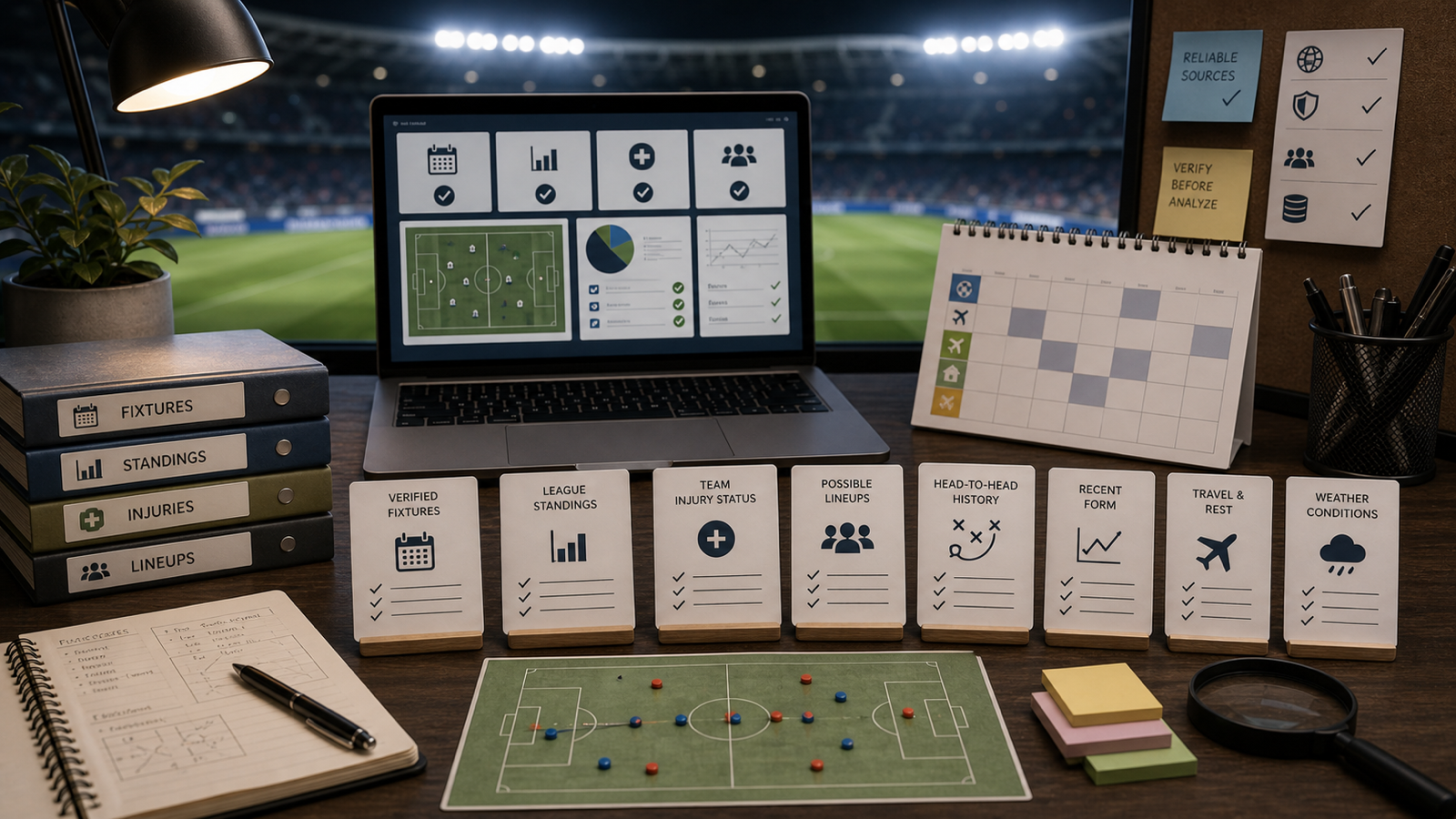
發布前請使用以下審核清單:
- 官方標誌:避免 FIFA 標誌、世界盃徽章、獎盃複刻品、吉祥物、主辦城市標誌、賽事標語與官方字體,除非已取得授權。
- 球隊識別:避免真實俱樂部隊徽、國家隊徽章、球衣、贊助商、足協標誌,以及會明顯暗示受保護球隊身份的配色與版型。
- 真實人物:避免真實球員肖像、名人臉孔、公眾人物,以及聲音或代言暗示,除非權利已清楚取得。
- 來源素材:未經許可不要使用轉播畫面、比賽截圖、體育電視台圖像、真實記分板或精華片段。
- 真實性:不要捏造比分、排名、賽程、傷病、轉會或突發新聞式的宣稱。
- 商用審查:確認目前 Flyne 條款與目標平台規範下,你的生成結果是否可用於廣告、電商、UGC 活動或贊助貼文。
- 輸出審核:發布前檢查臉部、手部、四肢、球的運動、產品外觀、字幕、標誌、浮水印與畫面比例。
若你的內容會引用正在進行的賽事情境,請透過以下來源核對官方資訊:FIFA Brand Protection、FIFA World Cup 26 IP Guidelines、FIFA World Cup 2026 Match Schedule、FIFA World Cup 2026 Scores & Fixtures、以及 FIFA World Cup 2026 Standings。社群發布也請同步檢查你要發布的平台最新規範。

FAQ 與結論:選擇合適的足球 AI 影片製作工具
製作足球球迷短片時,最佳的 Flyne AI 工作流程是什麼?
虛構球迷反應、迷因短片、點球緊張感與電影感訓練場景用 text-to-video。當你已經有球迷圖片、海報、產品照片或觀賽派對佈置需要動起來時,用 photo-to-video。
我可以把 AI 足球影片用於產品廣告嗎?
通常可以,但在發布前你應該確認最新的 Flyne AI 價格、點數、浮水印規則、商用條款,以及投放平台政策。同時把官方足球品牌元素、真實球員肖像與未經授權的活動關聯從創意中移除。
Seedance 2.0 做足球影片會比 Kling 3.0 更好嗎?
應以工作流程需求來看,而非絕對高下。Seedance 2.0 足球影片流程可能更適合提示詞主導的社群短片與無臉點子;Kling 3.0 足球影片流程可能更適合測試電影感動作與視覺精緻度。在投入活動之前,先用短片測試比較。
什麼時候該使用 Kling Motion Control?
當動作比場景描述本身更重要時,使用 Kling Motion Control 足球影片工作流程。它特別適合慶祝舞、吉祥物動作、手勢轉移、走路循環、觀眾反應,以及使用虛構或已授權主體進行受控動作參考。
我可以製作含真實球隊或 FIFA 世界盃品牌的足球影片嗎?
只有在你具備所需權利並已核對相關官方指南時才應這麼做。對多數球迷、創作者與商業工作流程而言,更安全的做法是採用通用足球文化:虛構球迷、通用球場燈光、中性色球衣配色、無官方標誌、無真實球員肖像。
當創意簡報夠精準、輸入權利乾淨、最終審核嚴格時,AI 足球影片生成效果最好。使用 Flyne AI 測試 text-to-video、football photo to video AI、video-to-video、Seedance 2.0、Kling 3.0、Kling Motion Control 與 Higgsfield AI 工作流程,並在確認模型可用性、價格、點數、浮水印、商用權利、足球品牌規範與平台規則後再發布。