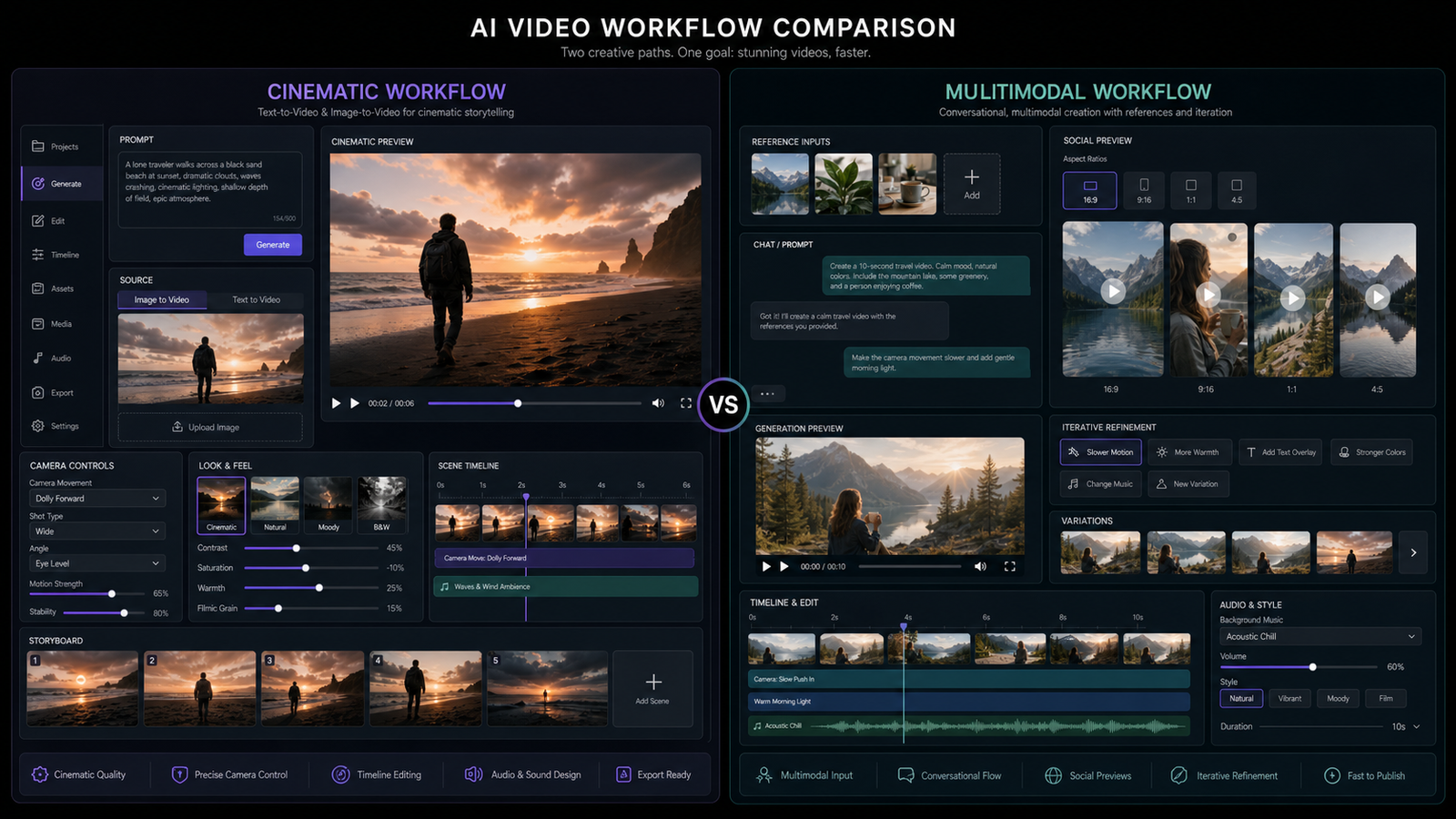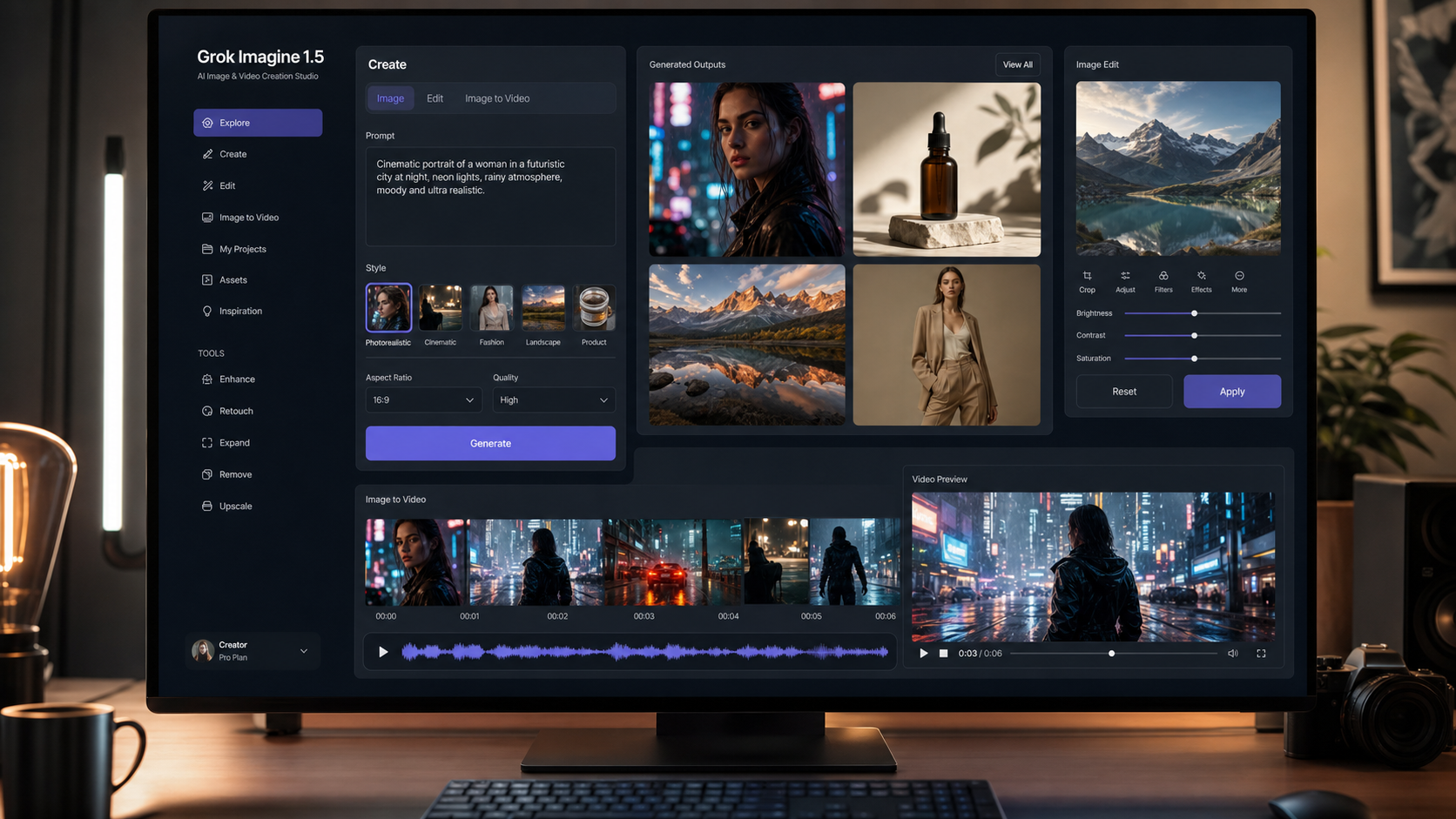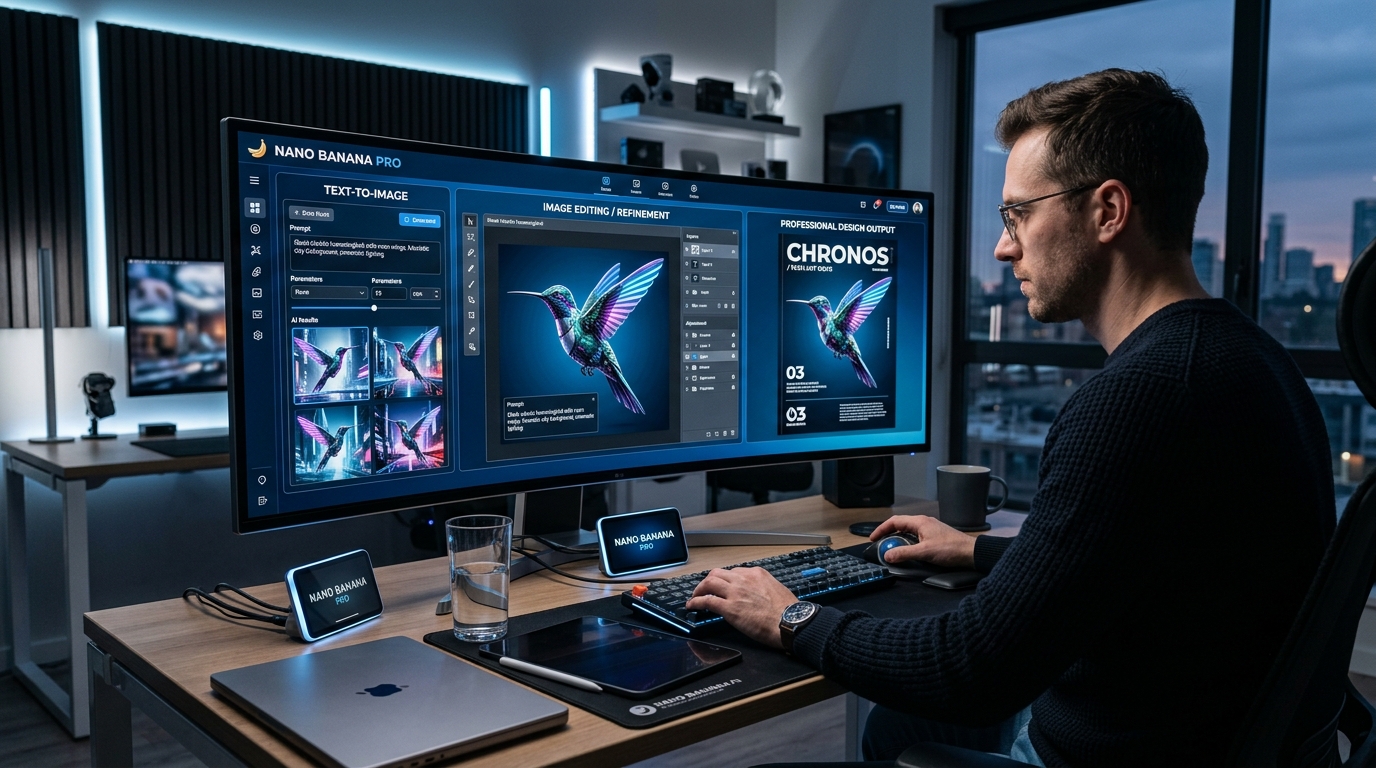
Higgsfield has just rolled out its own Nano Banana Pro page, which is a useful signal for anyone tracking where advanced AI image generation is heading. When a platform gives a model its own dedicated landing page instead of treating it as one more option in a crowded list, it usually means that model is becoming important enough to stand on its own.
That is the case here. Nano Banana Pro is being positioned less like a novelty image generator and more like a practical creative tool for people who need cleaner text, stronger prompt understanding, and more reliable editing results. If you have seen older AI image tools struggle with posters, labels, interface mockups, or brand-style consistency, that is exactly the kind of gap Nano Banana Pro is trying to close.
What is Nano Banana Pro?
In simple terms, Nano Banana Pro is Google’s higher-end image generation and editing model built for more demanding visual work. The easiest way to understand it is this: regular consumer image tools are often fine for moodboards and one-off fun images, while Nano Banana Pro is better suited for jobs where structure matters. That includes readable text, polished product visuals, presentation graphics, marketing mockups, and image edits that need to follow instructions more precisely.
That is why the model is getting attention across platforms. It is not just about making pretty images. It is about making images that obey the prompt more carefully and hold together better when the request becomes more specific.
If you want a hosted version that is easy to test, Nano Banana Pro on Flyne AI is one of the more direct options right now.
Why Higgsfield’s launch matters
The news here is not merely that Nano Banana Pro exists. The real news is that Higgsfield is now framing it as a headline product. That matters because creator platforms usually spotlight models only when they believe users will actively search for them, compare them, and choose them for specific workflows.
Higgsfield’s framing also points to the model’s perceived strengths: faster premium-quality image generation, cleaner in-image typography, better subject consistency, and more controlled editing. In other words, the launch is part product page and part market signal. It tells creators that Nano Banana Pro is moving into the category of models worth choosing deliberately rather than testing casually.
What Nano Banana Pro is good at
Nano Banana Pro makes the most sense when the output needs to feel usable, not just interesting. A few examples:
- posters with readable headlines
- product mockups with controlled layout
- brand visuals with repeatable character or object consistency
- polished concept art for campaigns or pitch decks
- educational graphics, diagrams, and slide visuals
- image editing tasks where you want the model to preserve the core subject while changing style, lighting, or composition
This is also why it fits creators, marketers, designers, and solo founders better than people sometimes expect. A model like this is not only for artists. It is for anyone who needs visual output that looks intentional.
Three ways to use Nano Banana Pro
1. Use it through Google’s own ecosystem
The most direct path is Google’s native route. That is the best choice for users who want to stay close to the original model experience, especially if they are already experimenting with Google’s AI tools and developer-facing products. This route makes sense if you want the closest official environment and do not mind working inside Google’s own interface stack.
2. Use it directly on Flyne AI
For many people, the easier route is simply to use Flyne AI’s Nano Banana Pro image generator. The advantage here is convenience. Instead of thinking about ecosystem access first, you can focus on the task: enter a prompt, upload a reference image if needed, adjust the style, and generate.
This is especially useful for people who want a fast web workflow for creative testing, product visuals, social graphics, or style-led concept work. It lowers the friction between “I want to try this model” and “I have a result worth refining.”
3. Use it through other third-party platforms
The third path is to use Nano Banana Pro through platforms that package it differently. Some emphasize prompt templates, some lean into creator workflows, and some present the model as part of a broader AI creative suite. Higgsfield is the obvious example now, but it is not the only kind of third-party wrapper users may prefer.
This option is useful if you care about bundled tools, interface preference, or a platform-specific workflow. In practice, many creators do not choose a model in isolation. They choose the place where using that model feels easiest.
How to use Nano Banana Pro on Flyne AI
If your goal is to get results fast, Flyne AI offers a very practical workflow.
Start by opening the Nano Banana Pro model page on Flyne AI. From there, you can either begin with a text prompt or upload an image. That matters because some users want true text-to-image generation, while others want to transform or refine an existing visual.
Next, adjust the settings. This is where the workflow becomes more useful than a bare-bones model demo. You can steer the output toward photorealistic, illustrated, or concept-art directions, and refine visual elements like aspect ratio, tone, and lighting. That kind of control is often what separates a usable image from a merely impressive one.
Then generate the first version and evaluate it like a draft, not a final product. The best way to use a model like this is to iterate lightly. Keep the strong parts, change one or two variables, and generate again. If you are building campaign art, brand visuals, or repeated character scenes, this is where Nano Banana Pro’s consistency becomes more valuable.
If you want to compare it with a broader model hub afterward, Flyne also offers an AI image generator and an image-to-image AI workflow for adjacent use cases.
Why Flyne AI is a smart place to try Nano Banana Pro
The best reason is simple: it keeps the learning curve low while still giving you enough control to see what the model is good at.
That matters more than it sounds. Many users are not trying to become prompt engineers. They just want to know whether Nano Banana Pro can help them create better ad visuals, product images, presentation graphics, or polished concept art. Flyne AI makes that test fairly straightforward.
It also helps that the platform surfaces useful features clearly: multimodal input, style switching, subject consistency, and high-resolution output. That combination makes it easier to experiment without feeling like you need a long setup phase before the model becomes useful.
The other advantage is ecosystem fit. Once you test one workflow, it is easy to move into adjacent tools instead of starting over elsewhere. If Nano Banana Pro is your first stop, it can naturally lead into broader image generation, editing, or model comparison workflows on the same platform.
Final thoughts
Higgsfield launching a dedicated Nano Banana Pro page is a small but meaningful piece of news because it reflects where the model sits in the current market. Nano Banana Pro is no longer just another interesting AI image model. It is becoming a model people choose for specific reasons: better control, better text, better consistency, and more professional-looking output.
If you want the simplest takeaway, it is this: use the official Google route if you want the native experience, use Higgsfield or another third party if you prefer a platform-specific creative workflow, and try Nano Banana Pro on Flyne AI if you want one of the most accessible ways to see how the model performs in real-world creative work.
Related Article
- What Is Nano Banana 2 and How Does It Work?
- Nano Banana Pro Guide: 10 Best Image Prompts for Expert Use Cases
- GPT Image 2 Explained: What’s New and How It Compares With Nano Banana Pro
- FLUX.2 Pro vs Nano Banana Pro: Which AI Model Is Better for Image Editing?
People Also Read
- Nano Banana 2 API Guide: Pricing, Access, and the Best Way to Use It in 2026
- Nano Banana 2 vs Nano Banana Pro: What Changed and Which One Fits Your Workflow?
- 4K in a Blink: Nano Banana 2 Brings Ultra-High-Resolution AI Images to Your Workflow
- How to Use Sea Imagine AI’s Image Generator: A Beginner-Friendly Tutorial
- Best Prompt Guide for Nano Banana Pro: Copy-Paste Examples
- Nano Banana 2 vs Nano Banana Pro: Which AI Image Model Should You Use?