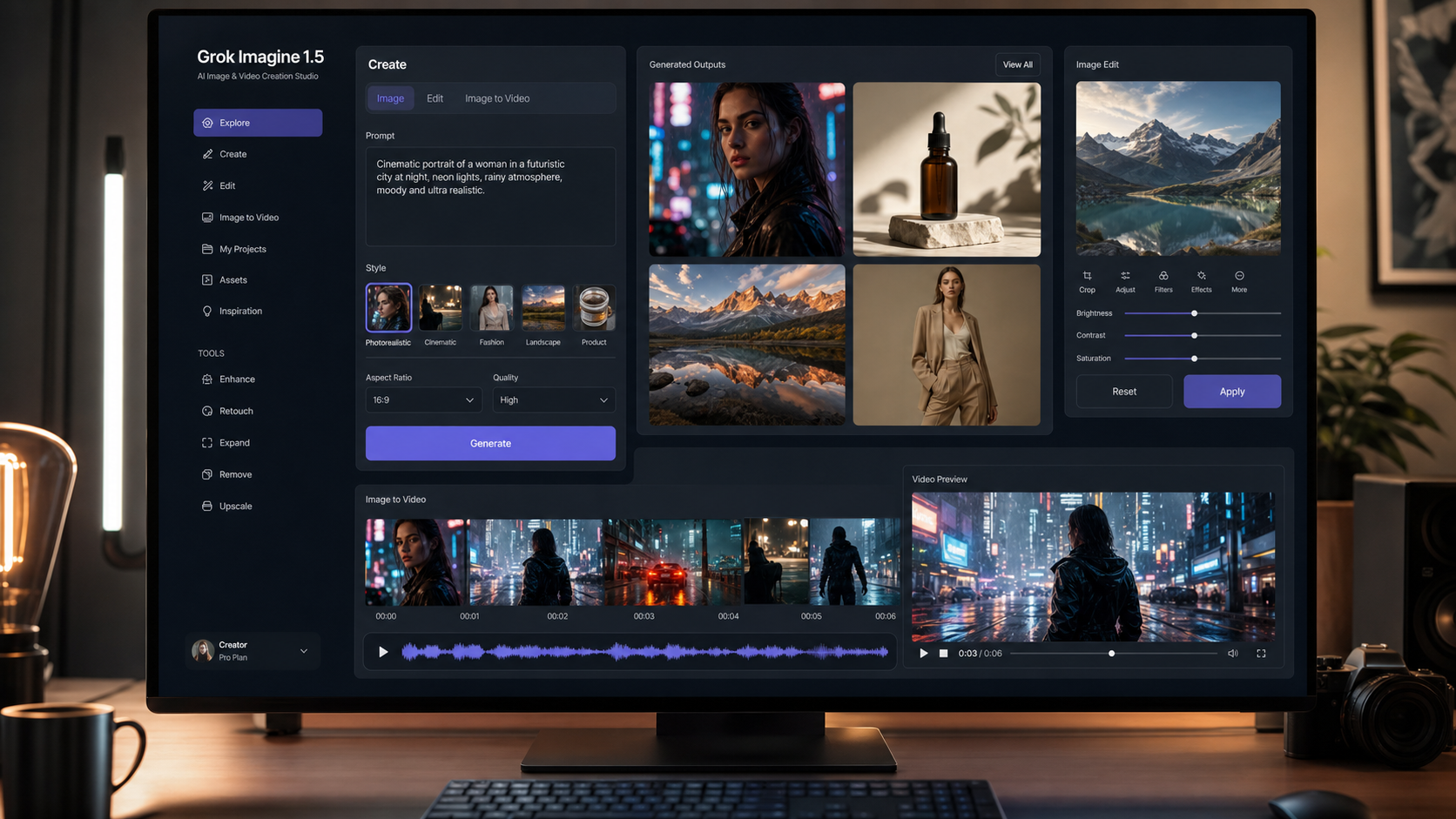
Grok Imagine 1.5 is useful to creators when it is treated as a practical image and video generation workflow, not as a magic one-click production system. Designers, marketers, AI artists, social media creators, product advertisers, and content teams can use this guide to understand where xAI Grok Imagine fits, how to write better prompts, and when to move from image generation into image-to-video production.
For creators who want to test multiple modern generation workflows in one place, Flyne AI is a useful hub. Its related tools include an AI image generator, an image-to-video workflow, a blog library for creator guides, and model pages such as Seedance 2.0 for teams comparing AI video options.
Quick summary: Use Grok Imagine 1.5 prompts like short creative briefs. Start with a strong still image, define motion clearly for video, review every output before commercial use, and use Flyne AI when you want image generation, image editing, image-to-video, and model testing workflows in one creator platform.

What Grok Imagine 1.5 Means for Image and Video Creators
Grok Imagine 1.5 points to the expanding role of xAI Grok Imagine in multimodal content creation: text-to-image, image generation, image editing, image animation, and video generation from visual ideas. For creators, the important question is not whether a model sounds impressive in isolation. The useful question is how it fits into an actual creative workflow.
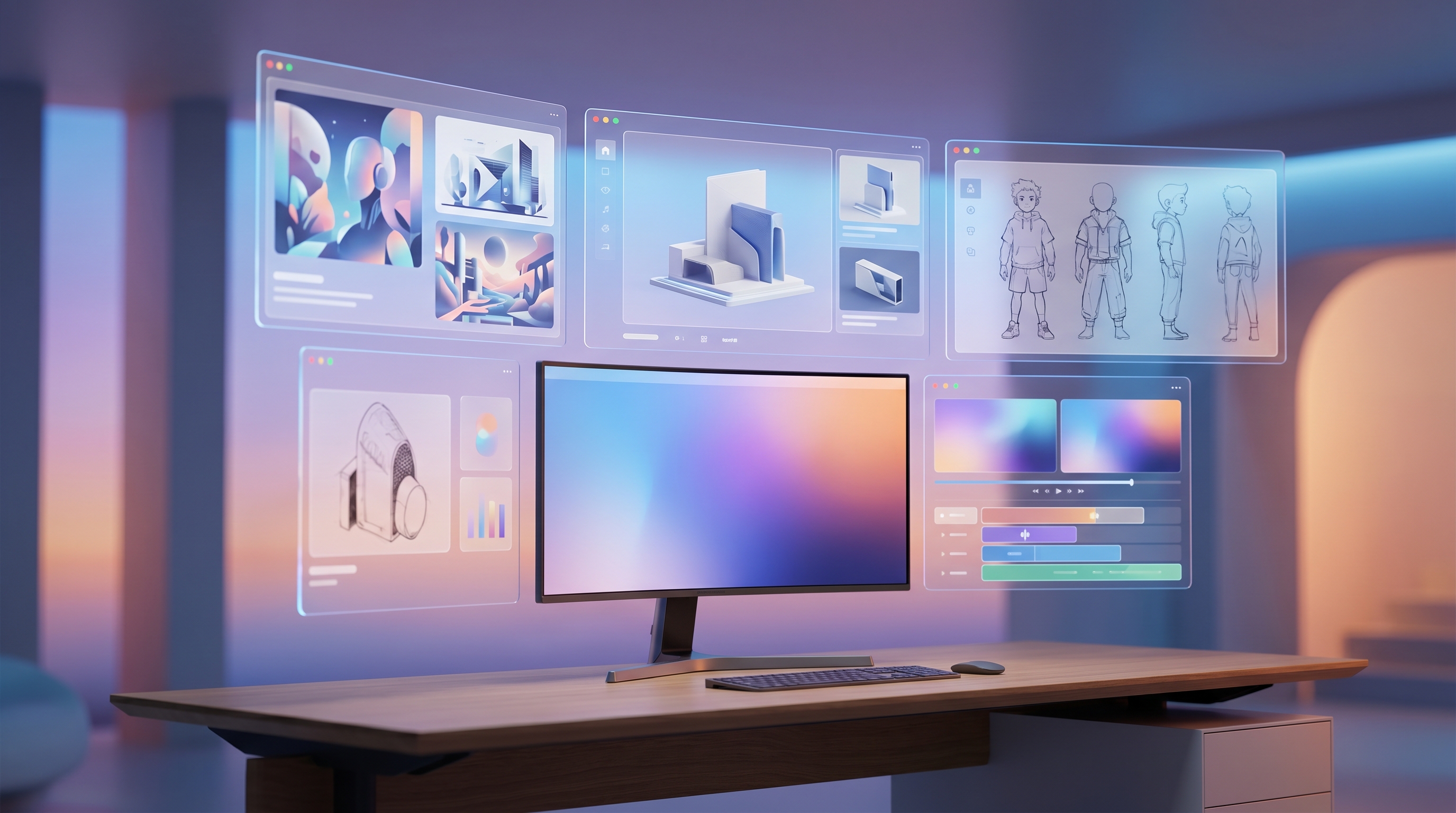
In a typical creator process, Grok Imagine AI generator workflows can begin with a written prompt, a rough concept, or an existing image. A designer may use it for photorealistic AI images, a marketer may use it for campaign moodboards, and a social creator may use it to turn a static product scene into a short video preview. When video and audio generation are available in the workflow, the same idea can move from still concept to animated draft faster than a traditional production cycle.
The strongest use cases are visual exploration and early production planning. Grok Imagine 1.5 image generation can help teams test product photography styles, editorial portraits, cinematic landscapes, ad scenes, thumbnails, and concept art. Image editing is useful when the first result has the right subject but needs a cleaner background, different lighting, a corrected composition, or a more specific commercial look.
The practical limit is consistency. AI-generated content can contain factual errors, visual artifacts, inconsistent character details, distorted anatomy, inaccurate text, or copyright-sensitive elements. Treat every result as a draft that needs review before it becomes a campaign asset, social post, client proof, or commercial deliverable.

Grok Imagine 1.5 Prompts: A Reusable Formula for Better Results
The best Grok Imagine 1.5 prompts describe a scene like a compact production brief. Instead of asking for a vague "beautiful product ad," specify the subject, environment, action, style, camera, lighting, mood, details, and quality expectations. This gives the AI image generator enough direction to create an output you can actually evaluate.
Use this reusable prompt formula:
Subject: [main subject].
Environment: [location].
Action: [movement or behavior].
Style: [photorealistic / cinematic / editorial / anime / illustration].
Camera: [close-up / portrait / wide shot / aerial].
Lighting: [soft daylight / golden hour / studio lighting / neon].
Mood: [luxury / dramatic / cheerful / realistic / futuristic].
Details: [materials, clothing, textures, colors].
Quality: highly detailed, realistic composition, clean background, professional quality.
Copy-to-use Grok Imagine 1.5 prompt examples:
- A luxury perfume bottle on polished marble, golden hour lighting, soft reflections, cinematic commercial photography, shallow depth of field, premium beauty advertisement.
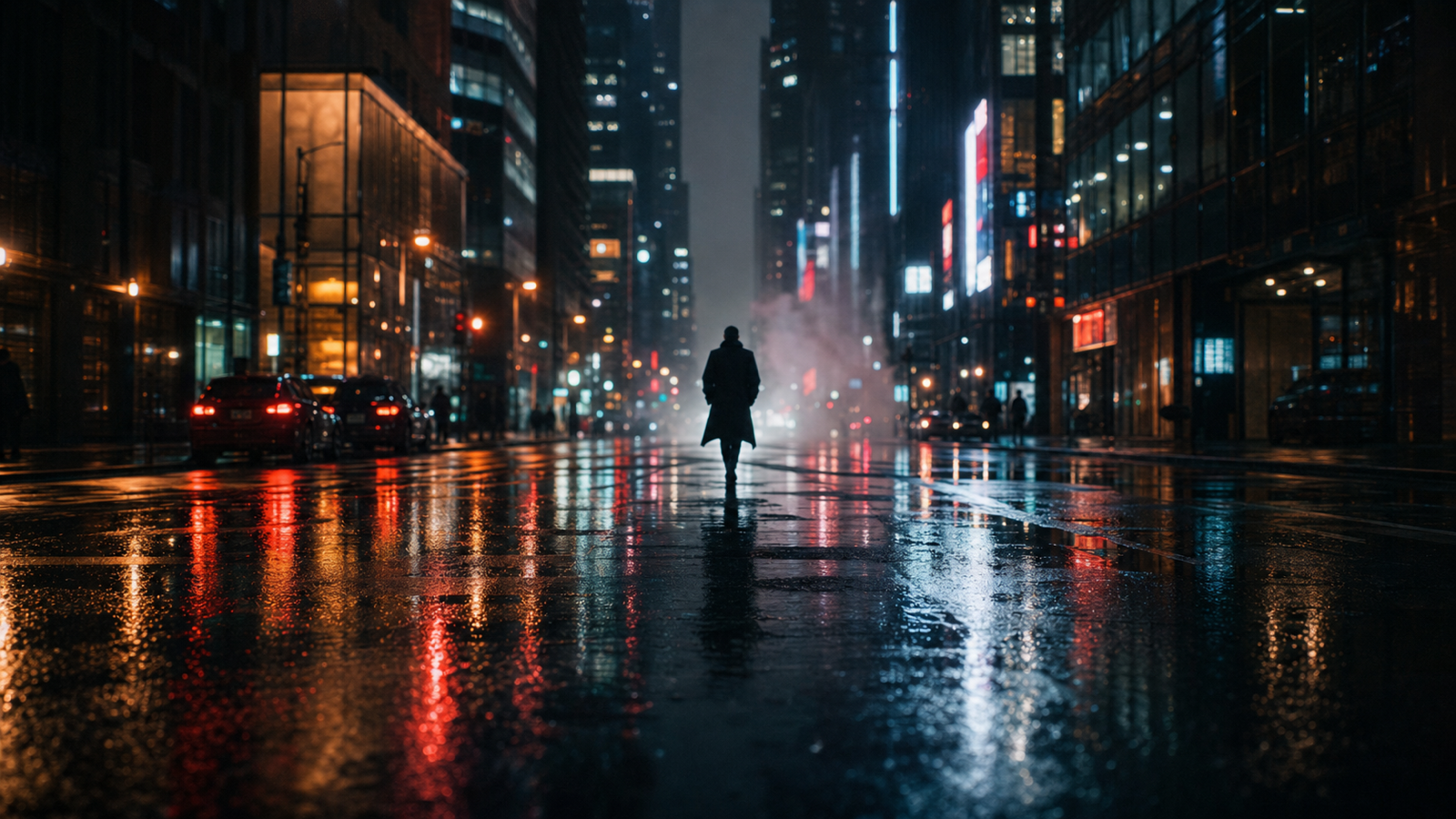
- A futuristic electric sports car driving through a neon-lit city street at night, reflections on wet pavement, dynamic motion blur, cinematic realism.
- A professional chef preparing sushi in an upscale restaurant kitchen, natural lighting, realistic food textures, documentary photography style.
- A modern workspace with laptop, coffee cup, notebook, and warm desk lamp, productivity aesthetic, photorealistic editorial photography.
- A mountain lake at sunrise with mist rolling across the water, ultra-realistic landscape photography, vibrant natural colors.
- A fashion portrait of a model walking through a luxury shopping district, soft sunlight, magazine-quality photography, realistic fabric details.
- A premium skincare bottle surrounded by water droplets and flowers, luxury product advertising, soft studio lighting.
- A cozy cafe interior with coffee, pastries, and warm sunlight through windows, lifestyle photography aesthetic.
- A futuristic robot assistant in a modern home office, realistic materials, cinematic lighting, high-end concept art.
- A tropical beach resort at sunset, luxury travel campaign, realistic ocean reflections, golden lighting.
- A fitness trainer demonstrating home exercises in a bright living room, social media content style, realistic motion.
- Animate this product image into a 6-second commercial video with subtle camera push-in, realistic reflections, natural motion, premium advertising aesthetic.
For AI image prompts, keep one main subject and one visual priority. If the output fails, revise one variable at a time: lighting, camera, background, material detail, or action. This is easier to diagnose than rewriting the entire prompt after every generation.

Image-to-Video AI Workflows: Turning Still Images Into Short Motion
Image-to-video AI works best when the still image already has a strong composition. A polished product image, portrait, interior, food scene, or landscape gives the video model a visual anchor, which helps the animation feel more intentional. If the starting image is messy, the video often inherits that mess and adds motion problems on top.
For a practical AI image to video workflow, start with a still image prompt, select the cleanest output, then write a motion prompt that describes one camera move and one subject action. Good motion instructions include "slow camera push-in," "subtle product rotation," "steam rising from coffee," "fabric moving in wind," or "light reflections shifting across wet pavement." Poor instructions ask for too many cuts, scene changes, or transformations in a few seconds.
When audio generation is part of the workflow, use it as an early creative layer rather than a final legal clearance step. Ambient sound, product sound, or subtle background music can help teams judge mood, but commercial publishing still requires rights review, platform policy checks, and brand approval. For paid ads, product pages, and client campaigns, replace uncertain audio with cleared assets or confirm the licensing path.
Flyne AI's image-to-video tool is especially relevant here because it lets creators think in a repeatable sequence: image concept, image review, motion prompt, video preview, revision, and export. The result is not just faster generation. It is a clearer decision process for teams that need to compare several creative directions.

How Grok Imagine 1.5 Compares With Other AI Generators in Real Workflows
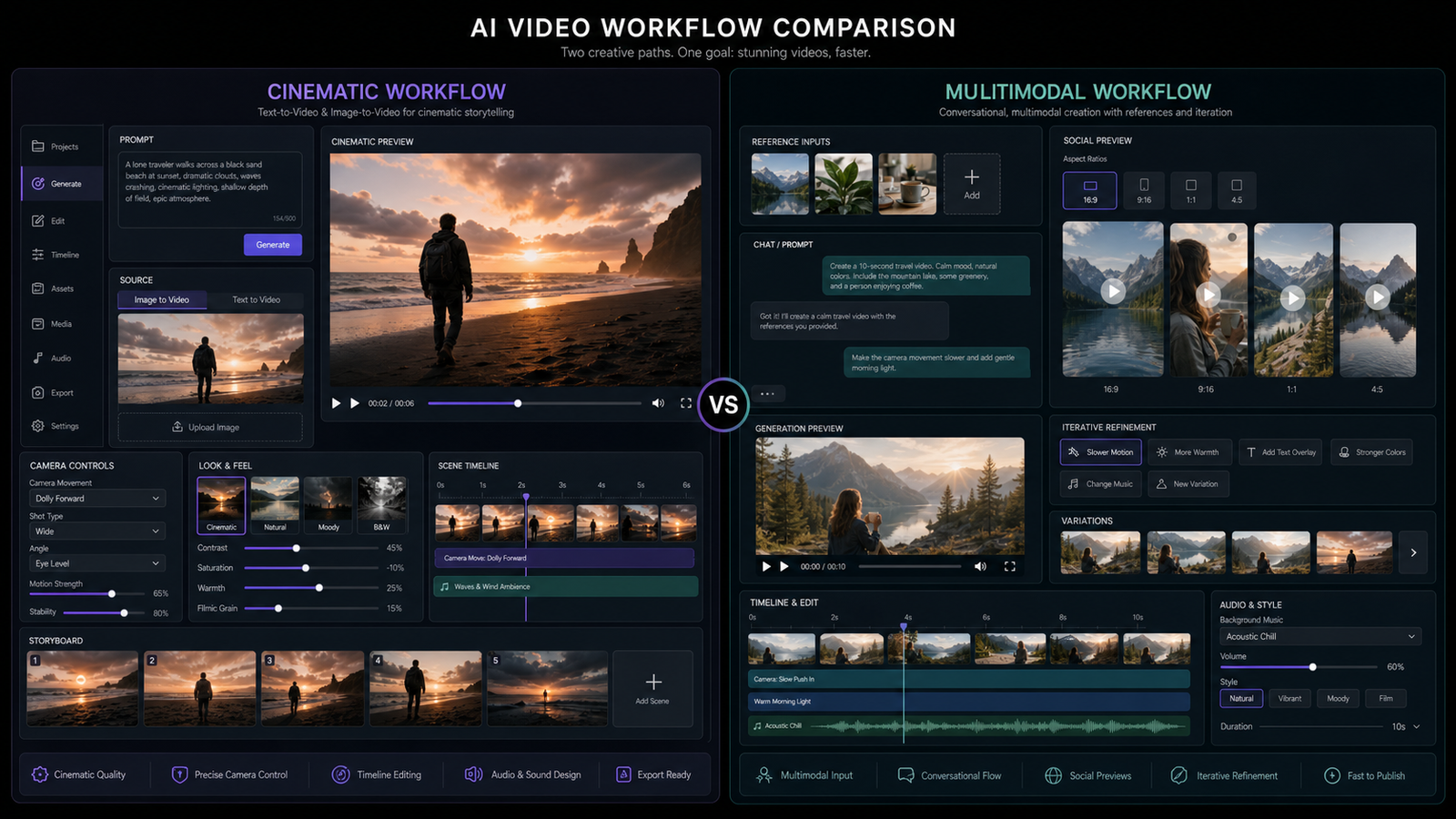
The fair way to compare Grok Imagine 1.5 with other AI generators is by creator scenario, not by unsupported benchmark numbers. A social media creator cares about speed, prompt following, style range, and easy iteration. A product advertiser cares about brand consistency, clean product details, review controls, and export quality. A designer may care most about editable composition and visual variety.
Grok Imagine 1.5 performs well when the goal is creative experimentation, photorealistic imagery, text rendering attempts, image editing, and image animation. It is less ideal when the project demands strict character consistency across many scenes, legally sensitive brand work, exact product packaging, or factual diagrams that cannot tolerate hallucinated details. In those cases, use generated content as concept material and keep human review in the loop.
Compared with a single-purpose text to image AI tool, a broader multimodal workflow can be more useful for teams because the same concept can move from still image to edited variant to video preview. Compared with a dedicated AI video generator, image-first workflows can give creators more control over the first frame, product placement, and composition. The trade-off is that each stage adds another review point.
Use this practical comparison framework:
| Workflow need | What to check |
|---|---|
| Product imagery | Shape consistency, reflections, packaging accuracy, background cleanliness |
| Fashion and portraits | Face consistency, anatomy, fabric detail, lighting, pose realism |
| Text rendering | Spelling, layout, brand-safe wording, whether text should be added later |
| Image editing | Whether edits preserve the subject, perspective, and commercial polish |
| Image animation | Camera motion, subject stability, frame-to-frame consistency |
| Audio generation | Rights, mood fit, voice quality, publishing suitability |
| Team production | Review steps, export needs, internal approval, repeatability |
This comparison approach helps avoid misleading "best AI generator" claims. The right tool depends on what the creator needs to ship, how much review is required, and whether the output is a concept, a social draft, or a commercial asset.

Practical Limitations: Consistency, Rights, and Commercial Review
Grok Imagine 1.5 can make creative work faster, but it does not remove the need for production judgment. AI creative generation often needs multiple passes because small artifacts can appear in hands, faces, product edges, reflections, signs, background objects, and generated text. A visually strong image may still be unsuitable if it changes a product shape, implies a false claim, or resembles protected characters or real people too closely.
Before commercial use, review outputs for these issues:
- Factual accuracy: Remove or correct invented labels, claims, data, signage, and product details.
- Visual artifacts: Inspect hands, eyes, teeth, joints, packaging, reflections, logos, and background objects.
- Character consistency: Check whether the same person, product, or object stays stable across edits or video frames.
- Text accuracy: Add important text in a design editor if generated text is inaccurate or unreadable.
- Intellectual property: Avoid copyrighted characters, celebrity likenesses, private images, and brand marks you do not have permission to use.
- Privacy and consent: Be careful with reference images of real people, private locations, or sensitive materials.
- Platform policy: Review rules for AI-generated content, disclosures, ads, political content, health claims, and synthetic media.
The safest workflow is to separate ideation from publishing. Use AI image generation workflow tools for exploration, then use design, editing, legal, and brand review before public release. This keeps the speed advantage while reducing avoidable risk.

Why Use Flyne AI for Multi-Model Creator Workflows
Flyne AI is a practical recommendation for creators who want one place to explore several AI generation workflows instead of jumping between disconnected tools. The main Flyne AI site positions the platform around creative AI workflows, while its AI image generator and image-to-video pages support the two most common steps in a creator pipeline: making a strong still image and turning it into motion.
For video teams, model pages such as Seedance 2.0 make Flyne AI useful as a model hub and workflow testing space. A team can compare image generation, image-to-video, and AI video model behavior using similar creative briefs. That matters because a prompt that works for a product photo may need different instructions for video, and a prompt that works for one model may need simplification for another.
Use Flyne AI when you need:
- A Flyne AI image generator workflow for text-to-image AI concepts.
- A Flyne AI image to video process for animating product, lifestyle, or campaign images.
- A model hub for comparing AI video behavior without building a custom stack.
- A creator workflow that supports designers, marketers, social teams, and content operations.
- A learning path through the Flyne AI blog and related prompt guides.
Related articles to explore:
- Best 10 Gemini Omni Prompt Guide for Social Media Content Creation
- Best AI Video Agent for Happy Horse 1.0
- GPT Image 2 Prompt Playbook
- Seedance 2.0 Video Generation Guide
- How to Create a Faceless Video with Seedance 2.0
Flyne AI is most useful when you treat it as a repeatable creative workspace: generate, compare, review, revise, and then move the best output into your final design or editing process.

FAQ: Grok Imagine 1.5 Prompts, Image Editing, and Video Generation
What is Grok Imagine 1.5 best used for?
Grok Imagine 1.5 is best used for creative image generation, photorealistic concepts, image editing, visual experimentation, and short image-to-video drafts. It is especially useful at the concept and iteration stages.
Can Grok Imagine 1.5 create commercial-ready images?
It can create strong draft visuals, but commercial-ready use requires review. Check anatomy, product accuracy, text, rights, privacy, brand safety, and platform policy before publishing or running ads.
How do I write better Grok Imagine 1.5 prompts?
Use a structured prompt with subject, environment, action, style, camera, lighting, mood, details, and quality requirements. Keep each prompt focused on one main scene so you can revise it clearly.
Is image-to-video better than text-to-video?
Image-to-video is often better when you need control over the first frame, product placement, portrait style, or composition. Text-to-video can be faster for early ideas when the exact starting image is less important.
Where does Flyne AI fit into this workflow?
Flyne AI fits as a multi-workflow platform for creators who want image generation, image-to-video, model testing, and prompt learning resources in one place.

Conclusion: Use Grok Imagine 1.5 as a Creative System, Not a Shortcut
Grok Imagine 1.5 can help creators move quickly from idea to image, from image to edited variant, and from still frame to short video. The best results come from structured prompts, controlled workflows, and careful review rather than from vague prompts or unsupported claims about perfect AI output.
For a practical next step, build a small test set: one product prompt, one portrait prompt, one landscape prompt, one image editing prompt, and one image-to-video prompt. Then compare the results inside a repeatable creator workflow such as Flyne AI so your team can learn which prompt patterns, image styles, and AI video models fit your real production needs.

SEO Title: Excerpt: Meta Description: Tags: , , , , , AI video generator