Baklava - Flux.1 dev
prompt
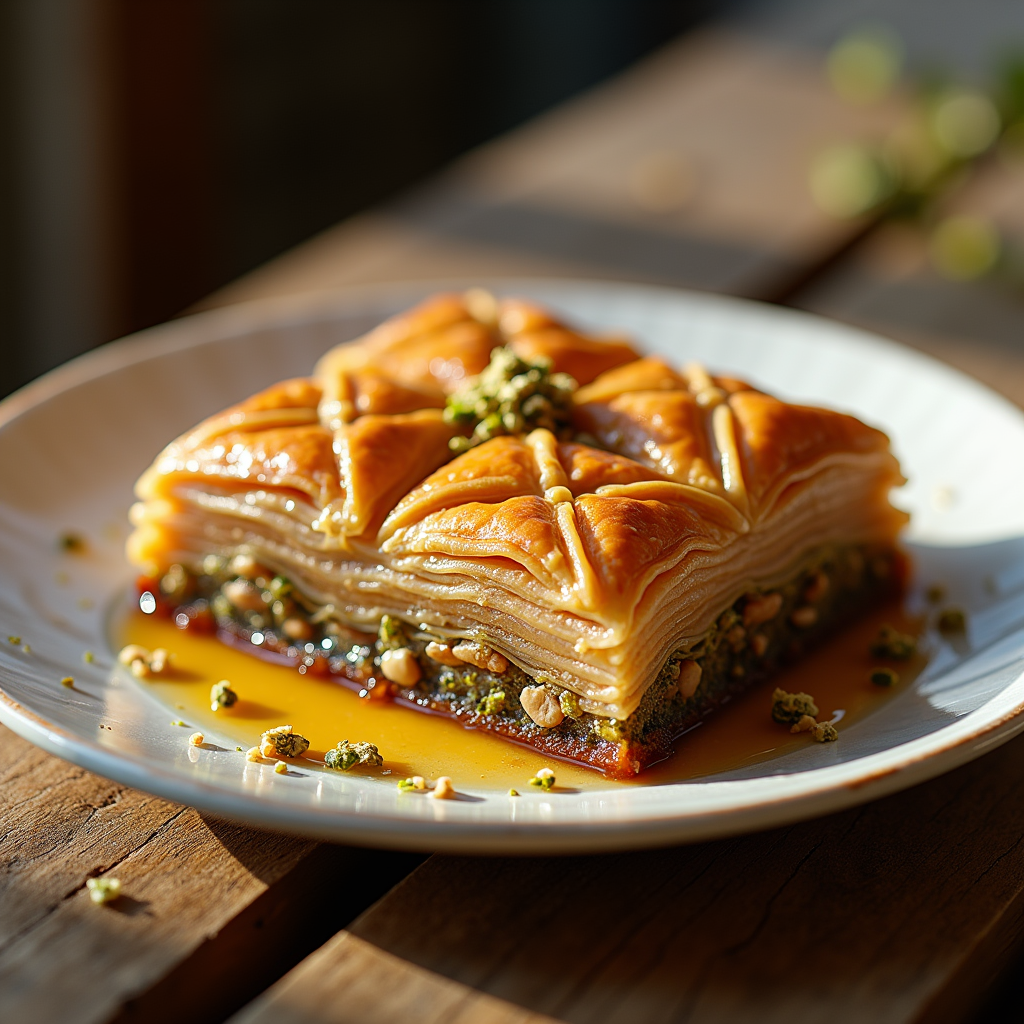
Capture a close-up macro photograph of a golden-brown baklava, its layers of flaky phyllo pastry glistening with a honey syrup that reflects warm amber hues. The intricate, diamond-shaped cuts reveal the rich, nutty filling of finely chopped walnuts and pistachios, speckled with hints of green and brown. Set against a rustic wooden table, the baklava is artfully arranged on a delicate white porcelain plate, garnished with a sprinkle of crushed pistachios and a drizzle of honey cascading down the sides. Soft, warm, natural light filters through a nearby window, casting gentle shadows that enhance the textures of the pastry. The scene evokes a sense of warmth and comfort, inviting the viewer to imagine the sweet, nutty aroma wafting through the air, mingling with the soft crunch of the first bite.
Detailed Analysis of the Flyne AI Image Prompt
Analyze the detailed prompt used to generate the image with Flyne AI Image Generator.
Explore AI Image Prompts with Flyne AI Image Generator
How to generate image by Flyne AI Image Generator Flux.1 dev
Follow these four simple steps to create your desired image.
Step 1: Enter Your Text (Feel free to refine your prompt for better results)
Step 2: Choose Image Aspect Ratio
Step 3: Select Your Image Model:
Step 4: Click the Generate Button and Wait a Few Seconds for Your Image
Related Flyne AI tools for prompts about image generation Flux.1 dev
Discover advanced tools from Flyne AI to boost your creative workflow.