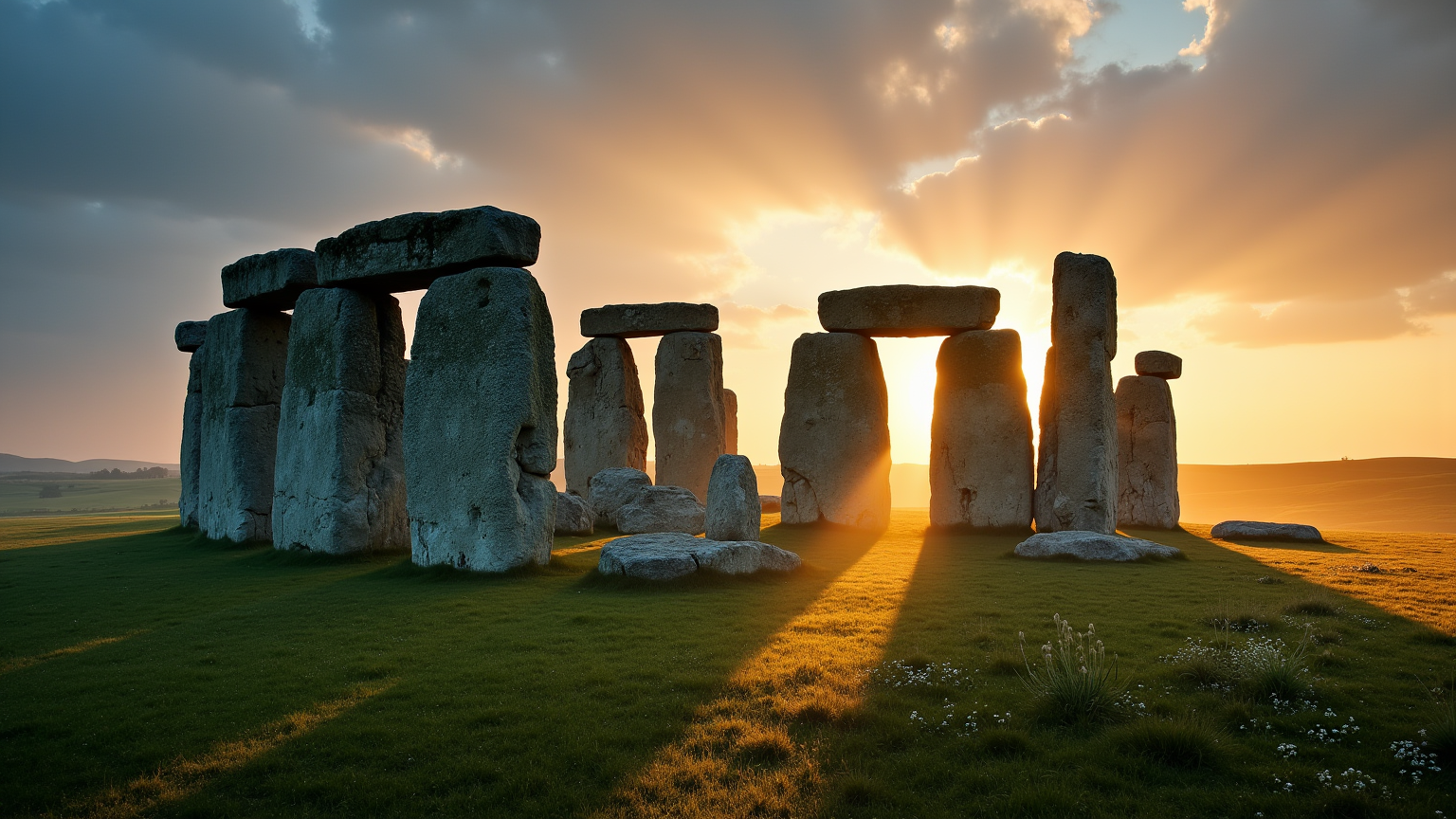
Stonehenge - Flux.1 dev
prompt
Create an image of Stonehenge at dawn, bathed in soft golden light that casts long shadows across the ancient stones. The scene captures the iconic megaliths, with their rugged, weathered surfaces displaying hues of gray and brown, contrasting against the lush green grass of the surrounding landscape. Wisps of morning mist curl around the stones, adding an ethereal quality to the atmosphere. The sky transitions from deep indigo to warm oranges and pinks, enhancing the mystical aura of this prehistoric site. In the background, gentle hills roll towards the horizon, dotted with wildflowers, embodying the serene beauty of the English countryside. Emphasize a wide-angle perspective to encompass both the grandeur of the stone circle and its tranquil environment, evoking a sense of timelessness and connection to ancient rituals. Use a soft-focus lens effect to create a dreamy, atmospheric quality, reminiscent of classic landscape photography.
Detailed Analysis of the Flyne AI Image Prompt
Analyze the detailed prompt used to generate the image with Flyne AI Image Generator.
Explore AI Image Prompts with Flyne AI Image Generator
How to generate image by Flyne AI Image Generator
Follow these four simple steps to create your desired image.
Step 1: Enter Your Text (Feel free to refine your prompt for better results)
Step 2: Choose Image Aspect Ratio
Step 3: Select Your Image Model:
Step 4: Click the Generate Button and Wait a Few Seconds for Your Image
Related Flyne AI tools for prompts about image generation
Discover advanced tools from Flyne AI to boost your creative workflow.