Sushi Burrito - Flux.1 dev
Invite
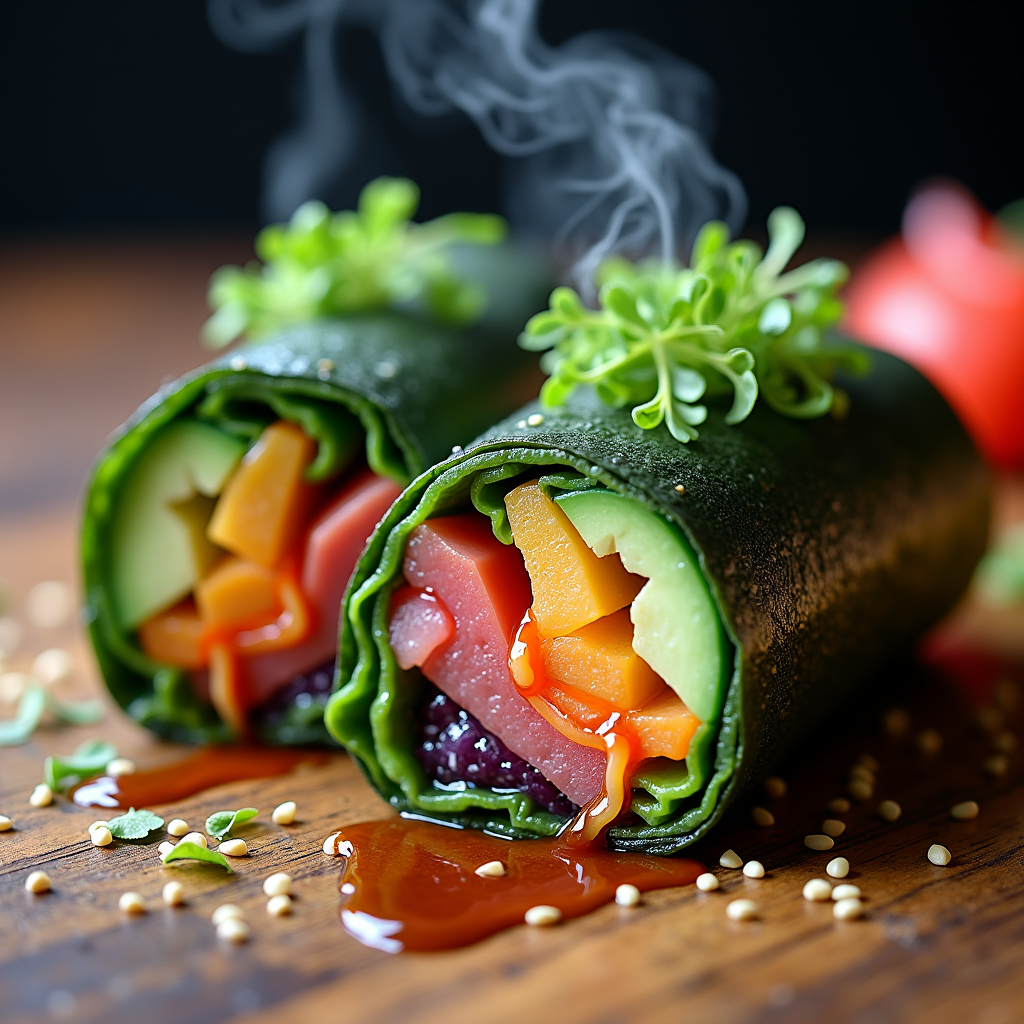
A vibrant sushi burrito, wrapped in a seaweed sheet, bursts with colors—vivid greens from fresh avocado and crisp cucumber, bright orange from spicy tuna, and deep purple from pickled radish. The burrito is artfully sliced in half, revealing a rainbow of ingredients, glistening with a drizzle of sesame soy sauce. Set against a rustic wooden table, the scene is enhanced by soft, natural lighting that highlights the textures of the ingredients, casting gentle shadows. The composition is a close-up macro shot, focusing on the intricate layers of the burrito, with a sprinkle of sesame seeds and microgreens scattered around for added flair. Steam gently rises from the freshly made burrito, inviting the viewer to experience the umami aroma and the satisfying crunch of fresh vegetables.
Analyse détaillée du prompt d'image Flyne AI
Analysez le prompt détaillé utilisé pour générer l'image avec Flyne AI Image Generator.
Explorez les invites Flux IA
Comment générer des images avec Flyne AI Image Generator Flux.1 dev
Suivez ces quatre étapes simples pour créer l'image désirée.
Étape 1 : Entrez votre texte (N'hésitez pas à affiner votre prompt pour de meilleurs résultats)
Étape 2 : Choisissez le ratio d'aspect de l'image
Étape 3 : Sélectionnez votre modèle d'image :
Étape 4 : Cliquez sur le bouton Générer et attendez quelques secondes pour votre image
Outils Flyne AI liés aux prompts de génération d'images Flux.1 dev
Découvrez des outils avancés de Flyne AI pour booster votre flux de travail créatif.