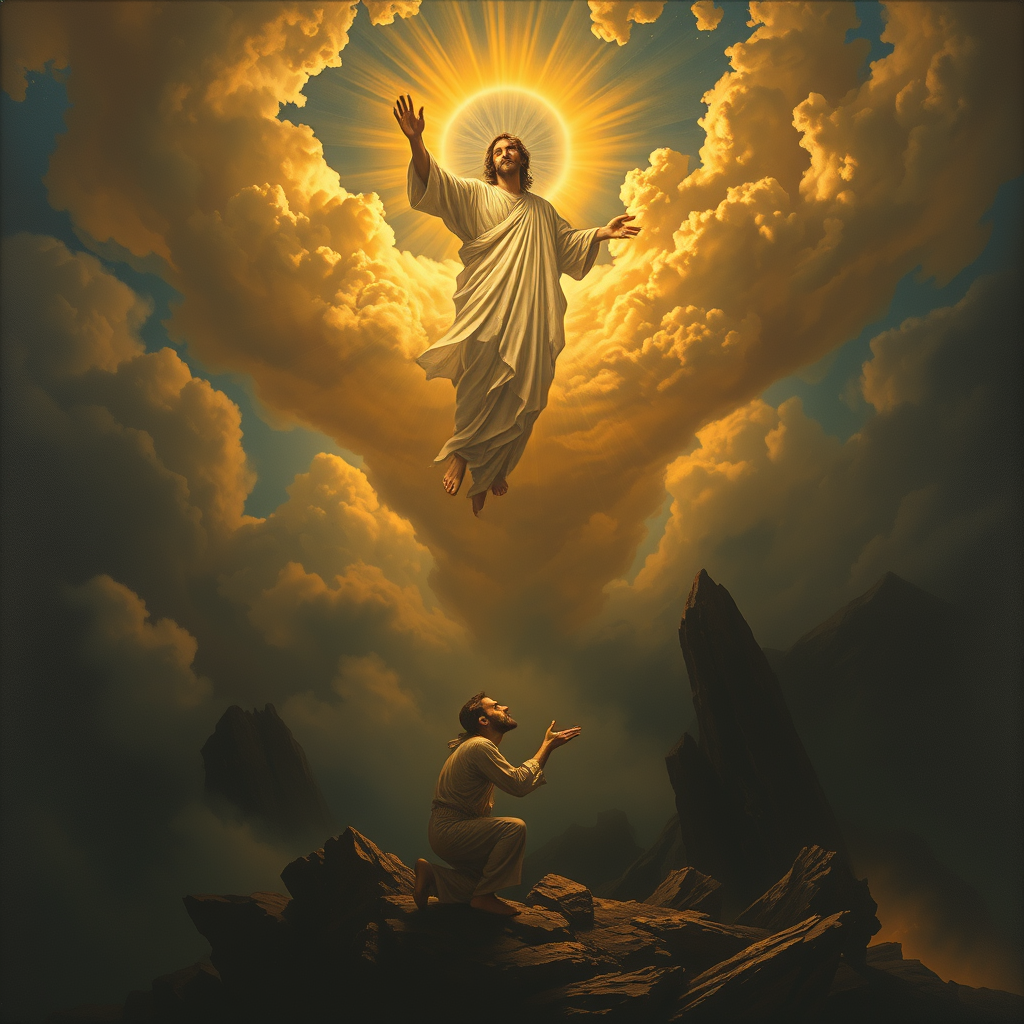
The Lord saves the righteous. - Flux.1 schnell
Invite
**Prompt:** "A dramatic, celestial scene where a radiant, divine figure (The Lord) descends from golden clouds, bathed in ethereal light, extending a hand to lift a humble, weary traveler (the righteous) from a shadowy valley below. The traveler kneels in prayer, their face illuminated with hope, while dark, chaotic forces—twisting shadows and jagged rocks—recede in the background. Style: Baroque-inspired with rich contrasts, dynamic composition, and intricate details reminiscent of Caravaggio’s chiaroscuro. Mood: triumphant yet serene, with a heavenly glow casting warm highlights against a stormy, muted landscape. Colors: deep blues, luminous golds, and soft whites, evoking divine intervention and salvation.
Analyse détaillée du prompt d'image Flyne AI
Analysez le prompt détaillé utilisé pour générer l'image avec Flyne AI Image Generator.
Explorez les invites Flux IA
Comment générer des images avec Flyne AI Image Generator Flux.1 schnell
Suivez ces quatre étapes simples pour créer l'image désirée.
Étape 1 : Entrez votre texte (N'hésitez pas à affiner votre prompt pour de meilleurs résultats)
Étape 2 : Choisissez le ratio d'aspect de l'image
Étape 3 : Sélectionnez votre modèle d'image :
Étape 4 : Cliquez sur le bouton Générer et attendez quelques secondes pour votre image
Outils Flyne AI liés aux prompts de génération d'images Flux.1 schnell
Découvrez des outils avancés de Flyne AI pour booster votre flux de travail créatif.