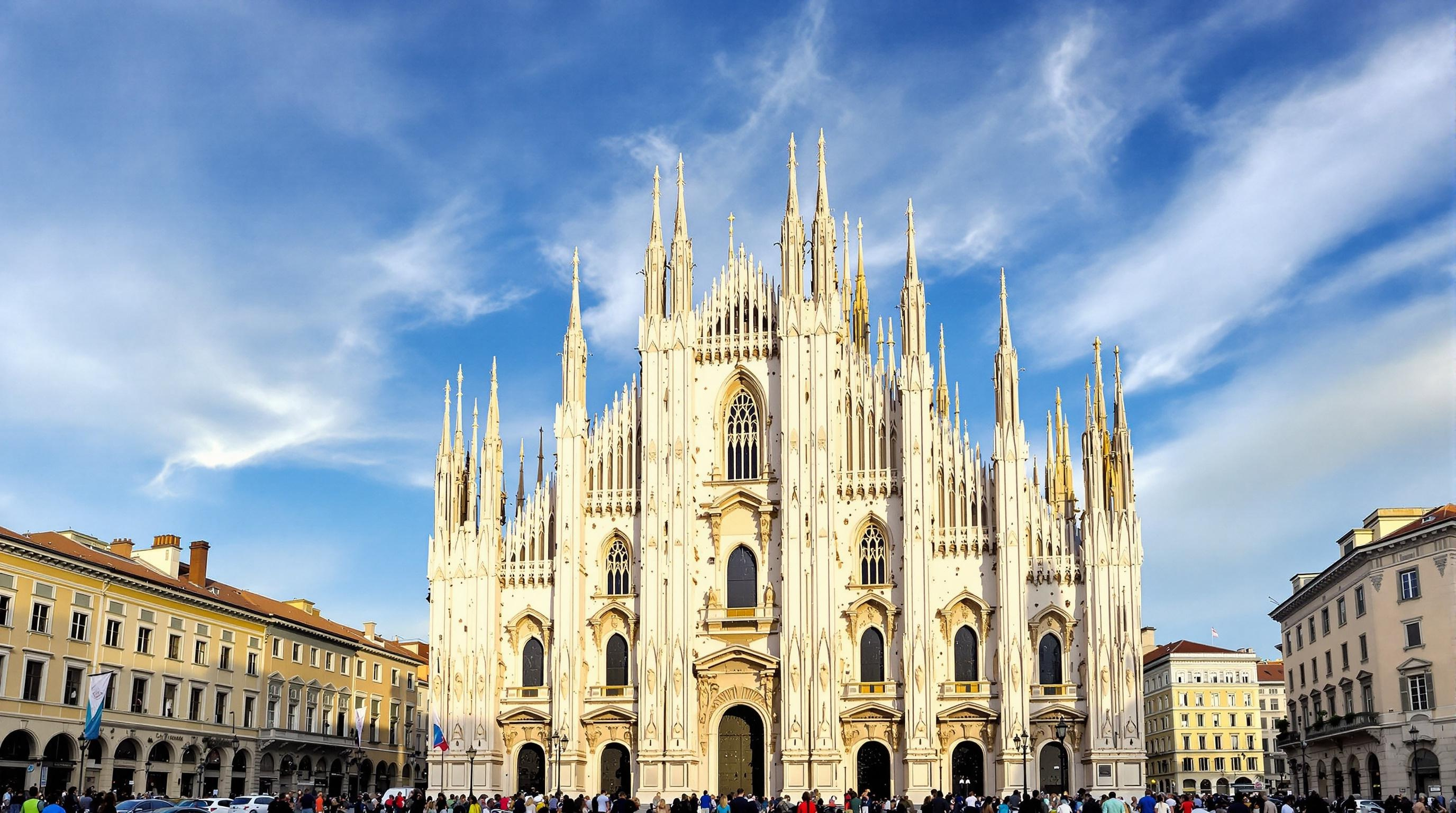
Milan Cathedral - Flux.1.1 pro
Invite
Create an image of Milan Cathedral, a stunning example of Gothic architecture, showcasing its intricate façade adorned with over 3,400 statues and 135 spires. Capture the cathedral's pale pink and white marble, glistening under the golden light of a late afternoon sun. Emphasize the delicate details of the pointed arches and flying buttresses, with soft shadows enhancing their depth. Surround the cathedral with the bustling Piazza del Duomo, where visitors admire the grandeur, framed by historic buildings with terracotta roofs. Include a clear blue sky with wispy clouds, creating a vibrant contrast against the cathedral's ornate details. Highlight the cultural significance of this iconic landmark, symbolizing Milan's rich history and artistry. Opt for a wide-angle perspective that draws the viewer's eye to the soaring spires, and employ a soft focus to evoke a dreamy, ethereal quality, reminiscent of classic European paintings.
Analyse détaillée du prompt d'image Flyne AI
Analysez le prompt détaillé utilisé pour générer l'image avec Flyne AI Image Generator.
Explorez les invites Flux IA
Comment générer des images avec Flyne AI Image Generator Flux.1.1 pro
Suivez ces quatre étapes simples pour créer l'image désirée.
Étape 1 : Entrez votre texte (N'hésitez pas à affiner votre prompt pour de meilleurs résultats)
Étape 2 : Choisissez le ratio d'aspect de l'image
Étape 3 : Sélectionnez votre modèle d'image :
Étape 4 : Cliquez sur le bouton Générer et attendez quelques secondes pour votre image
Outils Flyne AI liés aux prompts de génération d'images Flux.1.1 pro
Découvrez des outils avancés de Flyne AI pour booster votre flux de travail créatif.