Milan Cathedral - Flux.1.1 pro
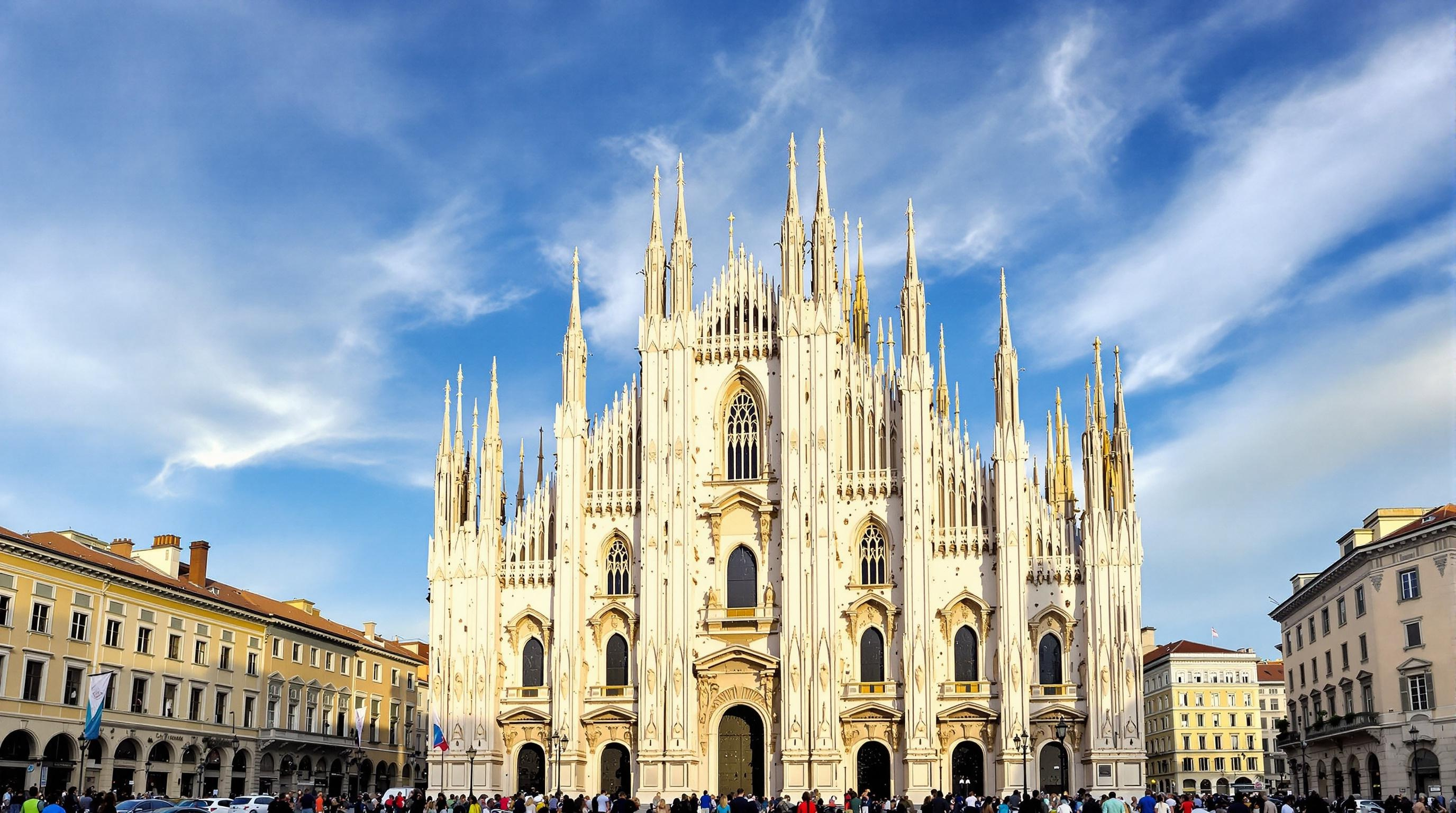
prompt
Create an image of Milan Cathedral, a stunning example of Gothic architecture, showcasing its intricate façade adorned with over 3,400 statues and 135 spires. Capture the cathedral's pale pink and white marble, glistening under the golden light of a late afternoon sun. Emphasize the delicate details of the pointed arches and flying buttresses, with soft shadows enhancing their depth. Surround the cathedral with the bustling Piazza del Duomo, where visitors admire the grandeur, framed by historic buildings with terracotta roofs. Include a clear blue sky with wispy clouds, creating a vibrant contrast against the cathedral's ornate details. Highlight the cultural significance of this iconic landmark, symbolizing Milan's rich history and artistry. Opt for a wide-angle perspective that draws the viewer's eye to the soaring spires, and employ a soft focus to evoke a dreamy, ethereal quality, reminiscent of classic European paintings.
Analisi dettagliata del prompt immagine Flyne AI
Analizza il prompt dettagliato utilizzato per generare l'immagine con Flyne AI Image Generator.
Esplora i Prompt Flux per il Generatore Immagini Flux AI
Come generare immagini con Flyne AI Image Generator Flux.1.1 pro
Segui questi quattro semplici passaggi per creare l'immagine desiderata.
Passaggio 1: Inserisci il Tuo Testo (Sentiti libero di perfezionare il prompt per risultati migliori)
Passaggio 2: Scegli le Proporzioni dell'Immagine
Passaggio 3: Seleziona il tuo modello immagine:
Passaggio 4: Clicca il Pulsante Genera e Attendi Alcuni Secondi per la Tua Immagine
Strumenti Flyne AI correlati ai prompt per la generazione di immagini Flux.1.1 pro
Scopri strumenti avanzati di Flyne AI per potenziare il tuo flusso di lavoro creativo.