Neon Shadows: Tech & Rebellion - Flux.1 dev
prompt
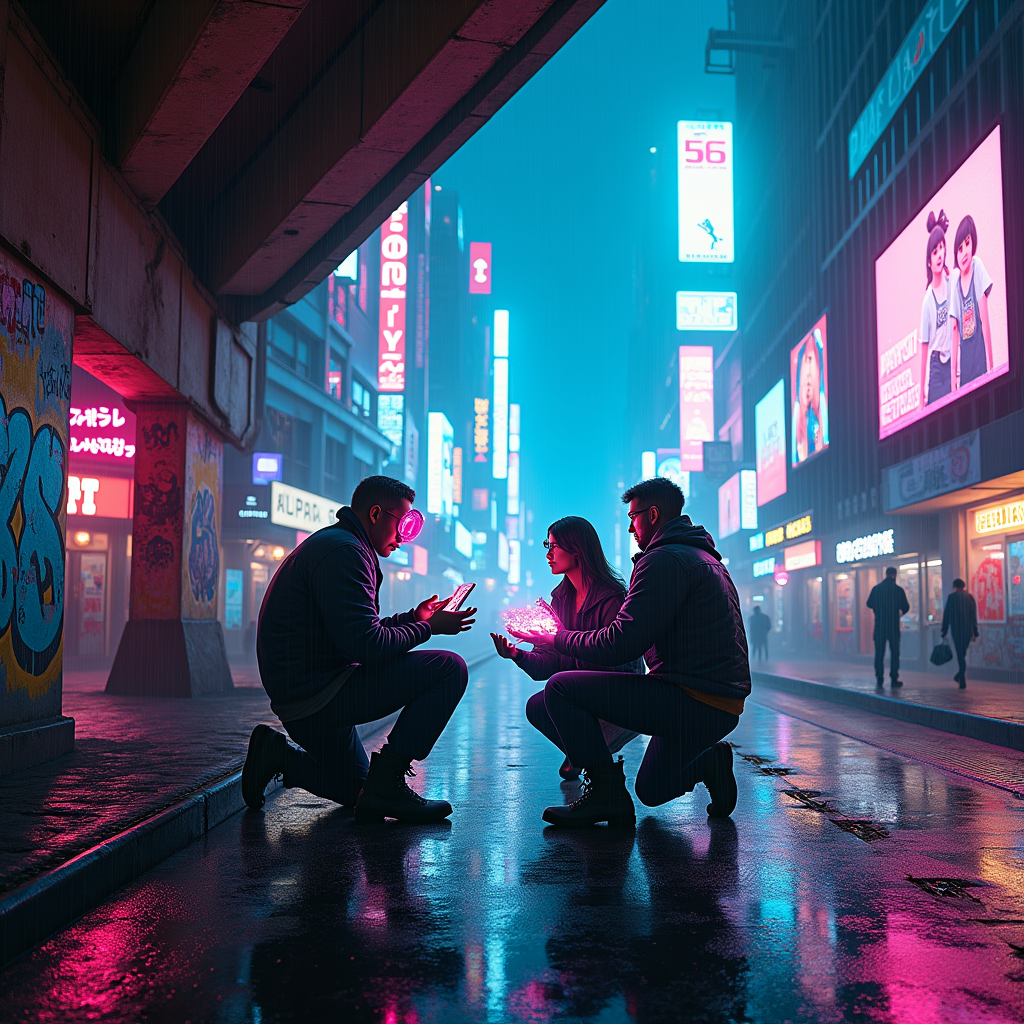
In a bustling cyberpunk city, neon-lit streets pulse with vibrant hues of electric blue and hot pink, casting an otherworldly glow on rain-slicked asphalt. Towering skyscrapers loom overhead, their holographic advertisements flickering and shifting like restless spirits. Beneath the shadows of a crumbling overpass, a group of augmented scavengers huddle, their cybernetic enhancements glinting under the pulsating lights. One figure, with a glowing visor and intricate tattoos, holds a rare piece of tech—an iridescent circuit board—while others barter with makeshift holograms projected from their wrists. The air is thick with the scent of rain and the hum of distant machinery, while wisps of steam rise from grates, creating an ethereal atmosphere. Graffiti splashes color across the concrete walls, depicting a world of rebellion and hope amidst the chaos, as the scavengers negotiate, their voices a blend of excitement and urgency, echoing through the neon-drenched night.
Analisi dettagliata del prompt immagine Flyne AI
Analizza il prompt dettagliato utilizzato per generare l'immagine con Flyne AI Image Generator.
Esplora i Prompt Flux per il Generatore Immagini Flux AI
Come generare immagini con Flyne AI Image Generator Flux.1 dev
Segui questi quattro semplici passaggi per creare l'immagine desiderata.
Passaggio 1: Inserisci il Tuo Testo (Sentiti libero di perfezionare il prompt per risultati migliori)
Passaggio 2: Scegli le Proporzioni dell'Immagine
Passaggio 3: Seleziona il tuo modello immagine:
Passaggio 4: Clicca il Pulsante Genera e Attendi Alcuni Secondi per la Tua Immagine
Strumenti Flyne AI correlati ai prompt per la generazione di immagini Flux.1 dev
Scopri strumenti avanzati di Flyne AI per potenziare il tuo flusso di lavoro creativo.