Geometric Harmony: Leg Tattoo Design - Flux.1 dev
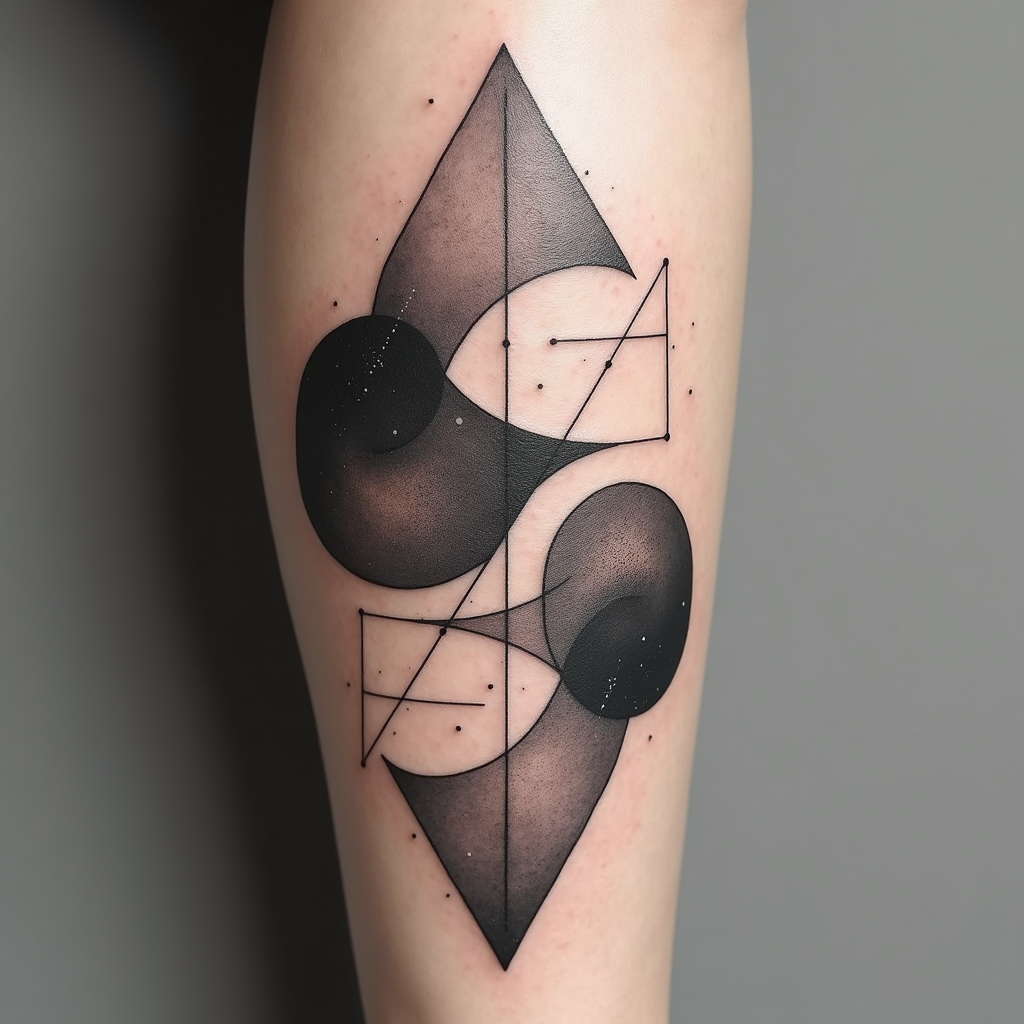
prompt
Create a tattoo design for the leg, featuring an abstract geometric shapes pattern that intertwines sharp angles and smooth curves. Incorporate elements like triangles, circles, and hexagons, layered to create depth and movement. The artistic style should be minimalist with clean lines, emphasizing negative space for a modern feel. The tattoo will wrap around the calf, starting just below the knee and extending down to the ankle, with a size that covers about 60% of the leg's circumference. Use a monochromatic color palette, primarily in deep blacks with subtle gray gradients to enhance texture. Include intricate dot work and fine line details within the shapes to add complexity. The design should evoke a sense of balance and harmony, drawing inspiration from sacred geometry, symbolizing unity and interconnectedness. Overall, aim for a contemporary aesthetic that feels both dynamic and serene, inviting the viewer to explore its details.
Analisi dettagliata del prompt immagine Flyne AI
Analizza il prompt dettagliato utilizzato per generare l'immagine con Flyne AI Image Generator.
Esplora i Prompt Flux per il Generatore Immagini Flux AI
Come generare immagini con Flyne AI Image Generator Flux.1 dev
Segui questi quattro semplici passaggi per creare l'immagine desiderata.
Passaggio 1: Inserisci il Tuo Testo (Sentiti libero di perfezionare il prompt per risultati migliori)
Passaggio 2: Scegli le Proporzioni dell'Immagine
Passaggio 3: Seleziona il tuo modello immagine:
Passaggio 4: Clicca il Pulsante Genera e Attendi Alcuni Secondi per la Tua Immagine
Strumenti Flyne AI correlati ai prompt per la generazione di immagini Flux.1 dev
Scopri strumenti avanzati di Flyne AI per potenziare il tuo flusso di lavoro creativo.