Neon Dreams: Cybernetic Odyssey - Flux.1 dev
prompt
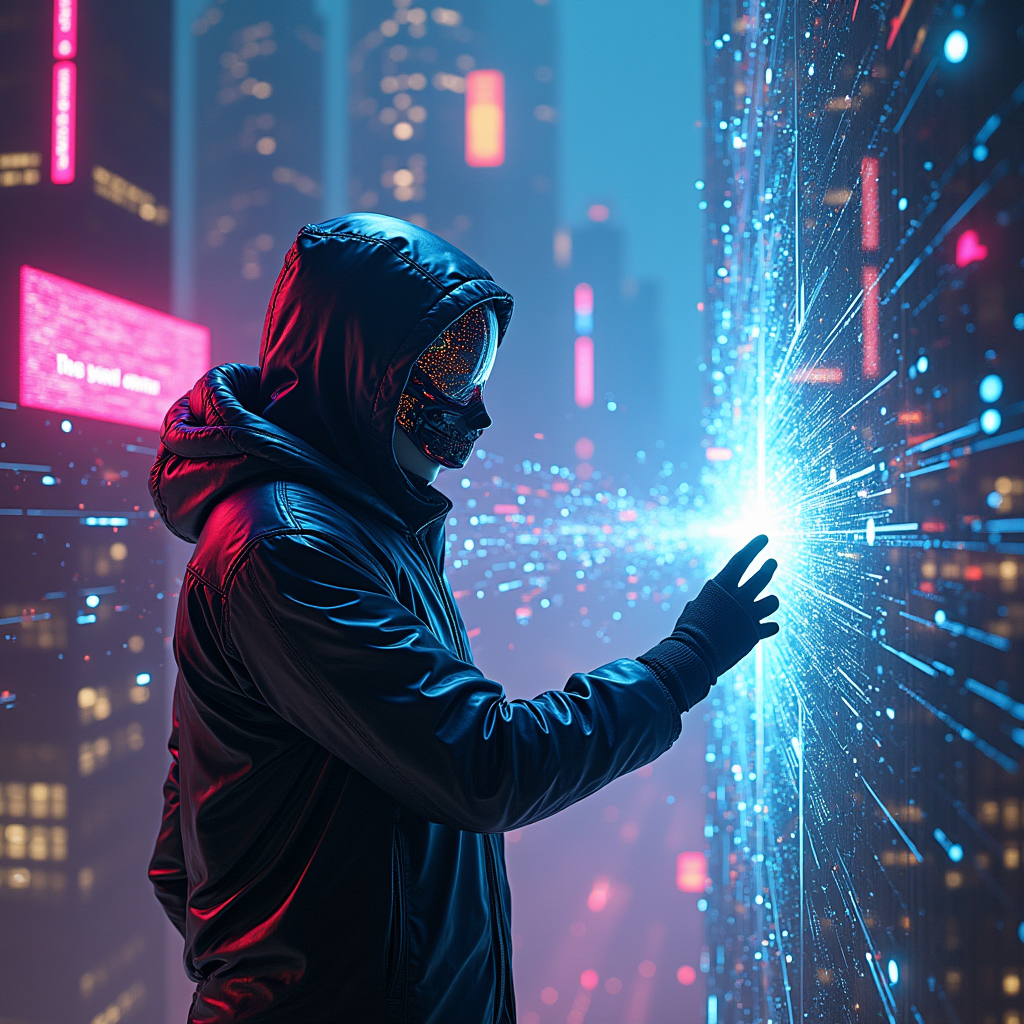
In a sprawling digital metropolis, neon-clad hackers with iridescent visors and holographic interfaces weave through a labyrinth of glowing data streams, their silhouettes illuminated by vibrant hues of electric blue, fuchsia, and acid green. The atmosphere pulsates with a synthetic hum as towering skyscrapers, adorned with pulsating LED screens, reflect the chaotic beauty of the virtual realm. Wisps of digital code swirl like smoke, creating a surreal backdrop where reality blurs into a kaleidoscope of pixelated dreams. A central figure, cloaked in a sleek, reflective jacket, extends a gloved hand towards a shimmering portal, their face obscured by a mask that flickers with dynamic patterns. Around them, fragmented images of cybernetic creatures and glitching landscapes collide, embodying the collision of dreams and reality in a dazzling display of light and color, inviting viewers into an electrifying journey through the heart of the cybernetic underworld.
Analisi dettagliata del prompt immagine Flyne AI
Analizza il prompt dettagliato utilizzato per generare l'immagine con Flyne AI Image Generator.
Esplora i Prompt Flux per il Generatore Immagini Flux AI
Come generare immagini con Flyne AI Image Generator
Segui questi quattro semplici passaggi per creare l'immagine desiderata.
Passaggio 1: Inserisci il Tuo Testo (Sentiti libero di perfezionare il prompt per risultati migliori)
Passaggio 2: Scegli le Proporzioni dell'Immagine
Passaggio 3: Seleziona il tuo modello immagine:
Passaggio 4: Clicca il Pulsante Genera e Attendi Alcuni Secondi per la Tua Immagine
Strumenti Flyne AI correlati ai prompt per la generazione di immagini
Scopri strumenti avanzati di Flyne AI per potenziare il tuo flusso di lavoro creativo.