Neon Shadows of Rebellion - Flux.1 dev
prompt
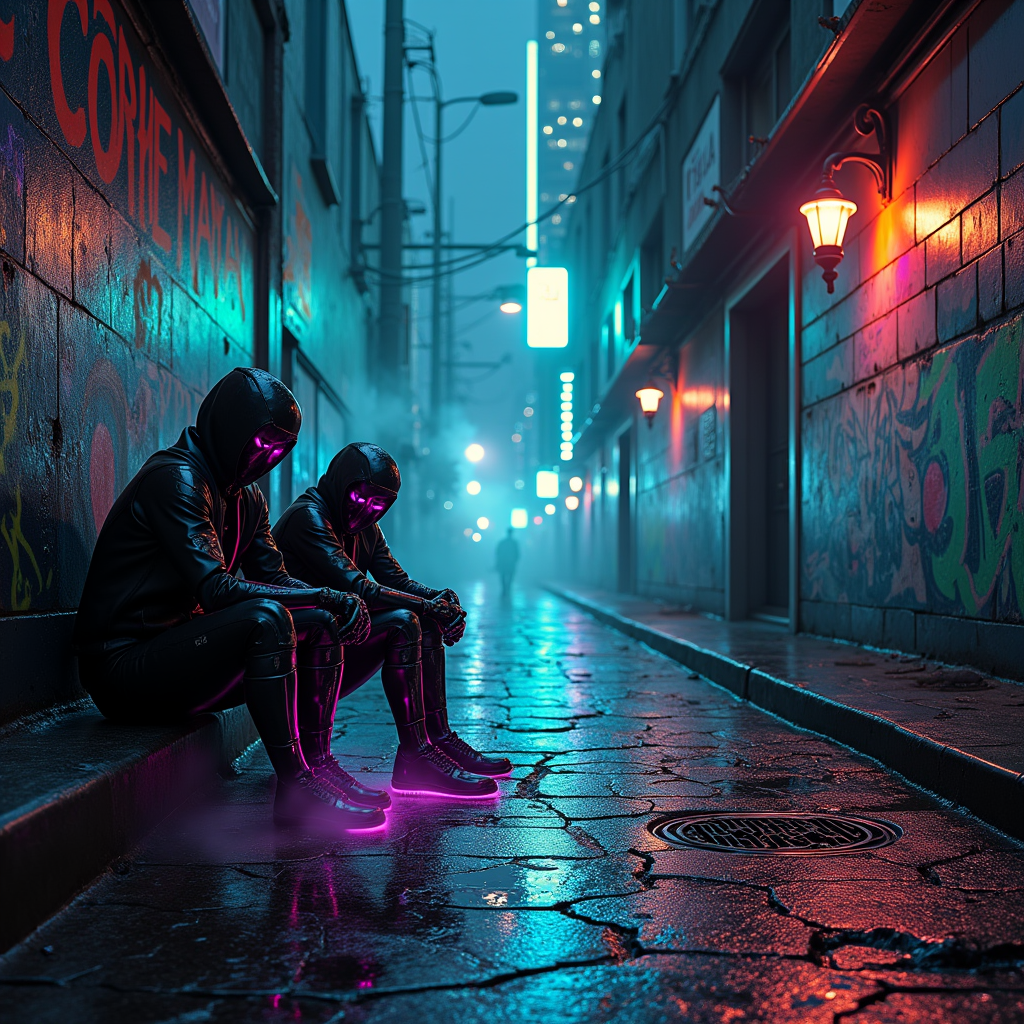
In a dimly lit urban alley, cracked pavement glistens with rain, revealing vibrant neon veins pulsating beneath the surface, glowing in electric blues and vivid pinks. Towering skyscrapers loom overhead, their glass facades reflecting a chaotic tapestry of holographic advertisements and flickering lights. Shadows dance as cyborg figures, adorned with chrome plating and iridescent tattoos, huddle in cloaked clusters, their eyes shimmering like distant stars, whispering secrets of rebellion. Wisps of steam rise from manhole covers, swirling around their feet, while a distant siren wails, echoing through the damp air. The atmosphere is thick with tension, illuminated by the pulsating glow of graffiti that tells stories of resistance, each stroke a vibrant splash of neon green and fiery orange against the darkened concrete. A lone flickering streetlamp casts an eerie glow, highlighting the intricate circuitry woven into the cyborgs' skin, as they plot their next move in this gritty, dystopian world.
Analisi dettagliata del prompt immagine Flyne AI
Analizza il prompt dettagliato utilizzato per generare l'immagine con Flyne AI Image Generator.
Esplora i Prompt Flux per il Generatore Immagini Flux AI
Come generare immagini con Flyne AI Image Generator
Segui questi quattro semplici passaggi per creare l'immagine desiderata.
Passaggio 1: Inserisci il Tuo Testo (Sentiti libero di perfezionare il prompt per risultati migliori)
Passaggio 2: Scegli le Proporzioni dell'Immagine
Passaggio 3: Seleziona il tuo modello immagine:
Passaggio 4: Clicca il Pulsante Genera e Attendi Alcuni Secondi per la Tua Immagine
Strumenti Flyne AI correlati ai prompt per la generazione di immagini
Scopri strumenti avanzati di Flyne AI per potenziare il tuo flusso di lavoro creativo.