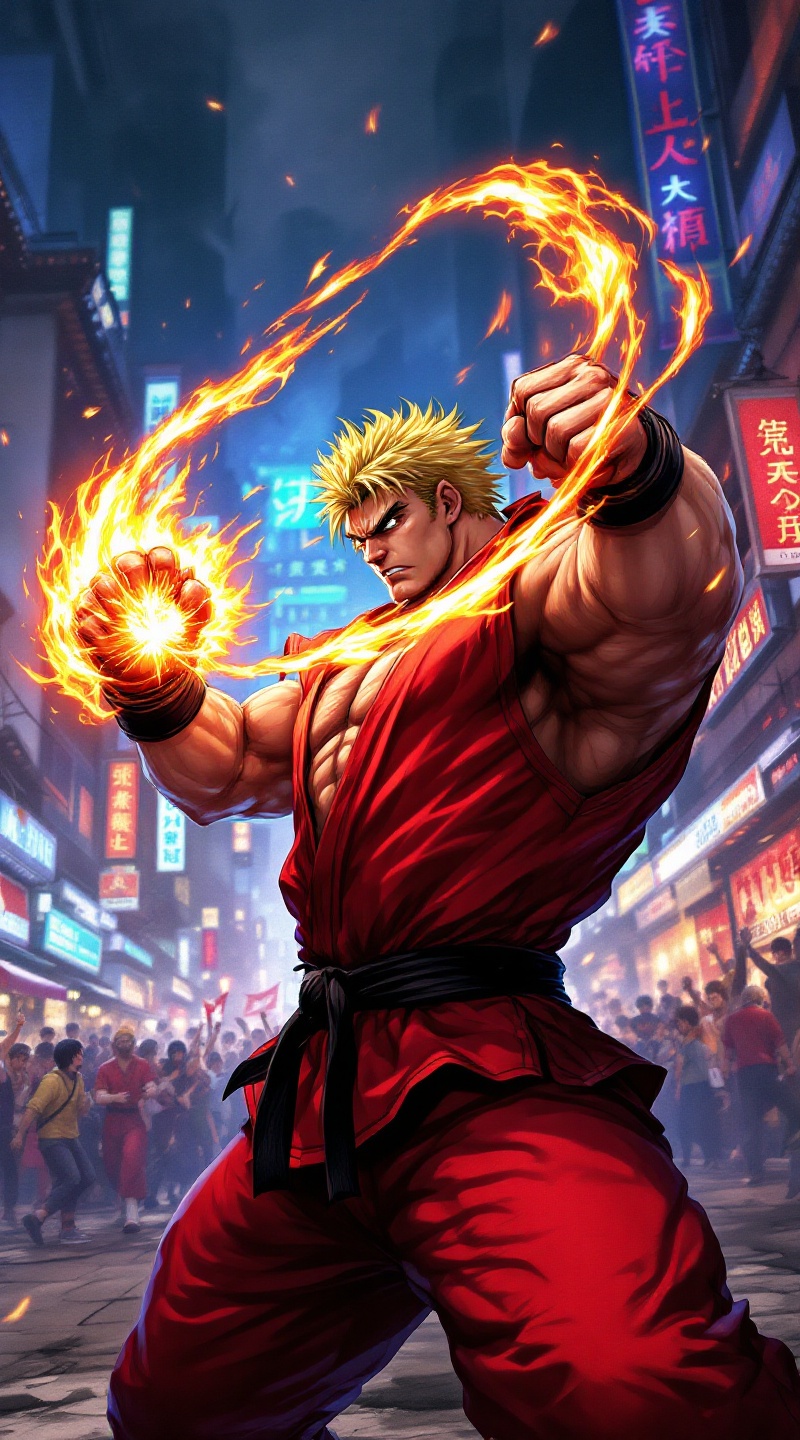
Fury in the Neon Streets - Flux.1.1 pro
提示
**Prompt:** Create a dynamic and vibrant scene inspired by the fighting game genre, specifically "Street Fighter II." Focus on Ken Masters, a muscular fighter with spiky blonde hair, wearing a red gi and black belt, showcasing his fierce determination. Capture his signature Shoryuken pose, with flames swirling around his fist, symbolizing his fiery spirit. The background should feature an iconic urban setting, like a bustling street in Japan, adorned with neon lights and traditional architecture. Include elements like a cheering crowd and banners fluttering in the wind to enhance the atmosphere. The overall mood should be intense and electrifying, reflecting the adrenaline of a high-stakes battle, with a color palette rich in reds, blues, and yellows to evoke energy and excitement.
Flyne AI 圖像提示的詳細分析
分析使用 Flyne AI Image Generator 生成圖像所用的詳細提示。
探索 Flux AI 圖像生成器的提示
如何使用 Flyne AI Image Generator 生成圖像 Flux.1.1 pro
遵循以下四個簡單步驟來創建您想要的圖片。
步驟 1:輸入您的文字 (可自由調整提示以獲得更好的結果)
步驟 2:選擇圖片的縱橫比
步驟 3:選擇您的圖像模型:
步驟 4:點擊生成按鈕並等待幾秒鐘獲取您的圖片
與圖像生成提示相關的 Flyne AI 工具 Flux.1.1 pro
發現來自 Flyne AI 的高級工具,提升您的創意工作流程。