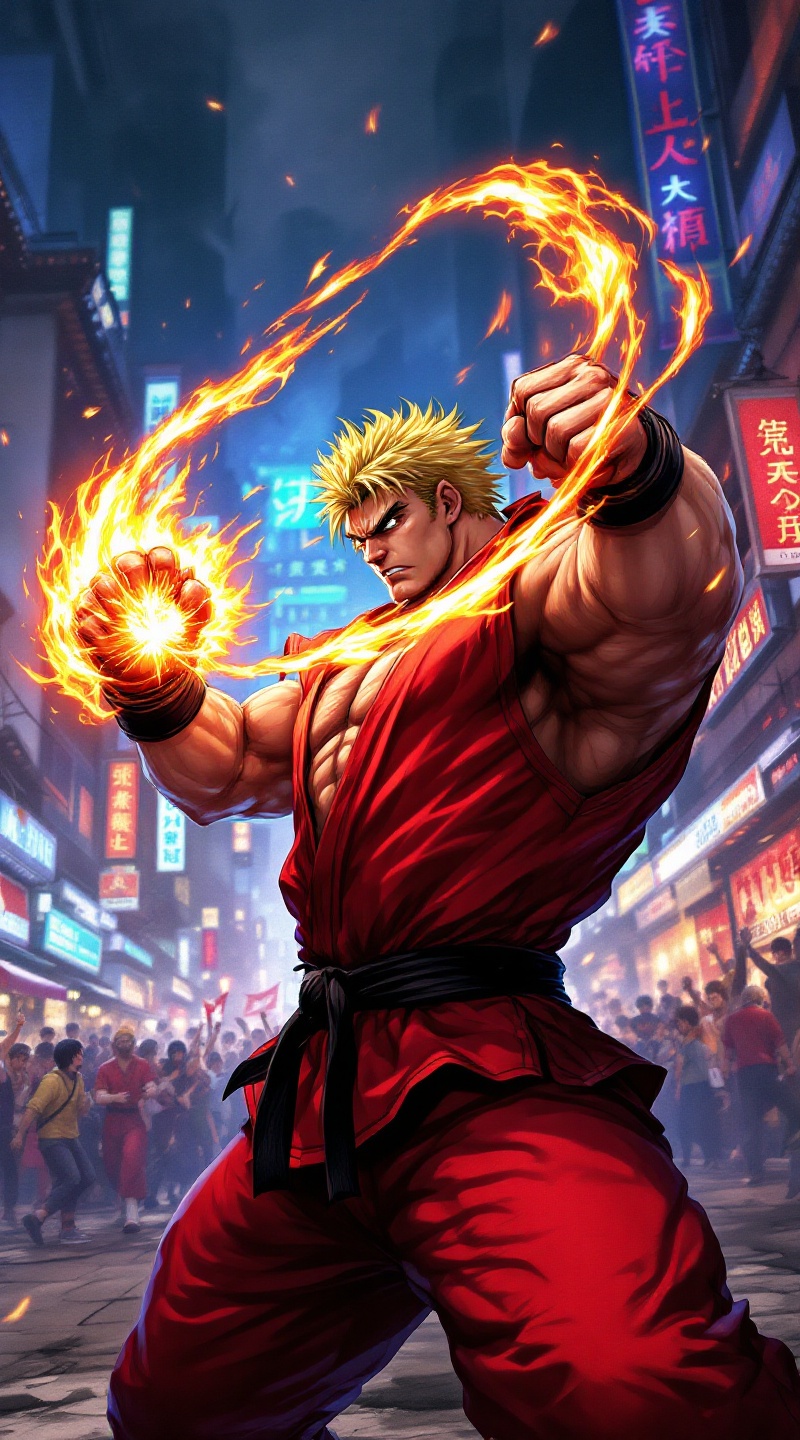
Fury in the Neon Streets - Flux.1.1 pro
Invite
**Prompt:** Create a dynamic and vibrant scene inspired by the fighting game genre, specifically "Street Fighter II." Focus on Ken Masters, a muscular fighter with spiky blonde hair, wearing a red gi and black belt, showcasing his fierce determination. Capture his signature Shoryuken pose, with flames swirling around his fist, symbolizing his fiery spirit. The background should feature an iconic urban setting, like a bustling street in Japan, adorned with neon lights and traditional architecture. Include elements like a cheering crowd and banners fluttering in the wind to enhance the atmosphere. The overall mood should be intense and electrifying, reflecting the adrenaline of a high-stakes battle, with a color palette rich in reds, blues, and yellows to evoke energy and excitement.
Analyse détaillée du prompt d'image Flyne AI
Analysez le prompt détaillé utilisé pour générer l'image avec Flyne AI Image Generator.
Explorez les invites Flux IA
Comment générer des images avec Flyne AI Image Generator Flux.1.1 pro
Suivez ces quatre étapes simples pour créer l'image désirée.
Étape 1 : Entrez votre texte (N'hésitez pas à affiner votre prompt pour de meilleurs résultats)
Étape 2 : Choisissez le ratio d'aspect de l'image
Étape 3 : Sélectionnez votre modèle d'image :
Étape 4 : Cliquez sur le bouton Générer et attendez quelques secondes pour votre image
Outils Flyne AI liés aux prompts de génération d'images Flux.1.1 pro
Découvrez des outils avancés de Flyne AI pour booster votre flux de travail créatif.