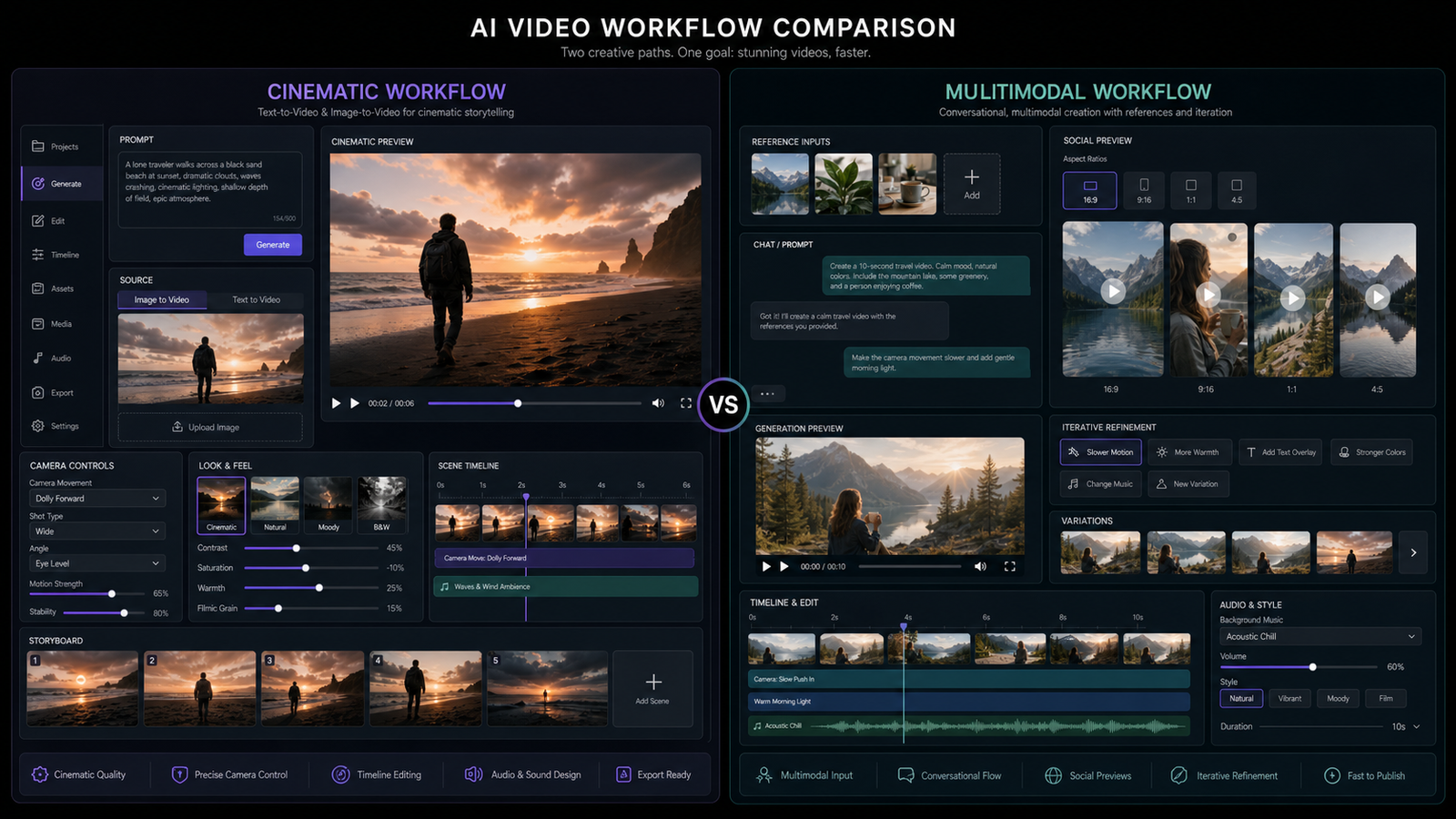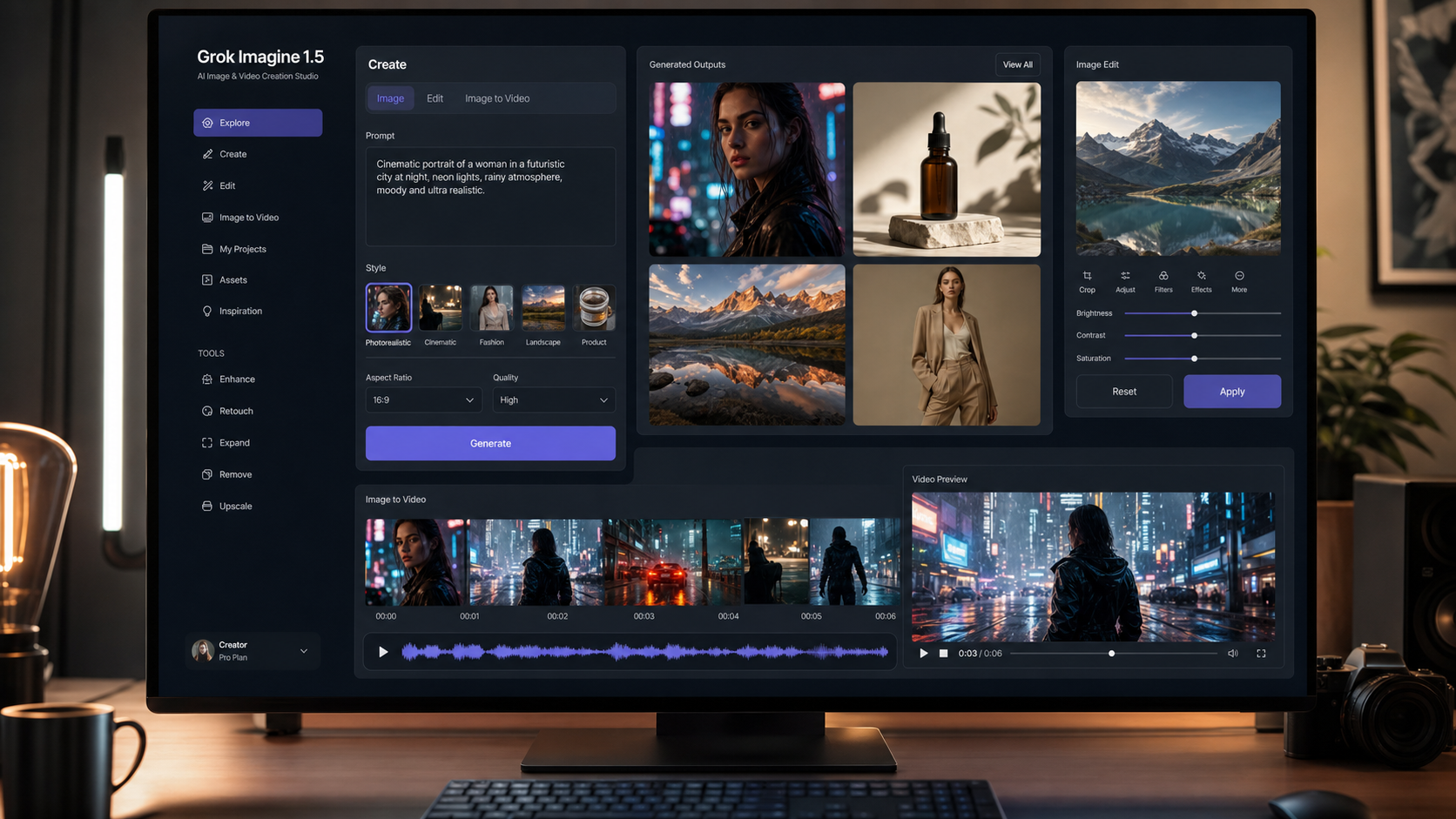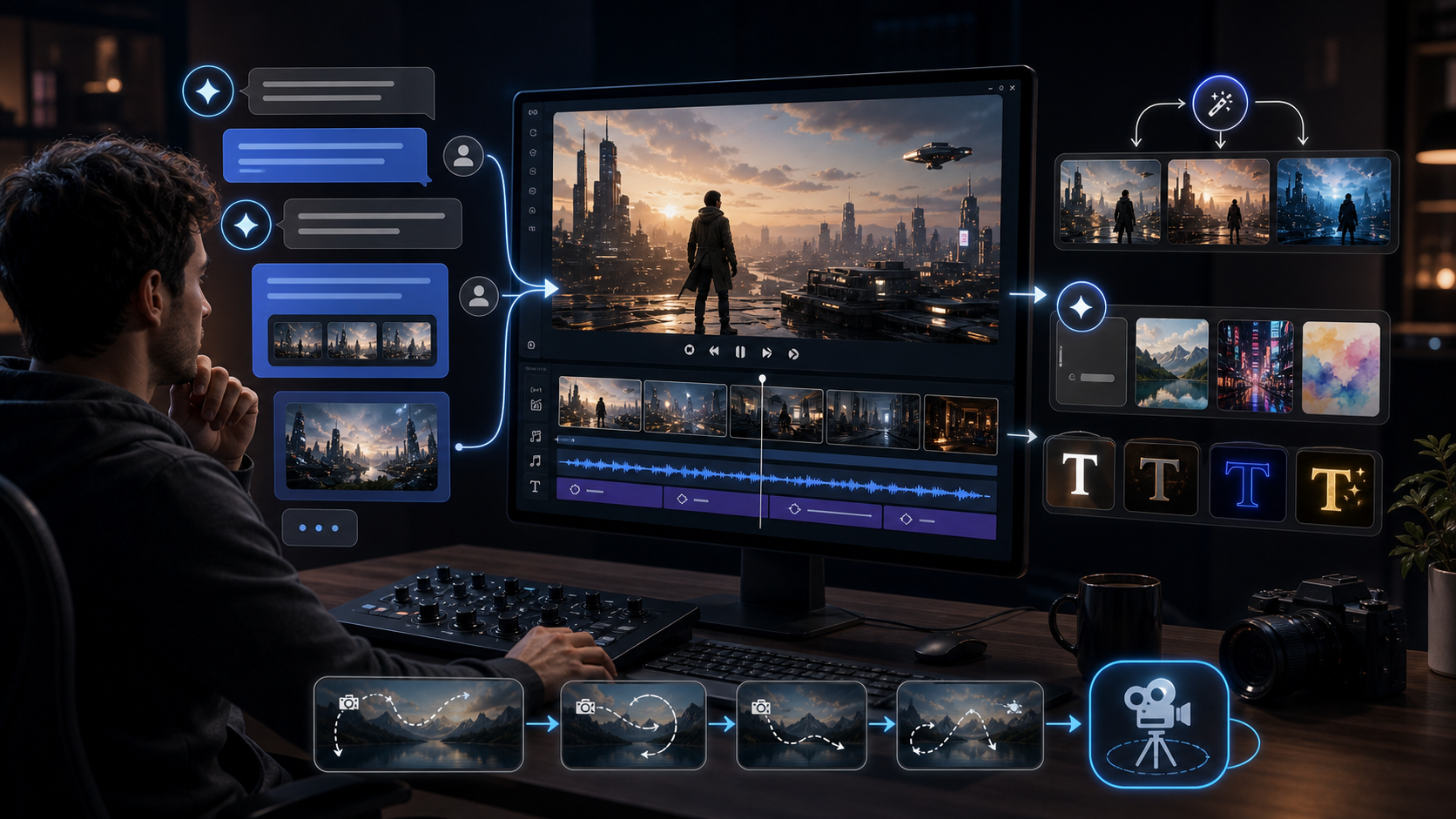
Gemini Omni release prediction is a cautious topic because, as of May 13, 2026, Google has not officially confirmed the so-called "VEO 4" as a public AI video product. The strongest public signal is leak coverage ahead of Google I/O 2026, which runs May 19-20, plus speculation that Google may connect Gemini, Veo, and conversational video creation more tightly.
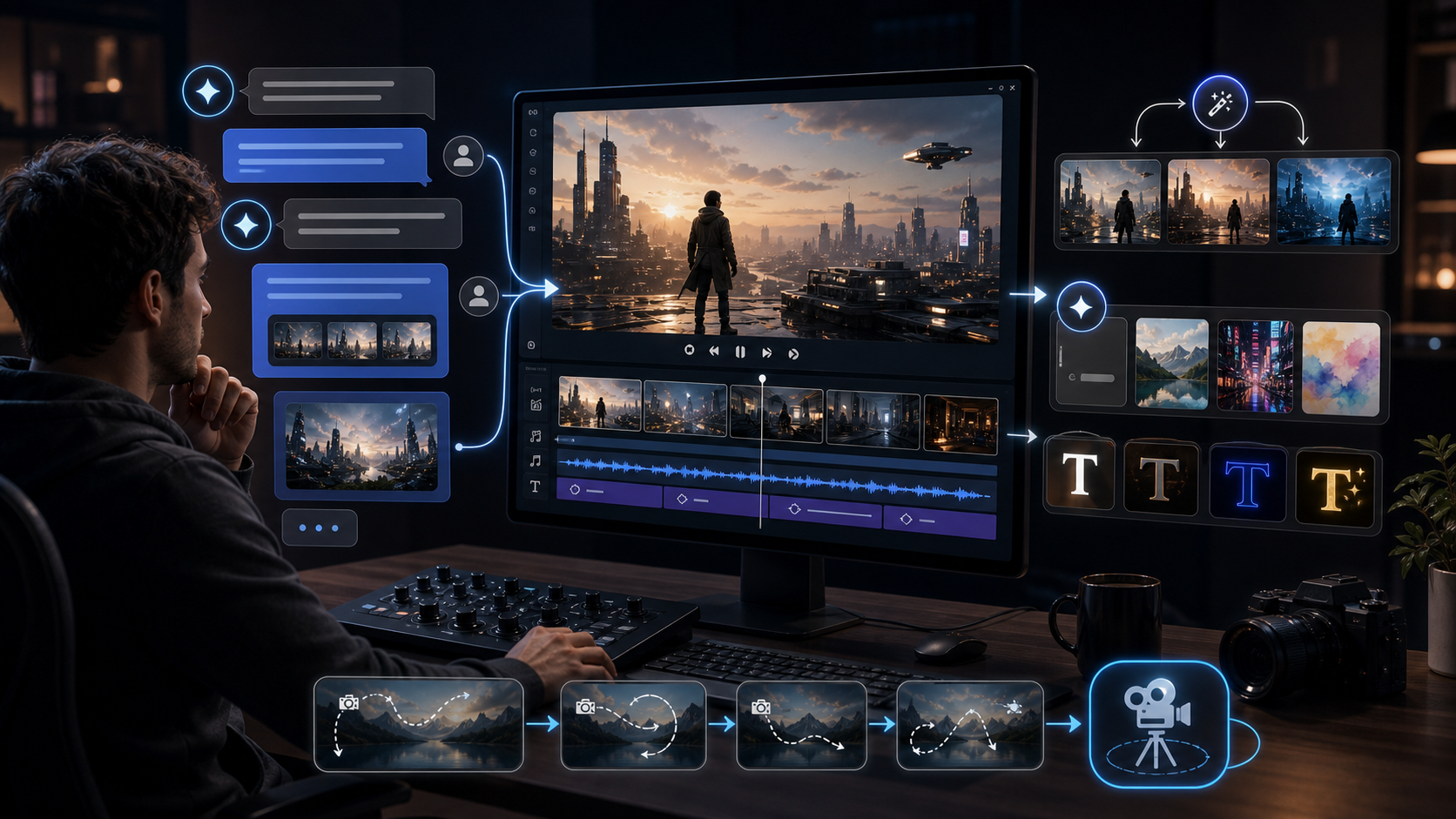
That makes Gemini Omni worth watching, but not worth treating as a finished tool yet. Creators should read the current rumors as a possible direction: in-chat video generation, conversational editing, remixing, templates, stronger text rendering, better prompt interpretation, and possible Veo ecosystem integration. The real test will be what Google announces, who gets access, how usage limits work, and whether outputs stay consistent outside polished demos.
For creators who need to make videos now, Flyne AI is the practical route. Its AI Video Generator already brings together current video models such as Google Veo 3.1 AI Video Generator, Kling 3.0 AI Video Generator, Seedance 2.0 AI Video Generator, Happy Horse 1.0, Hailuo 2.3, MidJourney Video 1.0, and Vidu Q1.
Gemini Omni Latest Leak and Expected Release Timing
The safest Gemini Omni release prediction is that Google may use Google I/O 2026 to clarify its next AI video direction, but the name, scope, and availability are still unconfirmed. Google’s official I/O schedule confirms the main keynote on May 19, 2026, and several AI-focused sessions across May 19-20. Leak coverage from AI and tech blogs has connected the Gemini Omni name to possible video generation or a broader multimodal creative system, but leaks are not product documentation.
If Gemini Omni appears at I/O, the announcement may not mean immediate wide access. Google could reveal a model preview, a Gemini app feature, a Veo-connected workflow, a developer waitlist, Workspace/YouTube integration, or a limited experiment. Those are very different outcomes for creators. A flashy keynote demo can create attention, but creators need to know whether they can actually generate, edit, export, reuse, and scale videos in daily work.
The most believable prediction is not simply “Gemini Omni launches.” It is that Google may be trying to make AI video feel more native inside Gemini, where the user can describe, revise, remix, and continue creative work in conversation instead of jumping between a prompt box, an editor, and a separate video model page.
Possible Gemini Omni Features for Video Creators
The rumored features make sense because they match the direction of current AI creation tools: less one-shot prompting, more iterative creative control. If Gemini Omni exists as leaked, the main appeal could be a conversational video workflow rather than just another text-to-video model.
Possible features to watch:
- In-chat video generation, where users ask Gemini to create short clips directly inside a conversation.
- Conversational editing, where follow-up prompts change camera motion, mood, objects, text, pacing, or visual style.
- Remixing, where an existing output becomes the starting point for variants instead of a dead-end render.
- Templates for social clips, ads, product demos, storyboards, explainers, and creator formats.
- Stronger text rendering for titles, labels, signs, captions, UI shots, and brand-safe layouts.
- Better prompt interpretation, especially when a user gives vague creative direction instead of a polished production prompt.
- Possible Veo ecosystem integration, where Gemini handles conversation and planning while Veo handles video generation.
These features would matter because many AI video failures are workflow failures, not only model-quality failures. A creator may get one good shot, then struggle to revise the same subject without losing consistency. A marketer may want five versions of the same product scene. A YouTuber may want a sequence, not one isolated clip. Conversational editing could make those tasks less painful if the model can remember intent and apply changes reliably.
However, every feature above should stay in the “possible” category until Google confirms it. The phrase “Gemini Omni latest leak and expected features” is useful for search intent, but a responsible review should not turn rumor into fact.
How Gemini Omni May Differ From One-Shot AI Video Generators
Gemini Omni could differ from one-shot AI video generators by making generation part of a continuing conversation. Most current tools are still built around a direct request: write a prompt, choose a model, generate a clip, then try again if the result misses. That works for fast ideation, but it becomes clumsy when a user needs a sequence, a revision trail, or a reusable creative direction.
If Gemini Omni is deeply connected to Gemini, the user might be able to say: “Make this product demo slower, keep the same camera angle, change the background to a studio, add a readable title card, and create three shorter social versions.” That would be different from starting over with a new prompt each time.
The possible advantage is not only convenience. A conversational model can help interpret creative intent, translate casual language into production instructions, and remember what the user is trying to make. For beginners, that could lower the prompt-writing barrier. For experienced creators, it could speed up iteration, shot planning, and versioning.
The risk is that a chat-native video system may feel magical in demos but inconsistent in repeated work. Video generation is expensive, slow compared with text, and sensitive to prompt details. If Gemini Omni cannot preserve characters, objects, text, camera direction, and timing across edits, it may still behave like a prettier one-shot generator with a chat interface.
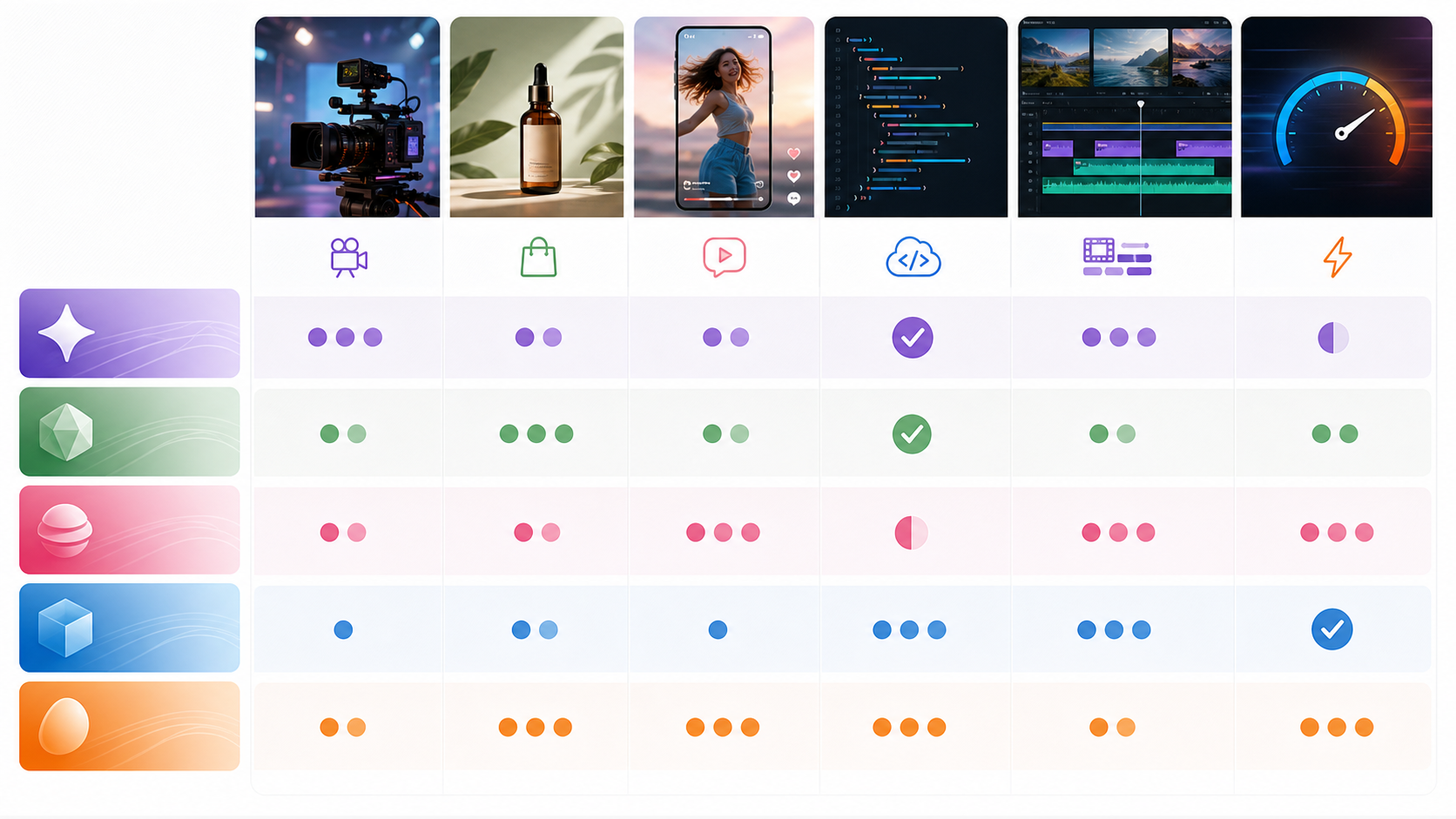
Gemini Omni vs Google Veo 3.1, Kling 3.0, Seedance 2.0, Happy Horse 1.0, Hailuo 2.3, MidJourney Video 1.0, and Vidu Q1 on Flyne AI
The best AI video generator while waiting for Gemini Omni depends on the job, not the brand name. Flyne AI is useful because creators can compare several current models in one place instead of waiting for an unconfirmed Google release.
| Model on Flyne AI | Best current fit | Why it matters while waiting for Gemini Omni |
|---|---|---|
| Google Veo 3.1 AI Video Generator | Cinematic clips, text-to-video, image-to-video, audio-aware workflows | The most direct Veo 3.1 alternative to Gemini Omni if Google keeps Omni connected to Veo-style generation |
| Kling 3.0 AI Video Generator | Cinematic motion, prompt-controlled scenes, creator tests | Useful for Gemini Omni vs Kling 3.0 comparisons around motion, camera, and visual consistency |
| Seedance 2.0 AI Video Generator | Multi-shot concepts, controlled video, image/video/audio reference workflows | Strong option when creators care about consistency, references, and structured iteration |
| Happy Horse 1.0 | Cinematic image-to-video, synchronized audio/video positioning, expressive clips | Good for testing whether audio-integrated generation matters more than chat-native editing |
| Hailuo 2.3 | Fast social clips, image-to-video, character and scene motion tests | Useful for quick creator drafts and rapid visual exploration |
| MidJourney Video 1.0 | Animating stylized images and preserving an art direction | Better for users who already like MidJourney-style visuals and want motion from a still image |
| Vidu Q1 | Fast short-form video, lightweight previews, social concepts | Practical for lower-friction iteration before spending credits on heavier models |
Gemini Omni vs Google Veo 3.1 is the comparison to watch most closely. If Gemini Omni becomes a conversational layer over a Veo-style generation stack, Veo 3.1 may remain the closest current benchmark for cinematic quality, prompt interpretation, and audio-related video workflows. Flyne’s Google Veo 3.1 AI video workflow gives creators a practical way to test that style now.
Gemini Omni vs Kling 3.0 is a different question. Kling 3.0 is worth testing when a creator cares about cinematic movement, dramatic camera direction, and model behavior across stylized scenes. A Kling 3.0 cinematic video comparison can show whether Gemini Omni’s rumored chat workflow would actually outperform a strong prompt-first model or simply feel easier to use.
Seedance 2.0, Happy Horse 1.0, Hailuo 2.3, MidJourney Video 1.0, and Vidu Q1 round out the comparison because they represent different creative priorities: controlled iteration, audio/video completeness, quick drafts, stylized image animation, and fast short-form previews. Gemini Omni will need to compete against that whole workflow mix, not only against one model.
What Creators Should Watch Before Trusting the Gemini Omni Hype
Creators should watch the boring details first because they decide whether Gemini Omni is useful in real work. A new model can look impressive for one keynote clip and still be difficult to rely on for paid projects.
Key questions:
- Pricing: Will Gemini Omni be included in Gemini subscriptions, priced per generation, limited by credits, or separated into a premium plan?
- Usage limits: How many videos can users create per day, and will longer clips cost more?
- API access: Will developers get Gemini Omni through Google AI Studio, Vertex AI, or another API path?
- Quality consistency: Can it keep characters, products, logos, outfits, and scenes stable across revisions?
- Audio support: Will it generate sound effects, dialogue, music, or synced audio, or will users still need a separate audio workflow?
- Duration: Will outputs be limited to short clips, or will it support longer sequences and scene continuation?
- Rollout: Will access be global, region-limited, waitlist-only, Workspace-only, mobile-first, or tied to specific Gemini tiers?
The text rendering question also deserves attention. Rumors around stronger text rendering are exciting because many AI video tools still struggle with readable signs, product labels, UI text, captions, and title cards. If Gemini Omni improves that, it could matter for ads, tutorials, product videos, and social posts. But creators should test it with practical prompts: brand-safe typography, phone screens, labels on packages, clean title cards, and multi-word captions.
Why Flyne AI Is the Practical Platform While Waiting
Flyne AI is the best practical recommendation for readers who want current AI video workflows instead of waiting for a rumored model. The platform offers a broad AI video generator surface with text-to-video, image-to-video, video-to-video, photo-to-video, and model-specific pages. That makes it useful for comparing output behavior across models before Gemini Omni is confirmed.
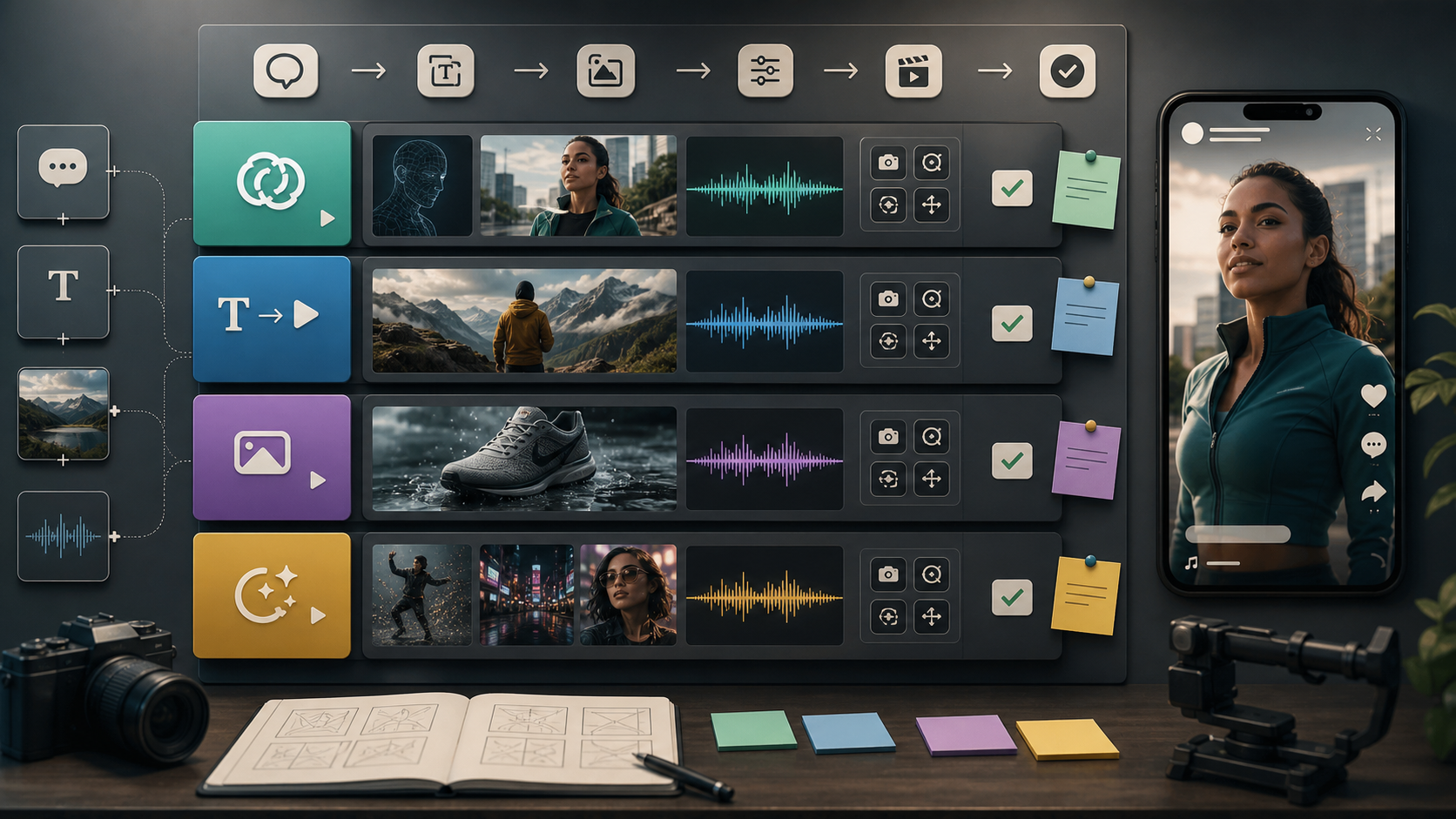
A smart testing workflow looks like this:
- Use Google Veo 3.1 AI Video Generator for cinematic clips and Google-style video generation expectations.
- Use Kling 3.0 AI Video Generator for motion-heavy scenes and prompt-controlled cinematic tests.
- Use Seedance 2.0 AI Video Generator when you want controlled, consistent results with richer reference workflows.
- Use Happy Horse 1.0 when synchronized video/audio positioning matters.
- Use Hailuo 2.3 for quick image-to-video and social-style drafts.
- Use MidJourney Video 1.0 when the starting point is a stylized image that needs motion.
- Use Vidu Q1 for fast previews and lightweight short-form experiments.
This approach gives creators evidence. Instead of asking whether Gemini Omni will be better in the abstract, you can build a baseline now: which model handles your prompts, products, characters, camera movement, text, audio, and aspect ratios best? Then, if Gemini Omni launches, you can compare it against your actual results.
Sources and Verification Notes
This article separates confirmed information from prediction. Confirmed: Google I/O 2026 is scheduled for May 19-20, with the Google keynote listed on the official I/O schedule. Confirmed: Flyne AI currently lists video tools and model pages for Veo 3.1, Kling 3.0, Seedance 2.0, Happy Horse 1.0, Hailuo 2.3, MidJourney Video 1.0, and Vidu Q1. Unconfirmed: Gemini Omni as an official Google product, its release date, feature set, pricing, API access, duration, and rollout.
Leak context was checked against recent coverage from AI and tech publications, including reports that Gemini Omni appeared in pre-I/O leak discussion. Because leak reporting can be wrong or incomplete, this review uses cautious language and avoids treating rumored Gemini Omni features as confirmed.
Useful official or product pages:
- Google I/O 2026 schedule
- Flyne AI
- Flyne AI Video Generator
- Google Veo 3.1 AI Video Generator on Flyne AI
- Kling 3.0 AI Video Generator on Flyne AI
Recommended Articles
In-site articles:
- Introducing Veo 3.1 — Google’s Next Leap in AI Video vs Sora 2 AI
- Kling 3.0 AI Video Generator: Latest Updates + How to Use It on Flux AI
- Seedance 2.0 Video Generation Guide: How to Get Controlled, Consistent Results
- Happy Horse 1.0 vs Seedance 2.0: Which AI Video Model Is Better for Real Creative Work?
- Vidu Q3 vs Veo 3.1 vs Seedance 2.0: Which AI Video Model Fits Your Workflow in 2026?
- Best AI Video Models 2026: The Ultimate Guide to Image-to-Video Generation
People also read:
- Gemini Omni Latest Info: What Google’s Rumored Video Update Could Change for AI Creators
- Gemini Omni New Model Latest Info: What We Know, What’s Leaked, and What Creators Can Use Now
- Veo 3.1 Video Generation Guide: How to Create Cinematic Clips
- SeaImagine AI Text-to-Video Guide: How to Choose Models and Create Better Clips
- How to Use the AI Music Video Generator: A Detailed Guide from Song to Video
FAQ
Has Google officially announced Gemini Omni?
Not as of May 16, 2026. Gemini Omni is still best treated as leak-based and prediction-oriented until Google confirms the name, features, pricing, access, and rollout.
When could Gemini Omni be released?
The most likely reveal window is Google I/O 2026 on May 19-20, because that is Google’s next major AI and developer event. A reveal would not necessarily mean immediate public access.
What Gemini Omni could change for video creators?
Gemini Omni could make AI video more conversational if it supports in-chat generation, follow-up edits, remixing, templates, better text rendering, and Veo-connected workflows. The value depends on whether those features work consistently in real projects.
What is the best AI video generator while waiting for Gemini Omni?
For a broad comparison, Flyne AI is a practical choice because it offers several current models in one platform. Start with Veo 3.1 for Google-style cinematic workflows, Kling 3.0 for motion and camera tests, Seedance 2.0 for consistency, and Vidu Q1 for fast drafts.
Is Gemini Omni better than Google Veo 3.1?
That cannot be known yet. Gemini Omni may become a conversational layer, a new model, or a Veo-integrated feature. Until Google confirms details, Google Veo 3.1 on Flyne AI is the more concrete tool to test.
Conclusion
The most responsible Gemini Omni release prediction is cautious optimism. If Google connects Gemini’s conversational interface with stronger video generation, editing, remixing, templates, text rendering, and Veo ecosystem support, Gemini Omni could make AI video generation feel less like one-shot prompting and more like an iterative creative assistant.
But creators should wait for facts: pricing, usage limits, API access, quality consistency, audio support, duration, and rollout. While the hype builds, Flyne AI is the practical platform for testing current AI video generator workflows with Google Veo 3.1, Kling 3.0, Seedance 2.0, Happy Horse 1.0, Hailuo 2.3, MidJourney Video 1.0, and Vidu Q1.
SEO Meta
SEO Title:
Meta Description:
Tags: , , , , Flyne AI
Image SEO:
hero-16x9.png: Gemini Omni release prediction for AI video generation.model-comparison-16x9.png: AI video generator comparison for creators waiting for Gemini Omni.flyne-workflow-16x9.png: Flyne AI video generator workflow for testing current AI video models.