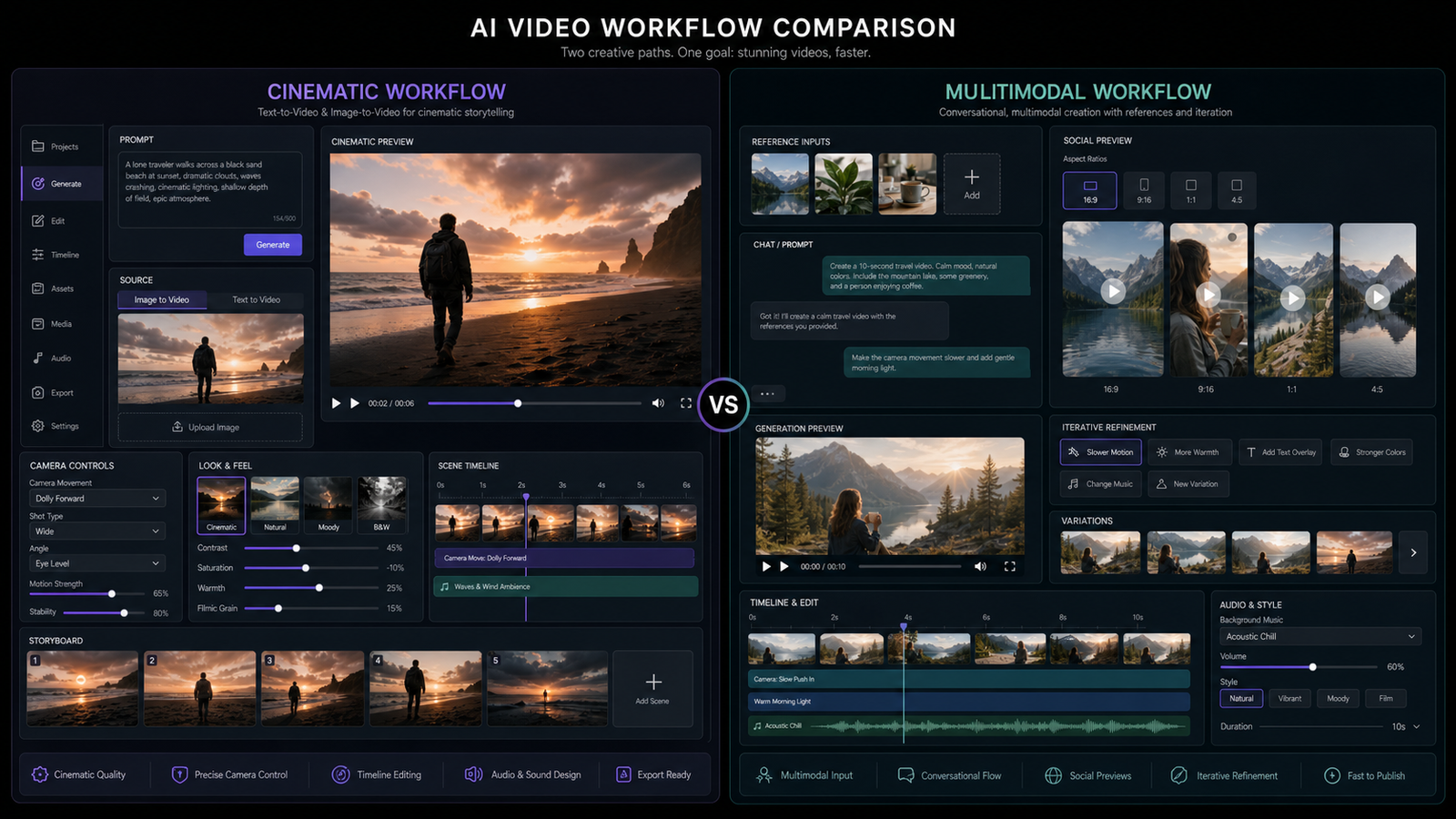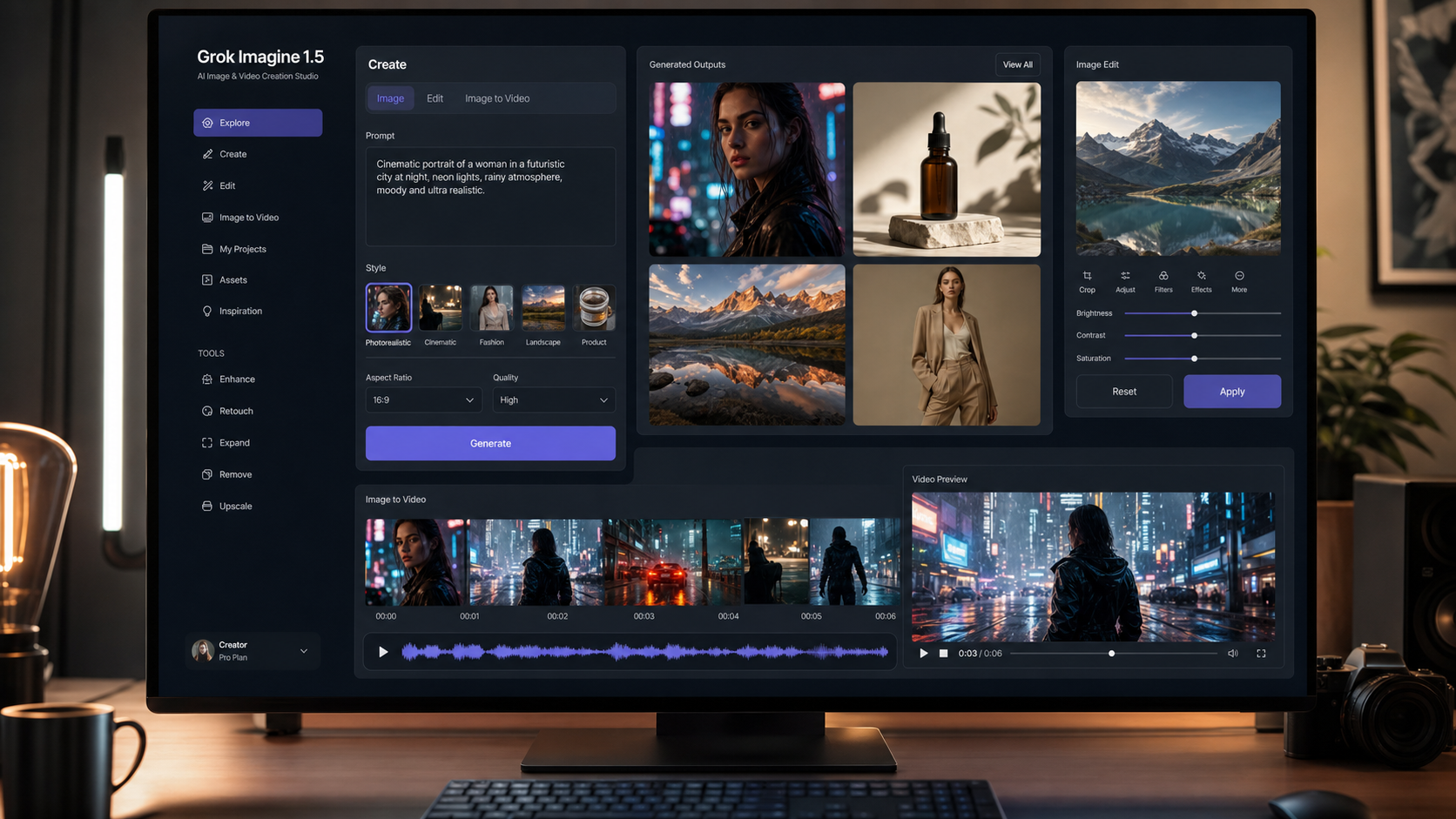
The AI video space moves fast, but most creators still end up asking the same practical question: which model actually fits the way I work?
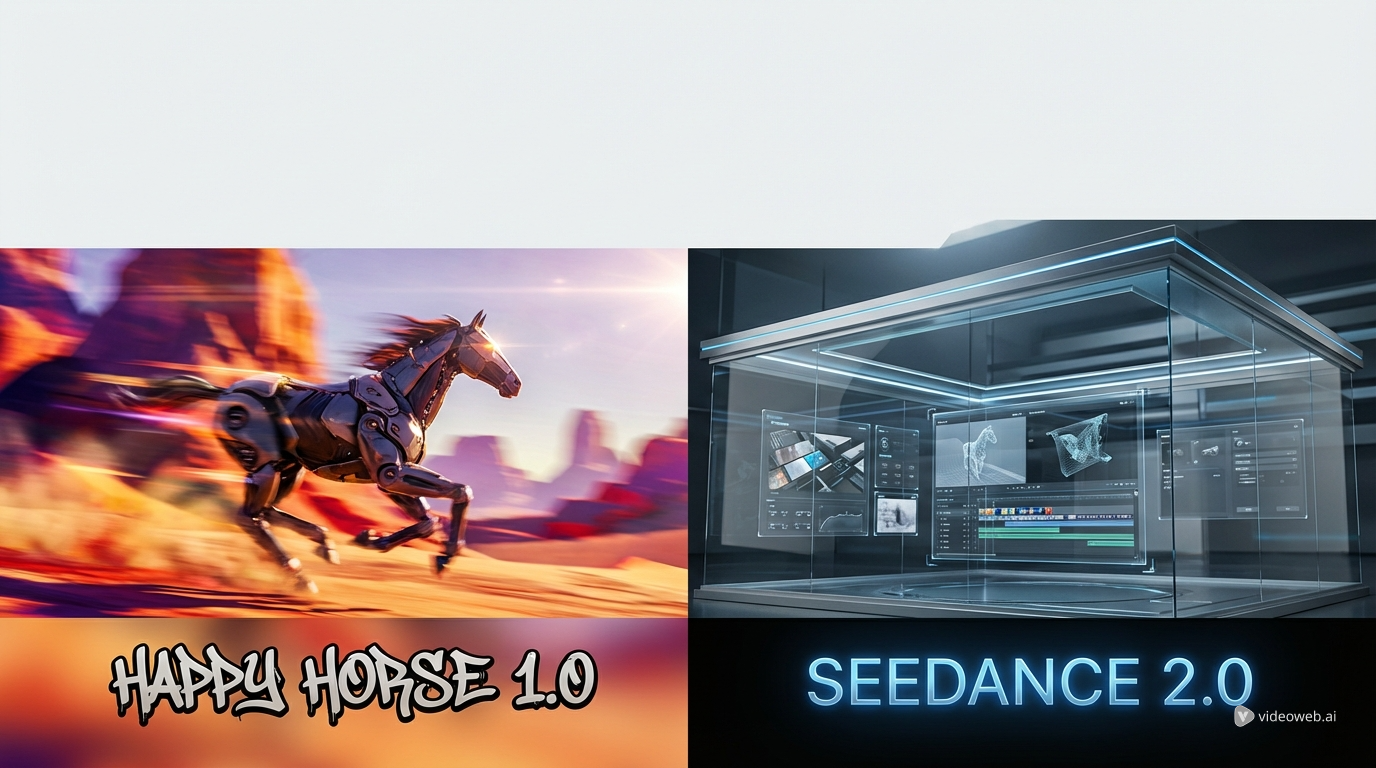
That is exactly why comparing Happy Horse 1.0 AI video generator and Seedance 2.0 AI video generator is useful. Both models sit inside the broader AI video generator ecosystem on Flyne AI, and both promise strong results. But they do not feel like the same kind of tool.
One leans toward visual surprise, cinematic polish, and fast impact. The other feels more structured, more production-minded, and easier to imagine in a repeatable content workflow. That difference matters whether you are making short ads, social videos, product demos, or concept-driven cinematic clips.
This article takes a practical view of the comparison. Instead of chasing hype, it looks at how each model fits real creative work, where each one feels stronger, and which one is more likely to save you time depending on your goals.
Why this comparison matters
A lot of creators start with a general text-to-video AI workflow and expect the model alone to solve everything. In practice, that rarely happens. The challenge is not only generating a video. The challenge is getting motion, consistency, style, and pacing to line up with what you actually want.
That is why model choice matters more than ever. Some models are better at delivering a strong first impression. Others are better at giving you something you can guide, refine, and reproduce. The difference between those two experiences is often the difference between a fun test and a usable workflow.
On Flyne AI, Happy Horse 1.0 AI video generator and Seedance 2.0 AI video generator represent two appealing but different directions in AI video creation.
What Happy Horse 1.0 feels like
Happy Horse 1.0 is the kind of model that attracts attention quickly. Its appeal is easy to understand: the output looks ambitious, cinematic, and visually assertive. It feels built for creators who want strong atmosphere and striking motion from the start.
That makes it a natural fit for users who value immediate impact. If your first concern is whether a clip looks impressive enough to stop scrolling, Happy Horse 1.0 has a strong case. It feels like a model for bold tests, fast prototypes, stylized promos, and visually punchy short-form content.
It also fits well into workflows where the goal is to explore ideas quickly rather than lock down a precise structure right away. In that sense, Happy Horse 1.0 feels closer to a creative spark tool. It is the model you might try when you want something exciting before you worry about whether every shot fits into a tightly controlled production system.
What Seedance 2.0 feels like
Seedance 2.0 AI video generator gives off a different impression. Instead of feeling built around surprise, it feels built around control. That does not mean it is dull. It means it looks more suited to workflows where consistency, shot continuity, and repeatability matter.
For creators who want more than a one-off impressive render, that is a meaningful advantage. Seedance 2.0 feels easier to imagine in a production setting where you want multiple usable results, cleaner direction, and a better chance of refining the same concept over several attempts.
This makes it especially appealing for structured campaigns, product storytelling, multi-scene clips, and creators who care about shaping a more deliberate visual language. If Happy Horse 1.0 feels like the model you try when you want a wow moment, Seedance 2.0 feels like the model you use when you want a workflow.
The real difference: visual excitement vs production control
This comparison becomes clearer once you stop asking which model is more “advanced” and start asking which model solves your problem better.
If your problem is getting something visually impressive as fast as possible, Happy Horse 1.0 looks very attractive. It seems better aligned with creators who want cinematic flair, sharper visual drama, and outputs that feel immediately eye-catching.
If your problem is getting a model that can support more organized iteration, Seedance 2.0 looks like the smarter choice. It seems better aligned with creators who want motion that feels easier to guide and scenes that feel easier to build into a larger workflow.
That difference is more useful than a raw score. Most creators do not need the “best” model in abstract. They need the model that wastes less time for the type of work they actually make.
Quick comparison chart
| Category | Happy Horse 1.0 | Seedance 2.0 |
|---|---|---|
| Core appeal | Cinematic punch and visual excitement | Structured motion and workflow clarity |
| Best for | Attention-grabbing short clips | Repeatable production workflows |
| Ideal starting point | Fast creative exploration | More deliberate content planning |
| Style feel | Bold and eye-catching | Controlled and refined |
| Workflow strength | Strong first impressions | Better continuity and guidance |
| Best user type | Creators testing fresh ideas | Teams and creators refining output |
How they compare in actual use cases
1. Short-form social content
For fast social clips, both models can make sense, but they do different jobs. Happy Horse 1.0 feels stronger when the goal is instant visual impact. If the content needs to feel cinematic, surprising, or visually dramatic in the first few seconds, it has the more obvious appeal.
Seedance 2.0 feels stronger when the clip needs to fit into a broader content strategy. If you want to create multiple assets with a consistent feel, or you need a model that feels easier to steer toward brand tone, Seedance 2.0 looks safer.
2. Product demos and marketing assets
Marketing content rewards consistency. That is where Seedance 2.0 seems more dependable. It feels more suitable for workflows where the motion has to support the product instead of overpowering it.
Happy Horse 1.0 can still work here, especially when the goal is to create a hero clip or launch visual that feels premium and dramatic. But for repeated marketing output, Seedance 2.0 seems easier to build around.
3. Concept trailers and cinematic tests
This is where Happy Horse 1.0 becomes especially appealing. If you are making mood-driven scenes, teaser concepts, or emotionally charged visual experiments, its style-first energy makes sense.
Seedance 2.0 is still useful in cinematic work, but it feels more like the tool for creators who want to shape the scene carefully instead of letting the model surprise them.
4. Image-led workflows
If your process starts with stills, Flyne’s broader photo-to-video AI workflow matters just as much as the model itself. Here, the choice depends on whether you want the final animation to feel expressive or controlled.
Happy Horse 1.0 seems better for dramatic transformation. Seedance 2.0 seems better for keeping the movement more coherent and usable across repeated outputs.
Supporting tools that make the workflow better
Model choice is only part of the process. Prompting still matters, especially when the differences between models come down to how they interpret style, movement, and scene structure.
That is why Flyne’s AI prompt generator and prompt market are useful companions in this comparison. If you are testing Happy Horse 1.0, better prompts can help reduce wasted renders and make bold ideas easier to communicate. If you are working with Seedance 2.0, better prompts can help you get more consistent results across multiple tries.
In other words, the models define the character of the output, but the prompt tools help you get closer to the version you actually want.
Which model should you choose?
Choose Happy Horse 1.0 AI video generator if your main priority is visual impact. It makes the most sense for creators who want dramatic results, fast inspiration, and clips that feel fresh and cinematic without a lot of setup.
Choose Seedance 2.0 AI video generator if your main priority is a smoother working process. It makes more sense for creators who care about continuity, repeatability, and turning experiments into a usable production rhythm.
If you are new to Flyne, the smartest approach may be simple: start with the one that matches your biggest frustration. If your current videos feel flat, try Happy Horse 1.0. If your current videos feel hard to control, try Seedance 2.0.
Final verdict
Happy Horse 1.0 and Seedance 2.0 are both worth testing, but they serve different creative mindsets.
Happy Horse 1.0 is the stronger choice when you want visual energy, bold mood, and a more exciting first impression. Seedance 2.0 is the stronger choice when you want a model that feels easier to guide, refine, and fit into a broader workflow.
That means this is not really a winner-takes-all comparison. It is a workflow choice. One model is better for creators chasing standout visuals. The other is better for creators building repeatable content systems.
That distinction is much more useful than hype.
In the bigger picture, Flyne AI is positioning itself as more than a single-model destination. Alongside its AI video generator, text-to-video AI, photo-to-video AI, AI prompt generator, and prompt market, it offers a broader workspace for creators who want to compare models rather than commit blindly to one.
Former Flux AI has now updated its brand to Flyne AI. The overall creative quality, services, and platform continuity remain familiar, and users can think of the shift as a brand update rather than a completely new product. For existing users, that makes the transition feel more like a refresh of identity than a reset of the experience.
Recommended Tools on Flyne AI
- AI video generator for comparing multiple video models in one place.
- Text-to-video AI for prompt-first video creation.
- Photo-to-video AI for turning still images into animated clips.
- AI prompt generator for faster, cleaner prompt writing.
- Prompt market for reusable prompts and inspiration.
Related Article
- How to Use Seedance 2.0 with Free Trials? API Access and Video Generation Guide
- Seedance 2.0 Video Generation Guide: How to Get Controlled, Consistent Results
- The Best Image-to-Video AI Tools in 2025 – Where to Use Them and Why
- Wan 2.7: What’s New, What’s Rumored, and What’s Actually Confirmed
People Also Read
- Seedance 2.0 vs Seedance 1.0: What’s Better for AI Video
- Seedance 2.0 Video Generation Guide: How to Create Better AI Videos
- Happy Horse 1.0 Is Alibaba’s AI Video Surprise of the Moment — But How Does It Compare With Seedance 2.0?
- The 2026 Image-to-Video Guide: Best Models & Prompts
- AI Dance Video With Kling Motion Control: A Step-by-Step Tutorial