Free Image to Image AI: Edit Images with AI
Upload an image and edit it into a new visual with Free Image to Image AI. Describe the edit, style, background, color, outfit, product scene, composition, or creative direction you want, then generate image-to-image results for portraits, product shots, ads, thumbnails, social posts, stickers, ecommerce visuals, concept art, and everyday photo editing.
Try Faster, Higher Quality Image Generator Now!
Upgrade for faster queues, higher quality output, and more generation options.
Image examples with Free Image to Image AI Editor
Explore how Free Image to Image AI turns portraits, selfies, product photos, fashion images, sketches, brand assets, travel shots, pet photos, lifestyle images, and reference visuals into new styles, polished edits, product posters, avatar variations, sticker packs, social graphics, ecommerce scenes, and creative image concepts.
Image-to-Image Example 1
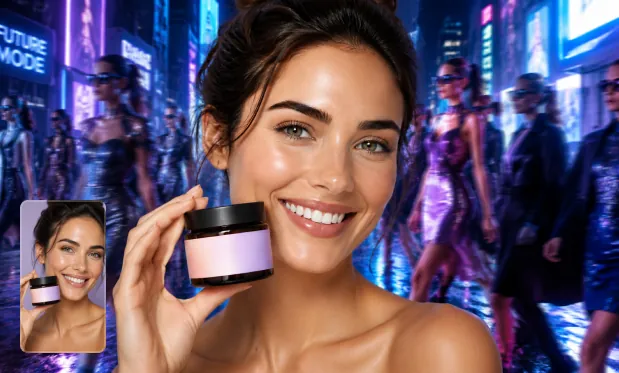
Product Image Transformation
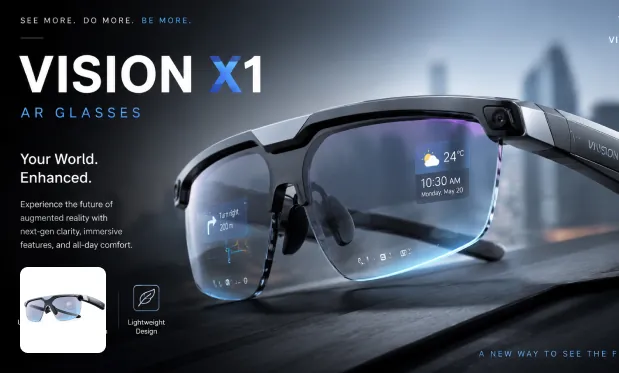
Product Image Restyle
Image-to-Image Example 2
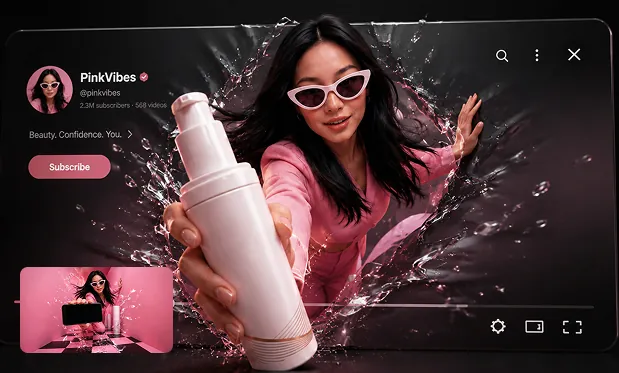
Poster from Prompt
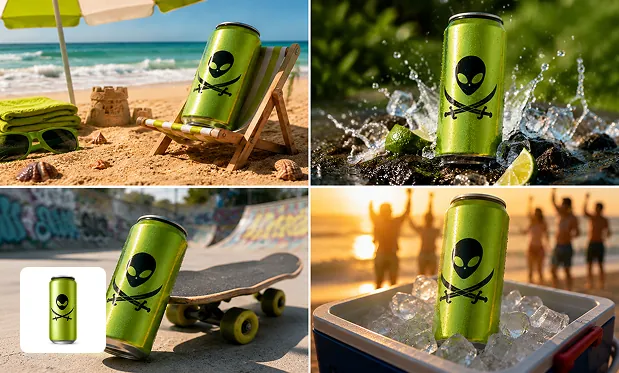
Background Swap
Core Features of Free Image to Image AI
Free Image to Image AI combines uploaded image editing, prompt-guided transformation, style transfer, background changes, product image refinement, creative variations, and flexible image generation from existing photos.
Upload Image and Transform
Start with an existing photo, product shot, portrait, sketch, or reference image, then use AI to transform the source image into a new visual direction without starting from scratch.
Prompt-Guided Image Editing
Describe the change you want in natural language, such as a new background, outfit, lighting, color palette, visual style, object detail, poster layout, or product scene.
Style Transfer and Creative Variations
Restyle images into cartoon, anime, illustration, realistic, cinematic, commercial poster, fantasy, studio portrait, product lifestyle, or branded social media looks.
Flexible Output for Creative Work
Create image variations for social posts, ecommerce listings, ads, avatars, thumbnails, presentations, design exploration, campaign mockups, and personal creative projects.
Advantages of Free Image to Image AI
Free Image to Image AI helps creators, marketers, ecommerce teams, designers, photographers, artists, and casual users edit and repurpose images faster with simple prompts and visual references.
Easy Image Editing Workflow
Upload a source image, write a prompt, choose the desired style or direction, and generate. No advanced photo editing skill, layer masking, or complex design software is required.
Preserve the Source While Changing the Look
Use the uploaded image as a visual anchor while changing style, background, mood, scene, composition, or details, making the output feel connected to the original.
Fast Creative Iteration
Generate multiple image variations quickly, compare styles, test campaign directions, refine product concepts, and explore different visual ideas before choosing the final result.
Useful for Real Content Needs
Create social media graphics, product visuals, ad creatives, profile images, posters, stickers, thumbnails, brand concepts, presentation images, and polished marketing assets.
Use Cases for Free Image to Image AI
Free Image to Image AI supports practical photo transformation and AI editing workflows for social media, ecommerce, marketing, design, art, photography, branding, education, and personal creativity.
Turn selfies, portraits, lifestyle photos, and brand images into scroll-stopping posts, avatars, thumbnails, profile visuals, meme images, sticker concepts, and platform-ready graphics.
Social Media and Creator Visuals
Transform product photos into lifestyle scenes, promotional posters, shop visuals, marketplace graphics, packaging concepts, ad images, and consistent ecommerce creative variations.
Product and Ecommerce Images
Convert sketches, concept references, mood boards, and rough images into polished artwork, illustration styles, fantasy scenes, cartoon looks, fashion concepts, or visual directions.
Design and Artistic Exploration
Change backgrounds, adjust outfits, restyle portraits, enhance scenes, create variations, replace objects, test colors, and reinterpret existing images with prompt-based AI editing.
Photo Editing and Visual Remixing
How to Use Free Image to Image AI
Create a new image from an existing image in three simple steps.
Upload your source image or reference photo
Describe the edit, style, background, scene, or image variation you want
Generate, preview, refine your prompt, and download the final image