Empowered in Motion: Strength & Grace - Flux.1 dev
プロンプト
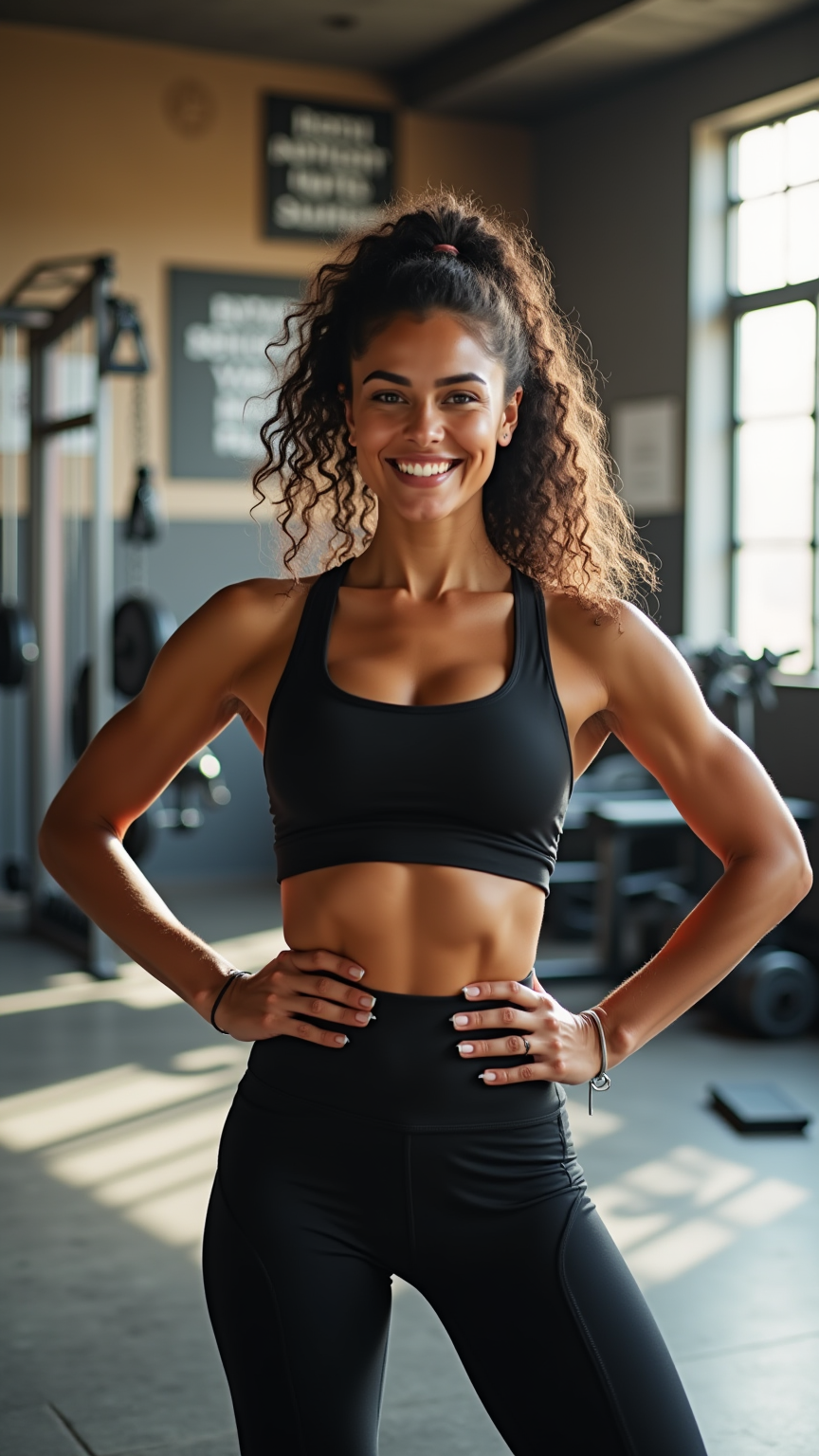
A strong athletic woman stands confidently in a bright, sunlit gym. She has defined facial features with high cheekbones and a determined expression, showcasing a light brown skin tone that glistens with a hint of sweat. Her curly hair is styled in a high ponytail, bouncing with her movements. She wears a fitted black sports bra that highlights her toned arms and well-defined shoulders, paired with matching high-waisted black leggings that accentuate her athletic physique and shapely legs. Her body is muscular yet feminine, reflecting strength and agility. With her hands on her hips and a slight smile, she exudes a sense of empowerment and focus. In the background, gym equipment and motivational posters create an energetic atmosphere, emphasizing her dedication to fitness.
Flyne AI画像プロンプトの詳細分析
Flyne AI Image Generatorで画像生成に使用された詳細なプロンプトを分析します。
Flux AI画像生成のプロンプトを探索
Flyne AI Image Generatorで画像を生成する方法 Flux.1 dev
以下の4つの簡単なステップに従って、希望する画像を作成してください。
ステップ 1: テキストを入力 (より良い結果のためにプロンプトを調整してください)
ステップ 2: 画像のアスペクト比を選択
ステップ 3: 画像モデルを選択:
ステップ 4: 生成ボタンをクリックして数秒待ち、画像を取得
画像生成プロンプトに関連するFlyne AIツール Flux.1 dev
Flyne AIの高度なツールを見つけて、クリエイティブなワークフローを強化しましょう。