Enchanted Quest: Navi's Call - Flux.1 schnell
プロンプト
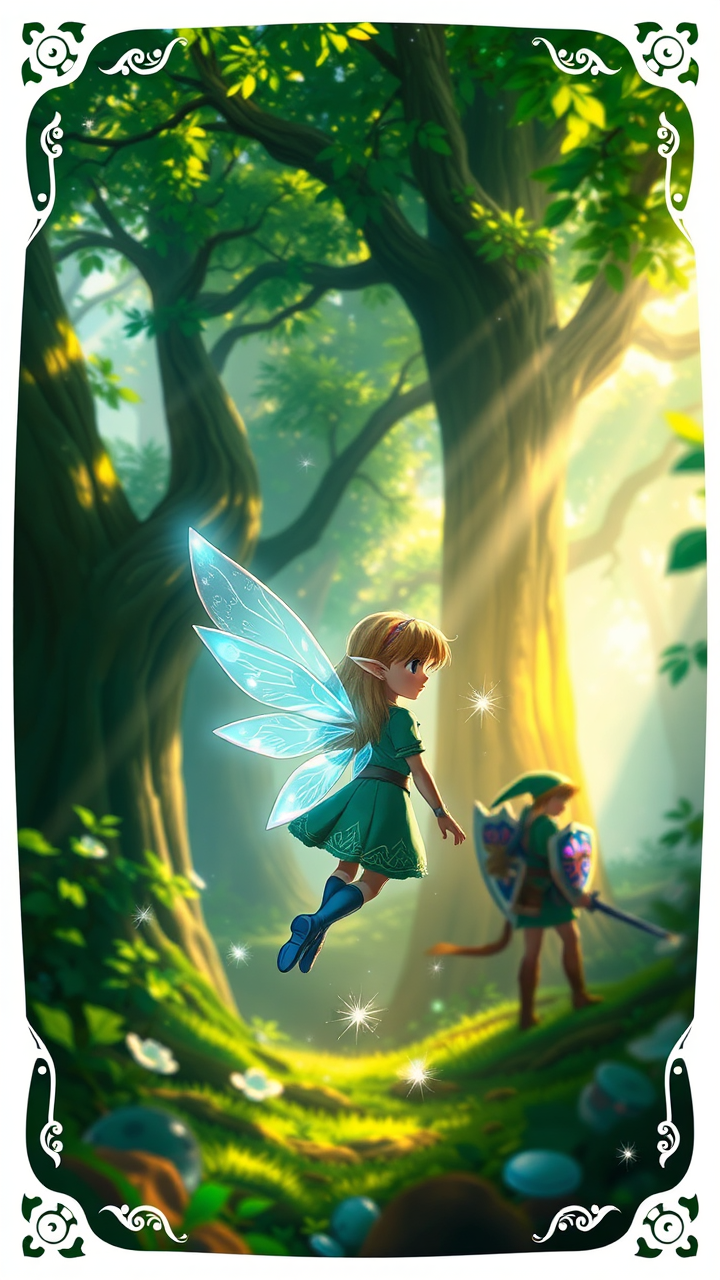
Create a vibrant, action-adventure scene inspired by "The Legend of Zelda: Ocarina of Time." Focus on Navi, the small, glowing fairy, with delicate, translucent wings shimmering in shades of blue and white, illuminating the lush, enchanted forest of Kokiri. Surround her with towering, ancient trees adorned with emerald leaves and dappled sunlight filtering through the canopy. In the background, hint at Link, the courageous hero, clad in his iconic green tunic and pointed cap, wielding the Master Sword, ready for adventure. Include the mystical Ocarina of Time, glowing softly in his hand. The atmosphere should be filled with a sense of wonder and urgency, capturing the essence of exploration and the bond between hero and companion. Add ethereal sparkles around Navi, enhancing the magical ambiance of this iconic setting.
Flyne AI画像プロンプトの詳細分析
Flyne AI Image Generatorで画像生成に使用された詳細なプロンプトを分析します。
Flux AI画像生成のプロンプトを探索
Flyne AI Image Generatorで画像を生成する方法 Flux.1 schnell
以下の4つの簡単なステップに従って、希望する画像を作成してください。
ステップ 1: テキストを入力 (より良い結果のためにプロンプトを調整してください)
ステップ 2: 画像のアスペクト比を選択
ステップ 3: 画像モデルを選択:
ステップ 4: 生成ボタンをクリックして数秒待ち、画像を取得
画像生成プロンプトに関連するFlyne AIツール Flux.1 schnell
Flyne AIの高度なツールを見つけて、クリエイティブなワークフローを強化しましょう。