Radiant Strength in Motion - Flux.1 dev
プロンプト
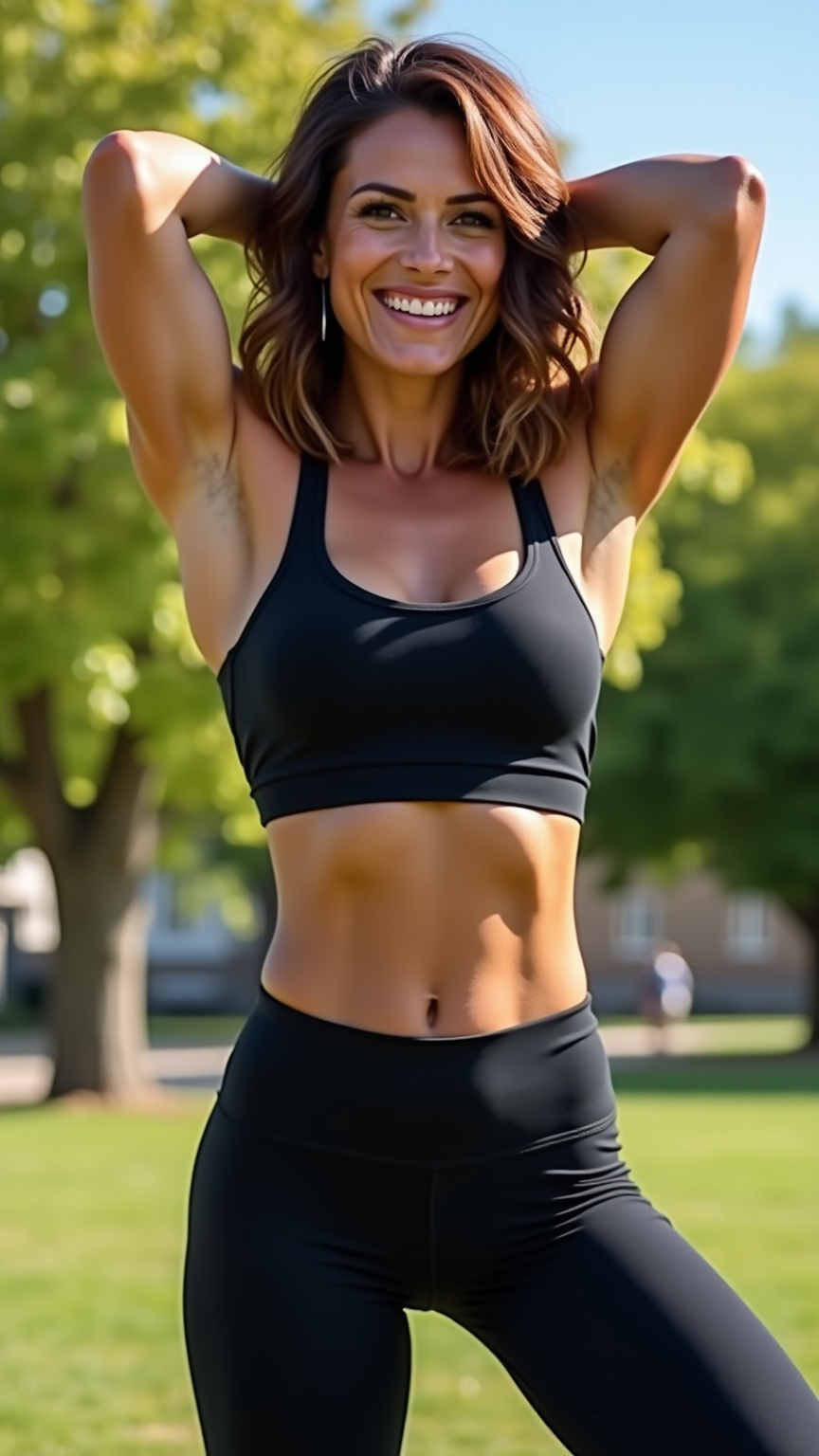
A toned individual stands confidently, showcasing a well-defined physique with broad shoulders and a slim waist. Their shoulder-length wavy hair cascades in rich chestnut hues, catching the light as it frames a strong, angular face with high cheekbones and a warm olive skin tone. They wear a fitted black tank top that accentuates their athletic build, paired with dark, high-waisted leggings that highlight their toned legs. The person's expression is determined yet relaxed, with a slight smile playing on their lips, exuding a sense of self-assuredness. They are mid-action, stretching their arms overhead, with one foot slightly forward, conveying a sense of movement and energy. The background features a sunlit park, with green trees and a clear blue sky, enhancing the vibrant, active atmosphere.
Flyne AI画像プロンプトの詳細分析
Flyne AI Image Generatorで画像生成に使用された詳細なプロンプトを分析します。
Flux AI画像生成のプロンプトを探索
Flyne AI Image Generatorで画像を生成する方法
以下の4つの簡単なステップに従って、希望する画像を作成してください。
ステップ 1: テキストを入力 (より良い結果のためにプロンプトを調整してください)
ステップ 2: 画像のアスペクト比を選択
ステップ 3: 画像モデルを選択:
ステップ 4: 生成ボタンをクリックして数秒待ち、画像を取得
画像生成プロンプトに関連するFlyne AIツール
Flyne AIの高度なツールを見つけて、クリエイティブなワークフローを強化しましょう。