Radiant Joy in Blooming Beauty - Flux.1.1 pro
プロンプト
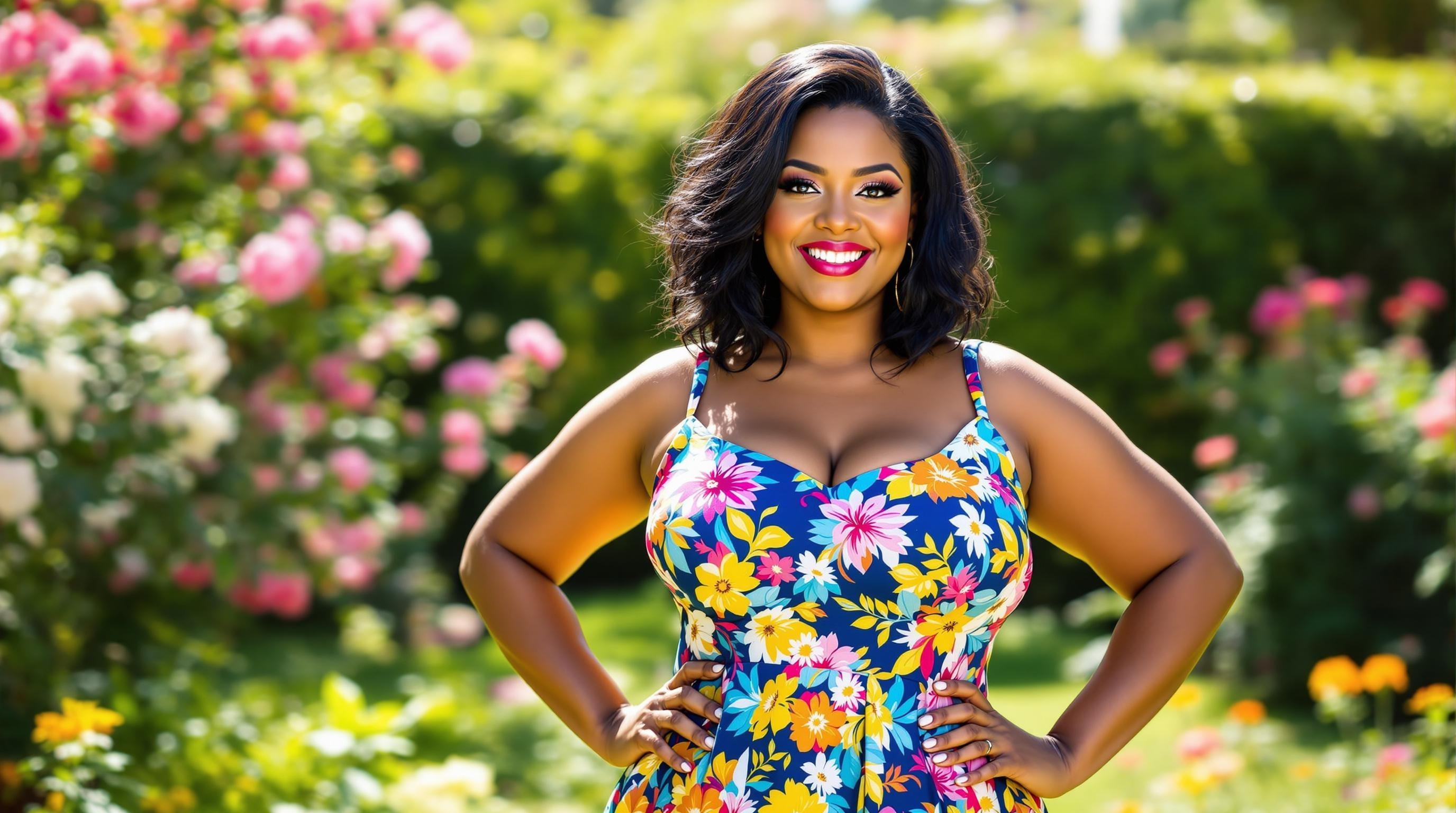
A curvy woman stands confidently in a sunlit garden, her shoulder-length black hair gently tousled by a light breeze. Her warm, caramel skin glows with a healthy radiance, accentuating her full cheeks and bright, almond-shaped hazel eyes that sparkle with joy. She wears a vibrant sundress adorned with a colorful floral pattern, featuring a fitted bodice that flares out into a flowing skirt that dances around her knees. The dress is a mix of deep blues, sunny yellows, and lively pinks, perfectly complementing her figure. With a cheerful smile, she leans slightly forward, resting her hands on her hips, exuding a sense of warmth and approachability. In the background, blooming flowers and lush greenery create a serene, idyllic setting, enhancing the joyful atmosphere of a sunny day.
Flyne AI画像プロンプトの詳細分析
Flyne AI Image Generatorで画像生成に使用された詳細なプロンプトを分析します。
Flux AI画像生成のプロンプトを探索
Flyne AI Image Generatorで画像を生成する方法
以下の4つの簡単なステップに従って、希望する画像を作成してください。
ステップ 1: テキストを入力 (より良い結果のためにプロンプトを調整してください)
ステップ 2: 画像のアスペクト比を選択
ステップ 3: 画像モデルを選択:
ステップ 4: 生成ボタンをクリックして数秒待ち、画像を取得
画像生成プロンプトに関連するFlyne AIツール
Flyne AIの高度なツールを見つけて、クリエイティブなワークフローを強化しましょう。