Panda - Flux.1 schnell
プロンプト
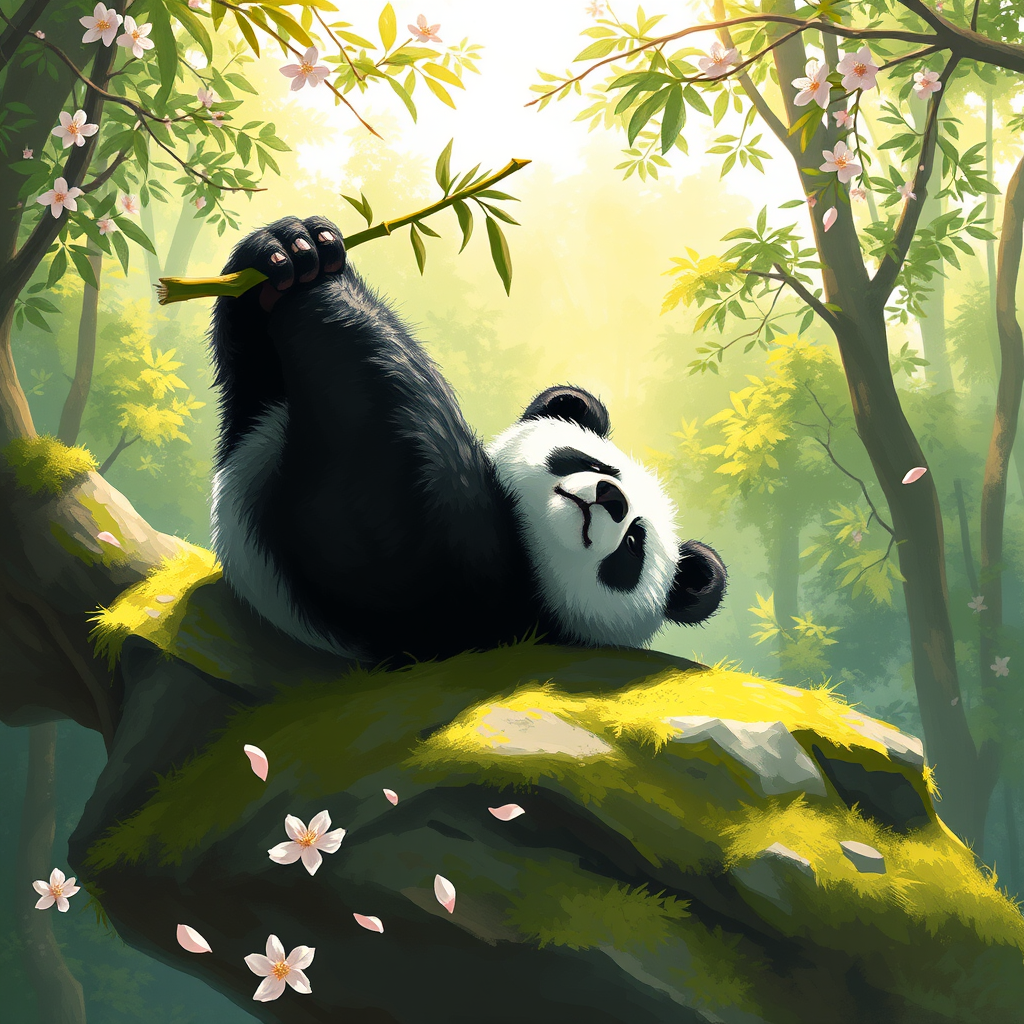
A serene giant panda lounging on a moss-covered rock, its thick black and white fur contrasting beautifully with the vibrant green foliage surrounding it. The panda is playfully resting on its back, paws in the air, with a bamboo shoot clutched in one paw. Sunlight filters through the dense canopy above, casting dappled light on the panda and creating a warm, inviting atmosphere. The scene is painted in a whimsical, impressionistic style, with soft brush strokes and a vivid color palette of greens, whites, and hints of gold. The camera angle is slightly elevated, capturing the panda's playful pose while framing the lush background. In the foreground, delicate cherry blossom petals drift down, adding a touch of elegance and enhancing the tranquil mood of this enchanting forest setting.
Flyne AI画像プロンプトの詳細分析
Flyne AI Image Generatorで画像生成に使用された詳細なプロンプトを分析します。
Flux AI画像生成のプロンプトを探索
Flyne AI Image Generatorで画像を生成する方法
以下の4つの簡単なステップに従って、希望する画像を作成してください。
ステップ 1: テキストを入力 (より良い結果のためにプロンプトを調整してください)
ステップ 2: 画像のアスペクト比を選択
ステップ 3: 画像モデルを選択:
ステップ 4: 生成ボタンをクリックして数秒待ち、画像を取得
画像生成プロンプトに関連するFlyne AIツール
Flyne AIの高度なツールを見つけて、クリエイティブなワークフローを強化しましょう。