Machu Picchu - Flux.1 dev
プロンプト
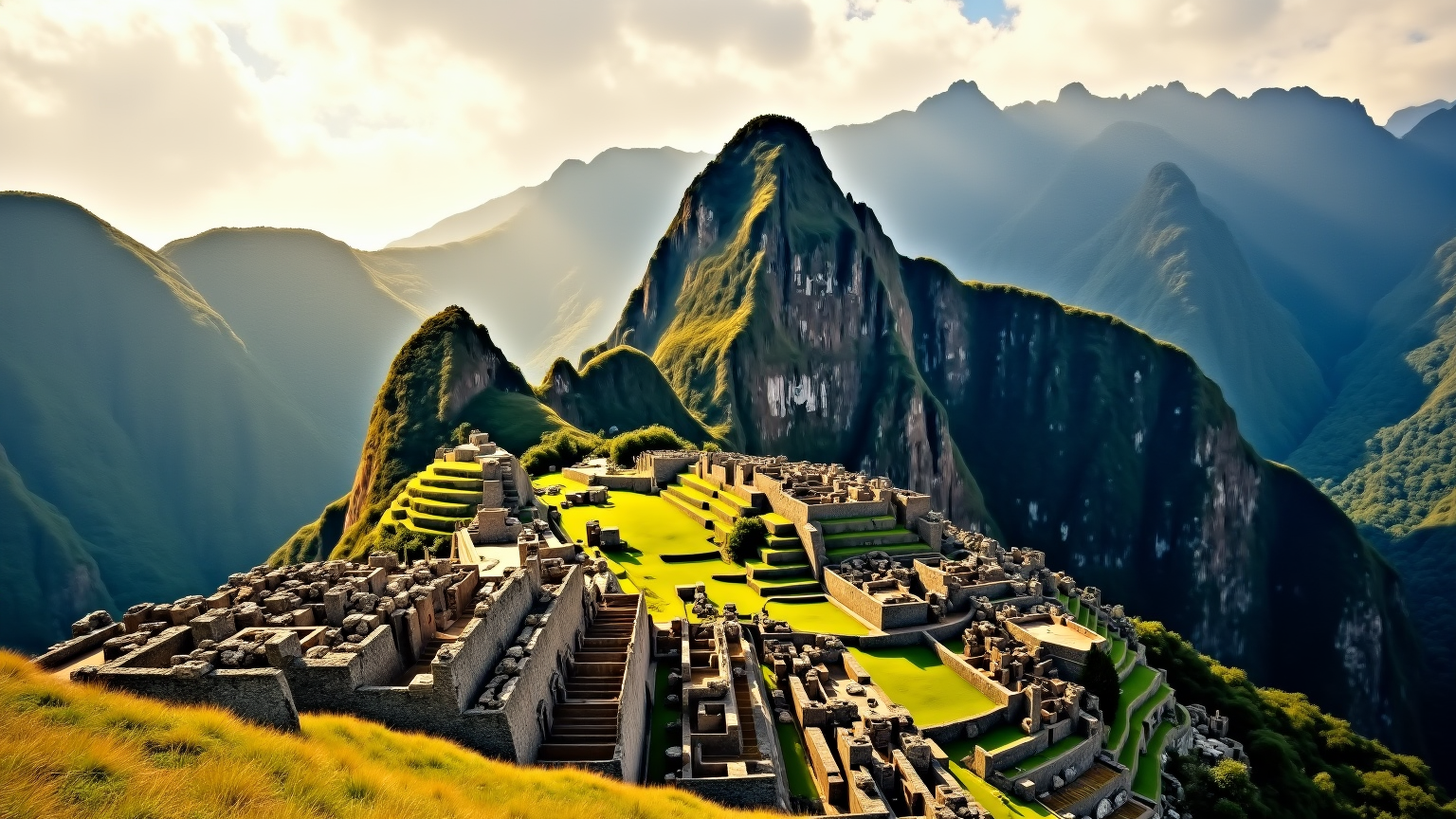
**Prompt for AI Image Generation: Machu Picchu** Create a breathtaking scene of Machu Picchu at sunrise, where the first light of day casts a golden hue over the ancient stone structures. Highlight the Inca architectural style, characterized by precisely cut granite blocks, terraced fields, and intricate stonework. The vibrant greens of the surrounding Andes mountains contrast with the earthy tones of the ruins, while wisps of mist linger in the valleys below. Capture the textures of the weathered stones, the lush vegetation, and the dramatic peaks in the background. The scene should evoke a sense of tranquility and mystery, reflecting the cultural significance of this UNESCO World Heritage site. Use a soft focus to enhance the ethereal quality of the morning light, reminiscent of a classic landscape painting.
Flyne AI画像プロンプトの詳細分析
Flyne AI Image Generatorで画像生成に使用された詳細なプロンプトを分析します。
Flux AI画像生成のプロンプトを探索
Flyne AI Image Generatorで画像を生成する方法
以下の4つの簡単なステップに従って、希望する画像を作成してください。
ステップ 1: テキストを入力 (より良い結果のためにプロンプトを調整してください)
ステップ 2: 画像のアスペクト比を選択
ステップ 3: 画像モデルを選択:
ステップ 4: 生成ボタンをクリックして数秒待ち、画像を取得
画像生成プロンプトに関連するFlyne AIツール
Flyne AIの高度なツールを見つけて、クリエイティブなワークフローを強化しましょう。