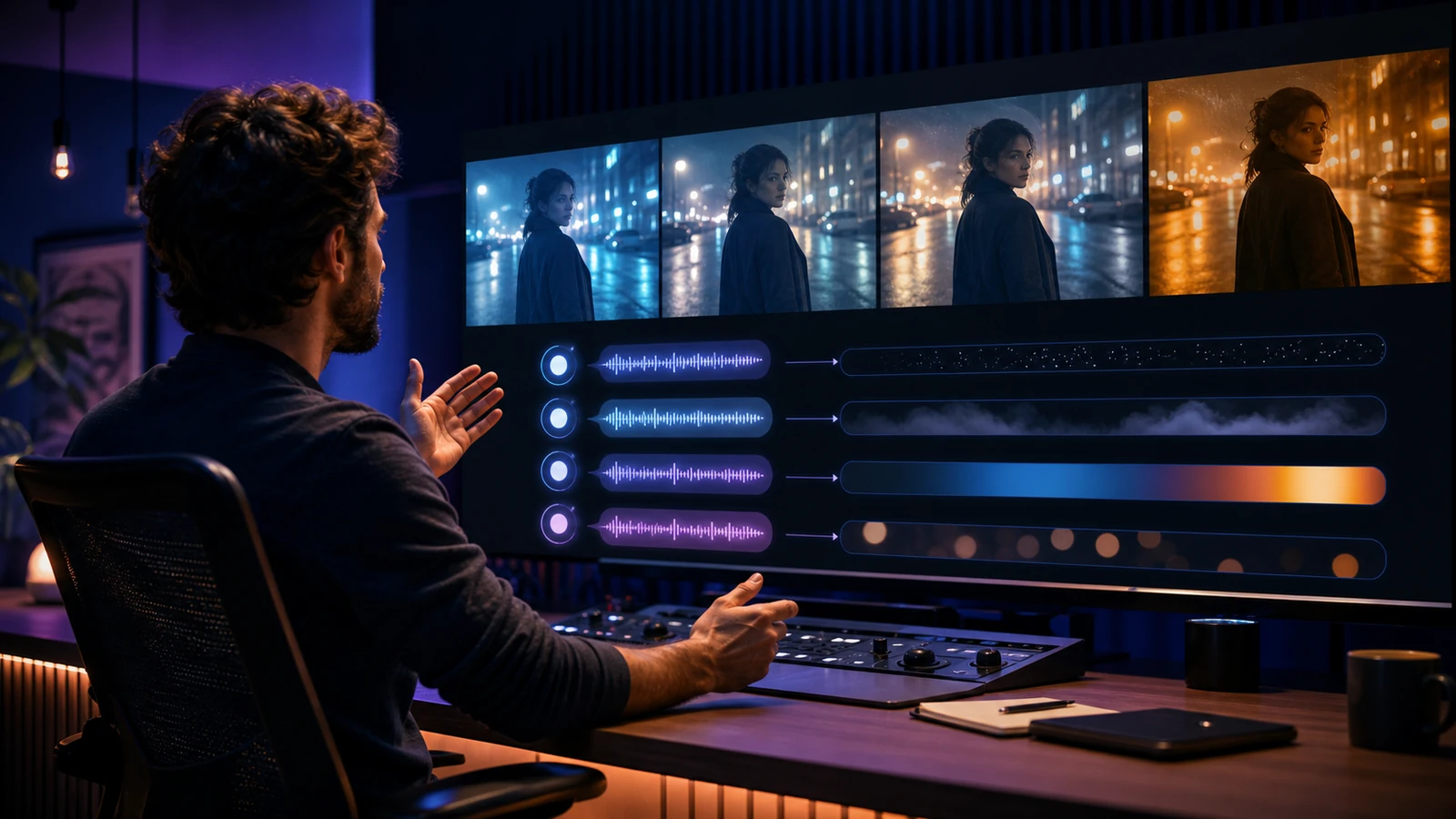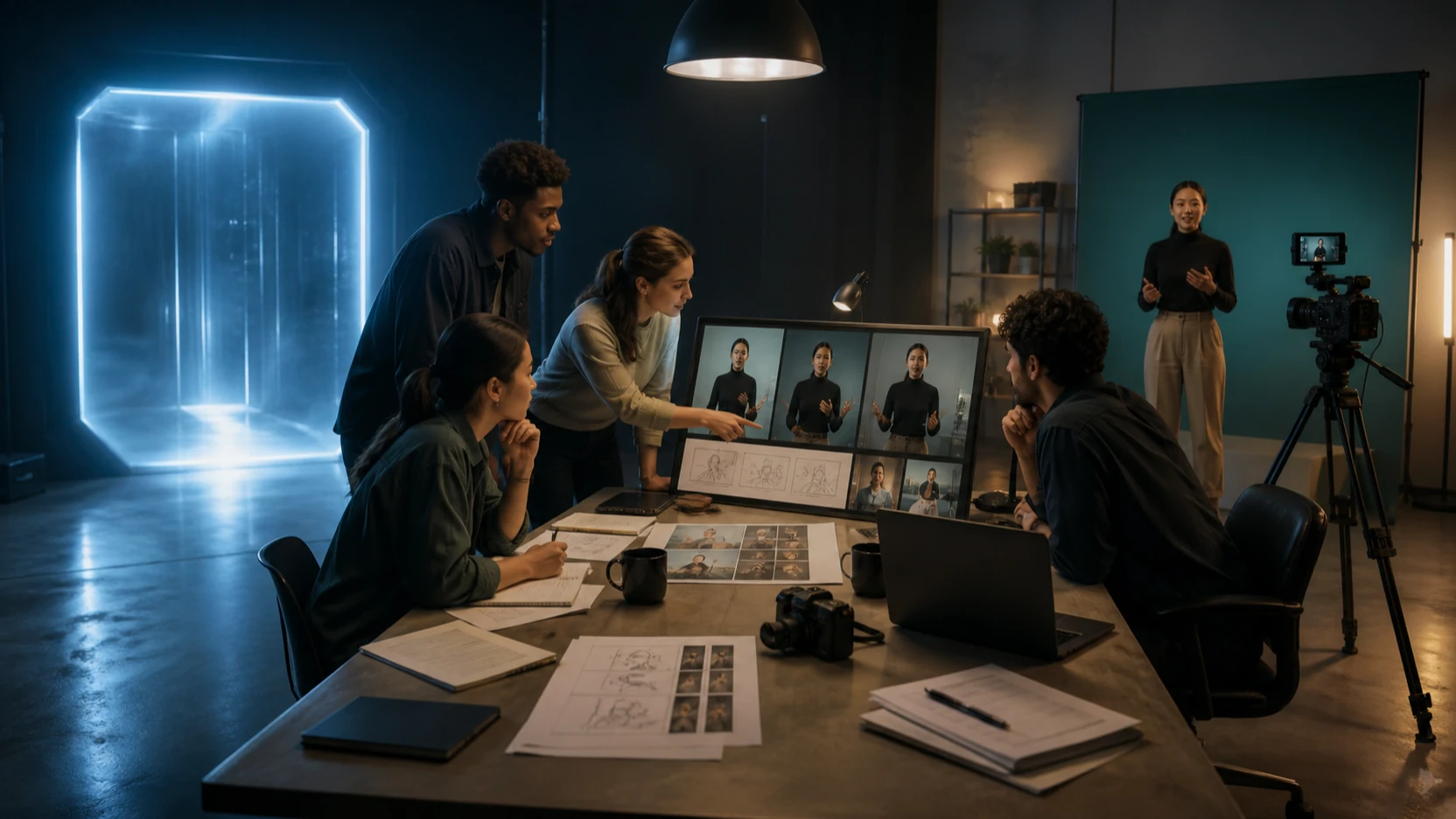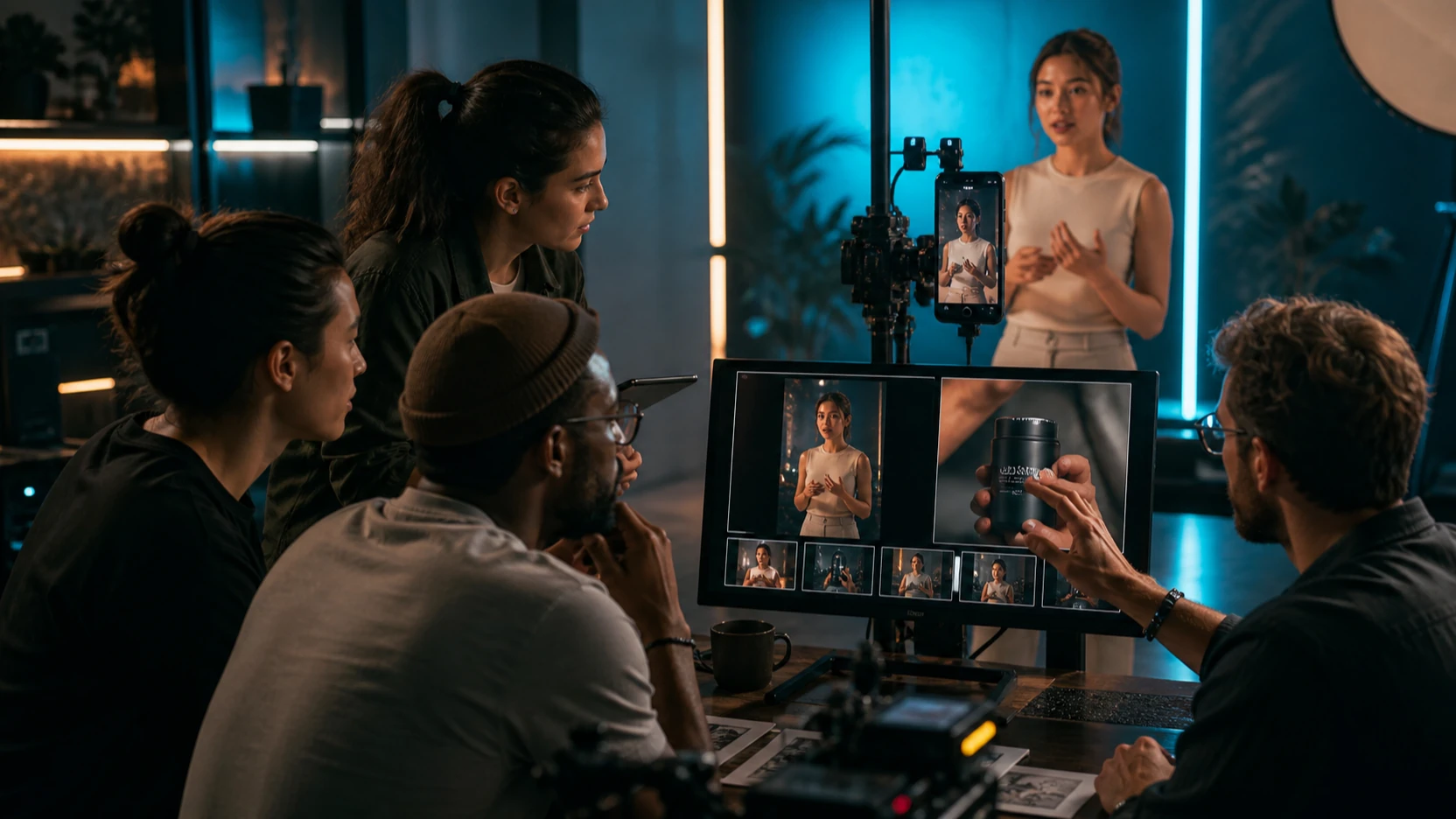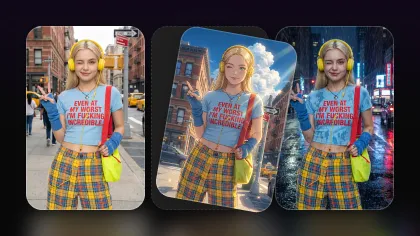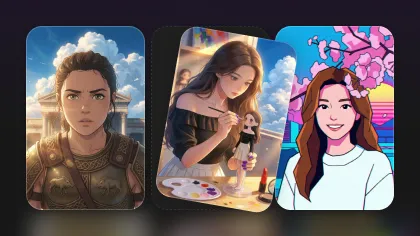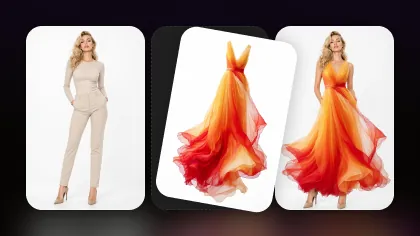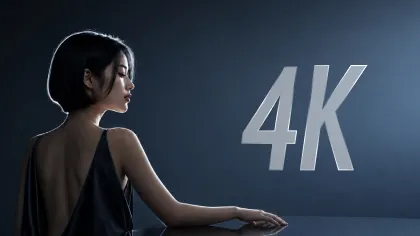
The Krea 2 open-source image model release matters because it gives creators, researchers, and developers a new open image-model family built around expressive visuals, aesthetic diversity, and style control. Instead of treating image generation as a single black-box tool, Krea is presenting two checkpoints with different jobs: RAW for research and customization, and Turbo for faster text-to-image inference.
For creators who want to test a related browser workflow before thinking about local deployment, Flyne AI's Krea AI Image Generator is the practical tool to try first. Flyne's page currently describes a Krea AI creative image generator powered by an open-source Krea AI model, with prompt control, image upload, ratio, resolution, and public generation controls. However, the page does not clearly confirm whether it is running Krea 2 RAW, Krea 2 Turbo, another Krea-associated model, or a customized implementation, so this guide describes Flyne as related Krea AI access rather than confirmed Krea 2 RAW or Turbo hosting.

What the Krea 2 Open-Source Image Model Actually Introduces
Krea's official Krea 2 Open-Source page presents Krea 2 as an aesthetic-first open-source image model family with open weights on Hugging Face. The release is not just a single text-to-image checkpoint; it is a family built around two intended paths: RAW for training and research, and Turbo for fast polished outputs.
That distinction is important for AI artists, designers, and developers. A creator may care about expressive image generation, fashion posters, character illustrations, product campaigns, and cinematic visual concepts. A researcher or technical team may care more about open weights, LoRA training, model behavior, hardware needs, and licensing. Krea 2 sits at the intersection of those groups because it is designed for creative visual quality while also being open enough for deeper experimentation.
In practical terms, Krea 2 joins the broader movement toward open-source AI image generation, where teams can test model behavior, adapt styles, compare checkpoints, and build custom creative workflows. Before using outputs commercially or deploying the model, readers should still verify the current Krea license, downloadable weights, API availability, generated-image rights, hardware requirements, and commercial-use permissions on official pages.

RAW vs Turbo: Which Krea 2 Checkpoint Fits Which Workflow?
Krea 2 RAW and Krea 2 Turbo solve different problems. According to Krea's official FAQ, RAW is the undistilled base checkpoint intended for research, fine-tuning, post-training, and LoRA training, while Turbo is an 8-step distilled checkpoint built for fast, high-quality text-to-image inference.
Use RAW when the project needs customization. That could mean training LoRAs, exploring style adaptation, testing how the base checkpoint behaves, or building a custom creative pipeline in tools such as ComfyUI or another supported environment. RAW is not the easiest route for a beginner who simply wants a quick image, but it is the more flexible option for model work.
Use Turbo when the goal is faster generation. Turbo is the better conceptual fit for creators who want polished text-to-image results without spending their first session on training, local deployment, or tuning. Krea's own guidance says LoRAs can be trained on RAW and then applied on Turbo, which makes the pair useful as a research-to-production path.
| Workflow Need | Better Fit | Why |
|---|---|---|
| LoRA training | RAW | Malleable base checkpoint for customization. |
| Research and model behavior tests | RAW | Better fit for studying and adapting the model. |
| Fast text-to-image generation | Turbo | Distilled checkpoint designed for faster inference. |
| Creator-facing visual drafts | Turbo or hosted tools | Lower friction when speed matters more than training. |
| Browser testing before deployment | Flyne AI Krea AI | Easier entry point, but not confirmed as RAW or Turbo. |

Why Open-Source AI Image Generation Matters for Creators and Developers
Open-source AI image generation matters because it changes who can inspect, adapt, and build around a model. Closed image tools can be convenient, but open weights make it easier for researchers, developers, and advanced creative teams to explore behavior, train extensions, and design specialized workflows.
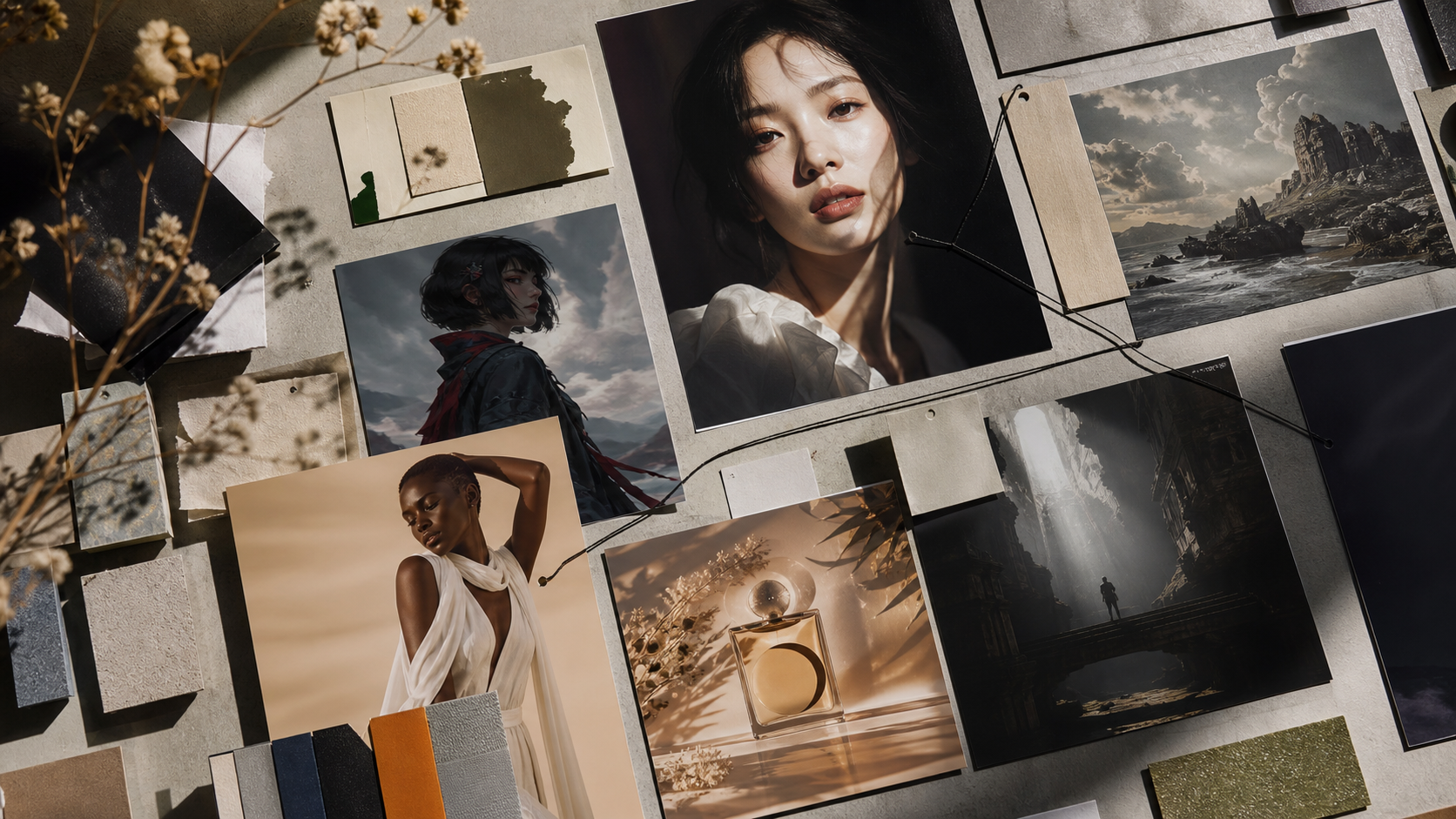
For creators, the practical benefit is stylistic range. A model family like Krea 2 is positioned around expressive output, aesthetic diversity, and creative control, which can support fashion posters, product campaign directions, character illustrations, architecture concepts, automotive imagery, and cinematic environmental art. For developers, the benefit is experimentation: open checkpoints can become part of custom pipelines, internal tools, inference stacks, or fine-tuning workflows when the license and hardware setup allow it.
The key is to avoid mixing up related terms. "Open source," "open weights," "free online access," and "commercially unrestricted" are not the same thing. A model can have open weights while still having license conditions. A browser tool can provide a free trial while still using credits or public generation settings. A hosted tool can be easy to use without exposing the exact underlying checkpoint. Always check the live license, pricing, credit cost, privacy rules, watermark policy, and output rights before treating generated images as production assets.

Where Flyne AI Fits: Practical Krea AI Testing Without Local Deployment
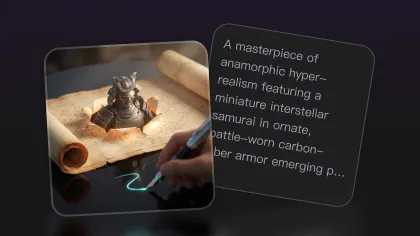
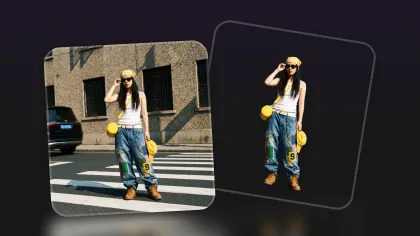
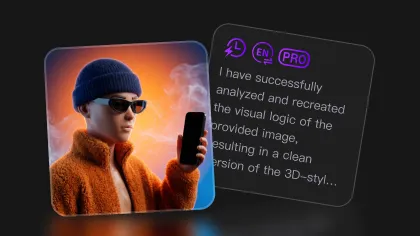
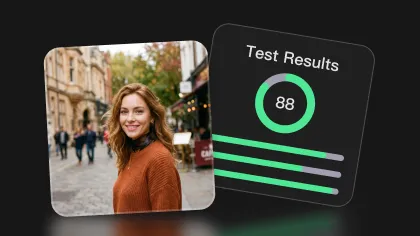
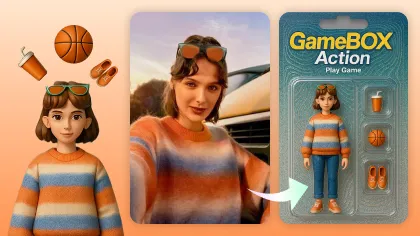
Flyne AI's Krea AI Image Generator is the practical recommendation for readers who want to test a related Krea AI image-generation workflow in the browser. The page presents a Krea AI tool with model selection, prompt input, image upload, ratio, resolution, public setting, and generation controls, plus examples around fashion poster design and virtual character illustrations.
Flyne also describes the tool as creator-focused, emphasizing fast inference, diverse style adaptation, enhanced prompt control, flexible style fusion, and commercial-style visual outputs. That makes it useful for AI artists, designers, marketers, and social teams who want to explore Krea AI prompts without starting with GitHub, Hugging Face weights, local GPU setup, or inference configuration.
The important caveat is model version clarity. Flyne currently calls the page "Krea AI" and "Open Source Krea AI Model"; it does not clearly state that the hosted workflow is Krea 2 RAW or Krea 2 Turbo. For that reason, the most accurate positioning is: use Flyne as the closest related Krea AI image generator online for prompt testing and visual ideation, then use official Krea sources when you need exact Krea 2 RAW, Turbo, licensing, or deployment details.
A sensible creator workflow is:
- Use Flyne AI Krea AI to test visual direction, prompts, styles, ratio, and image-upload workflows.
- Use Flyne AI Image Generator for broader model comparison if a different visual model fits better.
- Use Flyne AI Image-to-Image Editor when the project starts from a reference visual.
- Use the official Krea 2 Open-Source page for RAW, Turbo, weights, architecture, licensing, and technical release details.

Krea AI Prompts: Practical Examples for Style-Controlled Image Generation
Krea AI prompts work best when they define subject, medium, environment, composition, lighting, color direction, texture, mood, camera language, and unwanted elements. This is especially useful for open-source image generator workflows where style control and visual iteration matter more than a single generic prompt.
Reusable prompt formula:
[subject], [visual medium or photographic style], [environment], [composition], [lighting], [color direction], [texture and material details], [mood], [camera or lens], [aspect ratio], no [unwanted elements]
Copy and adapt these examples:
-
Editorial portrait of [subject], contemporary fashion photography, sculptural studio backdrop, centered medium shot, soft directional lighting, muted earth tones, detailed fabric textures, refined and introspective mood, 85mm lens, shallow depth of field. -
Luxury fashion poster featuring [product or model], dramatic architectural setting, asymmetrical magazine composition, hard afternoon sunlight, deep shadows, restrained red and cream palette, premium editorial photography, vertical format. -
Fantasy character illustration of [character], ornate ceremonial clothing, windswept mountain sanctuary, full-body composition, luminous dusk lighting, intricate metal and textile details, painterly realism, solemn heroic atmosphere. -
Independent film still showing [character and action], quiet urban street after rain, natural candid framing, reflected neon light, subtle film grain, realistic skin texture, melancholic atmosphere, anamorphic cinematography. -
Product campaign image for [product name], product resting on carved stone, minimal gallery environment, strong side lighting, clean negative space, tactile material detail, elegant neutral palette, premium advertising photography. -
Surreal editorial artwork of [subject], landscape merging with translucent fabric and clouds, layered depth, pale sunrise lighting, dreamlike color transitions, highly detailed textures, sophisticated art-magazine composition. -
Retro travel poster depicting [destination], bold geometric landscape shapes, screen-printed texture, limited vintage palette, strong visual hierarchy, refined mid-century illustration, clean typography space. -
Cinematic environmental concept art of [location], monumental architecture surrounded by mist, wide establishing composition, shafts of natural light, weathered stone and vegetation, restrained fantasy realism, atmospheric depth.
For more structured prompt help, Flyne AI Prompt Generator is a useful companion page. Keep prompts specific, test one visual variable at a time, and avoid asking for protected characters, real-person likenesses, copied artist styles, or brand marks unless you have the rights.

FAQ and Final Checks Before Using Krea 2 or Flyne AI
Is Krea 2 open source?
Krea's official page calls it Krea 2 Open-Source and says the release brings Krea 2 into the open with open weights on Hugging Face. Before using it in a product or commercial project, read the current license because open release language does not automatically mean every use is unrestricted.
What is the difference between Krea 2 RAW and Krea 2 Turbo?
RAW is the undistilled base checkpoint for research, fine-tuning, post-training, and LoRA training. Turbo is the distilled checkpoint intended for faster text-to-image inference. In simple terms, RAW is for customization and experimentation, while Turbo is for faster polished generation.
Does Flyne AI host Krea 2 RAW or Krea 2 Turbo?
Flyne's live page currently presents a Krea AI Image Generator powered by an open-source Krea AI model, but it does not clearly identify the underlying workflow as Krea 2 RAW or Krea 2 Turbo. Describe it as a related Krea AI generation tool unless Flyne updates the page or interface to confirm the exact checkpoint.
Who should use Flyne AI's Krea AI Image Generator?
Use Flyne AI when you want a browser-based AI image generator for designers, prompt testing, fashion posters, character illustrations, product visuals, and style exploration. Use official Krea resources if you need downloadable weights, license details, architecture notes, or technical deployment paths.
Final recommendation
If you are researching the Krea 2 open-source image model, start with the official Krea 2 Open-Source page to understand RAW, Turbo, weights, licensing, and technical release details. If you want an easier creator workflow first, test Flyne AI's Krea AI Image Generator as a practical Krea AI creative image generator for prompts, style adaptation, image upload, and rapid visual iteration.
Before publishing, verify model license, downloadable weights, hardware requirements, API availability, free credits, generation cost, output resolution, watermark policy, privacy settings, commercial-use permissions, and generated-image rights. That final check is what keeps open-source AI image generation useful without turning uncertain assumptions into production claims.
Related Articles
- Krea AI Review: Style, Editing, and Prompt Control Guide
- Flux 1 Krea: The Open-Weight Model Redefining Photorealistic AI
- AI Image Generator Guide 2026: Models, Comparisons, and Practical Use
- Best Flux Prompts for AI-Generated Images
People Also Read
- FLUX.1 Dev: An Advanced Open-Weight AI Image Model
- Qwen-Image and the Next Step in Open-Source Text-to-Image Generation
- How to Use an AI Image Generator: A Beginner-Friendly Tutorial
- How to Use a Free Flux AI Image Generator