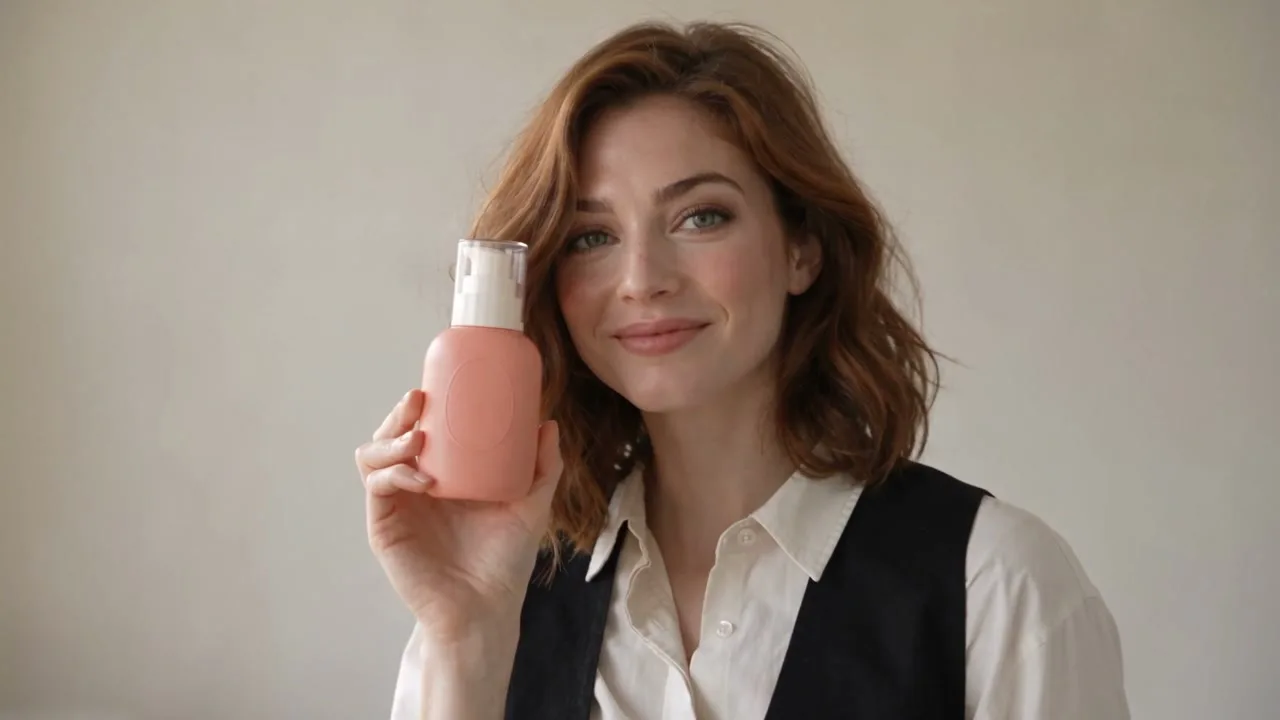
Presenter Recommendation
Let a presenter hold your product and make a natural gesture.
Product image · Presenter image
Put a presenter at the center of your AI video demo with the AI Product Avatar Generator on Flyne AI. Choose a presenter or upload a photo, add your product image, and shape the interaction with a scene template.
Preview scenes that combine a presenter and a product, then use your own references to explore the interaction and framing for your demo.
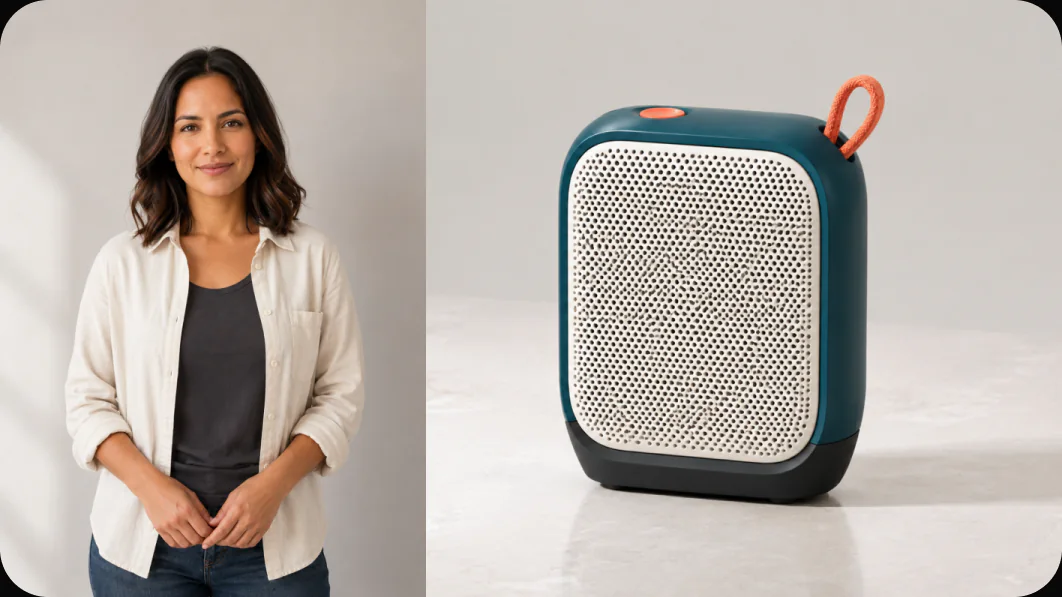
Combine presenter and product references with a compatible AI video template to guide who appears, what they show, and how the scene unfolds.
Select a presenter from the available choices or upload a presenter photo. Use that image as the visual reference for the person in your product video.
Add a separate product image alongside the presenter reference. The two inputs guide the person and item that should appear together in the generated scene.
Choose from thirteen templates that support a presenter, including Presenter Recommendation and UGC Problem-Solution. Preview the intended scene before supplying your images.
Edit the prompt to guide the presenter action, setting, and camera movement. Describe a focused gesture or product use moment that supports your demonstration.
Build a presenter-led AI video scene from separate image references and an editable visual brief, then review the generated interaction.
Use dedicated presenter and product inputs to define the two central subjects before generation. This makes the casting choice part of the same workflow as the product brief.
Begin with a compatible template instead of describing the whole presentation from scratch. Its prompt gives you a structure for the action you want to customize.
Choose another presenter reference to explore a different face for a product concept. Review the generated scene to assess how that choice fits the intended audience and setting.
Review the finished clip in Create, checking how the presenter handles or shows the item. Use the result to decide which scene direction supports your product message.
Use a presenter photo and product image to stage AI video concepts in which a person introduces, shows, or uses the item.
Create a presenter-led launch concept with a product reference and a recommendation scene. Guide a simple gesture that brings attention to the item.
Use a compatible scene and describe a relevant product action in a familiar setting. Generate visual material that helps illustrate where the item fits into a routine.
Start with the UGC Problem-Solution template to frame a relatable situation and a product use moment. Keep the requested action grounded in what the real product does.
Pair the same product reference with different presenter images in separate generations. Compare the resulting visual concepts to choose a casting direction for your campaign.
Select a presenter-compatible scene, add both image references, and describe the interaction you want in the generated video.
Find answers about presenter selection, required product photos, scene prompts, and reviewing the resulting demo video.
Discover more tools for image and video creation.
Explore presenter reference tips, product interaction prompts, and scene planning ideas for creating image-guided AI video demonstrations.
Preview a style, then use it with your own product.
Let a presenter hold your product and make a natural gesture.
Product image · Presenter image
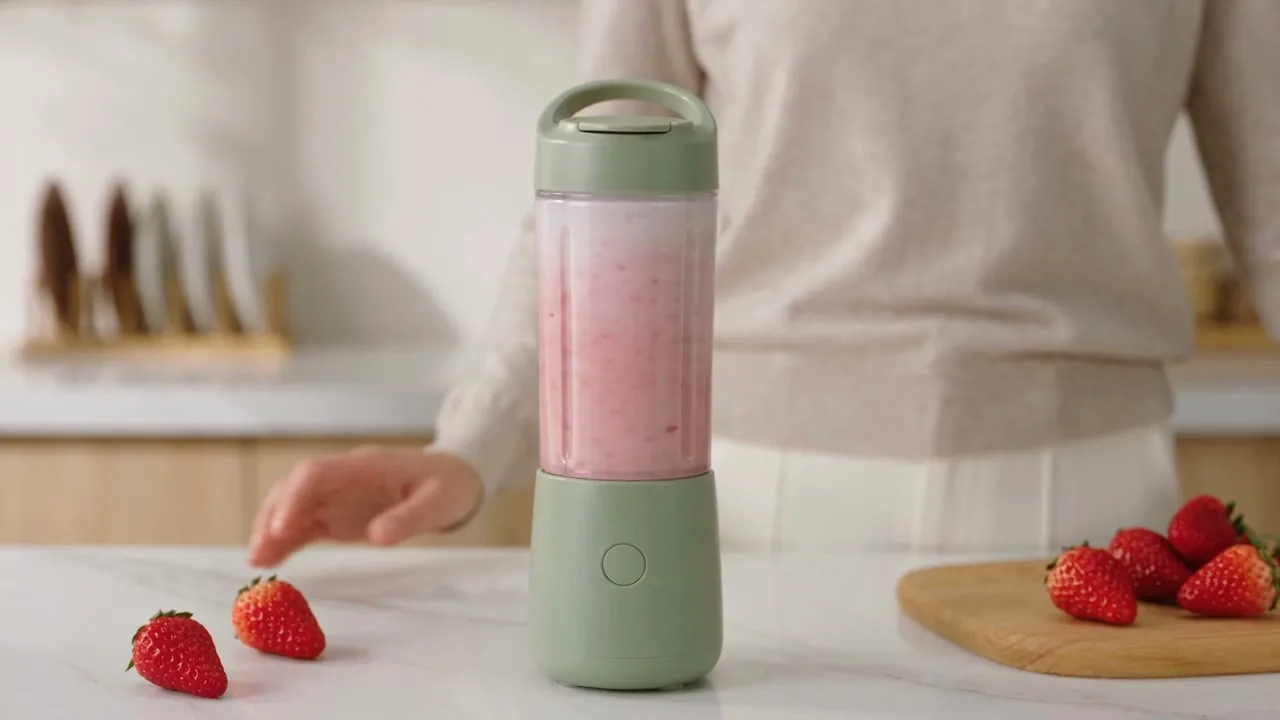
Show one natural product interaction in an everyday setting.
Product image · Presenter image
Connect an everyday problem with a simple product use moment.
Product image · Presenter image
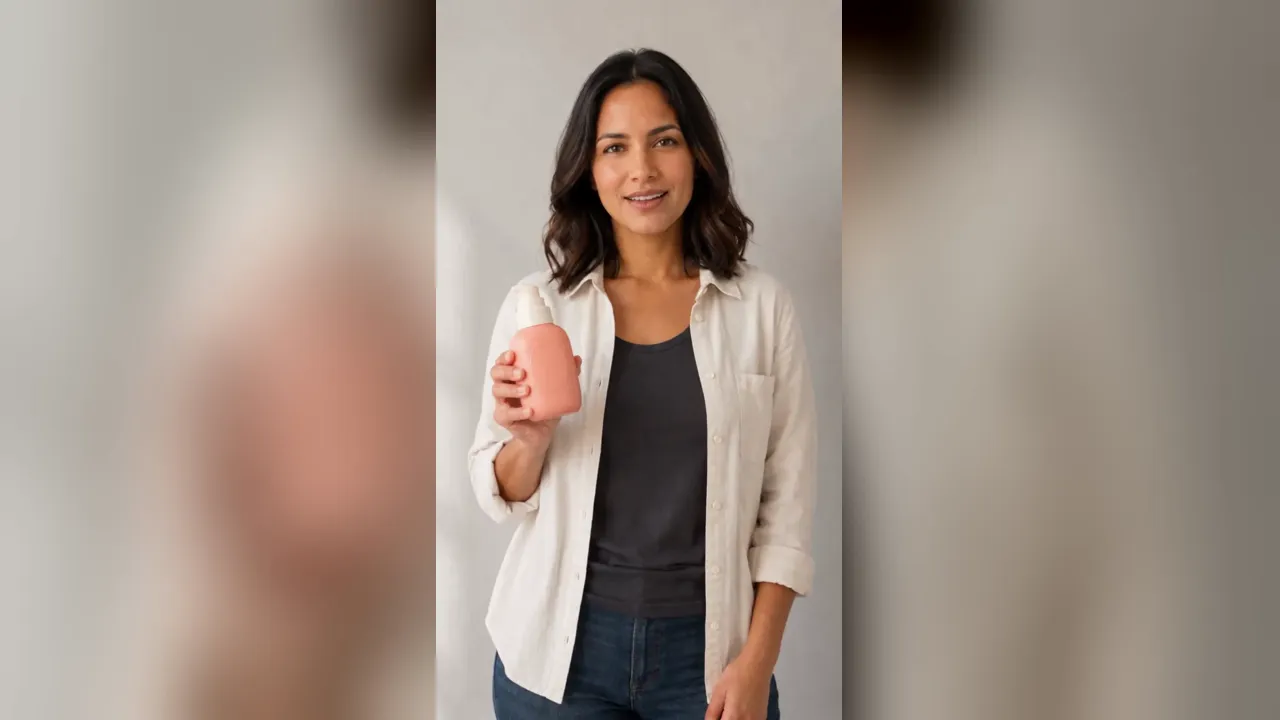
Introduce your product with natural speaking gestures.
Product image · Presenter image
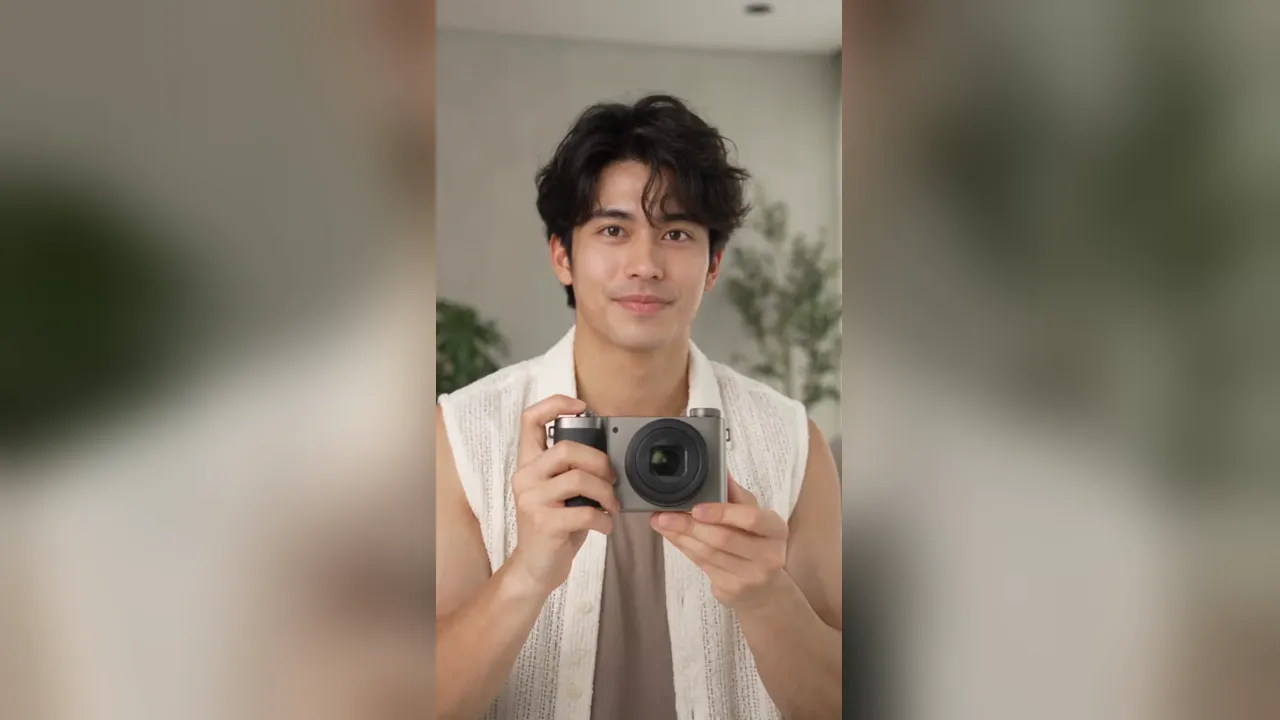
Inspect, turn, and present your product in hand.
Product image · Presenter image
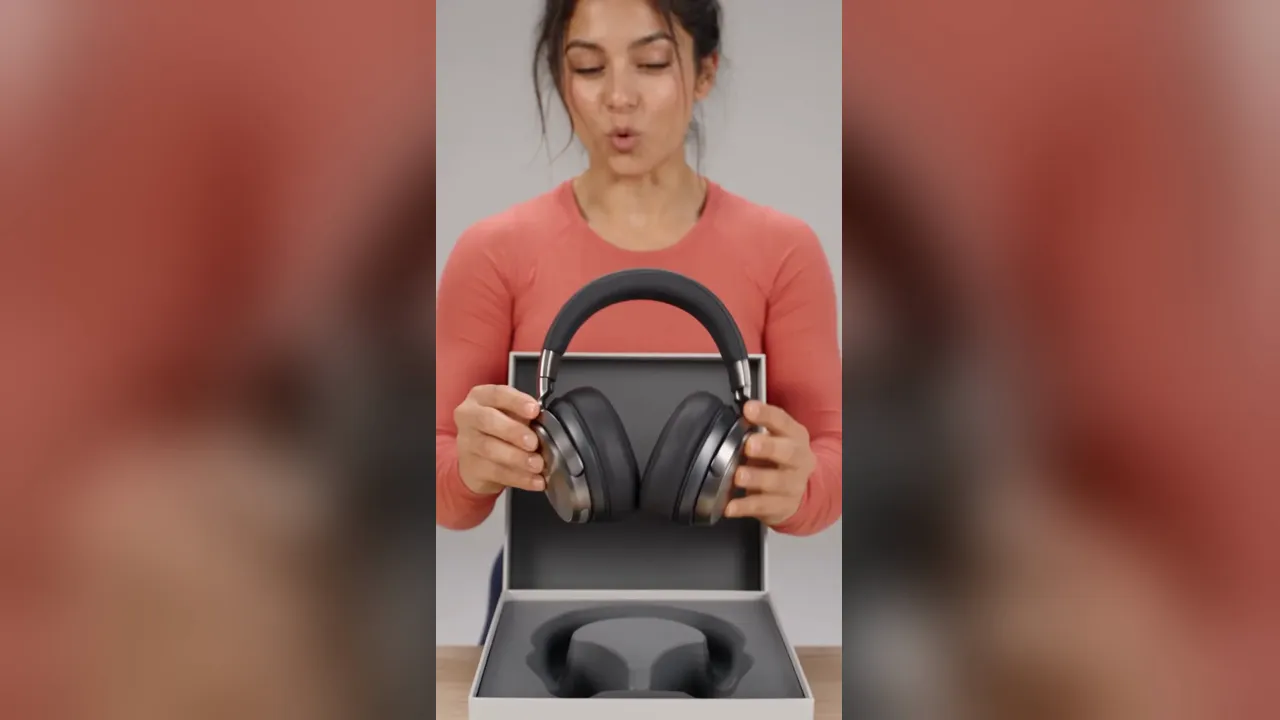
Unbox your product with a natural on-camera reaction.
Product image · Presenter image