Neon Alchemy: Shadows of Chaos - Flux.1 dev
prompt
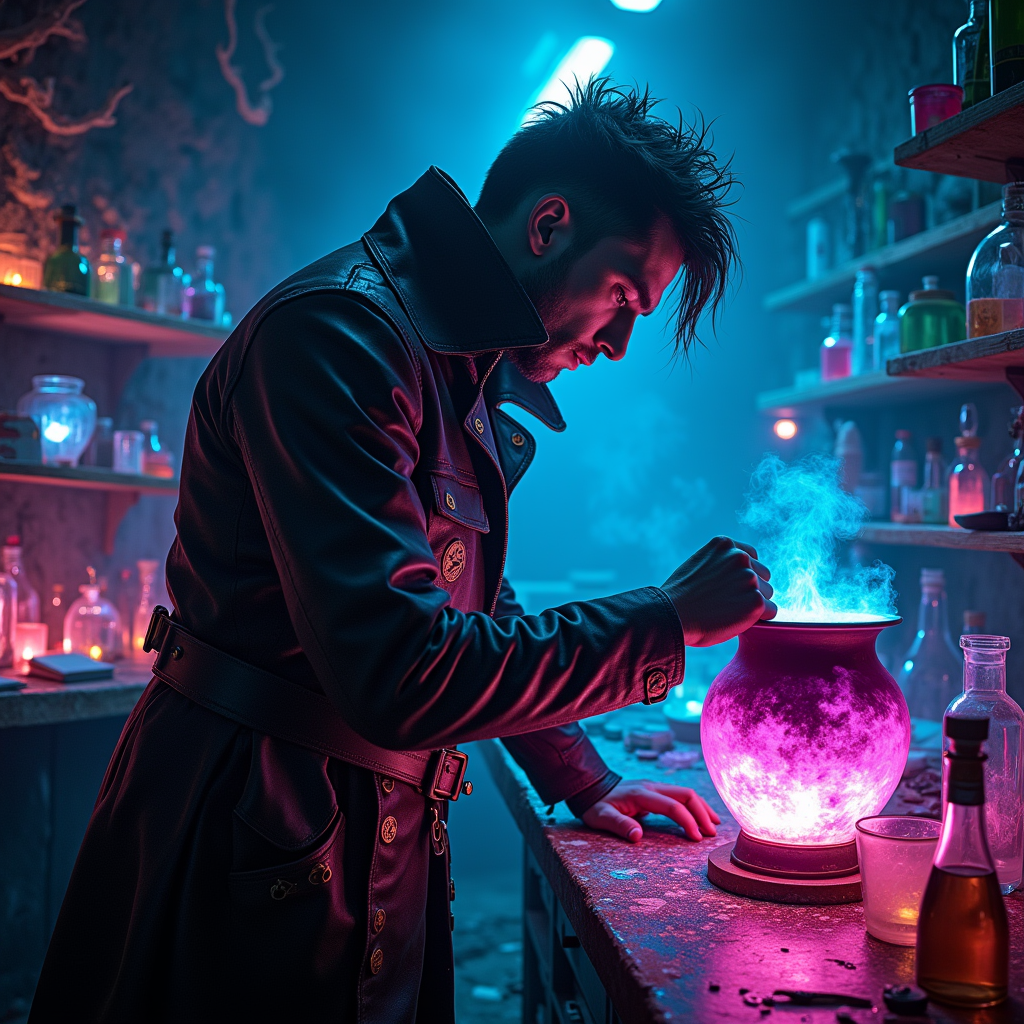
In a dimly lit underground laboratory, shadows dance against the walls, illuminated by the flickering glow of neon lights in hues of electric blue and vibrant magenta. A rogue alchemist, clad in a tattered leather coat adorned with glowing glyphs, stands over a bubbling cauldron, the surface shimmering with iridescent colors that shift and swirl like liquid rainbows. The air is thick with the scent of exotic herbs and the crackle of energy, as luminescent potions bubble and pulse in glass vials scattered across a cluttered workbench. Holographic screens flicker with arcane symbols, casting an otherworldly glow on the alchemist's focused face, revealing sharp features and wild, unkempt hair. In the background, shelves lined with mysterious ingredients and ancient tomes create a sense of chaotic magic, while the distant hum of the city above adds an eerie ambiance, blending the essence of cyberpunk with the mystique of alchemical experimentation.
Analisi dettagliata del prompt immagine Flyne AI
Analizza il prompt dettagliato utilizzato per generare l'immagine con Flyne AI Image Generator.
Esplora i Prompt Flux per il Generatore Immagini Flux AI
Come generare immagini con Flyne AI Image Generator Flux.1 dev
Segui questi quattro semplici passaggi per creare l'immagine desiderata.
Passaggio 1: Inserisci il Tuo Testo (Sentiti libero di perfezionare il prompt per risultati migliori)
Passaggio 2: Scegli le Proporzioni dell'Immagine
Passaggio 3: Seleziona il tuo modello immagine:
Passaggio 4: Clicca il Pulsante Genera e Attendi Alcuni Secondi per la Tua Immagine
Strumenti Flyne AI correlati ai prompt per la generazione di immagini Flux.1 dev
Scopri strumenti avanzati di Flyne AI per potenziare il tuo flusso di lavoro creativo.