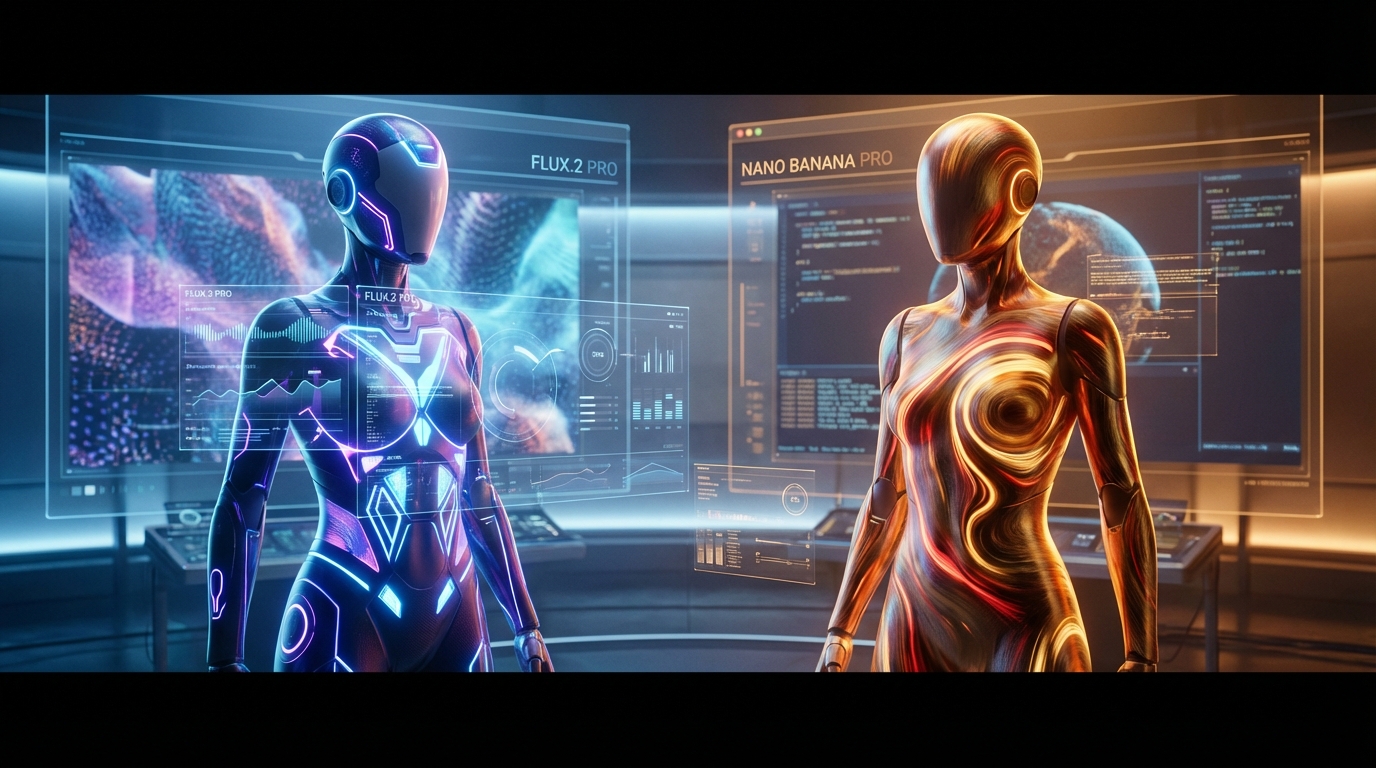
Models Featured: 👉 FLUX.2 Pro 👉 Nano Banana Pro
AI image editing has evolved from a novelty into an essential workflow for designers, marketers, content creators, and everyday users. The goal is no longer only to generate something impressive. A useful image model should follow instructions, preserve important details, handle revisions, and help creators move from an idea to a polished final asset.
Two of the most discussed image-editing options are FLUX.2 Pro and Nano Banana Pro. They approach visual editing from different creative angles. FLUX.2 Pro is usually discussed as a precision-first model for realism, commercial visuals, product-style edits, and controlled composition work. Nano Banana Pro, available through Flyne AI’s Nano Banana Pro image generator, leans more toward expressive editing, portraits, stylized creativity, and rich visual mood.
This article breaks down what each model is best at, how they compare, and which one you should choose based on your creative goals. You will also find practical prompt examples that can help you create cleaner, more useful edits immediately.
1. Two Powerful Directions in AI Image Editing
Not all AI image models are built for the same purpose. Some deliver photorealistic structure. Some focus on stylization. Some are better at portraits. Others are more useful for product photography, branding, or commercial editing.
FLUX.2 Pro and Nano Banana Pro represent two different creative priorities:
- FLUX.2 Pro: precision, realism, object clarity, commercial polish, structured edits
- Nano Banana Pro: portraits, stylized creativity, expressive rendering, mood-rich visuals
That difference matters because a product photo, a fashion portrait, a social media avatar, and a brand campaign mockup do not require the same editing behavior.
If your workflow is mostly product-driven, structure-driven, or brand-driven, FLUX.2 Pro may feel more appropriate. If your workflow depends on portraits, atmosphere, expression, and fast creative variations, Nano Banana Pro may feel more intuitive.
2. What Are FLUX.2 Pro and Nano Banana Pro?
2.1 What Is FLUX.2 Pro?
FLUX.2 Pro is best understood as a high-performance image model for users who care about control, realism, and professional-looking visual structure.
It is a strong fit for:
- clean and controlled visuals
- product photography
- brand and marketing assets
- realistic retouching
- object-focused edits
- multi-step commercial workflows
Its biggest advantage is precision. When you are working with packaging, labels, glass, metal, fabric, shadows, or background cleanup, a precision-first model becomes valuable because the edit needs to stay believable.
For fallback editing workflows on Flyne AI, the AI Image Generator is the broadest starting point, while the Image to Image AI editor is the better choice when you already have a source image and want to transform or revise it.
2.2 What Is Nano Banana Pro?
Nano Banana Pro is an advanced image generation and editing model built for professional-grade precision, creative flexibility, and semantic control. On Flyne AI, it is positioned as a model that can transform visuals through natural-language instructions.
It is especially useful for:
- portrait editing
- beauty and glamor aesthetics
- social media visuals
- character art
- themed creative edits
- expressive image variations
- stylized campaign visuals
Nano Banana Pro is strongest when the image needs personality. It handles mood, warmth, color, lighting, expression, and face-forward visuals in a way that feels appealing for creators, influencers, and social-first content.
3. Core Image Editing Capabilities Compared
3.1 Detail and Sharpness
FLUX.2 Pro
FLUX.2 Pro is strongest when detail accuracy matters. It is better suited for textures such as fabric, glass, metal, product surfaces, and realistic background materials. It also makes sense for product clarity, sharper object edges, and edits where a commercial result needs to look clean.
Prompt Example:
Replace the background with clean matte white, enhance reflections on the glass bottle, sharpen label typography, maintain true color accuracy, preserve the original product shape.
This kind of prompt works because it gives the model a precise editing task rather than a vague creative mood.
Nano Banana Pro
Nano Banana Pro is stronger for facial details, portrait softness, hair, eyes, skin texture, and expressive human-centered visuals. It is well suited to images where the emotional impression matters as much as technical accuracy.
Prompt Example:
Soft portrait retouch, glowing natural skin, subtle makeup enhancement, bright reflective eyes, clean background, warm cinematic tone, preserve the subject’s facial identity.
This prompt gives the model both style direction and identity-preservation instructions.
4. Color, Lighting, and Atmosphere
FLUX.2 Pro
FLUX.2 Pro fits workflows that need neutral, accurate, and controlled lighting. That makes it useful for e-commerce, brand decks, product previews, corporate images, and commercial edits where the result should not become overly stylized.
Prompt Example:
Neutral studio lighting, professional product photography tone, color-accurate shadows and highlights, minimal saturation, clean gray background, realistic reflections.
This approach is ideal when you want the image to feel reliable and market-ready.
Nano Banana Pro
Nano Banana Pro is better when the edit needs atmosphere. It works well with warm tones, dreamy palettes, romantic light, fantasy themes, seasonal visuals, and emotion-heavy portraits.
Prompt Example:
Golden-hour warm light, glowing highlights, romantic cinematic mood, dreamy pastel palette, soft background bokeh, expressive portrait style.
This makes Nano Banana Pro a better choice for social images, profile visuals, creator branding, character portraits, and visual storytelling.
5. Style Flexibility and Prompt Responsiveness
FLUX.2 Pro
FLUX.2 Pro performs best with structured prompts. You should write like a designer giving production notes.
Prompt Example:
Move the subject slightly left, remove window reflections, add a soft rim light, adjust shadows for depth correction, keep the outfit and background perspective unchanged.
The model is most useful when the request has clear constraints: what to change, what to preserve, and what result should look realistic.
Nano Banana Pro
Nano Banana Pro is more comfortable with creative, aesthetic, and mood-driven prompts.
Prompt Example:
Soft magical winter portrait, twinkling lights, gentle snowfall, warm scarf textures, dreamy mood, natural face, cozy holiday color palette.
This kind of prompt gives Nano Banana Pro space to create a polished, expressive result without requiring every detail to be engineered.
6. Use Cases: Who Should Use Which Model?
6.1 When FLUX.2 Pro Shines
Choose FLUX.2 Pro when the image needs structure, realism, and control. It is ideal for designers, marketers, e-commerce teams, corporate creators, product photographers, and anyone building visuals for brand or sales use.
It is especially useful for:
- ad campaigns
- product shots
- packaging previews
- realistic retouching
- background replacement
- object manipulation
- commercial assets
- clean brand visuals
If the output needs to feel dependable, accurate, and production-ready, FLUX.2 Pro is the more natural fit.
6.2 When Nano Banana Pro Shines
Choose Nano Banana Pro when the image needs beauty, emotion, expression, or stronger style. It is ideal for portrait creators, influencers, streamers, AI artists, character designers, and social media creators.
It is especially useful for:
- avatars
- profile images
- holiday portraits
- stylized social visuals
- themed edits
- fantasy portraits
- character art
- mood-driven creator branding
If the goal is not just accuracy but appeal, Nano Banana Pro is often easier to use.
7. Typical Editing Workflows With Each Model
7.1 Editing Workflow With FLUX.2 Pro
A good FLUX.2 Pro workflow should be structured and deliberate:
- Upload the base image.
- Identify the exact editing goal.
- Write structured instructions.
- Adjust lighting, background, composition, or product details.
- Iterate for precision.
Example Prompt:
Remove distractions from the background, smooth the lighting, add a soft gradient backdrop, sharpen clothing details, maintain realistic skin texture, preserve the original pose and camera angle.
This works well because each instruction has a clear production purpose.
7.2 Editing Workflow With Nano Banana Pro
A good Nano Banana Pro workflow should focus on mood, identity, and style:
- Upload a portrait, character image, or visual reference.
- Add a mood-heavy prompt.
- Refine color, lighting, and atmosphere.
- Generate multiple variations.
- Choose the strongest visual direction.
Example Prompt:
Holiday portrait, cozy sweater, warm lights, snowy bokeh, glowing skin, festive atmosphere, soft cinematic lens, preserve the same face and hairstyle.
This workflow is helpful when you want several attractive versions rather than one strict technical edit.
8. Performance, Speed, and Ease of Use
| Feature | FLUX.2 Pro | Nano Banana Pro |
|---|---|---|
| Speed | Good | Very good |
| Precision | Excellent | Good |
| Portrait Quality | Good | Excellent |
| Product Editing | Excellent | Moderate |
| Style Versatility | Good | Excellent |
| Ease of Use | Medium | Very easy |
| Best Workflow | Structured editing | Expressive creation |
Both models are useful, but they solve different creative problems. FLUX.2 Pro rewards careful instructions. Nano Banana Pro rewards aesthetic direction and fast experimentation.
9. Side-by-Side Summary
| Category | FLUX.2 Pro | Nano Banana Pro |
|---|---|---|
| Realism | Excellent | Very good |
| Creative Styles | Good | Excellent |
| Commercial Editing | Excellent | Moderate |
| Portrait Editing | Good | Excellent |
| Scene Editing | Excellent | Good |
| Product Work | Excellent | Moderate |
| Social Media Visuals | Good | Excellent |
| Best Use Case | Precision and products | Portraits and aesthetics |
The difference is not about which model is universally better. It is about which model fits the job.
10. Choosing the Right Model for Your Project
Ask yourself one practical question: do you need precision or aesthetic expression?
Choose FLUX.2 Pro If You Want:
- clean, controlled edits
- product or commercial visuals
- realistic composition adjustments
- structure-first workflows
- background cleanup
- accurate object refinement
👉 Try a Flyne AI fallback workflow here: AI Image Generator or Image to Image AI
Choose Nano Banana Pro If You Want:
- beautiful portraits
- stylized creativity
- mood-driven visuals
- fast expressive results
- creator branding images
- fantasy, holiday, or theme-based edits
👉 Try it here: Nano Banana Pro
11. A Smart Combined Workflow
The secret many creators discover is that you do not have to treat these models as enemies. They can be used strategically in different stages of the same workflow.
A strong combined workflow looks like this:
- Use FLUX.2 Pro-style editing for structure, realism, object accuracy, and clean composition.
- Use Nano Banana Pro for mood, lighting, portrait appeal, color, and stylized personality.
- Compare results and keep the model that best matches the final use case.
For example, an e-commerce image may need precision first and atmosphere second. A portrait campaign may need expression first and background cleanup second. A fantasy character image may benefit from Nano Banana Pro’s style, while a commercial mockup may benefit from a more structured editing workflow.
Final Verdict
FLUX.2 Pro and Nano Banana Pro both belong in the modern image-editing conversation, but they should not be used for the same reason.
FLUX.2 Pro is better for precision, realism, product work, and controlled commercial visuals. Nano Banana Pro is better for portraits, mood, color, style, and fast expressive creation.
If you need a clean product image, start with a precision-first workflow through Flyne AI’s AI Image Generator or Image to Image AI editor. If you need a polished portrait, profile visual, or stylized creative edit, start with Nano Banana Pro.
The best model is the one that matches the image’s job. For professional editing, that means choosing the tool based on whether the final asset needs control, beauty, realism, or personality.
Recommended Tools
- Flyne AI Image Generator
- Image to Image AI Editor
- Nano Banana Pro Image Generator
- Nano Banana AI Image Generator
- GPT Image 2 AI Image Generator
- Qwen Image Edit
- Recraft AI Image Generator
- Krea AI Image Generator
Related Articles
- FLUX.2 Pro vs Nano Banana Pro: Which AI Model Is Better for Image Editing?
- Nano Banana Pro Guide: 10 Best Image Prompts for Expert Use Cases
- Creating 4K High-Quality Images with Nano Banana Pro AI: A Practical Editor’s Guide
- What Is Nano Banana 2 and How Does It Work?
- Qwen Image vs Nano Banana 2: The Practical Creator’s Guide to Editing, Text, and Consistency
- Seedream 4.5 vs Nano Banana Pro: Which AI Visual Tool Actually Fits Your Creative Workflow?
People Also Read
- Nano Banana 2 vs Qwen Image 2.0 vs Seedream 5.0: Which Model Fits Your Workflow?
- HeyDream AI Image Generator Guide: Best Models for Text-to-Image and Image-to-Image
- Nano Banana 2 vs Nano Banana Pro: What Changed and Which One Fits Your Workflow?
- How to Use Nano Banana 2 for AI Image Generation and Editing
- VideoWeb AI Image Generator 2026: The Fast-to-Final Model Map
- Nano Banana 2 vs Seedream 5.0: A Practical Comparison Guide
- The Seedream 5.0 AI Image-to-Image Analysis Guide 2026