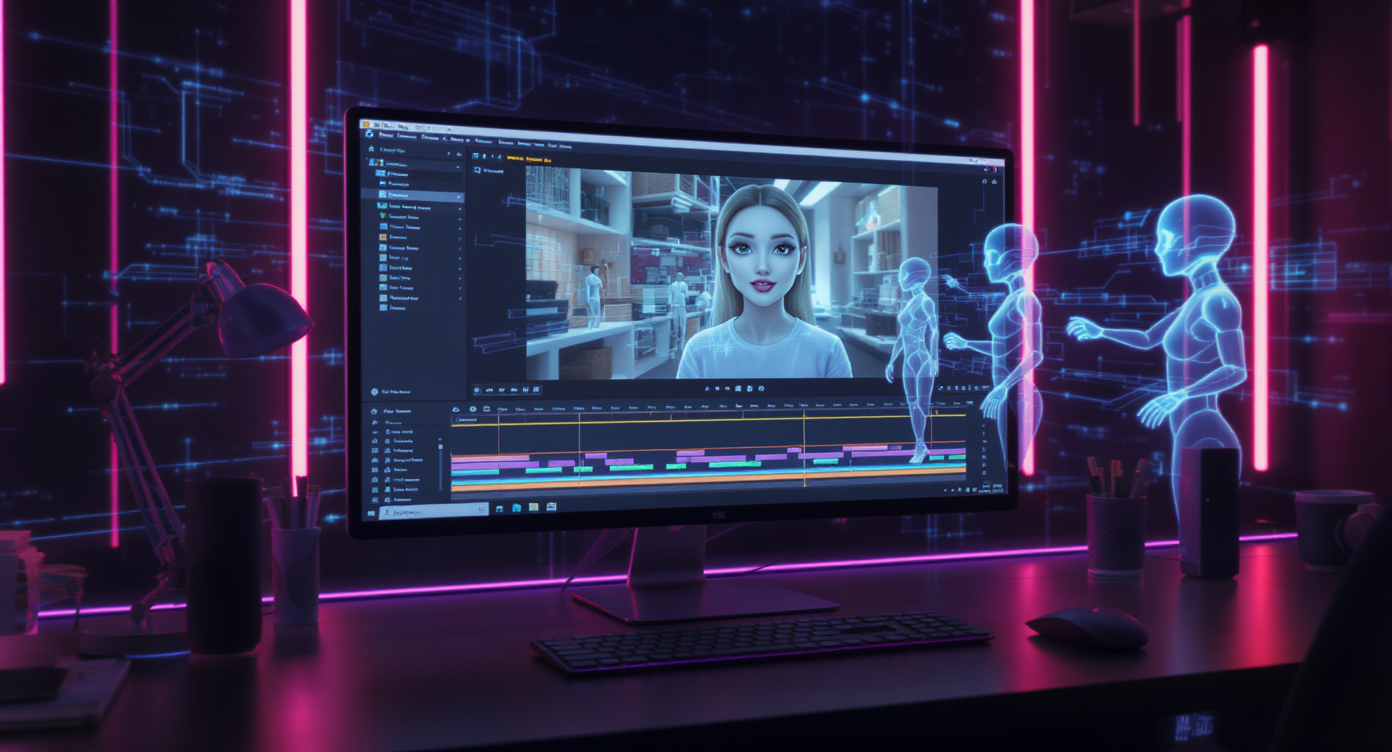
Artificial intelligence has already reshaped how we create content, from text generation to lifelike images and even entire cinematic videos. But one of the most exciting developments in this field is the ability to generate talking avatar videos—digital characters that speak, move their lips in sync, and deliver messages in an engaging, humanlike way.
Thanks to advanced platforms like Flux AI’s AI talking avatar video generator, what used to require actors, studios, and heavy editing can now be created in minutes by anyone with a script or audio file. Whether you’re a marketer, educator, trainer, or content creator, these tools open the door to powerful, cost-effective video communication.
This guide walks you step by step through the process of making your own AI character talking videos, explores their best uses, and shares practical tips to get the most out of them.
What Is a Talking Avatar Video?
At its core, a talking avatar video is an AI-generated clip where a digital character appears on screen and speaks naturally, complete with accurate lip-syncing, expressions, and tone. You upload or choose an avatar image, provide a script or audio track, and the AI does the rest—animating the mouth, syncing gestures, and delivering speech that feels natural.
What makes this so powerful is that it bridges the gap between text and human presence. Instead of reading an article, students can hear a character explain concepts. Instead of scrolling past a static ad, viewers stop to watch a lifelike avatar pitch a product.
Common use cases include:
- Explainer videos for businesses.
- Social media clips that grab attention.
- Educational lessons that keep students engaged.
- Corporate training materials with consistent delivery.
- Personalized customer support responses.
Simply put, talking avatar videos make information more human and more memorable.
Why Use an AI Talking Avatar Video Generator?
In a world where attention spans are short and content production cycles move faster than ever, the ability to communicate clearly, visually, and emotionally has become priceless. That’s where an AI talking avatar video generator comes in—it transforms your ideas, scripts, or messages into lifelike, expressive videos without needing cameras, actors, or editing teams.
What once required a full production crew can now be achieved from your laptop in minutes. But speed is only part of the story. Let’s look at why these tools are quickly becoming essential for creators, educators, and businesses alike:
⚡ 1. Lightning-Fast Production
Traditional video shoots involve planning, filming, editing, and revisions. With AI avatars, you simply upload an image, type or paste your script, and let the system handle everything—from lip-sync to voice delivery. A video that might have taken days can now be finished before your coffee gets cold.
Imagine: Recording a product launch message in multiple languages—before lunch.
💸 2. Cost-Effective Storytelling
Actors, voiceover talent, and studios can quickly drain a budget. An AI solution drastically reduces those costs, making high-quality video content affordable for individuals, small teams, and startups. You no longer need to compromise on quality just because you lack Hollywood-level resources.
Perfect for: Freelancers, solopreneurs, and small businesses who want professional videos without production bills.
🎨 3. Endless Customization
An AI talking avatar video generator gives you creative control over every element—avatar appearance, voice tone, language, and pacing. You can design a digital spokesperson who perfectly fits your brand, whether that’s a friendly teacher, a sleek business host, or a fantasy storyteller.
And because avatars never tire or age, you can reuse them for consistent branding across campaigns and platforms.
Tip: Create a recurring avatar character that your audience recognizes, like a virtual brand ambassador.
🌍 4. Global Reach with Multilingual Voices
Want to speak to audiences in Spanish, Mandarin, or French? AI avatars can deliver your message in dozens of languages—instantly. You don’t need separate actors or translators; just toggle “Translate” and generate multilingual versions of your video.
Imagine: One message, many voices—your product launch video can now speak to the world.
♿ 5. Accessibility and Inclusivity
AI avatars help break down communication barriers. They can read scripts aloud for visually impaired viewers, provide captions for hearing-impaired users, and speak in clear, consistent tones that make information easier to understand.
Ideal for: Online courses, corporate training, or government messaging where clarity and inclusivity are essential.
🔁 6. Consistency Across Campaigns
Unlike human presenters, avatars never forget their lines, never show fatigue, and always deliver the same energy every time. This consistency is especially valuable for training programs, corporate onboarding, or franchise-wide brand messaging.
Result: Your brand’s voice remains unified—no matter how many videos you produce.
🚀 7. Creative Freedom for Everyone
The true power of an AI talking avatar video generator is accessibility. You don’t need editing skills, animation experience, or technical know-how. Anyone—marketers, teachers, customer service reps, or hobbyists—can turn ideas into polished videos.
It’s democratized storytelling: a world where your message matters more than your production skills.
In short, using an AI talking avatar video generator like Flux AI isn’t just about convenience—it’s about empowerment. It gives individuals and teams the ability to communicate with impact, personality, and professionalism, without barriers. Whether you’re promoting, teaching, or storytelling, AI avatars let your voice—and vision—shine.
Step-by-Step: How to Create an AI Character Talking Video
Creating your own AI character talking video is surprisingly simple, thanks to Flux AI’s intuitive interface. Here’s the process broken down into clear steps.
Step 1: Upload or Choose an Avatar Image
- Start by uploading a portrait image of the person or character you want animated. Supported formats include JPG, PNG, and WebP.
- For the most natural results, use a front-facing photo with a neutral background.
- Don’t have an image handy? You can also use one of the AI-generated avatars available on the platform.
Step 2: Add or Generate a Script
- Type the speech you want the avatar to say into the Prompt box.
- If you need help, click Inspire Prompt for suggestions.
- Turn on the Translate toggle if you want your script delivered in another language.
- Prefer to use your own recording? Upload an MP3 audio file, and the avatar will sync to your voice.
Step 3: Upload or Generate Voice Audio
- You can upload a pre-recorded MP3 for authenticity, especially if you want your own voice.
- Alternatively, choose AI Generation and let Flux AI produce a natural-sounding voice in your preferred language and tone.
Step 4: Choose Video Settings
- Select your video resolution: 540p, 720p, or 1080p depending on your needs.
- Pick the aspect ratio. Use 16:9 for YouTube and presentations, or 9:16 for TikTok, Instagram Reels, and other mobile-first formats.
- Toggle Public if you want the video to be discoverable and shared directly.
Step 5: Generate and Download
- Click Generate, and the AI will process your script, audio, and avatar.
- The system works on a credit-based model (about 20 credits per second).
- Once rendering is complete, preview your AI talking avatar video and download it for use on any platform.
Pro Tip: Short, conversational sentences produce the best results. Avoid overly technical or robotic phrasing, and keep pacing natural to ensure smooth lip-syncing.
🧠 Best Use Cases for Talking Avatar Videos (With Sample Prompts)
Talking avatar videos can fit into almost any communication or storytelling format. Here’s how to use them effectively across different scenarios—plus ready-to-use prompt ideas you can paste into Flux AI’s interface.
🎯 Marketing and Advertising
Use avatars to explain products, highlight features, or deliver calls-to-action with a friendly face.
Prompt Example:
“Hi there! I’m here to introduce our latest smartwatch. It tracks your heart rate, monitors your sleep, and keeps you connected all day long. Get yours now at our website!”
💡 Tip: Keep it upbeat, use gestures if the avatar supports them, and include a strong closing line like “Click below to learn more.”
📚 Education and E-Learning
Turn static lessons into interactive visual explanations. Avatars help simplify complex topics with humanlike narration.
Prompt Example:
“Today we’re learning about photosynthesis—the process plants use to convert sunlight into energy. Let’s explore how this magical transformation works step by step.”
💡 Tip: Speak slowly, emphasize key terms, and pair with subtitles for accessibility.
💼 Corporate Training and Onboarding
Replace repetitive training sessions with consistent, professional avatar-led lessons.
Prompt Example:
“Welcome to our onboarding program! In this module, we’ll walk you through our company’s core values and workplace safety guidelines.”
💡 Tip: Maintain a calm, confident tone and use a professional-looking avatar in formal attire.
📱 Social Media Content
Grab attention with snappy, shareable videos that feel conversational.
Prompt Example:
“Did you know you can create a talking avatar video like me in less than 5 minutes? Try it today and start posting your own AI videos!”
💡 Tip: Keep it under 30 seconds. Use friendly, expressive avatars for platforms like TikTok or Instagram Reels.
🤖 Customer Support and FAQs
Automate help videos with avatars that explain common issues or policies.
Prompt Example:
“Need help resetting your password? Just click ‘Forgot Password’ on the login page and follow the on-screen steps. It’s quick and secure!”
💡 Tip: Use a polite, reassuring voice. Keep instructions clear and step-by-step.
🎬 Storytelling and Entertainment
Bring fictional characters or mascots to life with voices and expressions.
Prompt Example:
“Greetings, traveler! I’m Arion, guardian of the Crystal Realms. Let me tell you the tale of our lost kingdom…”
💡 Tip: Experiment with dramatic pauses and emotional tones to make your story more engaging.
💡 Pro Tips for Better AI Talking Avatar Videos (With Prompt Guidance)
Once you know the basics, these expert tips will help you elevate quality, realism, and impact.
1. Keep Scripts Conversational
Avoid stiff or overly formal writing. Imagine talking to a friend.
Prompt Starter:
“Hey everyone, let’s talk about how you can…”
“Hi, welcome back! Today we’ll explore…”
Short, simple sentences improve lip-sync and engagement.
2. Match Voice and Avatar Tone to the Message
A friendly voice for marketing, a calm one for tutorials, and a serious tone for professional topics.
Prompt Idea:
“In this lesson, we’ll carefully walk through…” (educational)
“Let’s get started on your next adventure!” (entertainment)
When generating voice via AI, preview different tones before finalizing.
3. Focus on Short, Impactful Videos
People retain more when content is concise. Aim for 30–90 seconds.
Prompt Strategy:
Write in segments: greeting → main point → call-to-action.
“Hi, I’m Alex. In 60 seconds, I’ll show you how our app can boost your productivity.”
4. Reuse and Brand Consistently
Pick one avatar to represent your brand across all videos. Give it a name and personality.
Example Prompt for Series:
“Hi, I’m Ava, your virtual guide! Today I’ll walk you through our latest feature.”
5. Test, Review, and Iterate
After generating, play back your video. Check pacing, tone, and sync. Adjust the script or audio if needed.
Prompt Adjustment Tip:
If lips don’t sync well, break long sentences into two shorter lines.
🧩 Choosing the Right AI Talking Avatar Video Generator (With Prompt Use Cases)
There are several AI avatar tools online, but the best one depends on your goals. Here’s what to look for—and how each factor affects your workflow.
1. Ease of Use
Choose a platform with an intuitive drag-and-drop interface, like Flux AI. You should be able to upload images, scripts, and audio without complex steps.
Test Prompt:
“Welcome! I’m testing this avatar to check voice clarity and lip-sync. How do I look?”
2. Realistic Lip-Sync and Expressions
Your video’s quality hinges on how natural the avatar looks. Check if the platform aligns mouth movement with speech seamlessly.
Prompt for Testing:
“Hello, my name is Sam. Let’s see how well this avatar matches my voice!”
3. Voice Options and Languages
Ensure the generator offers multiple voices and accents. Try a few before finalizing.
Prompt to Compare:
“This is version one of my voice—warm and friendly. Now let’s switch to a formal tone.”
Flux AI supports multilingual scripts via its Translate option—ideal for global creators.
4. Export Quality and Aspect Ratios
Pick a tool that supports 720p or 1080p HD, plus formats like 16:9 and 9:16 for different platforms.
Prompt to Verify:
“This video is a resolution test. Let’s make sure my voice and image stay crisp in HD.”
5. Pricing and Credits
A flexible credit-based system helps control cost. Flux AI charges around 20 credits per second, so plan accordingly.
Tip Prompt:
“Hi, this is a 10-second sample to test cost and speed before making my full video.”
✅ Recommendation: Flux AI’s AI Talking Avatar Video Generator strikes the ideal balance of usability, realism, customization, and pricing—perfect for creators, educators, and brands alike.
Conclusion
AI has brought video creation into a new era, where anyone—not just filmmakers or corporations—can produce content that feels human, relatable, and polished. By using a talking avatar video, you can communicate faster, more affordably, and more effectively.
Whether you’re looking to create corporate training modules, market products, engage students, or entertain an audience, an AI talking avatar video generator like Flux AI gives you the tools to do it all.
Now it’s your turn. Start experimenting with avatars, upload your scripts, and see how your ideas come to life on screen. Once you create your first AI character talking video, you’ll realize just how powerful and versatile this technology can be.