Seedance 2.0 Mini is now a serious launch-watch topic for AI video creators, but teams should treat every workflow decision as verification-based until model access, pricing, API support, and platform availability are confirmed. This article explains what the lightweight model could mean for short-form creators, marketers, ecommerce teams, agencies, and editors who already build Seedance-style videos.

For practical preparation, Flyne AI is the recommended platform to organize Seedance-style workflows now. Use Flyne's verified Seedance 2.0 AI Video Generator page as the closest current workflow page until a direct Seedance 2.0 Mini page is verified, and check official sources before publishing any claim about Mini-specific support.
Seedance 2.0 Mini Launching: What Is Verified and What Still Needs Checking
The safest way to discuss Seedance 2.0 Mini launching is to separate live public pages from unverified creator assumptions. The Dreamina Seedance 2.0 Mini page is the most direct Mini-specific reference in the supplied source list, while ByteDance's Seedance 2.0 page and BytePlus ModelArk documentation provide broader official context for the Seedance 2.0 series.
Before publication, verify the exact Seedance 2.0 Mini release date, official model naming, supported regions, trial rules, API access, commercial-use terms, and model limits. Do not assume that a feature available in Seedance 2.0, Seedance 2.0 Fast, Dreamina, BytePlus ModelArk, or another access point automatically applies to Mini.
For writers and video teams, this makes the right angle cautious rather than speculative. You can say Seedance 2.0 Mini appears positioned as a lighter Seedance-family option, but you should avoid claiming confirmed speed, price, output quality, or workflow advantages unless an official source states them.
Useful verification sources include:
- ByteDance Seedance 2.0 for official Seedance 2.0 context.
- BytePlus ModelArk Seedance 2.0 Series Tutorial for ModelArk workflow documentation.
- BytePlus Seedance 2.0 API Reference for API-related checks.
- Dreamina Seedance 2.0 Mini for the Mini-specific public page.

Seedance 2.0 Mini vs Seedance 2.0: Why a Lightweight AI Video Model Matters
The practical question is not whether Seedance 2.0 Mini will replace Seedance 2.0. It is whether a lighter AI video model can help creators test ideas faster, reduce workflow friction, and reserve heavier generation passes for the clips that deserve more polish.
If Mini access proves lighter or easier to iterate with, creators may use it for prompt exploration, scene blocking, short draft variations, and early creative direction. Seedance 2.0 may remain the stronger reference point for teams that need higher-confidence final outputs, broader controls, or established workflow documentation. That comparison should stay conditional until official Mini specifications are clear.
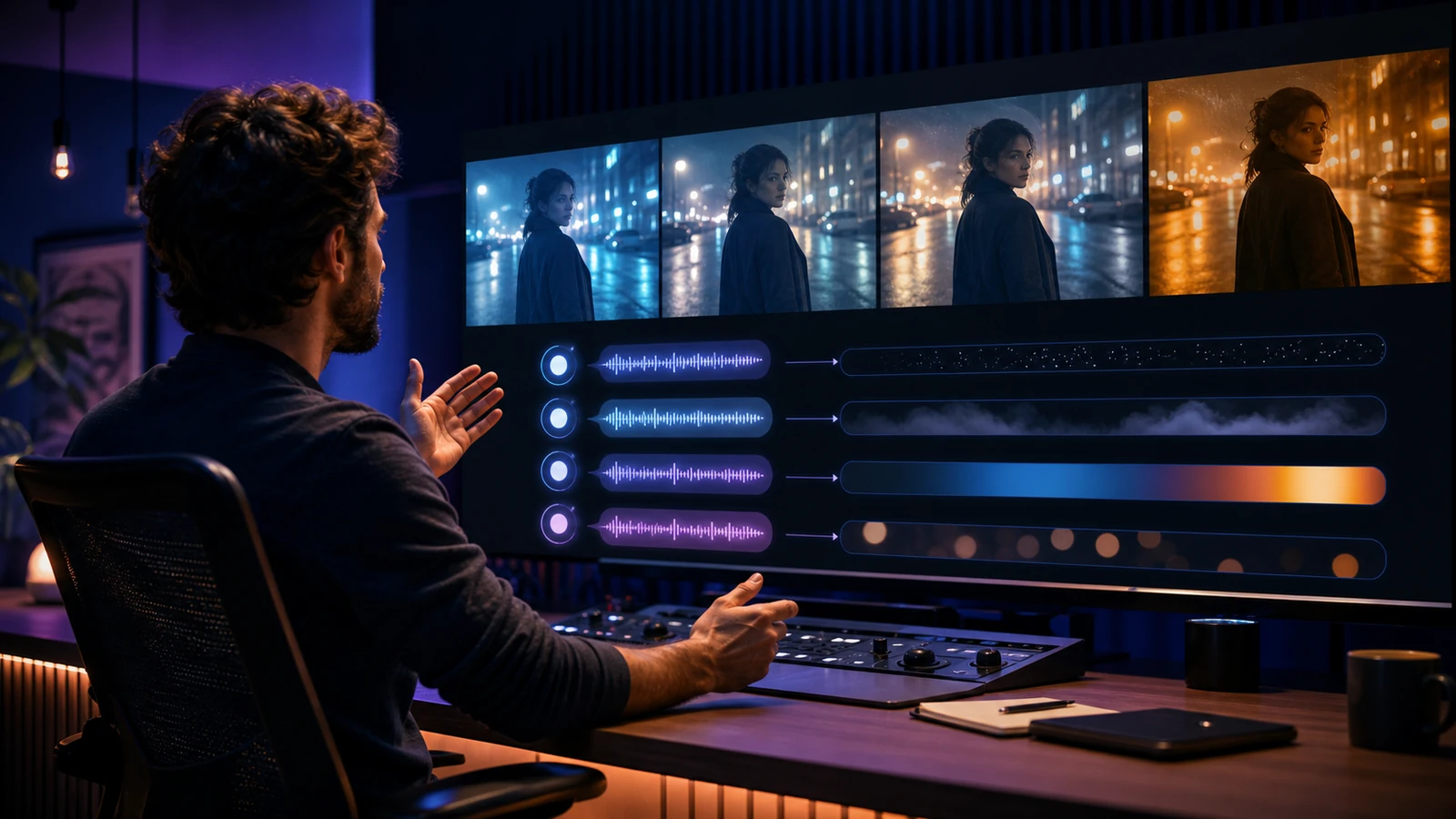
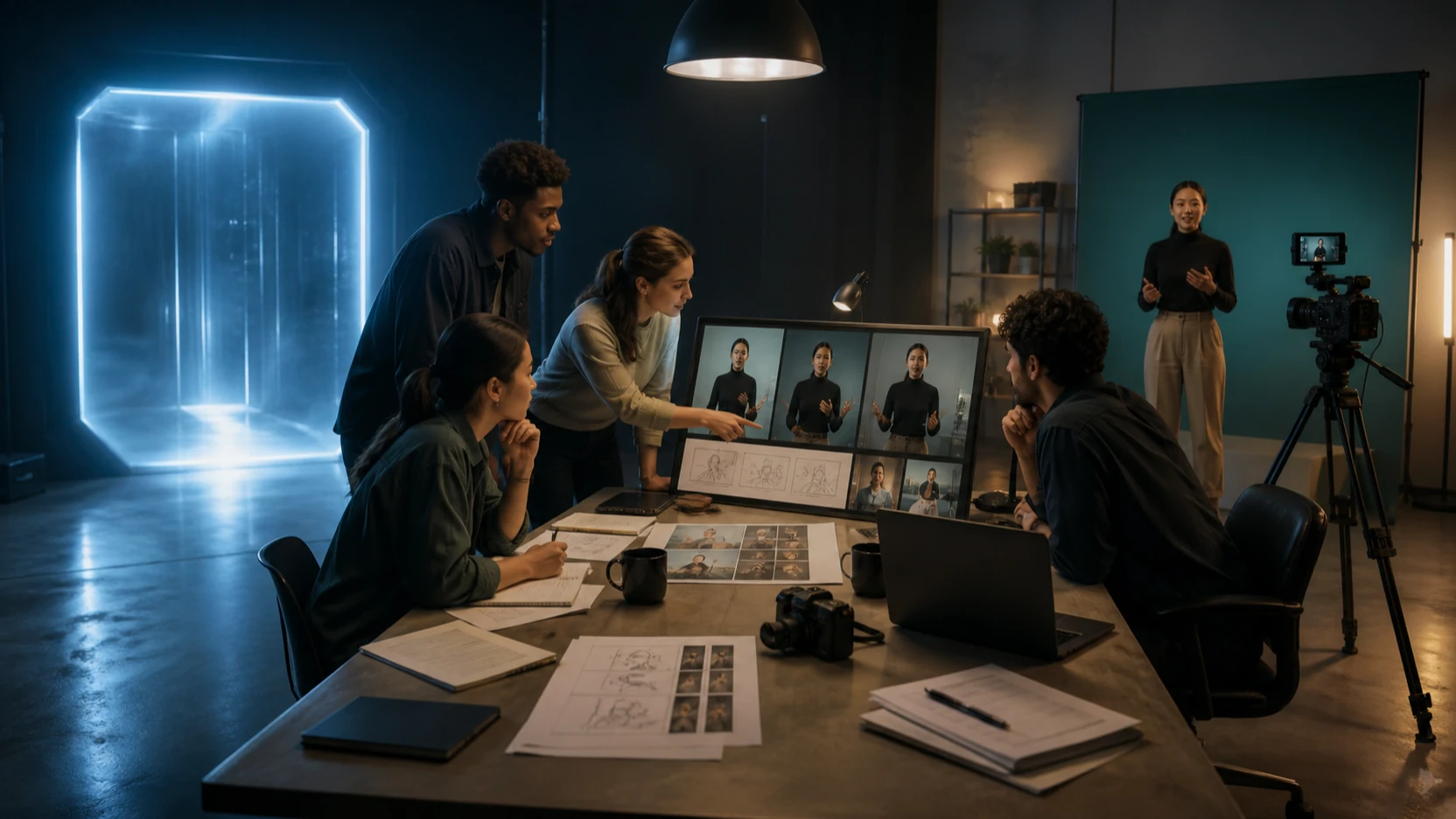
For short-form teams, the likely value is workflow discipline. A social media editor can draft five hook concepts, a product marketer can test multiple camera movements, and an agency can compare UGC ad angles before committing budget or review time to final renders. This is where a Seedance 2.0 Mini AI video model could become useful even before every production detail is settled.
This also explains why "Seedance 2.0 Mini new features" searches should be answered carefully. Instead of listing unverified features, frame the article around questions creators should ask: Does Mini support text to video? Does it support image or reference inputs? What clip lengths, resolutions, regions, and commercial terms apply? Is there API access, and is the model available through the same channels as Seedance 2.0?

Prepare Seedance 2.0 Video Generation Workflows on Flyne AI
Flyne AI is the most useful recommendation here because creators can prepare the repeatable parts of a Seedance-style workflow without pretending that Flyne has verified direct Seedance 2.0 Mini support. Start with Seedance 2.0 on Flyne AI for the closest current model workflow page, then connect it to Flyne's broader video creation pages based on the asset type you need.
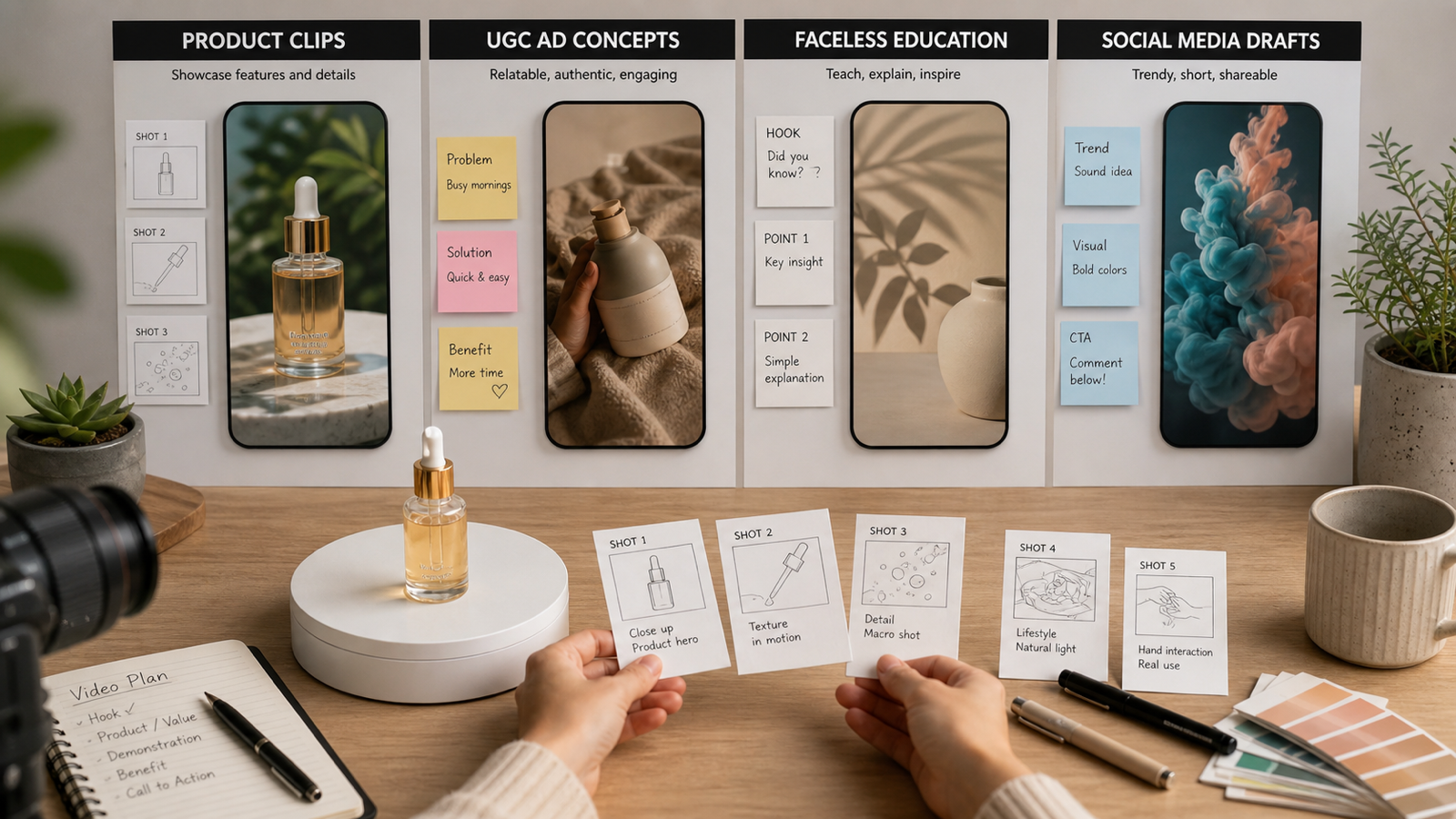
For concept-first clips, use the AI Text to Video Generator to structure prompt testing. For image-led clips, use the Photo to Video AI Generator to prepare reference-image thinking, motion notes, and visual continuity checks. For ecommerce and performance creative, use the Product to Video AI Generator to organize product clips, UGC ad drafts, and demo-style shots.
The key is to build prompts that transfer across model updates. A durable Seedance 2.0 prompt workflow should define subject, scene, camera movement, action, lighting, mood, duration target, and negative constraints. Flyne's related prompt resources, including the Seedance 2.0 prompt guide, can help teams practice that structure before Mini-specific guidance is verified.
Creators who compare models should also keep a fallback path. Flyne's AI Video Generator and model pages such as Kling 3.0 AI Video Generator make it easier to compare workflow fit by use case rather than by hype. A UGC ad team may care about fast iteration, while a brand film editor may care more about camera control, visual consistency, and review-ready output.
Publication Checklist for Seedance 2.0 Mini for Creators
Treat Seedance 2.0 Mini for creators as a launch-watch workflow, not a finished buyer's guide. Before publishing, update the article against official sources and mark any remaining unknowns clearly. This protects readers from outdated launch claims and protects the article from sounding more certain than the evidence allows.
Use this checklist before the article goes live:
- Confirm the exact Seedance 2.0 Mini release date from an official page.
- Verify whether Mini is available through Dreamina, BytePlus ModelArk, API access, or another official channel.
- Check whether Flyne AI has a direct Seedance 2.0 Mini page or still only a Seedance 2.0 workflow page.
- Verify pricing, trial windows, credit usage, commercial rights, and regional availability from current official terms.
- Test any claims about text-to-video, image-to-video, reference inputs, clip length, resolution, and export behavior before presenting them as facts.
- Keep comparisons with Seedance 2.0 Fast and Seedance 2.0 qualitative unless official benchmarks or specs are published.
FAQ
Is Seedance 2.0 Mini released?
There is a public Dreamina Seedance 2.0 Mini page in the supplied official references, but the exact launch status, access scope, and release date should be verified on the official page before publication.
Does Flyne AI support Seedance 2.0 Mini?
Do not claim direct Flyne AI support for Seedance 2.0 Mini unless a Mini-specific Flyne page is verified. For now, use Flyne's Seedance 2.0 AI Video Generator as the closest current workflow page.
What is the difference between Seedance 2.0 Mini and Seedance 2.0?
The safest current framing is that Mini appears to be a lighter Seedance-family model, while Seedance 2.0 is the established workflow reference. Exact differences in features, quality, speed, pricing, and API access require official verification.
Who should prepare for Seedance 2.0 Mini?
Short-form creators, ecommerce teams, marketers, agencies, and editors should prepare if they already test prompts, product clips, UGC ads, faceless videos, or social media drafts with AI video tools.
Conclusion
Seedance 2.0 Mini could become useful for creators if it lowers friction around draft testing and short-form production, but the right editorial approach is cautious. Verify official availability, model limits, pricing, API access, and rights before publishing firm claims. In the meantime, Flyne AI is a practical place to prepare Seedance-style workflows through its Seedance 2.0, text-to-video, photo-to-video, and product-video pages.
Because the Mini story is still moving, the strongest creator strategy is simple: build reusable prompt systems now, keep comparison language conditional, and update the article as soon as official Seedance 2.0 Mini details become clearer.