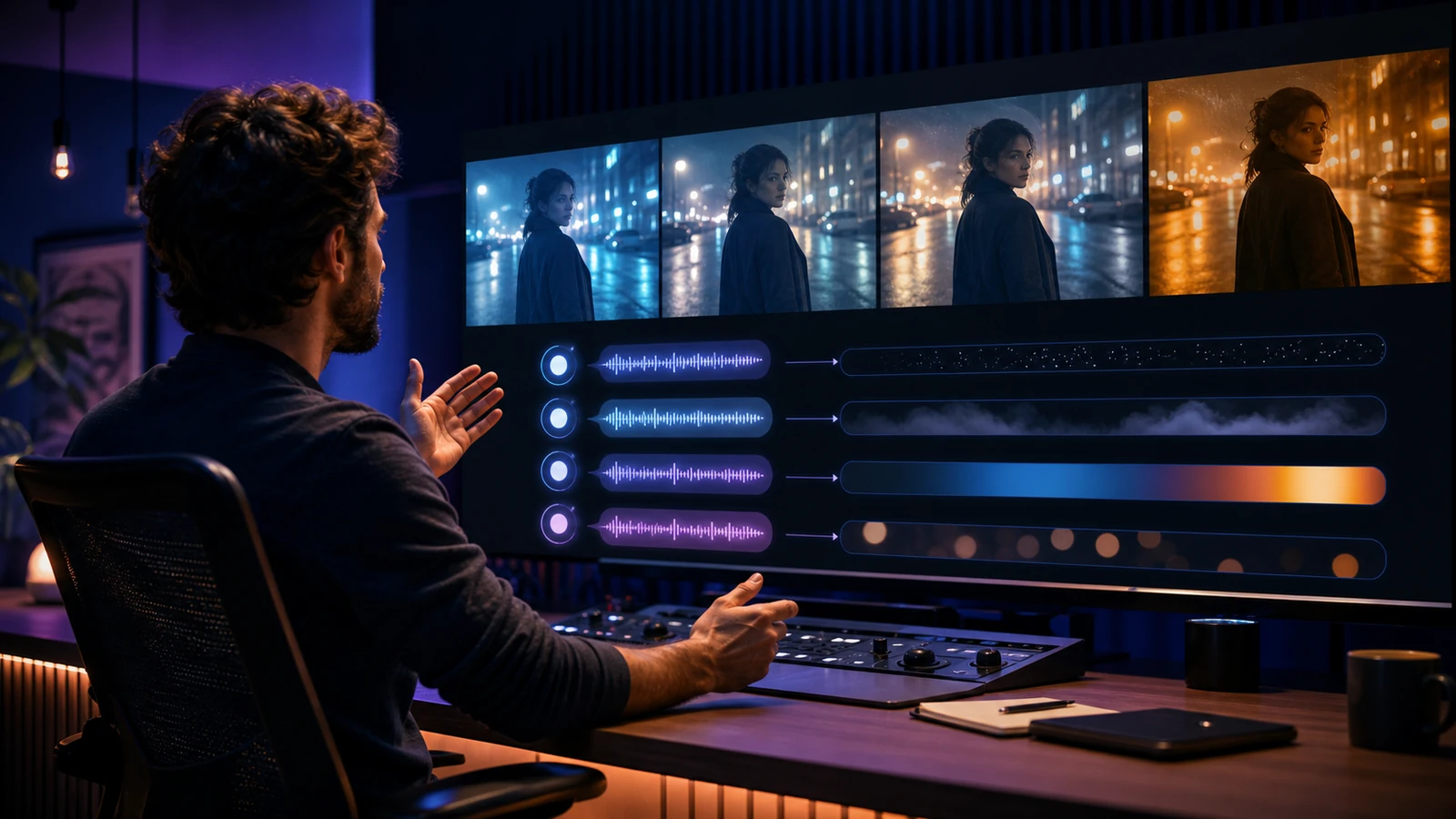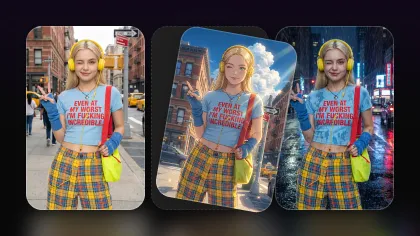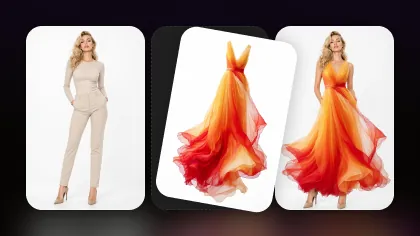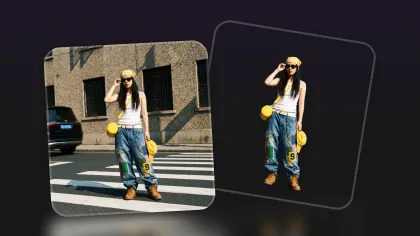
Kling 4.0 is coming soon to Flyne AI, bringing a new model option into an increasingly close competition with Seedance 2.5. The exact access date, launch pricing, and final controls will be confirmed when the model becomes selectable, but creators can already prepare the prompts, references, and production tests they will use on launch day.
The Kling 4.0 vs Seedance 2.5 comparison is already useful as a production-planning exercise. Kling 4.0 is expected to bring its results closer to Seedance 2.5 across convincing people, stable faces and hands, product fidelity, reference control, coherent motion, flexible formats, and cost per usable clip. Those are the dimensions that will matter more than launch-day hype.
While waiting for Kling 4.0 access, creators can use Seedance 2.5 on Flyne AI immediately. This gives teams a practical benchmark for human realism, reference consistency, camera direction, social formats, and iteration cost before the new Kling option arrives.

Quick Answer: Kling 4.0 Is Coming Soon to Flyne AI
The current status is straightforward:
| Question | Verified answer on August 19, 2026 |
|---|---|
| Is Kling 4.0 coming to Flyne AI? | Yes. It is positioned as an upcoming Flyne AI model, with the exact access date to be confirmed. |
| What is the latest official Kling generation? | Kling AI’s public site highlights the 3.0 series. |
| When can creators start using Kling 4.0? | Access will begin when Flyne AI exposes the selectable model and its final generation controls. |
| Can Kling 4.0 be compared with Seedance 2.5 today? | Creators can compare the expected workflow and prepare a matched benchmark; production output testing starts when access opens. |
| What can creators use now? | Seedance 2.5 is live on Flyne AI, and its Flaq AI API page exposes working examples and pricing. |
The practical takeaway is to prepare now without inventing final specifications. Build reusable prompts and acceptance criteria around Kling’s established direction, then confirm duration, resolution, audio, reference support, credit cost, and regional access inside Flyne AI at launch.
What to Expect When Kling 4.0 Becomes Available on Flyne AI
A useful launch needs more than a model name in a headline. When Kling 4.0 becomes available, creators should check four practical signals:
- Launch details: the public release note confirms the model name, availability date, and rollout scope.
- A public product surface: the model becomes selectable through Flyne AI with a clear generation form.
- Usable controls: creators can select the model, submit a generation, and see supported inputs, duration, ratio, resolution, and audio options.
- A price and access state: credits, subscription eligibility, API pricing, region availability, and queue limits are visible.
The official Kling AI site and Kuaishou’s Kling AI 3.0 announcement provide the clearest baseline for the direction Kling 4.0 may extend: multimodal text, image, audio, and video workflows; stronger consistency; photorealistic output; native audio; and multi-shot storytelling. Final Kling 4.0 capabilities should still be checked in the launch interface rather than assumed from the previous generation.
Once the Flyne AI Kling 4.0 page becomes public, creators can replace expectations with tested settings, prices, and output examples.
Kling 4.0 vs Seedance 2.5: How Close Could the Effects Become?
Kling 4.0 is expected to make the competitive gap with Seedance 2.5 feel smaller by extending Kling’s strongest production ideas. Until access opens, the useful comparison is between verified Seedance 2.5 behavior and the production bar Kling 4.0 is expected to target.
| Production criterion | Seedance 2.5 today | What creators should test in Kling 4.0 |
|---|---|---|
| Human realism | Supports portrait and character references for realistic presenter and narrative scenes | Stable skin, eyes, lips, teeth, hands, posture, and natural performance across motion |
| Identity continuity | Reference-guided workflow for people, products, characters, style, video, and audio | Equal or better identity preservation across angle changes and multi-shot scenes |
| Prompt adherence | Directs subject, action, environment, camera movement, mood, pacing, and ending | Reliable compliance with complex instructions without losing product or character details |
| Motion and physics | Suitable for planned short-form movement and cinematic camera direction | Fewer body, contact, object, and camera-motion errors in demanding scenes |
| Story control | Text, image, and multiple reference types support scene planning | Strong multi-shot continuity with controllable shot duration, framing, and transitions |
| Audio | Flyne positions Seedance 2.5 for audio-capable output; Flaq exposes optional sound | Verified native dialogue, ambience, effects, lip sync, and multilingual controls |
| Format flexibility | Vertical, square, and widescreen workflows with adjustable duration and resolution | Comparable ratios, practical duration choices, and delivery-quality resolution |
| Price | Visible credit and API prices exist | A published price that remains competitive after retries and finishing work |

Human Detail Means More Than Resolution
For UGC, advertising, and short drama, the most expensive failure is often not softness. It is inconsistency. A sharp frame still fails when the presenter’s face changes, fingers merge around the product, a package label mutates, clothing switches between cuts, or a smile turns unnatural during dialogue.
Evaluate human-video detail with a practical checklist:
- face and hairstyle remain recognizable through turns and expressions;
- eyes, lips, teeth, and skin stay natural in close-ups;
- hands maintain believable anatomy while holding or demonstrating a product;
- wardrobe, accessories, and product geometry remain stable;
- body motion matches weight, balance, contact, and camera perspective;
- the final frame gives the editor a clean place to cut.
Kling 3.0 already established a serious baseline for photorealistic characters, reference consistency, native audio, and storyboard control. Kling 4.0 is expected to move closer to Seedance 2.5 on these dimensions, while matched prompts will reveal which model better fits each production scenario.
Price: What to Check When Kling 4.0 Pricing Goes Live
Kling 4.0 launch pricing will determine whether it is best used for broad exploration, final-quality shots, or both. Until Flyne AI exposes the credit cost, creators can use the current production baseline to plan a reasonable test budget.
During this review, Flyne AI showed:
- Kling 3.0 Turbo: 400 credits for the visible 720p, 5-second, 16:9 preset.
- Seedance 2.5: 500 credits for the visible 480p, 5-second, 16:9 preset.
The settings differ, so these numbers are useful for present-day iteration planning rather than a prediction of Kling 4.0 pricing.
The live Seedance 2.5 Text-to-Video API currently lists $0.18 per second at 480p and $0.36 per second at 720p. Pricing is time-sensitive, so recheck it before shipping a cost model.
The better production metric is:
Cost per usable clip = all generation and retry costs ÷ approved clips
If a cheaper generation needs four attempts while a higher-priced model succeeds in one, the “cheap” option may cost more. Add generation time, failed jobs, upscaling, sound repair, and manual editing when comparing total cost.
More Flexible Does Not Mean Unrestricted
When creators ask for “fewer restrictions,” they usually want broader creative control: more reference types, more aspect ratios, more useful duration settings, realistic adults, product shots, dialogue, flexible cameras, and fewer arbitrary workflow dead ends.
That flexibility never removes:
- consent and commercial likeness rights for real people;
- restrictions against deceptive impersonation;
- copyright and trademark obligations for source assets;
- truthful product claims and sponsored-content disclosure;
- model-provider, Flyne AI, advertising-network, and social-platform policies;
- AI disclosure when synthetic media could confuse viewers.
Both Seedance 2.5 and the upcoming Kling 4.0 should be judged by how much legitimate creative work they enable—not by whether they can bypass safety systems.
Why Seedance 2.5 Is the Practical Choice While Kling 4.0 Is Coming Soon
Seedance 2.5 has one decisive advantage today: creators can use it. The Flyne AI page supports prompt-led video creation plus optional product, portrait, character, style, video, and audio references. It also exposes vertical, square, and widescreen delivery paths for social posts, advertisements, launch media, story previews, and presentations.
That makes Seedance 2.5 useful for three stages of production:
- Concept exploration: test hooks, framing, movement, lighting, and endings at preview settings.
- Reference-led refinement: attach the exact presenter, product, wardrobe, color, or scene references that must remain stable.
- Delivery preparation: generate the appropriate ratio and duration, then add reviewed captions, licensed sound, legal copy, and platform-specific edits.
The page promotes up to 30-second HD video with audio, while the visible starting preset reviewed here was 480p, 5 seconds, 16:9 for 500 credits. Always confirm the active configuration before generating because the headline capability and currently selected preset are not the same thing.
Create a Seedance 2.5 video on Flyne AI
How to Create Better Real-Person Videos Now—and Test Kling 4.0 Later
Use one controlled workflow so today’s Seedance results become a valid benchmark as soon as Kling 4.0 access opens.
Step 1: Define the Job of One Clip
Choose one goal: stop the scroll, introduce a person, demonstrate a feature, answer an objection, show a transformation, or deliver a call to action. A short model test works best when it contains one performance beat instead of a complete commercial.
Step 2: Prepare Rights-Cleared References
Use a consented adult portrait, a three-quarter view, a full product packshot, wardrobe references, a color board, and an optional opening frame. Keep lighting and accessories consistent. Written consent should cover synthetic generation, commercial use, channels, territories, and duration.
Step 3: Write a Director-Style Prompt
Use this structure:
Adult presenter + location + one action + product interaction + expression + camera movement + lighting + pace + aspect ratio + final frame.
Example:
A consenting adult fitness creator in a warm studio holds the exact green bottle from the reference, looks into camera, demonstrates the lid, and smiles naturally. Slow handheld push-in, believable hand contact, realistic skin texture, soft morning light, confident conversational pace, vertical 9:16, end on a steady product close-up.
Avoid stacking several locations, costume changes, camera moves, and emotional beats into one short clip.
Step 4: Generate a Preview and Score It
Review face consistency, eyes and lips, hands, product fidelity, prompt adherence, camera motion, ending, and editability. A clip is not usable simply because one frame looks impressive.
Step 5: Change One Variable at a Time
If the face drifts, strengthen the portrait reference and reduce head rotation. If the product deforms, simplify the interaction and request a stable final frame. If the scene feels slow, shorten the action instead of adding vague words such as “viral” or “epic.”
Step 6: Reuse the Exact Test When Kling 4.0 Launches
Match duration, ratio, resolution, references, retry budget, and acceptance criteria. Record total credits, generation time, failed jobs, approved clips, and finishing work. This is the only defensible way to say Kling 4.0 has become closer to—or better than—Seedance 2.5 for your workflow.

Video Creation Use Cases for Kling 4.0 and Seedance 2.5
The next model competition matters because video teams need more than cinematic demos. They need repeatable assets for real channels and business goals.
TikTok, Reels, and YouTube Shorts
Generate vertical hooks, product demonstrations, POV moments, educational clips, reaction scenes, and quick story beats. Use the TikTok Video Generator on Flyne AI when the workflow also needs short-form structure, captions, voiceover direction, transitions, music, and platform-aware pacing.
UGC and Performance Advertising
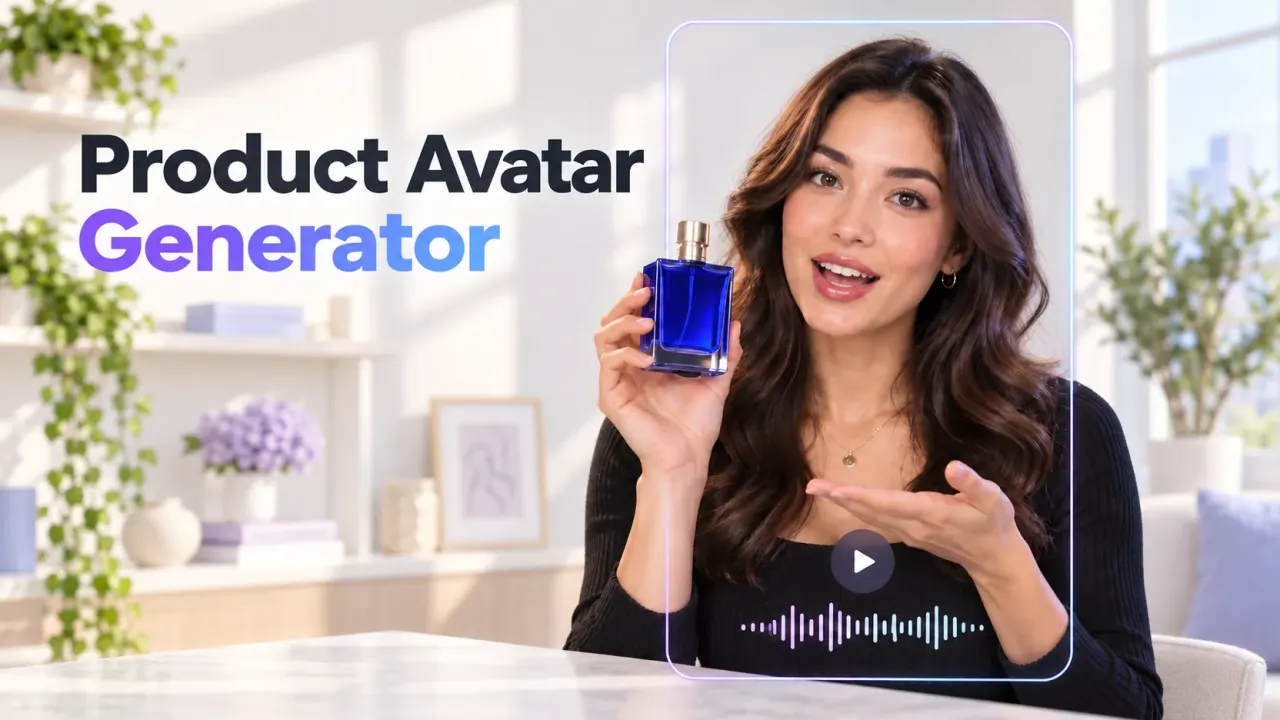
Create creator-style openings, problem/solution demonstrations, founder messages, testimonials, product comparisons, and offer variants. The UGC Video Generator on Flyne AI supports product details, scripts, images, avatar-style presentation, and social-ad formats for faster creative iteration.
Product Launches and E-Commerce
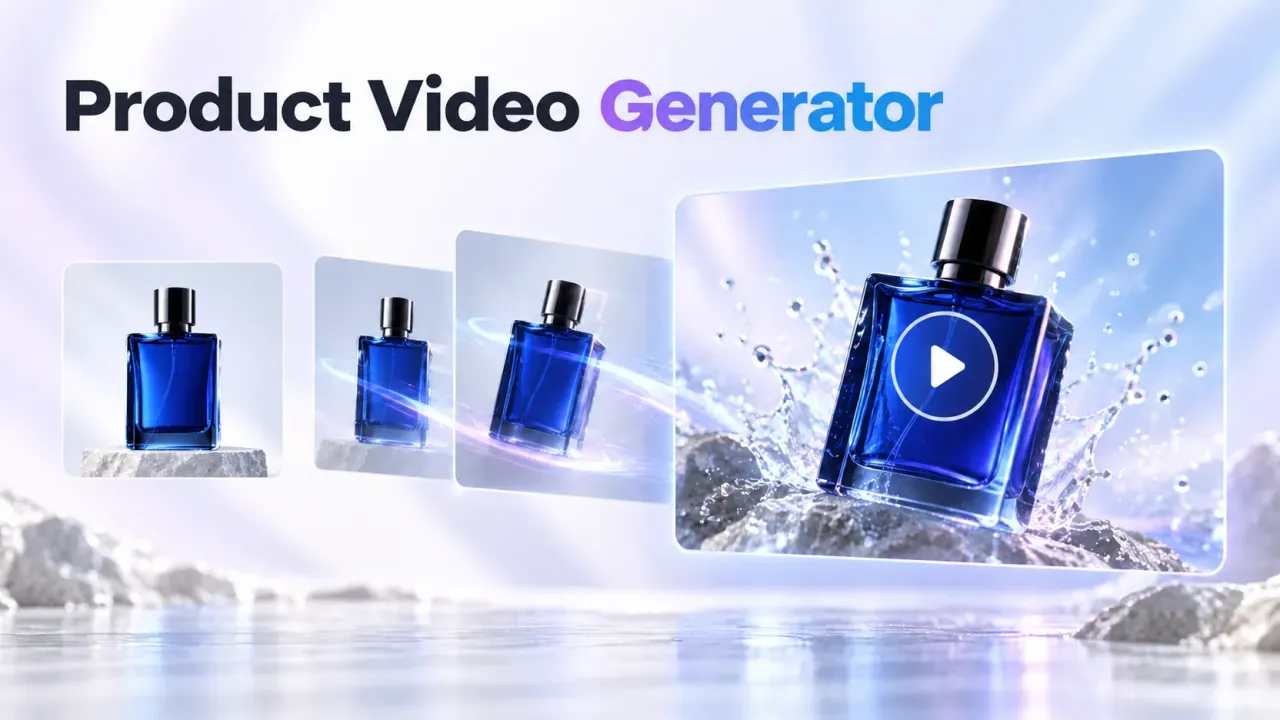
Animate product references into reveals, lifestyle scenes, feature demonstrations, marketplace videos, and landing-page loops. Keep factual pricing, performance, health, and sustainability claims in reviewed copy layers rather than trusting generated imagery to communicate them accurately.
Short Drama and Cinematic Previsualization
Test blocking, dialogue rhythm, shot/reverse-shot sequences, camera direction, mood, transformations, and scene transitions before physical production. Generate individual shots with clear beginnings and endings, then edit them into a sequence. This gives directors more control than asking one prompt to create an entire episode.
Digital Humans and Presenter Video
Produce consented spokesperson concepts, multilingual explainers, onboarding clips, internal communications, and training prototypes. Review lip sync, teeth, blinking, head movement, gesture timing, and disclosure carefully before publishing.
Music, Fashion, and Brand Films
Use wardrobe, color, movement, lighting, and location references to develop a consistent visual language. The upcoming Kling 4.0 could become attractive if it advances Kling’s native audio and multimodal storytelling, while Seedance 2.5 remains useful for reference-guided motion concepts now.
Storyboards, Pitches, and Creative Testing
Turn shot lists, mood boards, product images, and character references into motion studies for client review. The value is faster alignment: stakeholders can react to pacing and composition before a full production budget is committed.
Recommended AI Video APIs for Scalable Production
Browser tools are best for creative discovery. APIs become valuable when teams need batch generation, prompt versioning, retry logic, job polling, asset storage, cost logging, and automated publishing workflows.
Seedance 2.5 Text-to-Video API
The Seedance 2.5 Text-to-Video API is currently live with JavaScript, Python, and cURL request examples. Its visible controls include 4–30-second duration, multiple ratios, resolution choices, optional sound, and current per-second pricing.
MiniMax H3 Video API
Use the MiniMax H3 Text-to-Video API as an additional cinematic and motion-generation route. It is useful for model-level A/B testing when a Seedance prompt needs an alternative interpretation.
FLUX 3 Video API
The FLUX 3 Image-to-Video API is designed for source-image animation with optional native audio, 5–20-second duration, and 720p or 1080p output. It is a practical choice when the opening frame must anchor composition and identity.
Best Image AI API Platform
Best Image AI offers a unified image-and-video generation platform for testing models, comparing visible prices, adjusting parameters, and integrating media-generation workflows.
For every API job, store the provider, model and version, prompt, reference hashes, settings, request cost, status, moderation response, output URL, and approval result. That audit trail makes model comparisons repeatable.
A Fair Kling 4.0 vs Seedance 2.5 Benchmark When Access Opens
When Kling 4.0 becomes selectable on Flyne AI, use a test matrix instead of relying on social-media impressions:
| Test scene | What to inspect |
|---|---|
| Close-up presenter | face, skin, eyes, lips, teeth, voice, and emotional continuity |
| Product-in-hand demo | fingers, contact, product shape, label stability, and ending |
| Walking full-body scene | gait, weight, clothing, background continuity, and camera tracking |
| Two-person dialogue | identity separation, gaze, turn-taking, lip sync, and audio clarity |
| Multi-shot mini-story | scene continuity, camera logic, pacing, transitions, and narrative adherence |
| Vertical UGC ad | hook clarity, safe composition, product visibility, editability, and CTA frame |
Give both models the same number of attempts. Then score output quality and calculate cost per approved result. A model that wins one spectacular clip but fails most retries may be less useful than a slightly less dramatic model with predictable output.
Frequently Asked Questions
When is Kling 4.0 coming to Flyne AI?
Kling 4.0 is coming soon to Flyne AI. The exact access date and rollout scope will be confirmed when the public model page and generation controls become available.
What will Kling 4.0 add to Flyne AI?
It will add another advanced option for human video, UGC, advertising, product storytelling, cinematic concepts, and short-form production. Final duration, resolution, audio, reference, and pricing controls should be confirmed at launch.
Is Kling 4.0 better than Seedance 2.5?
Kling 4.0 is expected to bring the two models closer in human realism, reference consistency, motion, and storytelling. The better choice will depend on matched real-person, product, dialogue, and multi-shot tests after access opens.
Can Seedance 2.5 generate videos with real people?
Its Flyne AI workflow accepts portrait and character references, making it suitable for realistic presenter concepts and human-led scenes. Use only consented adults and follow likeness, disclosure, advertising, and platform policies.
Will Kling 4.0 be cheaper than Seedance 2.5?
Final Kling 4.0 pricing will be confirmed with the Flyne AI launch controls. Current Flyne AI presets and Flaq AI API prices provide a useful budget baseline until then.
Can AI video generators guarantee more views?
No. They can help creators test more hooks, scenes, presenters, and formats within a budget. Audience relevance, truthful offers, editing, disclosure, distribution, and measurement still determine performance.
Recommended Reading
- Seedance 2.5 Release: What’s New and How It Compares with Seedance 2.0 on Flyne AI
- MiniMax H3 Video Generator: A Open-Source Model for AI Pet Video Maker
- Lower-Cost Veo 3.1 Video Generation: Create Cinematic AI Videos with Flyne AI
Conclusion: Prepare for Kling 4.0 and Create with Seedance 2.5 Today
Kling 4.0 is coming soon to Flyne AI, with the potential to bring Kling’s human realism, detail, motion, audio, and multimodal control closer to Seedance 2.5. Final price, limits, and delivery settings will become clear when the Flyne AI generator opens.
Seedance 2.5 remains the practical choice today for reference-guided people, UGC ads, product video, social clips, cinematic concepts, and short-drama previsualization. Prepare the same prompts, references, acceptance criteria, and cost-per-usable-clip calculation now so Kling 4.0 can be evaluated immediately when access opens.