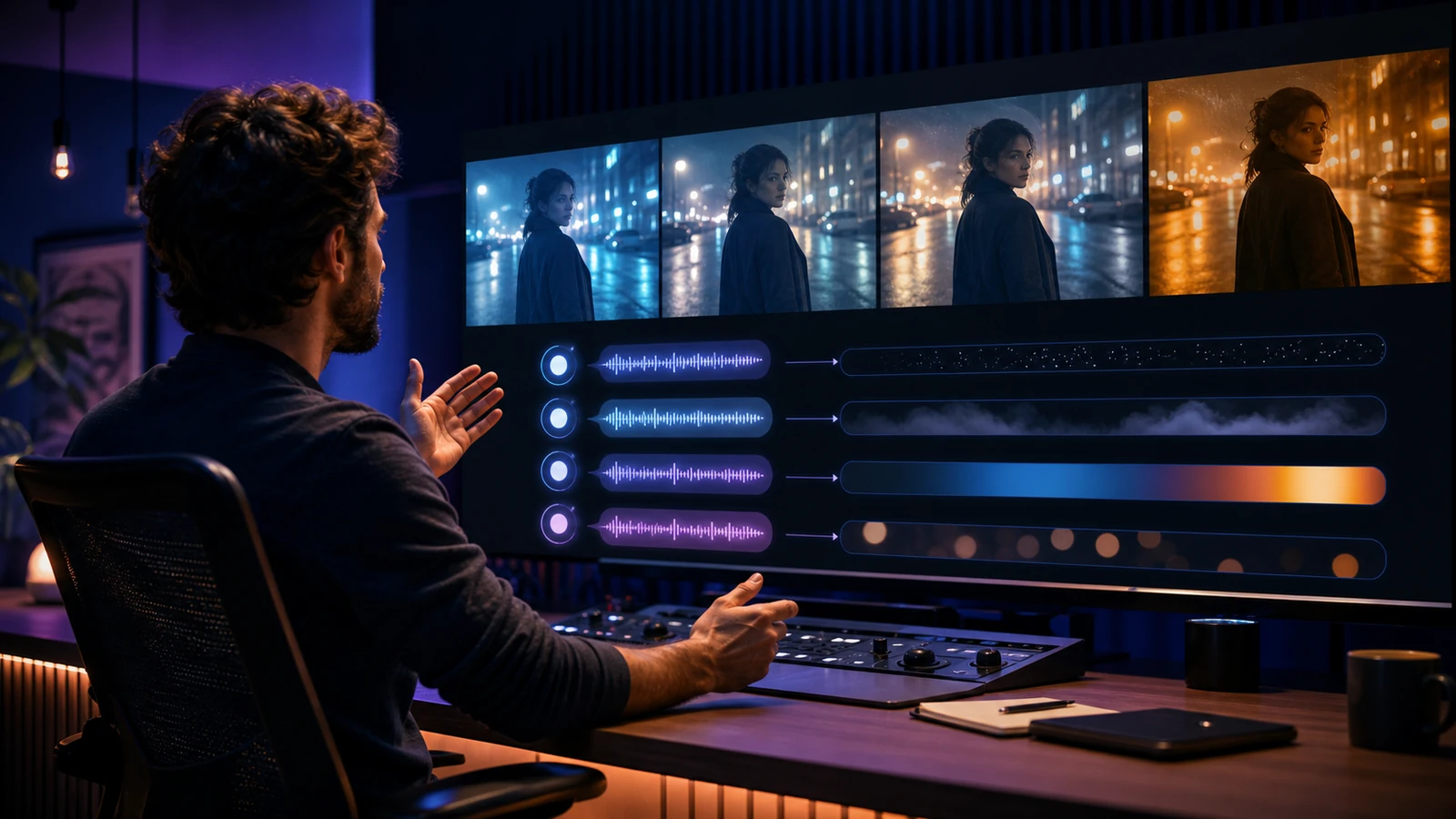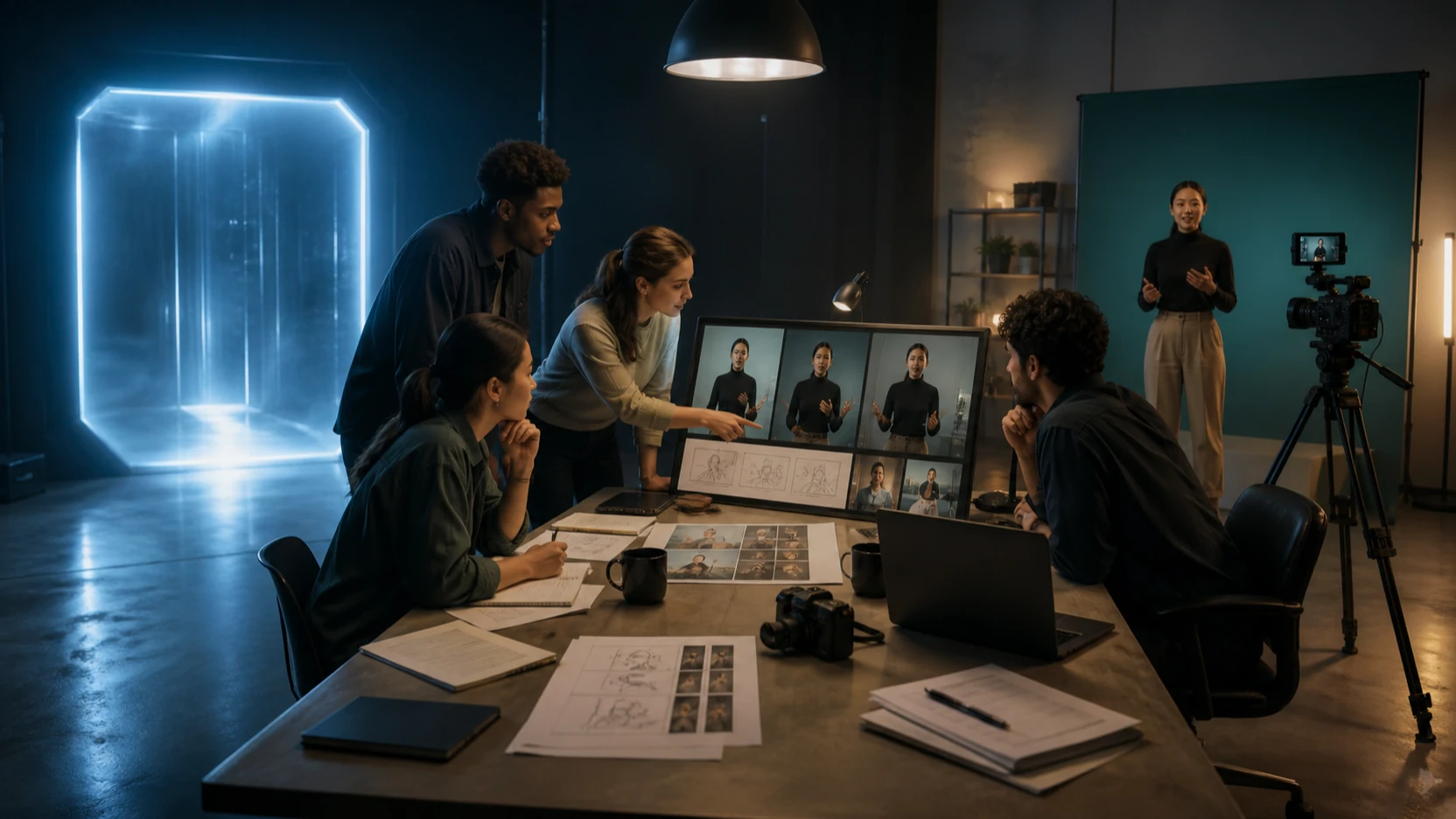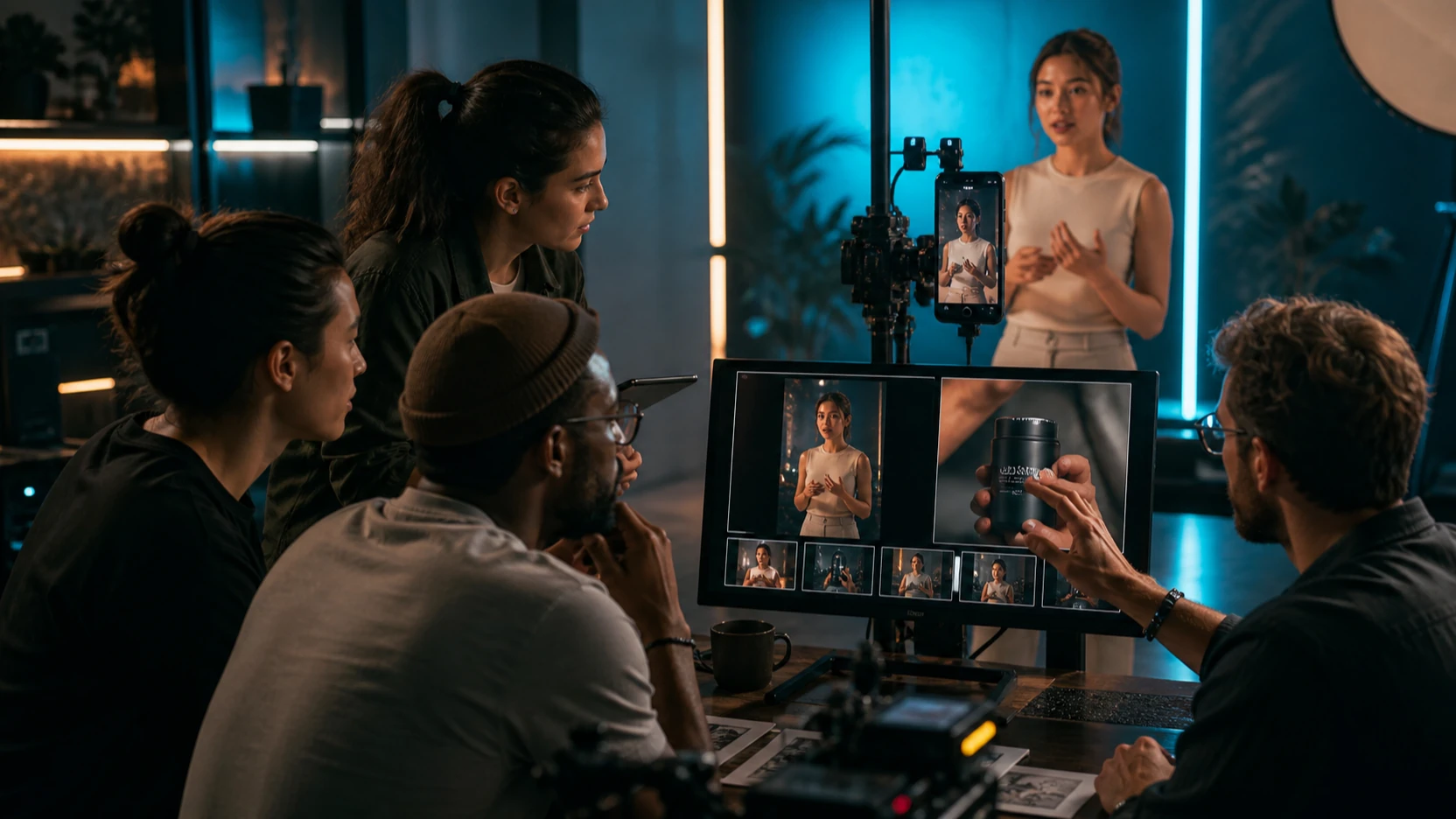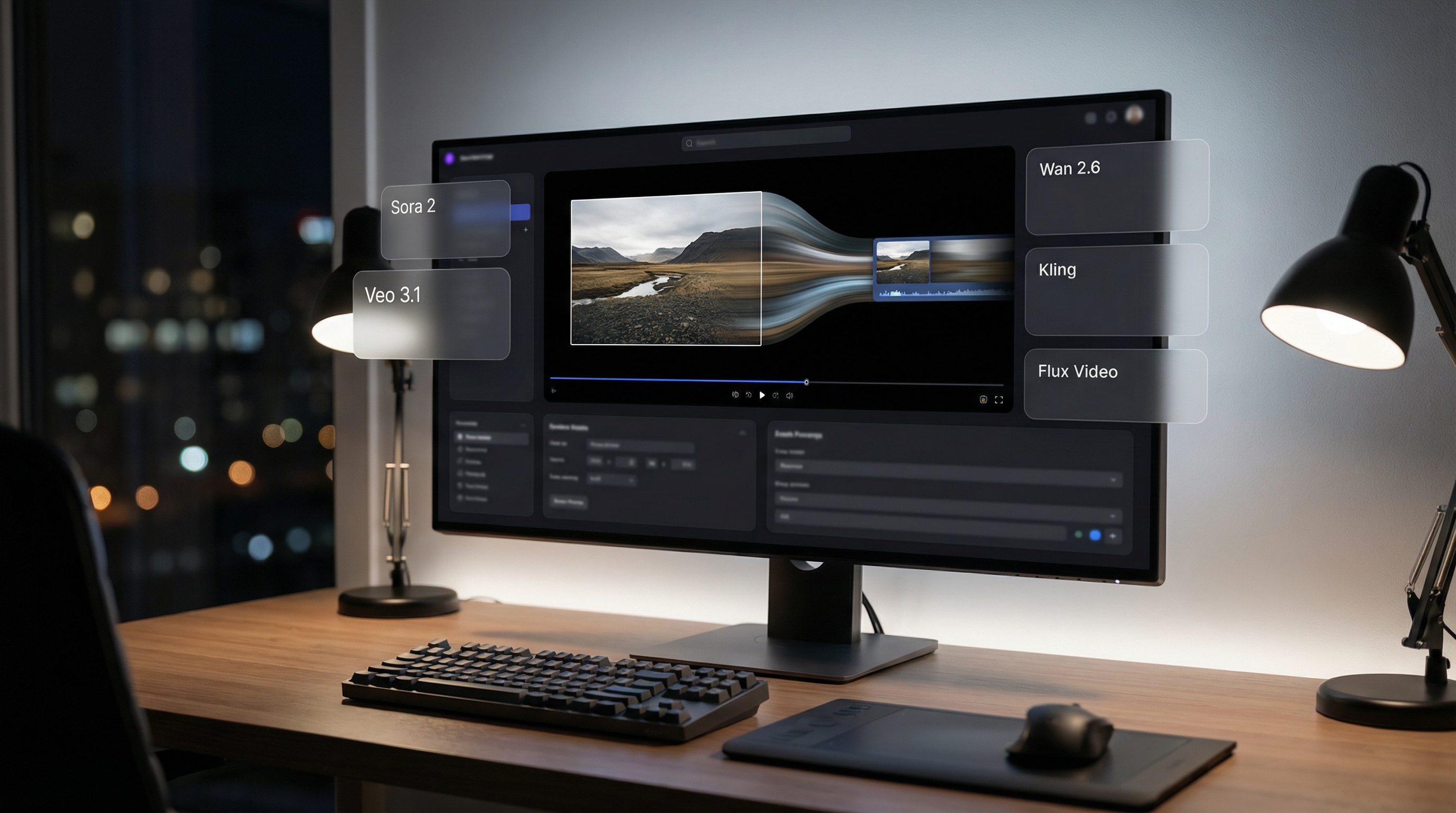
Turning a single image into a moving, cinematic video used to require animation skills, complex timelines, or expensive software. In 2026, that barrier is much lower.
With the rise of image-to-video AI, creators can now animate portraits, illustrations, product shots, AI art, and branded visuals into short motion clips in seconds. The challenge is no longer whether you can make an image move. The real challenge is choosing the right model for the job.
That is where Flyne AI becomes useful. The Photo to Video AI Generator gives creators a direct way to turn still images into moving clips, while the broader Flyne AI Video Generator works as a model hub for comparing text-to-video and image-to-video workflows in one place.
This guide explains how Flyne AI’s image-to-video workflow works, compares the major video models creators may want to test, and helps you decide which model fits which creative goal.
Why Image-to-Video AI Matters in 2026
Static images are no longer enough for many creator workflows. Social feeds reward motion. Ads need emotional pacing. Product pages benefit from movement. Story concepts feel clearer when they can be tested as short clips instead of static mockups.
That is why creators keep searching for the best image to video AI: not just a tool that adds random movement, but a workflow that can preserve identity, respect the original composition, and add motion that feels intentional.
A modern AI image to video workflow should help you:
- animate characters naturally
- add cinematic camera movement
- preserve image identity and composition
- control duration, style, pacing, and aspect ratio
- iterate quickly without changing platforms
- compare different models for different project types
Flyne AI is built around this practical need: one uploaded image can become a product teaser, a social clip, a character animation, a cinematic shot, or a short campaign asset depending on the model you choose.
What Is Flyne AI’s Photo to Video Generator?
At its core, Flyne AI’s image to video AI tool lets you upload a still image, describe the motion you want, choose generation settings, and produce a short video clip with realistic or stylized movement.
The workflow is simple:
- Upload an image, such as a portrait, product shot, illustration, or AI-generated visual.
- Choose a video model or workflow.
- Describe the motion, camera movement, mood, and visual style.
- Generate the clip.
- Compare, refine, and export the strongest result.
What makes Flyne AI useful is model diversity. Instead of locking creators into one generation style, it gives access to multiple video models and tools with different strengths. That matters because a product reel, anime-style character shot, cinematic travel clip, and talking avatar do not need the same model.
In other words, Flyne AI acts less like a single-purpose tool and more like a practical creative hub for image-to-video testing.
Model Comparison: Premium Image-to-Video Options
When quality matters more than cost, creators usually look for realism, camera control, prompt accuracy, audio capability, and reliable motion. These models are best suited for high-impact videos, commercial concepts, and polished campaign drafts.
| Model | Main Strength | Best For | Notes |
|---|---|---|---|
| Sora 2 AI | Natural motion and narrative flow | High-quality concept clips, story tests, premium short videos | Strong fit for creators who care about realism and scene logic |
| Google Veo 3.1 | Prompt accuracy and audio-visual generation | Commercial visuals, cinematic prompts, branded video concepts | Useful when instruction-following and polish matter |
| Google Veo 3 | High-quality video generation with audio | Text-led visual concepts, product scenes, cinematic content | A practical option for creators testing premium video workflows |
| Kling 3.0 | Cinematic motion and directed shot language | Mood shots, character scenes, short-form creator videos | Strong when prompts use clear camera and motion language |
These are the models to test when you want the best AI image-to-video generator experience for polished visual output rather than quick experimentation only.
Model Comparison: Cinematic and Creative Options
Some projects need emotional motion, stylized movement, fantasy physics, or stronger visual personality. In those cases, creator-facing models can be more useful than purely realism-focused systems.
| Model | Main Strength | Best For | Notes |
|---|---|---|---|
| Vidu Q3 | Short-form creation, controllable shots, audio-visual workflow | Social clips, brand videos, prompt-led short scenes | Good for fast, practical video experiments |
| Hailuo 2.3 | Dynamic motion and expressive visuals | Action beats, fantasy visuals, cinematic movement | Useful when motion energy matters |
| Hailuo 02 | Multimodal video generation and shot control | Image-to-video tests, action, stylized content | Good for creators exploring more dynamic video behavior |
| Seedance 1.0 | Multi-shot narrative and stable visual flow | Storyboarding, short creator videos, structured clips | Useful when continuity and style consistency matter |
| Seedance 2.0 | More controlled video generation | Polished short scenes, prompt-led motion, creative tests | Good for creators who want more reliable direction |
These models excel when the project needs motion complexity, personality, or emotional tone rather than strict product-style realism.
Model Comparison: Fast and Practical Options
Not every creator needs the most premium model for every task. Sometimes the goal is fast iteration: testing hooks, animating thumbnails, creating simple product motion, or producing multiple short-form variants.
| Tool or Model | Main Strength | Best Use Case |
|---|---|---|
| Flyne AI Video Generator | Broad model access from one hub | Comparing models and testing video ideas quickly |
| Photo to Video AI Generator | Direct image-to-video workflow | Animating portraits, products, AI art, and illustrations |
| AI Text to Video Generator | Prompt-led video creation | Creating scenes from scratch without a source image |
| Luma Modify Video | Video transformation and style modification | Reworking existing footage into new visual styles |
| Kling Motion Control | Directed movement and repeatable motion | Dance clips, gestures, performance beats, and motion transfer |
For daily use, the best choice is often not the most expensive or advanced model. It is the one that matches the task: quick draft, controlled motion, premium realism, or stylized movement.
When to Use Which Model
Choose Sora 2 AI when you are creating cinematic content where motion realism, visual logic, and narrative flow matter. It is best for concept clips, short story moments, and premium visual testing.
Choose Google Veo 3.1 when you need high prompt accuracy, polished commercial visuals, and audio-visual completeness. It is one of the strongest options for marketing-style video drafts.
Choose Kling 3.0 when you want cinematic shot language, directed camera motion, and short-form clips with a strong visual mood. It is a good fit for trailers, character scenes, social clips, and creator-led video ideas.
Choose Vidu Q3 when you want fast, practical short videos with controllable shot structure. It is especially useful for social-first content and repeatable prompt workflows.
Choose Hailuo models when your project depends on dynamic motion, expressive action, fantasy movement, or stylized scenes.
Choose Seedance models when you care about narrative flow, scene consistency, and structured creative direction.
Choose Kling Motion Control when movement itself is the brief. If you need a gesture, dance, or performance motion to remain repeatable, Motion Control is often more useful than a normal prompt-only generation.
How to Use Flyne AI for Image-to-Video Generation
Using Flyne AI is intentionally simple, but better results come from using the workflow like a creator rather than a gambler.
Step 1: Upload a Strong Image
Start with a clear image. The subject should be readable, the composition should not be overcrowded, and the main object or character should have a strong silhouette. For product visuals, use clean lighting and avoid clutter. For character shots, make the face, pose, and outfit clear.
Step 2: Choose the Right Model
Pick the model based on your goal. Use premium models for polished ads or cinematic concepts. Use Vidu Q3, Seedance, or Kling for short-form creator clips. Use Motion Control when movement direction matters. Use Luma Modify when you want to transform existing footage.
Step 3: Write a Motion Prompt
A good motion prompt is short and specific. Describe what should move, how the camera should behave, what should stay unchanged, and what mood the clip should have.
Example:
Preserve the character’s face, outfit, pose, and framing. Add subtle breathing motion, gentle hair movement, slow camera push-in, soft golden-hour lighting, cinematic tone.
This is stronger than “make it cinematic” because it gives the model a clear animation plan.
Step 4: Set Duration and Aspect Ratio
Shorter clips are usually easier to control. Use 5–8 seconds for clean motion tests, product clips, and social videos. Use 9:16 for TikTok and Reels, 16:9 for YouTube and cinematic formats, and 1:1 or 4:5 for feed-based social content.
Step 5: Generate, Compare, and Refine
Do not expect the first output to be final. Generate a few variations, choose the strongest direction, then refine one thing at a time. Change the camera, lighting, motion, or background separately. If you rewrite everything at once, you lose control over what improved or failed.
Prompt Formula for Better Image-to-Video Results
Use this practical formula:
Preserve + Animate + Camera + Lighting + Mood + Restrictions
Example:
Preserve the product shape, logo placement, camera angle, and clean background. Add a slow rotating display motion and subtle shadow movement. Use premium studio lighting, crisp reflections, and a polished commercial mood. Do not add text, extra objects, or hands.
This structure works because it separates identity preservation from motion direction. In image-to-video generation, those two things must be handled together.
Common Image-to-Video Mistakes
The first mistake is asking for too much motion. A short clip cannot easily handle a full scene, multiple camera moves, character transformation, and object interaction all at once. Keep the motion simple.
The second mistake is forgetting to say what should stay unchanged. If the character’s face, product shape, logo, or composition matters, state it clearly.
The third mistake is using vague style language. “Epic,” “beautiful,” and “high quality” are weaker than “slow dolly forward, soft rim light, shallow depth of field, warm sunset haze.”
The fourth mistake is choosing the wrong model for the job. A fast social model may not be ideal for a premium ad, while a premium realism model may be overkill for a quick meme-style clip.
Credit Cost and Workflow Transparency
Creators like transparent image-to-video platforms because video generation can become expensive quickly. Different models may require different credit levels depending on duration, quality, and output options.
The practical rule is simple: draft with cheaper or faster workflows, then move to higher-quality models once you know the prompt and visual direction are working.
This prevents the most common waste pattern: spending premium credits while still exploring the basic idea.
Who Should Use Flyne AI’s Image-to-Video Workflow?
Flyne AI is especially useful for content creators, YouTubers, indie filmmakers, AI artists, prompt engineers, e-commerce teams, ad creatives, and agencies that need fast iteration across multiple models.
It is also useful for people who are still learning which model fits which task. Instead of jumping across many tools, you can start from one video hub, compare outputs, and learn how different models respond to the same source image and motion prompt.
Final Verdict: Is Flyne AI a Good Image-to-Video Hub in 2026?
Flyne AI succeeds because it does not force one definition of “best.” For one project, best may mean realistic motion. For another, it may mean low-cost iteration, stylized action, better audio, stronger prompt control, or faster social output.
That flexibility is exactly what modern creators need. A single image can become many kinds of video depending on the model: cinematic ad, animated portrait, product teaser, music visual, fantasy scene, or short social hook.
If you want a practical place to start, use the Photo to Video AI Generator for image-led workflows. If you want to compare multiple tools and models, start with the Flyne AI Video Generator.
The best image-to-video workflow in 2026 is not only about choosing the most powerful model. It is about matching the model to the creative job, writing a clear motion prompt, and refining with discipline.
Recommended Tools
- Photo to Video AI Generator
- Flyne AI Video Generator
- AI Text to Video Generator
- Sora 2 AI Video Generator
- Google Veo 3.1 AI Video Generator
- Google Veo 3 AI Video Generator
- Kling 3.0 AI Video Generator
- Vidu Q3 AI Video Generator
- Hailuo 2.3 AI Video Generator
- Hailuo 02 AI Video Generator
- Seedance 1.0 AI Video Generator
- Seedance 2.0 AI Video Generator
- Kling Motion Control
- Luma Modify Video
Related Articles
- Best AI Video Models 2026: The Ultimate Guide to Image-to-Video Generation
- Vidu Q3 vs Veo 3.1 vs Seedance 2.0: Which AI Video Model Fits Your Workflow?
- Higgsfield Kling Review: Kling 3.0 Is Here—Worth Using?
- Seedance 2.0 Video Generation Guide: How to Get Controlled, Consistent Results
- Happy Horse 1.0 vs Seedance 2.0: Which AI Video Model Is Better for Real Creative Work?
- Flyne AI Website Updates 2026: New Interface, Latest Models, and PayPal Support
People Also Read
- Vidu Q3 AI vs Kling 3.0: Which AI Video Model Should You Use?
- Kling 3.0 AI Video Generator Guide for Creators
- How to Use HeyDream AI’s Text-to-Video Generator
- Veo 3.1 Video Generation Guide: How to Create Cinematic Clips
- How to Use DreamMachine AI’s AI Video Generator
- SeaImagine AI Text-to-Video Guide: How to Choose Models and Create Better Clips
- Seedance 2.0 Prompt Tips for More Human, Realistic AI Video