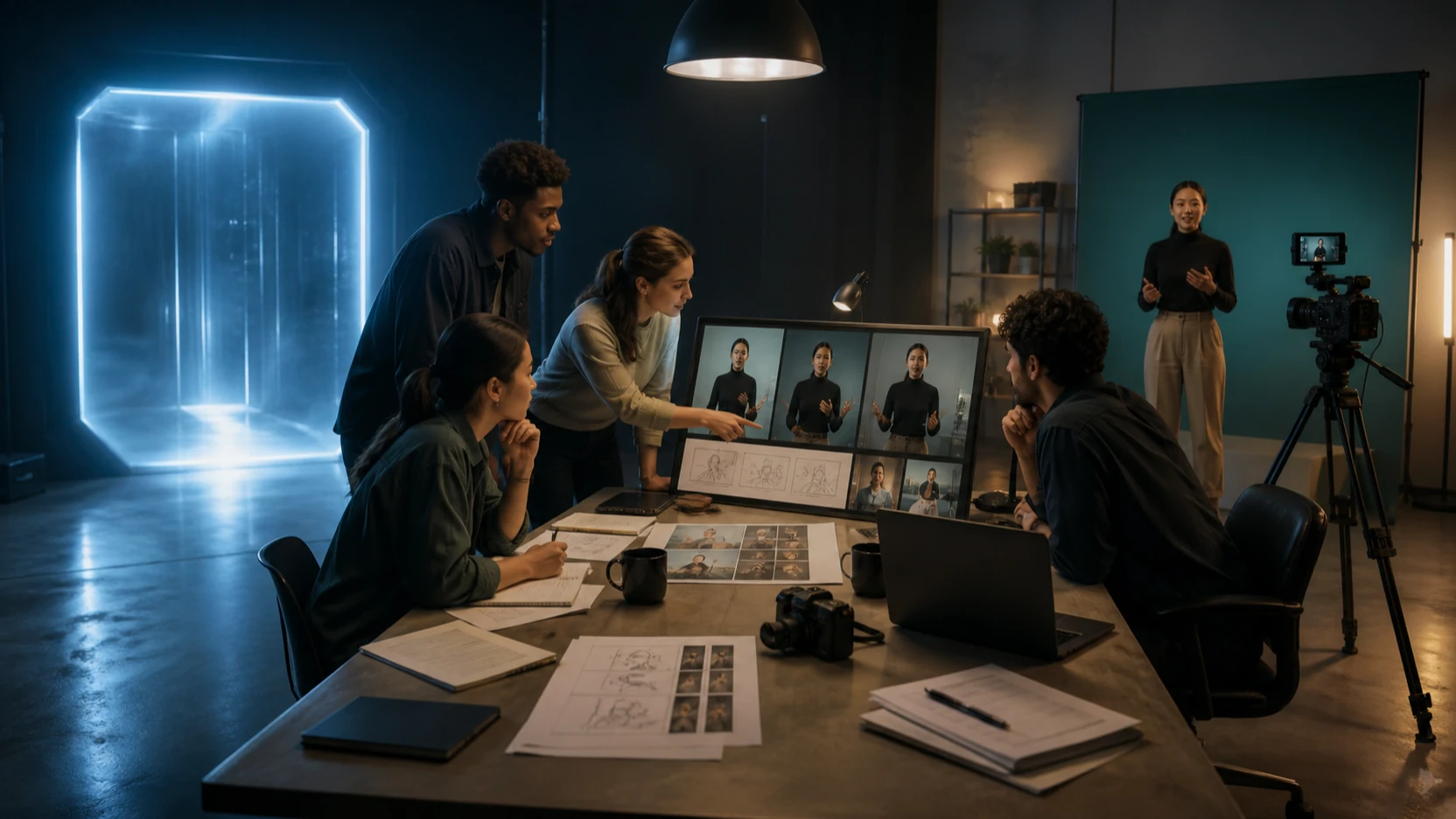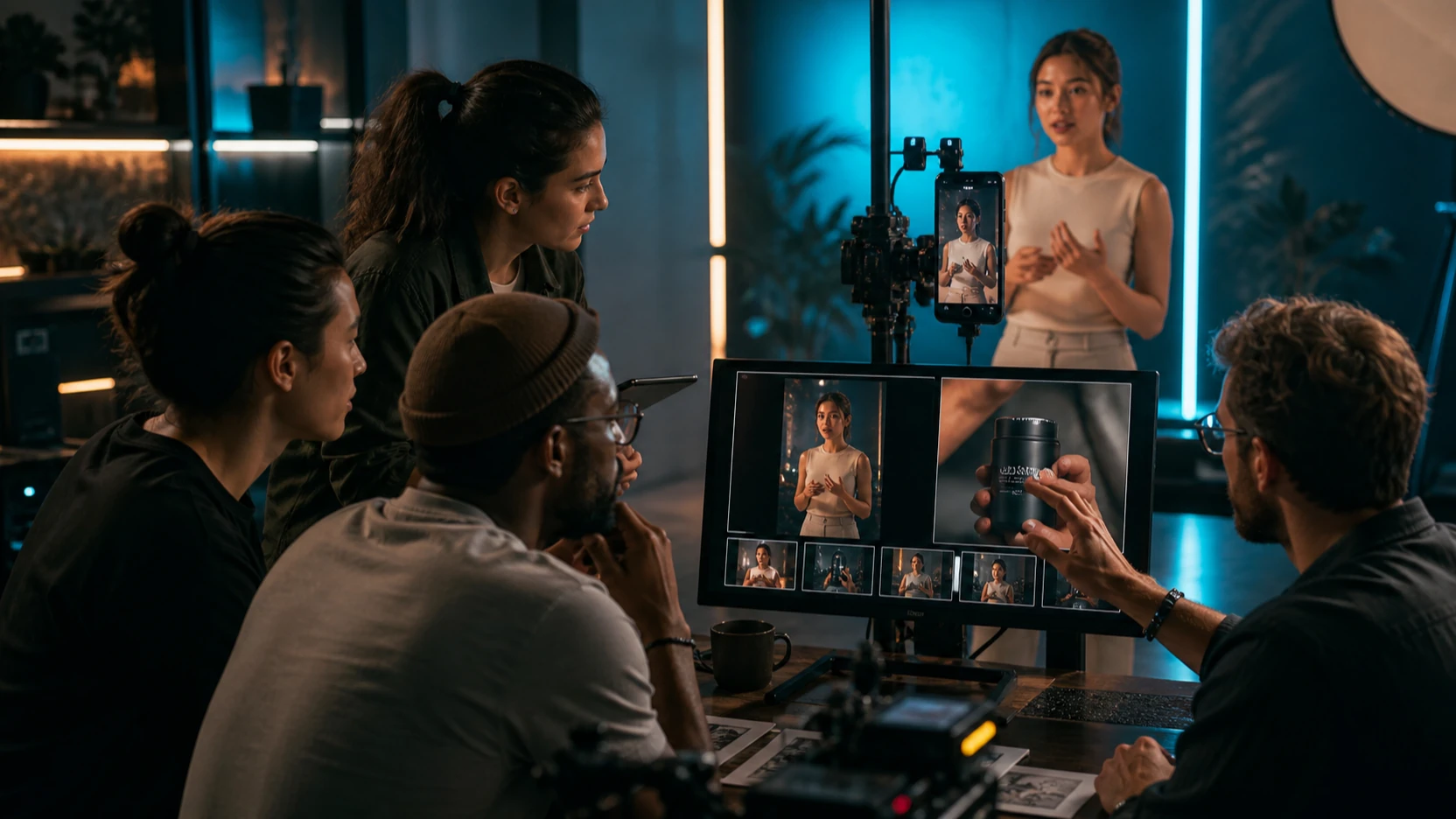
The Gemini Omni 1.1 Flash new release changes AI video creation from a one-shot prompt into an ongoing creative conversation. Released by Google on August 27, 2026, the model can generate video from text and images, edit an uploaded or generated clip, extend a scene, interpolate between first and last frames, and refine a result across multiple turns. For creators who want to edit video through conversation, this can be more useful than repeatedly rebuilding a Google Veo 3 prompt from scratch.

Gemini Omni 1.1 Flash is not automatically the best model for every shot. Google Veo 3 remains a strong option for cinematic text-to-video or image-to-video generation with realistic motion and native audio. Omni becomes the better fit when a team needs detailed revisions, continuity across iterations, low-cost drafts, or an editable interaction history.
What Is New in the Gemini Omni 1.1 Flash Release?
Google describes gemini-omni-1.1-flash as the generally available version of its fast, conversational video generation and editing model. The stable release supports text, image, and video inputs, produces video with audio, and uses the Gemini Interactions API to preserve creative context between turns.
The most important additions are practical production controls:
- Conversational generation and editing: continue refining a stored video interaction with natural-language instructions.
- First-and-last-frame control: define where a shot begins and where it should land.
- Scene extension: add 10-second continuations up to a total of 40 seconds while using recent footage as context.
- 360p draft mode: prototype compositions up to 60% faster and at one-third of the cost of standard 720p output.
- High-resolution finishing: generate or upscale supported output to 1080p or 4K.
- Timing direction: describe actions with natural timing instructions or simple timecodes.
Google’s current model page lists individual outputs from 3–10 seconds at 24 FPS, with 360p, 720p, 1080p, and 4K choices. Extensions can build a longer sequence, but they do not turn the system into an unrestricted long-form editor.
How Gemini Omni 1.1 Flash Lets You Edit Video Through Conversation
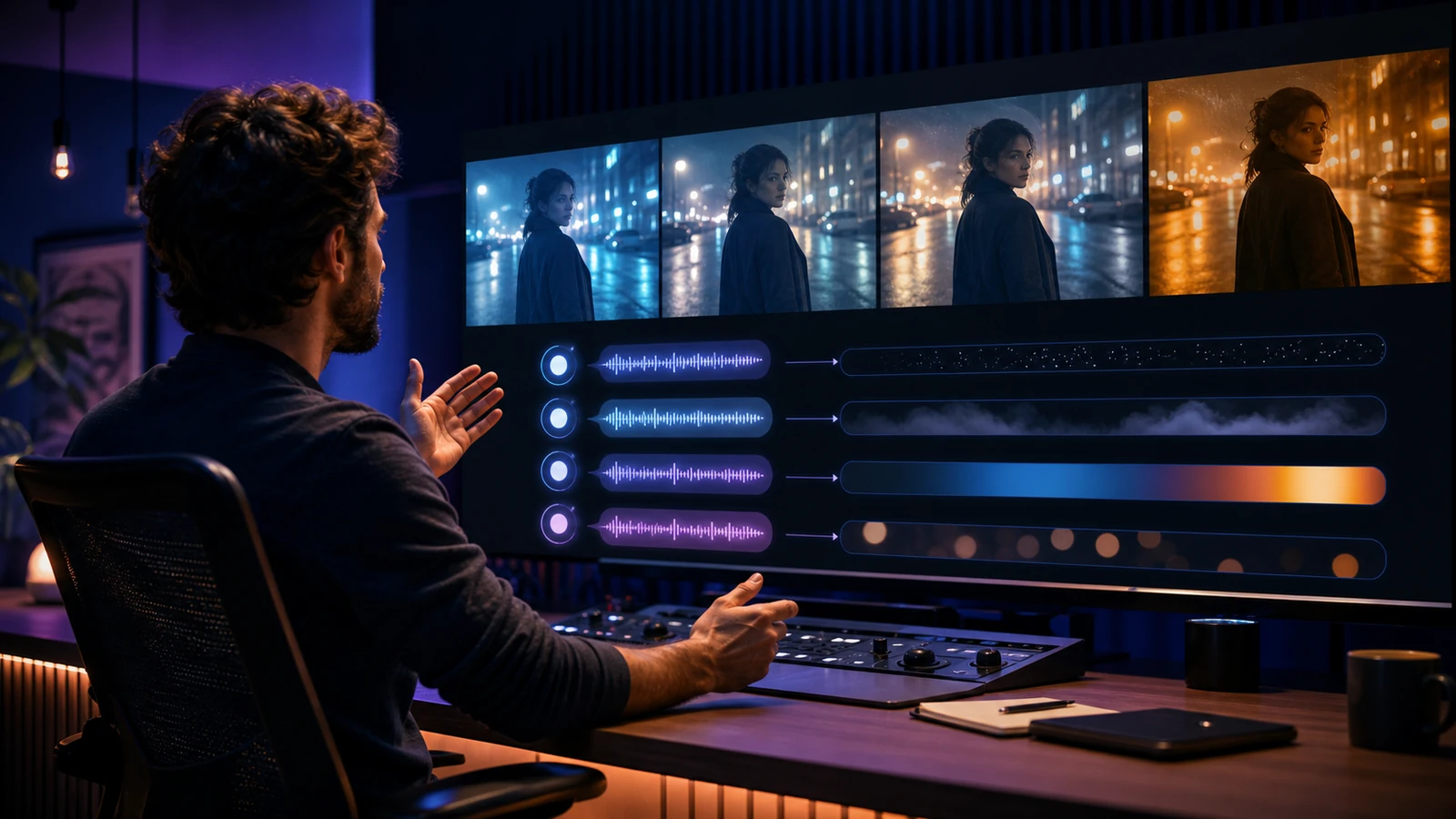
Conversational editing works best as a sequence of small, testable decisions. The first request creates or uploads the base scene. Later turns reference the prior interaction, so the creator can ask for one targeted change without restating the entire project.
A practical conversation might look like this:
- Create the base shot: “A slow handheld product demo in a warm apartment, natural window light, realistic room tone.”
- Correct one element: “Keep the camera movement and presenter unchanged. Replace only the table with pale oak.”
- Refine the mood: “Reduce the orange cast and make the daylight softer. Preserve skin tone and product color.”
- Extend the scene: “Continue for ten seconds. The presenter places the product beside the package and smiles; the room ambience continues.”
- Finish at higher resolution: upscale the approved draft rather than paying for every early experiment at final quality.
The advantage is not that natural language replaces all professional editing. Precise cuts, typography, color management, audio mixing, subtitles, and legal review still benefit from a timeline editor. Gemini Omni 1.1 Flash reduces the work between the rough idea and the reviewable visual draft.
Gemini Omni 1.1 Flash vs Google Veo 3

The comparison becomes clearer when the criteria are price, detail, editing depth, input flexibility, and delivery goal—not a single “quality” score.
| Decision factor | Gemini Omni 1.1 Flash | Google Veo 3 | Practical recommendation |
|---|---|---|---|
| Primary workflow | Generate, edit, remix, interpolate, extend, and refine through a stored conversation | Generate cinematic video from text or images with native sound | Choose Omni for iterative editing; choose Veo 3 for a strong generation-first shot |
| Current public API price | Approximately $0.10 per second for 720p video under Google’s Standard pricing; input tokens are billed separately | Flyne AI uses its own credit-based provider workflow, and the exact cost depends on the selectable version and account | Omni currently provides a clearer public developer price; recheck Flyne credits before production |
| Low-cost prototyping | 360p drafts cost one-third as much as 720p and can generate up to 60% faster | The linked Flyne workflow emphasizes final cinematic generation rather than a documented conversational draft tier | Omni can reduce the cost of rejecting early compositions |
| Detail and finish | Conversational corrections, first/last frames, timing prompts, readable-text guidance, and 1080p/4K output options | Strong cinematic composition, realistic physics, motion, ambience, effects, and dialogue | Omni is better when detail must be revised; Veo 3 remains strong when the first-generation cinematic look is the priority |
| Continuity | Stored multi-turn context and up to 40-second extensions | A generation-led workflow; new prompts may require more restating of the brief | Omni is more convenient for an evolving scene |
| Input flexibility | Text, image, and short video inputs in the current API; broader multimodal capabilities depend on surface and mode | Text or image generation on the linked Flyne page | Omni offers the broader editing interaction model |
| Restrictions | Uploaded videos for editing/extension are generally limited to 10 seconds; no voice editing; extension is end-only; regional and recognizable-person restrictions apply | Provider, model, safety, duration, and account restrictions still apply | Neither model is unrestricted; Omni is more flexible creatively, not less regulated |
Gemini Omni 1.1 Flash can therefore produce the better result when “better” means a closer match after several controlled revisions. Veo 3 may still produce the better first pass for a cinematic scene built around physics, camera movement, and native sound. A matched test should compare cost per approved clip, not price per generation alone.
Price: Why Conversational Drafting Can Lower Production Cost
The direct API price is only one part of production cost. Google’s current Gemini API pricing equates Omni’s Standard 720p output pricing to roughly $0.10 per second. More importantly, the 360p draft tier costs about one-third as much as 720p. A team can test framing, action order, subject placement, and scene rhythm cheaply before choosing a high-resolution finish.
Conversational edits can also reduce waste. If the product, actor, and camera path are already useful, a targeted instruction may preserve more of the approved clip than a complete regeneration. The actual saving depends on whether the model follows the requested edit and whether the final clip passes review.
For Flyne AI users, compare the visible credit requirement for Gemini Omni, Google Veo 3, and Google Veo 3.1 immediately before generating. Provider credits, selected modes, promotions, and availability can change independently of Google’s API list price.
Detail and Control: Where Gemini Omni Can Be More Precise
Gemini Omni 1.1 Flash is most precise when the instruction describes both the change and the invariants. “Make it more cinematic” is broad. “Keep the actor, camera path, room layout, product color, and audio unchanged; replace only the daylight with a cooler overcast look” gives the model a clearer editing boundary.
First-and-last-frame control improves planned transitions. A product shot can begin on a macro texture and end on an approved hero composition. A short drama can move from uncertainty to recognition without an uncontrolled final frame. Timing prompts can specify when a character enters, when a cut happens, or when the music changes.
The model also supports prompts that emphasize micro-detail, expression, natural timing, background realism, and readable on-screen text. These are useful directions, not guarantees. Human reviewers should still inspect faces, hands, labels, logos, reflections, continuity, audio, and every factual claim.
Video Creation and Editing Use Cases

UGC and social ads
Start from a creator-style product clip, then request a cleaner background, warmer lighting, a different product placement, or a shorter visual hook while preserving the presenter and camera behavior. Add final captions, claims, prices, and calls to action in a conventional editor where text accuracy can be verified.
Product and ecommerce video
Refine a packshot, material close-up, tabletop demonstration, or unboxing scene through several small changes. The conversational workflow is useful when brand teams need to compare environments or lighting treatments without abandoning an approved camera move.
Short films and narrative continuity
Extend a scene, introduce a reference character, change atmosphere, or steer the next action while keeping recent motion and audio as context. Work in short beats: one entrance, reaction, reveal, or transition per turn.
Storyboards and previsualization
Convert sketches or reference frames into moving concepts, then revise framing and pacing in conversation. A director can test an orbit, dolly, cut, lighting transition, or final composition before committing production resources.
Educational and training content
Create a demonstration, then correct the object shown, camera angle, environment, or order of actions. Because AI-generated instructional footage can contain errors, a subject expert should verify every step, label, and safety instruction.
Campaign localization and format variations
Develop visual versions for different markets, seasons, or channels while preserving the core product scene. Voice editing is not currently supported in the API, so dubbing and final language audio should be handled separately. Review any generated visible text before publishing.
Scene extension for music and performance clips
Extend a generated clip with consistent motion and audio, or request a cut to the next scene with the same characters. Uploaded clips with existing speech have extra limitations, so plan dialogue before assuming it can be extended conversationally.
A Better Prompt Pattern for Conversational Video Editing
Use a five-part edit request:
- Target: identify exactly what should change.
- Invariants: list the people, objects, movement, composition, and sound that must remain stable.
- Replacement: describe the new object, light, environment, action, or ending.
- Timing: state when the change occurs and how quickly it develops.
- Review rule: name common failure points to inspect after generation.
Example:
Edit the previous video. Keep the presenter’s identity, hand movement, product shape, label colors, camera path, room layout, and existing ambience unchanged. Replace only the background window view with a rainy evening city. The transition begins after two seconds and finishes gradually by six seconds. Preserve realistic reflections and do not add text, logos, or extra objects.
Change one meaningful variable per turn. This makes it easier to identify which instruction improved or damaged the result.
Important Limits Before You Build a Workflow
Gemini Omni’s current API documentation gives creators broader control, but also documents specific limits:
- uploaded videos for editing or extension must generally be 10 seconds or shorter;
- extension appends to the end rather than inserting footage at the beginning or middle;
- voice editing is not supported;
- uploaded audio references are not supported in the current Gemini API, even though other Gemini Omni surfaces may expose broader multimodal workflows;
- recognizable-person and regional restrictions apply to some editing operations;
- editing or extending uploaded video is currently unavailable in the EEA, Switzerland, and the United Kingdom, while model-generated extensions may still be supported;
- videos include invisible SynthID provenance watermarking;
- safety filters apply to both inputs and outputs.
“More flexible” should never be interpreted as permission to impersonate people, manufacture endorsements, ignore copyright, or bypass platform rules. Use rights-cleared media, obtain likeness consent, disclose synthetic content where required, and keep a human approval step.
More AI Video Tools to Explore
- Google Veo 3.1 on Flyne AI is the stronger alternative when a team wants a newer Veo generation workflow with native audio, improved prompt adherence, and reference-guided control.
- Google Veo 3 on Flyne AI remains useful for cinematic text-to-video and image-to-video experimentation with native sound.
- Gemini Omni on Flyne AI provides a browser route for exploring multimodal video creation and natural-language editing concepts. Confirm the selected backend version and visible controls before generation.
- Google Veo 3.1 API on Best Image AI is useful for developers who want a text-to-video endpoint within a unified image and video API platform.
- VideoWeb AI offers browser-based text-to-video, image-to-video, UGC, TikTok, music-video, reference-video, and video-to-video workflows.
- Hey Dream AI combines image, video, and 3D generation in one workspace with model-specific inputs and output controls.
FAQ
Is Gemini Omni 1.1 Flash a new release?
Yes. Google released the stable gemini-omni-1.1-flash model on August 27, 2026. It is generally available through the paid Gemini API and supported Google creation surfaces.
Can Gemini Omni 1.1 Flash edit an existing video?
Yes, within documented limits. The current API accepts video inputs up to 10 seconds for editing and extension, supports natural-language changes, and can preserve a stored interaction for later turns.
How much does Gemini Omni 1.1 Flash cost?
Google currently lists input at $1.50 per million text, image, video, or audio tokens and video output at $17.50 per million tokens. At the documented 720p token rate, output is approximately $0.10 per second. Provider credits may differ.
Is Gemini Omni 1.1 Flash better than Google Veo 3?
It can be better for conversational editing, controlled revisions, scene extension, keyframe interpolation, and low-cost drafting. Veo 3 can remain the better choice for generating a cinematic first pass with realistic motion and native audio.
Can Gemini Omni edit voice or dialogue?
Voice editing is not supported in the current API. Multi-turn extension can generate speech in supported cases, but uploaded spoken footage has additional restrictions. Plan dubbing and final dialogue work separately.
Conclusion
The Gemini Omni 1.1 Flash new release makes it possible to create and edit video through conversation, which can reduce repeated prompting and lower the cost of visual exploration. Its strongest advantage over Google Veo 3 is not universal image quality; it is the ability to refine, extend, interpolate, and preserve context across an editing dialogue. Use Gemini Omni on Flyne AI for accessible experimentation, compare it with the Veo options, and judge the models by cost per approved clip.