Quick Summary
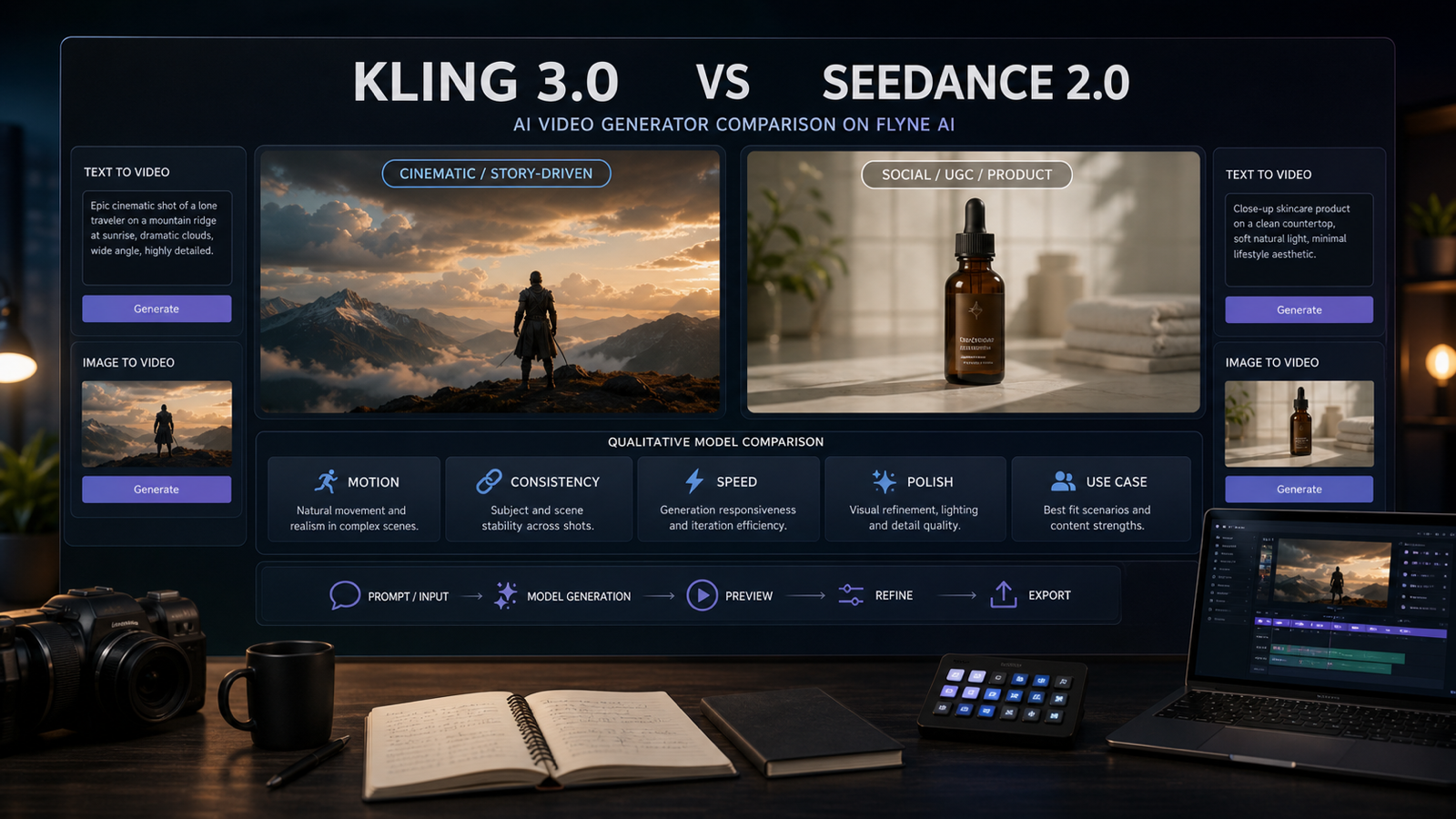
Kling 3.0 vs Seedance 2.0 is not a simple "which model is best" question. The better question is which AI video model fits the clip you need to make: a cinematic hero shot, a social ad variation, an ecommerce product demo, a UGC-style short, or a multi-shot story draft.
On Flyne AI, both models are useful because they can be tested in the same broader AI video workflow. Start with the live Kling 3.0 AI Video Generator page when you want cinematic motion and premium visual atmosphere, and use the Seedance 2.0 AI Video Generator page when you want fast social-ready iteration, product clips, and creator-style prompt testing. For broader workflows, Flyne also provides AI Video Generator, AI Text to Video, and Image to Video AI pages.
The practical recommendation is straightforward:
- Use Kling 3.0 when cinematic camera language, lighting, atmosphere, and premium motion matter most.
- Use Seedance 2.0 when you need fast drafts, social ads, UGC-style clips, product demos, and repeatable variations.
- Use both when you want to test the same prompt, product image, or story idea across models before editing.
- Verify current credit cost, queue speed, duration, resolution, aspect ratios, audio support, watermark rules, export limits, and commercial-use terms on live Flyne pages before publishing.

Kling 3.0 vs Seedance 2.0 Comparison by Creative Use Case
The most useful Kling 3.0 vs Seedance 2.0 comparison starts with the kind of video you want to produce. A short-film maker, ecommerce marketer, TikTok editor, and AI video tester may all need different strengths from the same generation platform.
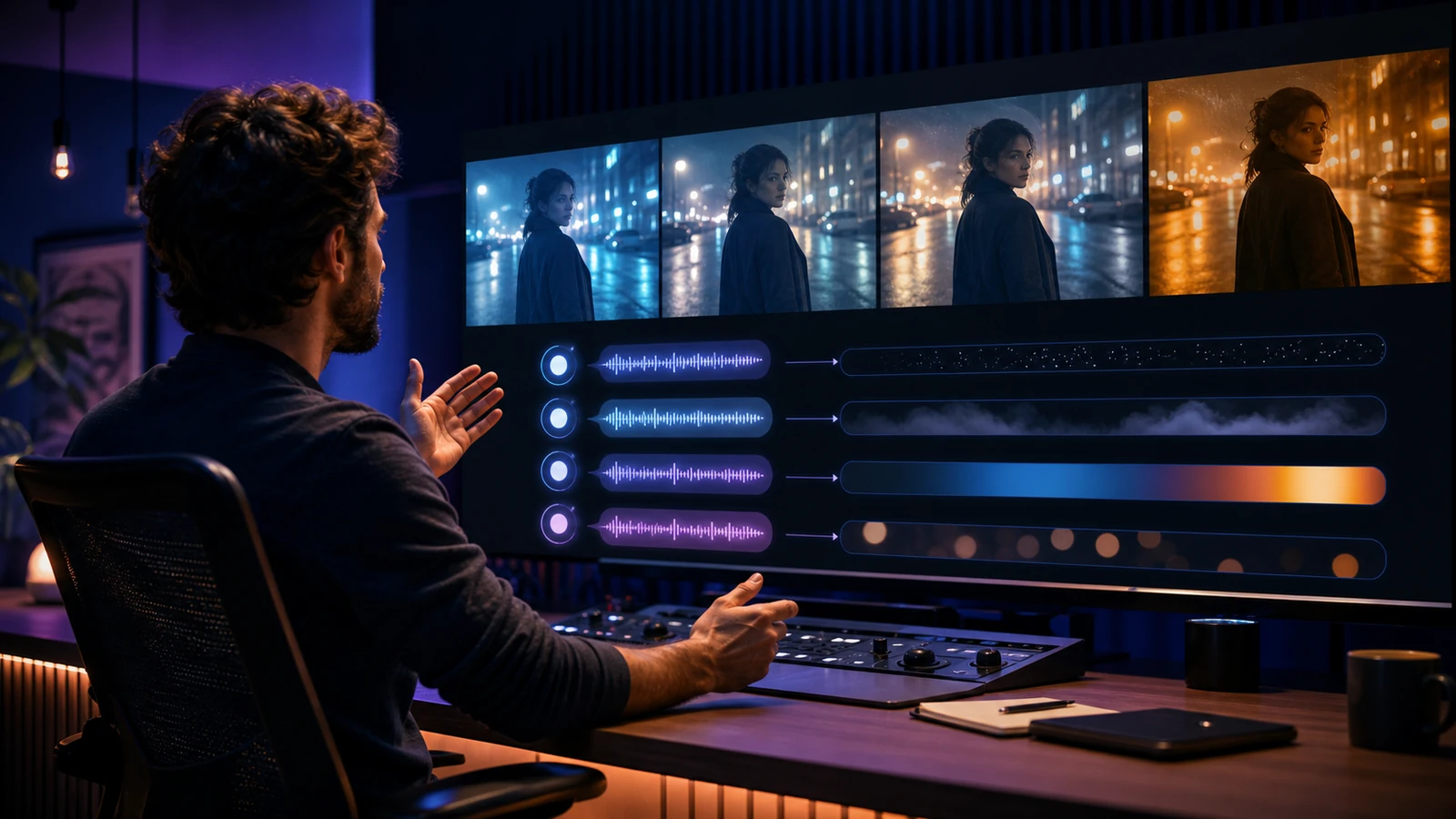
Kling 3.0 is usually the stronger fit when the creative brief depends on cinematic framing, rich lighting, dramatic camera movement, and a polished scene mood. Think fashion clips, trailer concepts, atmospheric product teasers, stylized short-film shots, and high-impact brand visuals where a single impressive shot can carry the piece.
Seedance 2.0 is often more practical when the team needs fast social concepts, UGC-style ad variations, product demonstrations, or short multi-shot drafts. Its value is less about making one grand cinematic moment and more about helping creators test angles, hooks, reference images, and repeatable content patterns quickly.
| Workflow | Better starting point | Why it fits |
|---|---|---|
| Cinematic scene or trailer shot | Kling 3.0 | Stronger fit for premium atmosphere, camera motion, and dramatic visual language |
| Product demo or UGC-style ad | Seedance 2.0 | Better fit for fast iteration, social-video framing, and campaign variants |
| Text-to-video concept test | Both | Run the same prompt in both models and compare motion, composition, and prompt following |
| Image-to-video from a product photo | Seedance 2.0 first, then Kling 3.0 for polish | Seedance helps draft variations; Kling can be tested for a more cinematic hero version |
| Multi-shot story draft | Seedance 2.0 | Useful for simple story progression and social-ready sequence planning |
| Premium brand film draft | Kling 3.0 | Better fit when lighting, camera language, and mood are central |
This comparison is not a permanent ranking. AI video model behavior changes, and live platform settings matter, so treat every output as a creative draft that still needs review, editing, rights checks, and brand approval.

When Kling 3.0 AI Video Generator Is the Better Fit
Kling 3.0 is the better starting point when your video needs to feel cinematic before it feels fast. It is especially useful for creators who care about camera movement, dramatic scene atmosphere, high-end fashion or product visuals, trailer-style pacing, and polished motion language.
Use Kling 3.0 when the creative brief includes words like sweeping camera, dramatic lighting, slow push-in, atmospheric street scene, luxury product reveal, fantasy landscape, or film trailer. Those prompts depend on visual mood and camera intention, not only subject accuracy. Kling also becomes more attractive when you want to test related Flyne ecosystem pages such as Kling Motion Control, Kling O1, or older context like Kling 2.6.
Good Kling 3.0 use cases include:
- Cinematic ads for fashion, beauty, tech, and lifestyle products.
- Short-film establishing shots and trailer mood clips.
- Dramatic product teasers with camera movement and lighting cues.
- Concept art animation where scene atmosphere matters more than speed.
- High-end comparison tests against Veo 3.1, Higgsfield AI, or other premium video models.
Kling is still not a magic final-render button. You should review generated clips for artifacts, unwanted morphing, product inaccuracy, unstable hands or faces, inconsistent logos, weak motion continuity, and unclear commercial-use rights before using the output in a campaign.

When Seedance 2.0 AI Video Generator Is the Better Fit
Seedance 2.0 is the better starting point when you need fast, practical video drafts for social and ecommerce workflows. It is especially useful for creators testing hooks, UGC-style product demos, TikTok or Reels concepts, faceless content, and prompt variations that need to move quickly from idea to review.
Use Seedance 2.0 when the project needs a clear product action, a short social sequence, a reference-driven clip, or a simple story progression. For many marketers, the goal is not one perfect cinematic shot. The goal is ten plausible variations that can be compared, edited, and refined into a stronger ad or content sequence.
Seedance 2.0 fits well when you want:
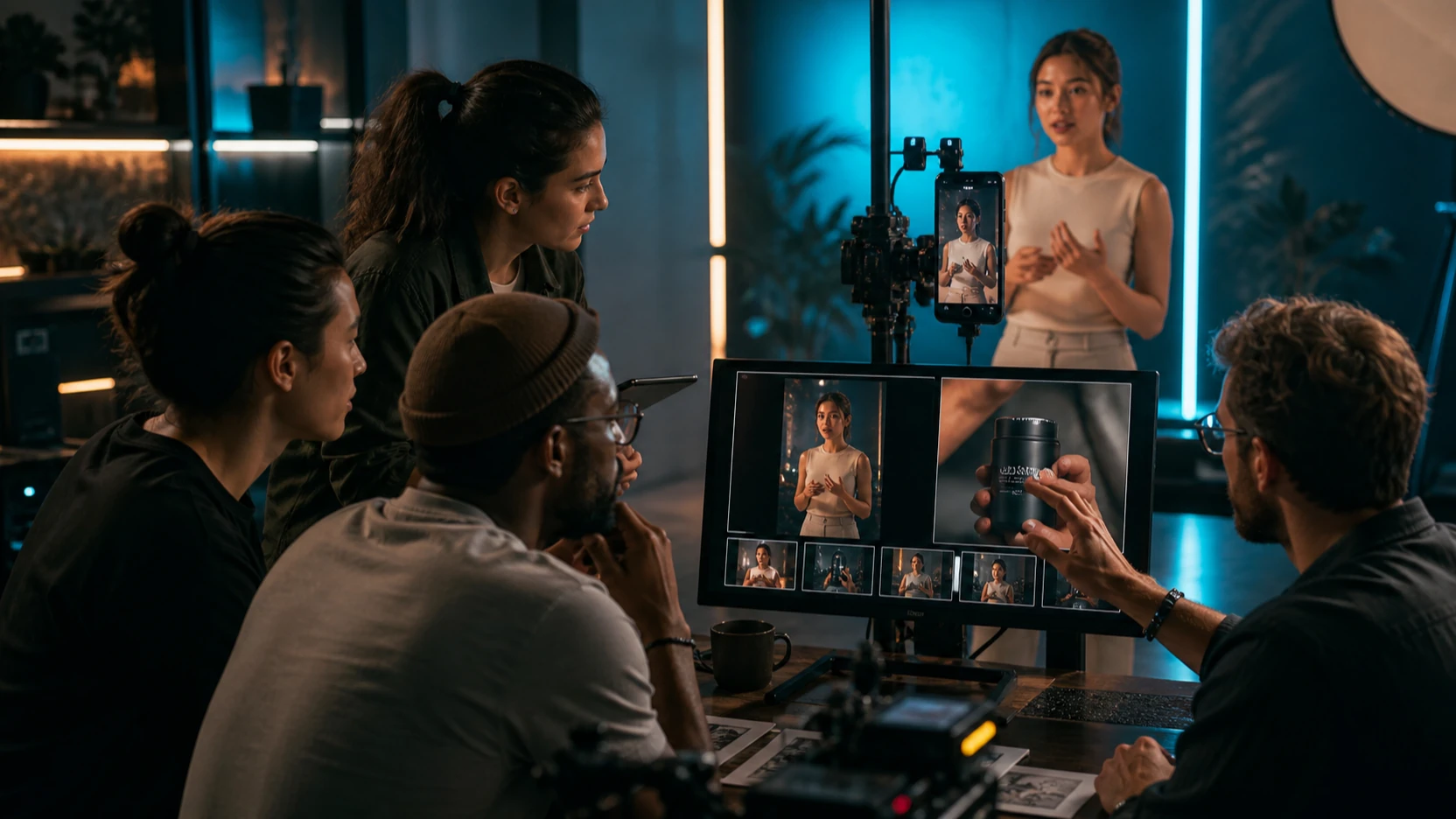
- Product demo clips from a product photo or simple prompt.
- Short-form UGC ad concepts with different hooks and angles.
- Image-to-video tests using a start frame or reference image workflow.
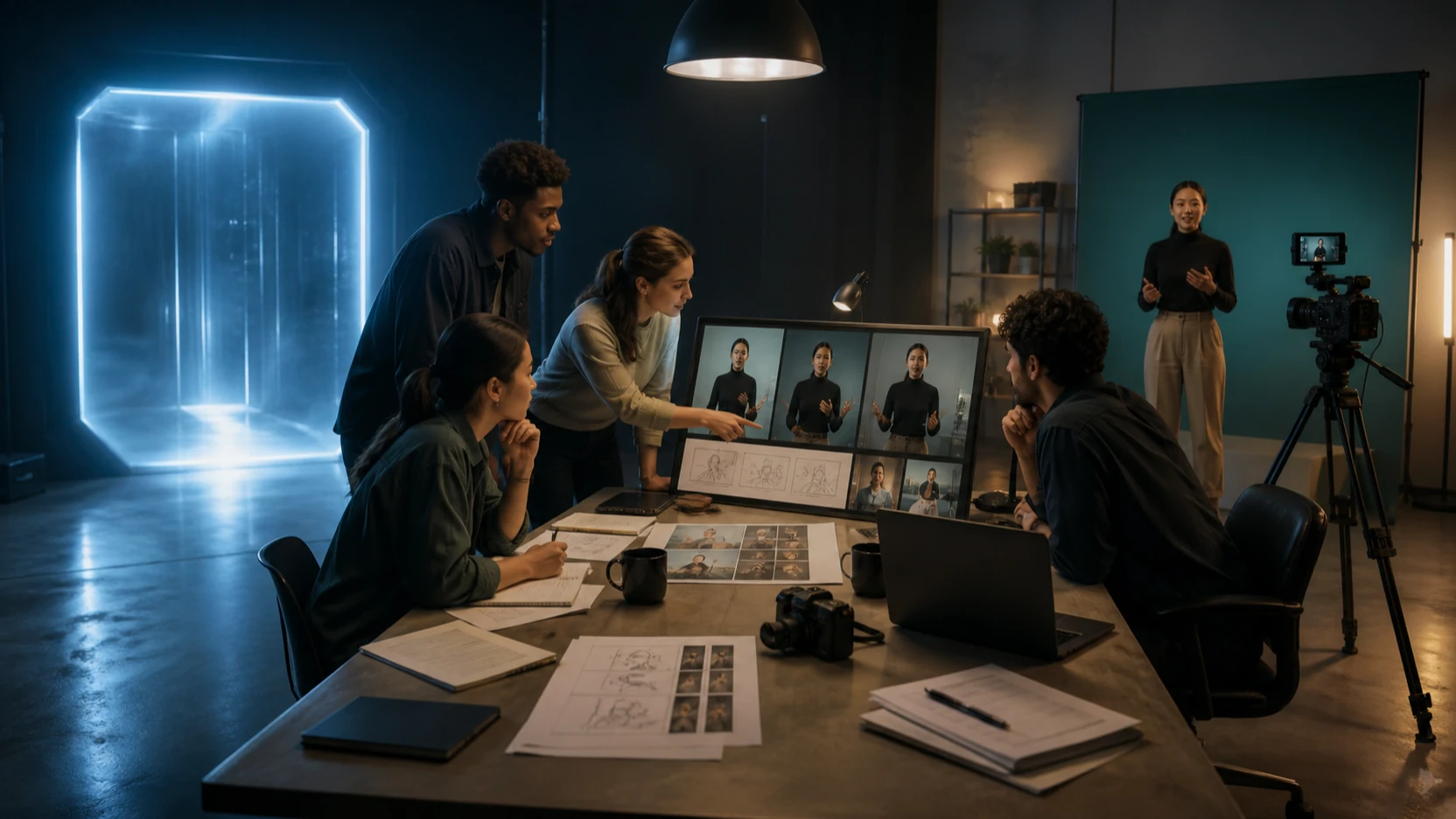
- Social-video storyboards with simple multi-shot progression.
- Fast campaign drafts for ecommerce, creator marketing, and faceless content.
Seedance 2.0 should still be checked against the live Seedance 2.0 on Flyne AI page before publishing. Verify current duration, aspect ratios, resolution, credit cost, audio behavior, export rules, watermark rules, and whether the exact workflow you need supports text-to-video, image-to-video, start frame, end frame, or reference-image input.

How to Test Both Models on Flyne AI Without Guesswork
The fairest way to compare Kling 3.0 and Seedance 2.0 on Flyne AI is to test the same creative brief in both models. This removes some of the noise that comes from comparing a cinematic Kling prompt against a casual Seedance prompt, or a product-photo Seedance workflow against a vague Kling concept.
Start with one prompt, one reference image if you have it, and one intended output format. Then test both models under similar conditions. For example, an ecommerce team might upload the same product image and ask for a five-second vertical product reveal, while a short-film creator might use the same story prompt and compare motion, camera behavior, subject consistency, and visual polish.
A practical test sequence:
- Pick one use case: cinematic hero clip, social ad, product demo, UGC draft, or multi-shot concept.
- Write one base prompt with subject, scene, action, camera movement, style, aspect ratio, and intended platform.
- If using a reference image, test it through Flyne's Image to Video AI workflow when supported.
- Run Kling 3.0 and Seedance 2.0 with comparable settings.
- Review motion, prompt following, consistency, artifacts, speed, credit cost, and editing effort.
- Choose the model that gives you the better draft for that specific use case, not the model with the louder reputation.
Flyne's broader AI Video Generator page is also useful if you want to compare Kling and Seedance with models such as Veo 3.1 or Higgsfield AI. That wider comparison helps teams separate cinematic polish, motion control, speed, and social-media practicality.

Final Recommendation, Review Checklist, and FAQ
Choose Kling 3.0 when your workflow needs cinematic weight, stronger atmosphere, camera language, and a premium scene feel. Choose Seedance 2.0 when your workflow needs faster creator iteration, social-ready drafts, product demos, UGC-style video, and reference-image testing. Use both when a campaign needs a cinematic hero clip plus multiple social variations.
Before publishing AI video output, run a human review. Generated clips can still contain artifacts, inconsistent products, strange motion, mismatched audio, weak continuity, or visual details that do not fit your brand. Commercial teams should also check rights, usage terms, watermark rules, client approval, and platform policies before using a generated video in ads.
Review every final candidate for:
- Motion quality: camera movement, action clarity, and physical plausibility.
- Subject consistency: product shape, clothing, face, hands, and scene continuity.
- Prompt following: whether the model followed the core action and style request.
- Artifacts: warped objects, flicker, text errors, and unstable backgrounds.
- Audio and export: sound support, sync, file quality, watermark rules, and platform format.
- Brand safety: claims, product accuracy, legal review, and approval status.
FAQ
Is Kling 3.0 better than Seedance 2.0?
Kling 3.0 is often the better starting point for cinematic clips, dramatic camera motion, and premium visual polish. Seedance 2.0 is often better for fast social-video drafts, product demos, UGC-style clips, and repeatable ad variations.
Which model should I use for text-to-video?
Use both if the project matters. Kling 3.0 may produce a stronger cinematic draft, while Seedance 2.0 may be easier for fast social and campaign testing. Verify current text-to-video support on the live Flyne model pages before publishing.
Which model should I use for image-to-video?
Seedance 2.0 is a strong first test for product photos, reference images, and social-ready drafts. Kling 3.0 is worth testing when you want a more cinematic or premium version of the same reference-driven idea.
Can I use these outputs commercially?
Do not assume commercial use is automatically cleared. Check Flyne's current model page, export rules, watermark rules, and usage terms, then run your own rights and brand review before using AI video in paid campaigns.
Should I test other Flyne video models too?
Yes, especially for premium or specialized workflows. Veo 3.1, Higgsfield AI, Kling Motion Control, and other models may fit specific needs such as cinematic camera energy, directed motion, or broader model comparison.
Conclusion
Kling 3.0 vs Seedance 2.0 is best answered by workflow. Kling 3.0 is the stronger first choice for cinematic clips, high-end visual polish, and dramatic motion, while Seedance 2.0 is the stronger first choice for social ads, product demos, UGC drafts, and fast iteration. Flyne AI is useful because it lets creators compare both approaches in one broader AI video generator workflow, then choose the model that produces the most editable draft for the job.
Related reading on Flyne includes Flyne AI Video Generator Guide 2026, Seedance 2.0 Video Generation Guide, Best 10+ Seedance 2.0 Prompts, Higgsfield Kling Review, and Vidu Q3 vs Veo 3.1 vs Seedance 2.0.