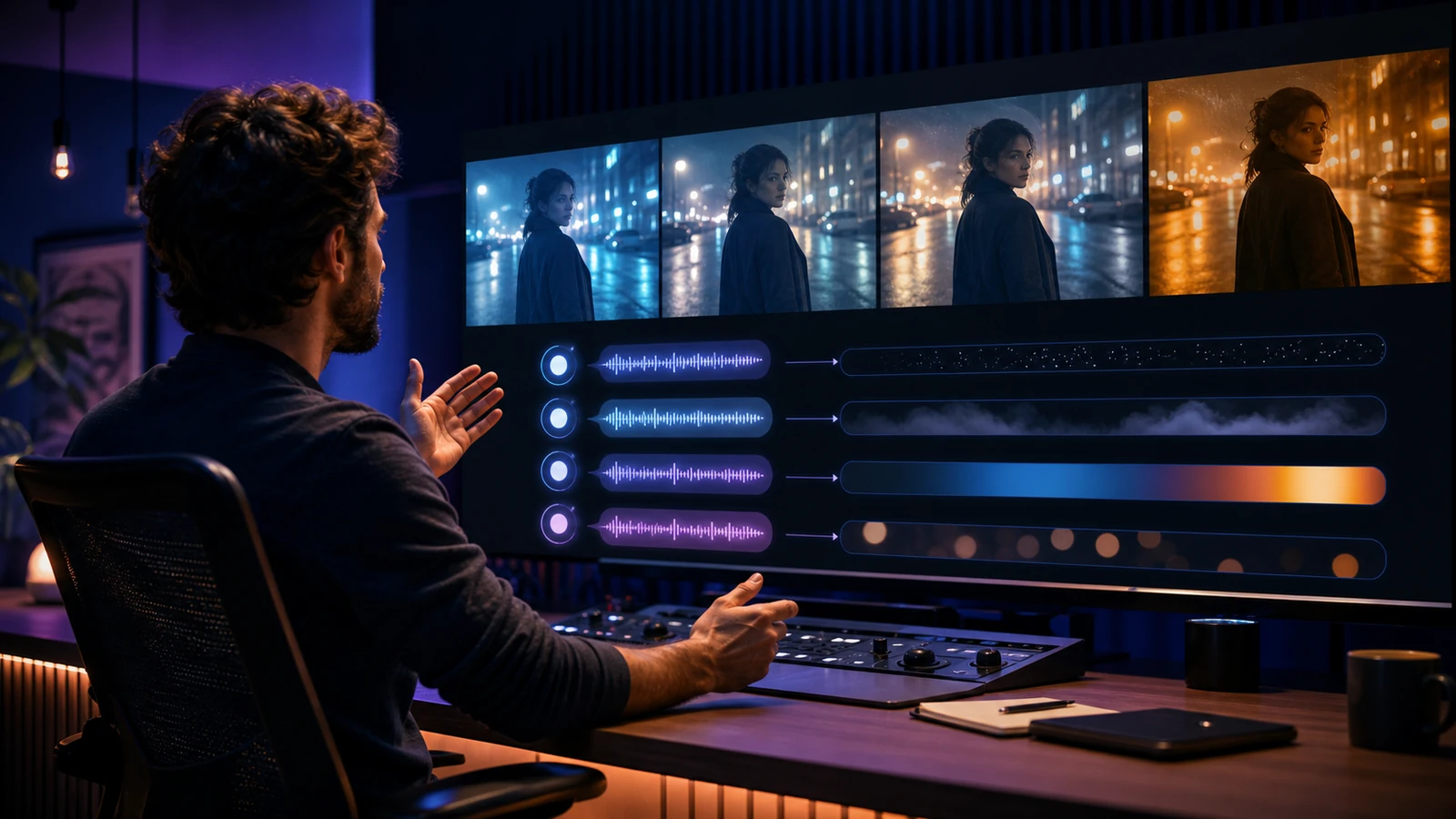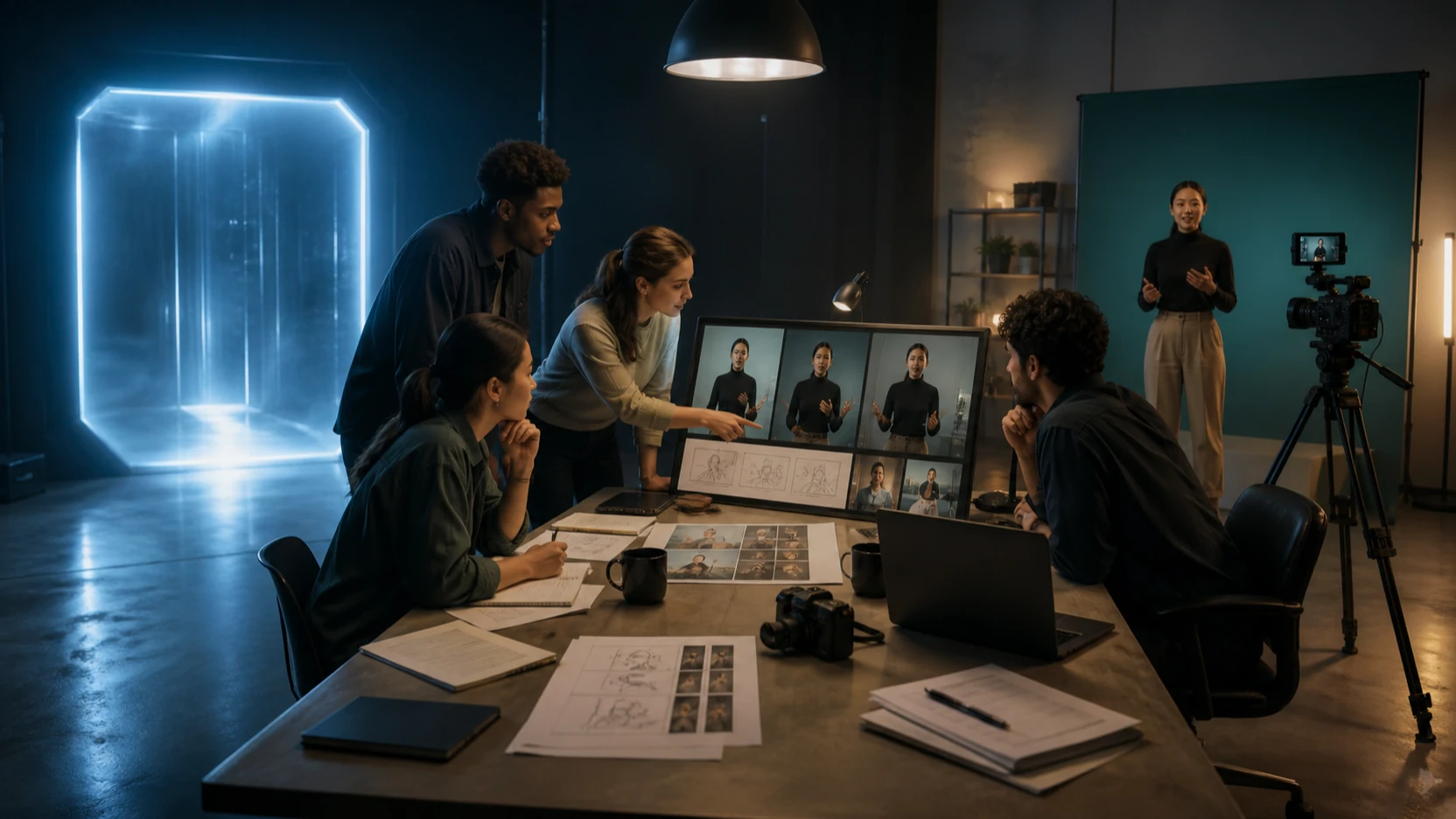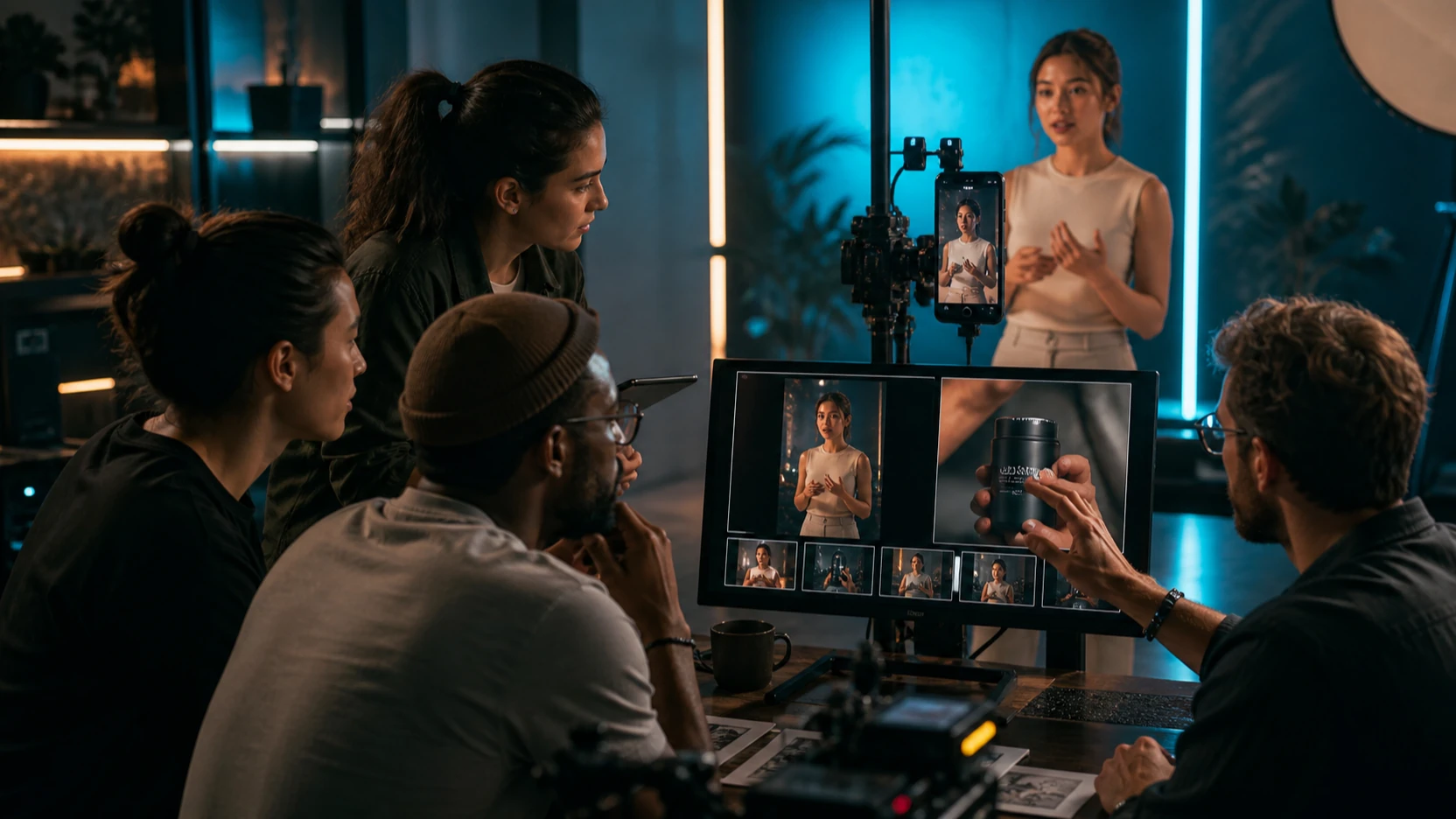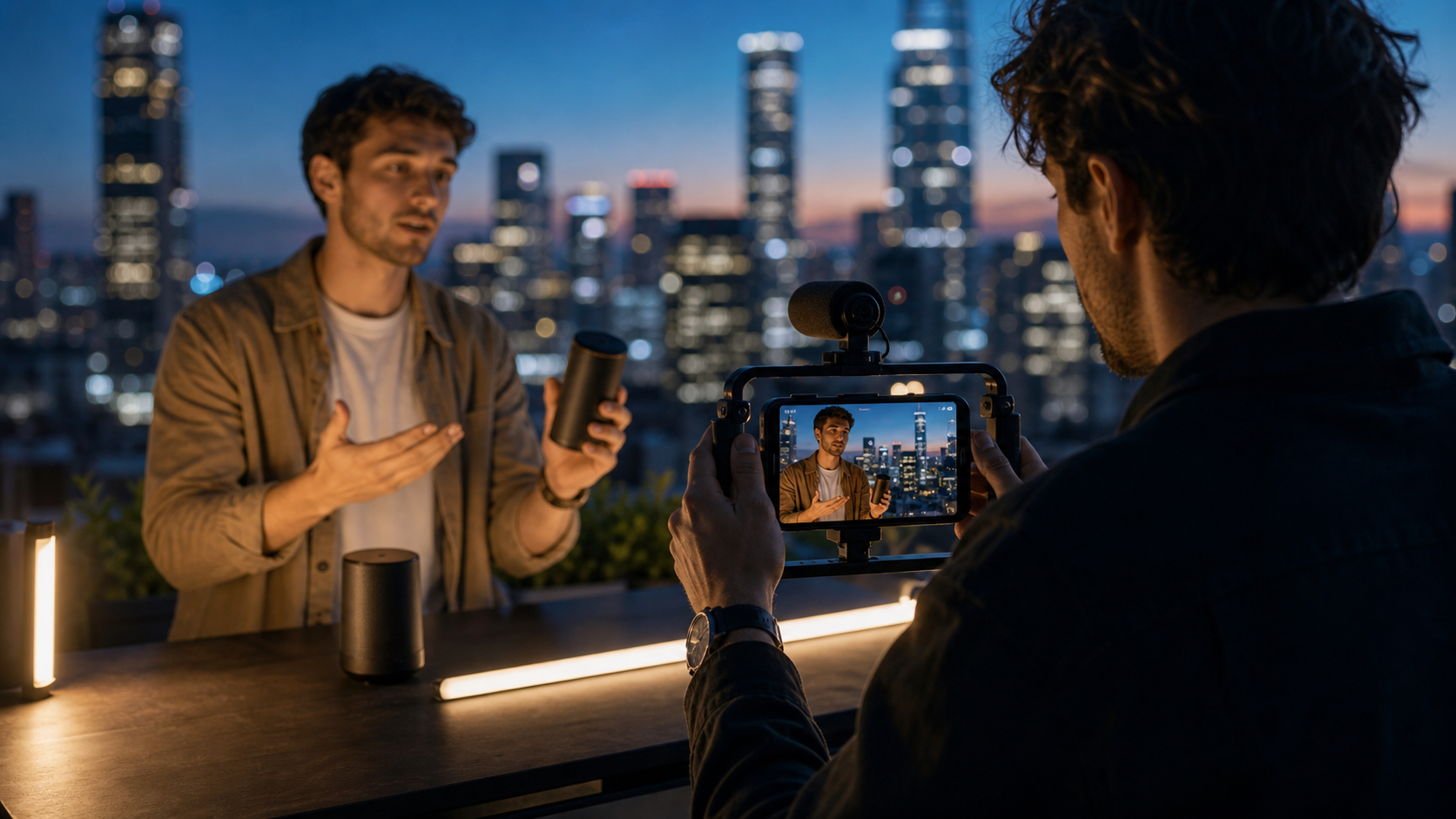
Kling 3.0 Turbo 是為需要在投入時間製作最終主打影片(hero clip)之前,先快速產出 AI 影片草稿的創作者打造的。在 Flyne AI 上,Kling 3.0 Turbo AI 影片生成器 為創作者提供一個直接的測試入口,可用來驗證文字轉影片(text-to-video)點子、圖片轉影片(image-to-video)參考、多圖控制、480p 或 720p 預覽、同步音訊、口型同步、產品廣告、UGC 草稿,以及短影音概念。請把輸出視為創意草稿:適合用來追求速度、做比較、找方向;之後再挑出最佳片段審看,才進行發布。

Kling 3.0 Turbo 用於快速 AI 影片預覽的目的
Kling 3.0 Turbo 是更適合做預覽的版本,當速度比最終精緻度更重要時就用它。當你想測試一個提示詞(prompt)、比較幾種鏡頭方向、驗證一個產品廣告概念,或看看一張參考圖是否能變成可信的短片段時,它特別好用。
Flyne AI 將此模型定位在快速生成、提示詞轉影片與圖片轉影片流程、480p 與 720p 選項、同步音訊、口型同步、動作穩定性,以及多圖參考控制。由於模型頁面與方案細節可能會變動,在向客戶承諾時長、點數、浮水印或匯出畫質之前,請先查看即時的 Kling 3.0 Turbo 頁面。
當你需要創意動能時就用 Turbo:TikTok 概念、Reels 開場鉤子、Shorts 點子、迷因反應、快速產品預覽、UGC 廣告草稿、分鏡鏡頭。一旦方向可行,你就能決定要再生成、精修,或改用更高精緻度的模型。

Kling 3.0 Turbo vs Kling 3.0:速度、預覽與精緻度
實務上的差異在於流程意圖。Kling 3.0 Turbo 更適合追求速度、探索提示詞、測試草稿,以及快速迭代社群影片。Kling 3.0 通常是你更在意電影感氛圍、更精緻的動作、更高級的打光與最終主打成片時的更佳下一步。
用這個簡單分法:
| 需求 | 較佳起點 |
|---|---|
| 快速嘗試五個產品開場鉤子 | Kling 3.0 Turbo |
| 比較文字轉影片提示詞的措辭 | Kling 3.0 Turbo |
| 用產品照片測試圖片轉影片的動作 | Kling 3.0 Turbo |
| 製作精緻的電影感品牌影片 | Kling 3.0 |
| 為活動做高級主打鏡頭 | Kling 3.0 |
| 從靜態圖探索導向式動作 | Kling Motion Control |
對代理商與社群團隊來說,這樣分工能讓預算與審稿週期更乾淨。用 Turbo 找到點子;當點子值得投入更多製作時間時,再用 Kling 3.0 或其他模型。

如何在 Flyne AI 上使用 Kling 3.0 Turbo
Flyne AI 是很實用的工作空間,因為它把 Kling 3.0 Turbo 的模型頁與更完整的 AI 影片工具串在一起。創作者可以從 AI Video Generator、AI Text to Video Generator、Photo to Video、或 Video to Video 開始,然後比較不同模型路徑,例如 Kling 3.0、Kling Motion Control、Seedance 2.0、Veo 3、Vidu Q3、以及 Higgsfield AI。
想要乾淨的 Turbo 工作流程:
- 先鎖定一種用途:社群短片、產品廣告、UGC 草稿、電影感預覽、迷因反應、或分鏡。
- 純測試點子用文字轉影片;需要主體一致性時用圖片轉影片。
- 片段保持短、只聚焦一個動作。
- 選擇格式,例如 9:16 用於 TikTok/Reels/Shorts,或 16:9 用於分鏡與產品頁。
- 只做粗略預覽用 480p;需要更清楚的審稿草案用 720p(若你的方案提供)。
- 分享前先檢查動作穩定性、音訊時序、主體一致性、產品準確度與匯出規則。
關鍵是「同條件比較」。測試提示詞變更時,請保留同一張來源圖、同一畫面比例、同一時長與同一鏡頭方向。

用於快速草稿的文字轉影片提示詞
文字轉影片在提示詞只有一個主體、一個動作、一個鏡頭運動與一種氛圍時效果最好。Turbo 雖快,但仍需要清楚指令。像「做一支很酷的產品影片」這種寬泛提示詞,會讓模型需要猜太多。
可重複使用的 Kling 3.0 Turbo 文字轉影片提示詞公式:
Create a [duration] AI video for [platform/use case]. Subject: [person/product/object/scene]. Setting: [location/background]. Main action: [one clear motion]. Camera: [push-in / tracking shot / pan / handheld / static close-up / dolly]. Lighting: [studio / natural daylight / golden hour / neon / cinematic]. Mood: [premium / playful / dramatic / realistic / UGC / futuristic]. Audio direction: [ambient sound / short dialogue / product narration / music cue / silent draft]. Output should be [aspect ratio] and [480p or 720p] for [TikTok / Reels / Shorts / ad / product page / storyboard]. Keep the clip focused, short, and easy to compare with other drafts.
為了更好比較,請用同一個點子做三個版本,只改鏡頭運動、節奏或音訊方向。這樣更容易判斷差異是來自提示詞,而不是主體本身。

圖片轉影片與多圖參考工作流程
當產品、角色、服裝或視覺識別需要保持可辨識時,圖片轉影片是更好的起點。請使用乾淨的參考圖:光線明確、邊緣清楚、雜物少。若來源圖本身令人困惑,生成的動作更容易漂移走樣。
可重複使用的圖片轉影片提示詞公式:
Use this uploaded image as the reference. Preserve [subject identity / product shape / outfit / pose / composition / color palette / material texture]. Add [camera movement], [subject motion], [background motion], and [lighting shift]. Keep motion stable, subject details consistent, and pacing suitable for a fast preview draft.
多參考提示詞公式:
Use these reference images to guide the subject, style, and layout. Preserve [main subject], [visual style], [product shape], [character design], and [color palette]. Generate a short Kling 3.0 Turbo video with [one main action], [camera movement], [lighting], and [mood]. Keep the output clean enough for creative comparison.
參考圖對電商團隊、時尚短片、角色測試、產品廣告與品牌情緒板特別有用。發布前請查看即時頁面,確認目前的參考圖限制與支援的輸入模式。

最佳用途:社群短片、產品廣告、UGC 草稿、分鏡與電影感預覽
Kling 3.0 Turbo 最強的地方在於「快速做決策」。它能讓創作者在投入更精緻的生成或手動剪輯之前,先測試一個影片點子是否有能量。
適合 Turbo 的用途包括:
- 社群短片:測試開場鉤子、反應鏡頭、旅遊 Reels、美食近拍與直式節奏。
- 產品廣告:比較推進、旋轉、桌面揭示、成分鏡頭與不同打光風格。
- UGC 草稿:測試虛構創作者示範、自然室內光、手持鏡頭感與短口播評論的能量。
- 分鏡:快速預覽鏡頭運動、走位(blocking)與鏡頭節奏。
- 電影感預覽:探索雨景、霓虹、黃金時刻、棚燈或高級產品氛圍。
- 迷因短片:草擬反應節奏、字幕空間與快速變焦節拍。
先用 Turbo 做第一輪,再收斂到最好的兩三個方向。短清單比一堆互不相關的生成結果更好審。

讀者可直接複製的提示詞範例
這些範例以快速草稿為目標設計。可依需求替換主體、產品、平台、時長與畫面比例。
- Create a 5-second product video for a skincare bottle on a marble counter. Slow camera push-in, soft morning light, subtle water droplets, premium ecommerce mood, gentle ambient sound, 9:16, 720p.
- Use this product photo as the reference. Preserve the product shape, label area, cap, material texture, and color. Add a slow rotating tabletop camera move, soft studio lighting, realistic shadows, and clean ad pacing.
- Create a TikTok-style UGC product demo. A fictional creator holds a product near a window, natural handheld camera, friendly expression, casual room lighting, short spoken-review energy, 9:16.
- Create a cinematic street scene. A fictional person in a dark coat walks through rainy neon streets, tracking camera from behind, realistic reflections, atmospheric pacing, 16:9.
- Create a quick food video. A hot dish sits on a restaurant table, visible steam, slow close-up, warm lighting, shallow depth of field, appetizing motion, 5 seconds.
- Create a meme reaction clip. A fictional office worker slowly turns toward the camera with exaggerated disbelief, quick zoom-in, clean lighting, blank caption space, 9:16.
- Use this portrait as the reference. Preserve facial identity, hairstyle, and outfit. Add gentle camera movement, subtle background motion, natural light shift, and realistic face stability.
- Create a product launch teaser. A black box opens under dramatic studio light, slow push-in camera, soft smoke, premium reveal mood, clean background, 16:9.
- Create a travel reel shot. A cafe table beside a busy street, sunlight moving across the table, soft camera pan, warm editorial color, natural ambient sound, 9:16.
- Create a fashion lookbook clip. A fictional model walks across a minimalist studio, soft fabric movement, side-tracking camera, editorial lighting, stable body proportions, 9:16.
- Use three reference images for the same product. Preserve shape, color, and material. Generate a short product hero video with slow dolly motion, clean studio lighting, and realistic reflections.
- Create three Kling 3.0 Turbo drafts from the same prompt: one cinematic, one UGC ad, and one product demo. Keep the subject stable while changing camera style, pacing, and sound direction.
Turbo 測試公式:
Generate 3 fast Kling 3.0 Turbo drafts from the same idea. Version A should focus on cinematic camera motion. Version B should focus on product clarity. Version C should focus on social-video energy. Compare motion, pacing, composition, subject stability, audio timing, and best campaign use.

何時該用 Kling 3.0 Turbo vs Seedance 2.0、Veo 3 或 Kling Motion Control
請根據你要反覆完成的工作來選模型。當速度、草稿量與提示詞探索最重要時,Turbo 是很強的第一步。當優先目標改變時,其他 Flyne AI 的模型頁也會更適合。
用這個決策指南:
| 模型路徑 | 最適合 |
|---|---|
| Kling 3.0 Turbo | 快速預覽、草稿測試、社群迭代、產品廣告變體 |
| Kling 3.0 | 更精緻的電影感片段、高級氛圍、主打視覺 |
| Kling Motion Control | 從參考圖做導向式運動、規劃鏡頭或主體動作 |
| Seedance 2.0 | 受控式影片生成與替代提示詞/模型比較 |
| Veo 3 | 在可用時,用於更高階的電影感探索流程 |
| Vidu Q3 or Higgsfield AI | 讓創作者比較更多風格與動作選項的額外模型 |
不要假設某一個模型永遠最好。務實的團隊常用 Turbo 測概念,接著把勝出的提示詞放到另一個模型裡做精緻化比較。

Flyne AI 上關於 Kling 3.0 Turbo 的 FAQ
Kling 3.0 Turbo 適合新手嗎?
是的,尤其適合快速草稿測試。新手可以從一個主體、一個動作與一個鏡頭運動開始,先比較兩到三個變體,再嘗試更複雜的提示詞。
Kling 3.0 Turbo 支援音訊與口型同步嗎?
Flyne AI 的 Kling 3.0 Turbo 頁面提到同步音訊與口型同步支援。由於音訊功能可能取決於當前模型頁、帳戶方案與生成模式,請在承諾客戶交付物之前先到即時頁面確認支援情況。
我該用 480p 還是 720p?
只需要粗略概念回饋時用 480p。當你需要更清楚的審稿草案、檢查產品細節,或做更有用的內部簡報時用 720p(前提是你的方案提供此選項)。
我可以用 Kling 3.0 Turbo 做商用影片嗎?
發布廣告、客戶專案或可變現內容前,請查看 Flyne AI Terms、Pricing 與目前的模型頁面。權利、匯出規則、浮水印與點數成本都可能會變動。

匯出或發布 AI 影片前的最終檢查清單
在匯出或發布之前,請把每一個 Kling 3.0 Turbo 結果都當成需要審核的草稿。快速生成的價值在於提供選項,而不是每個選項都能直接發布。
使用這份清單:
- 確認即時模型頁仍支援你使用的輸入模式:文字轉影片、圖片轉影片或多圖參考。
- 檢查時長、解析度、480p/720p 可用性、音訊支援、口型同步支援、參考圖限制與匯出設定。
- 審查動作穩定性、主體一致性、產品形狀、臉部/身體真實感、打光與音訊時序。
- 檢查浮水印規則、價格、點數成本、隱私設定與商用條款。
- 避免使用你未獲授權的來源圖片、標誌、人物、音樂、產品或商標。
- 至少比較三個草稿,再選出最佳方向。
- 當需要最終精緻度時,把最強概念移到 Kling 3.0、Kling Motion Control 或其他 Flyne AI 模型。
延伸閱讀可參考 Flyne AI 的 Kling 3.0 Guide、Kling 3.0 vs Seedance 2.0 comparison、以及 Seedance 2.0 video generation guide。
最佳的 Kling 3.0 Turbo 工作流程其實很簡單:快速測試、公平比較、保留最強草稿,然後只把值得投入更多時間的內容再做精修。