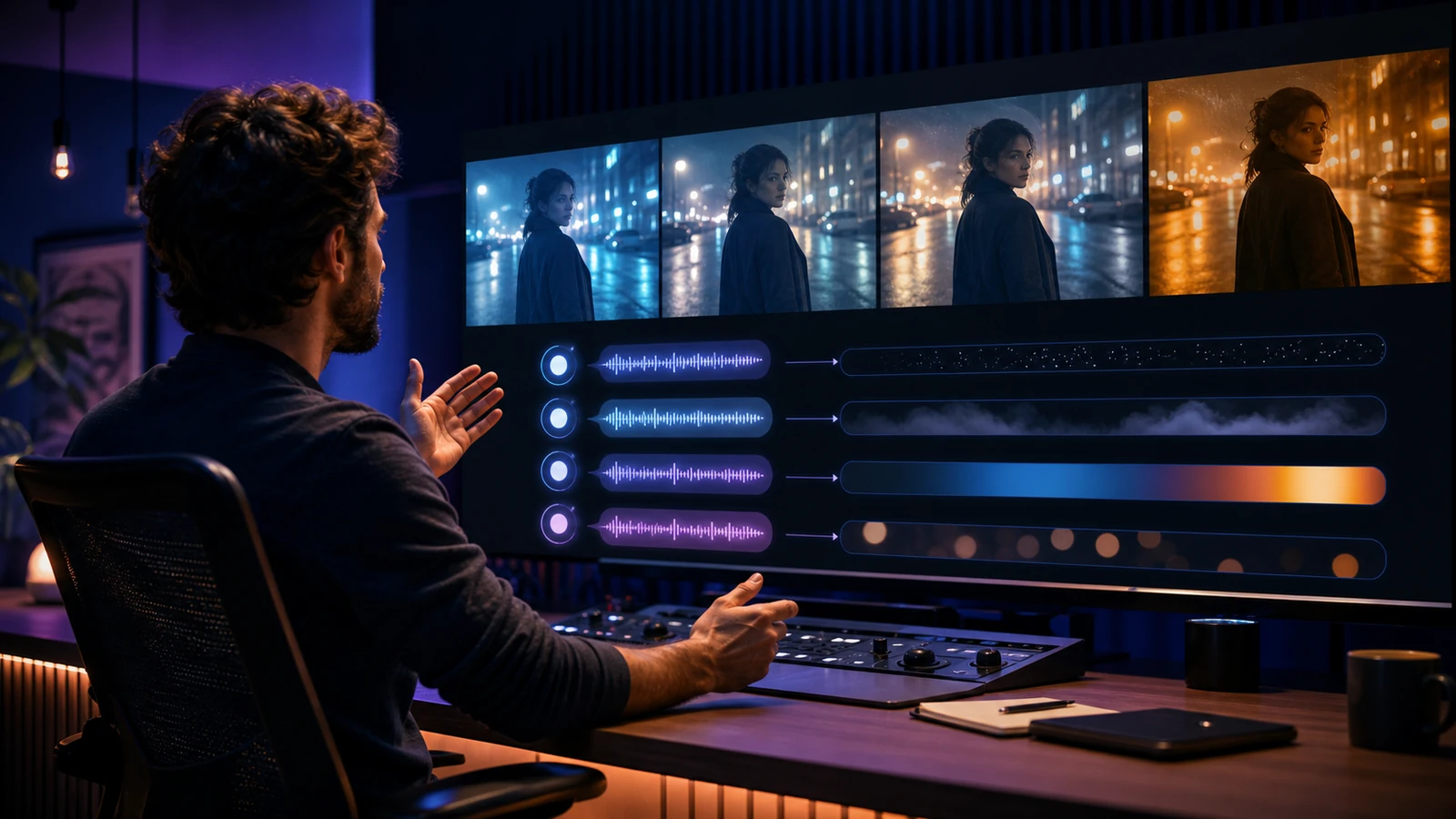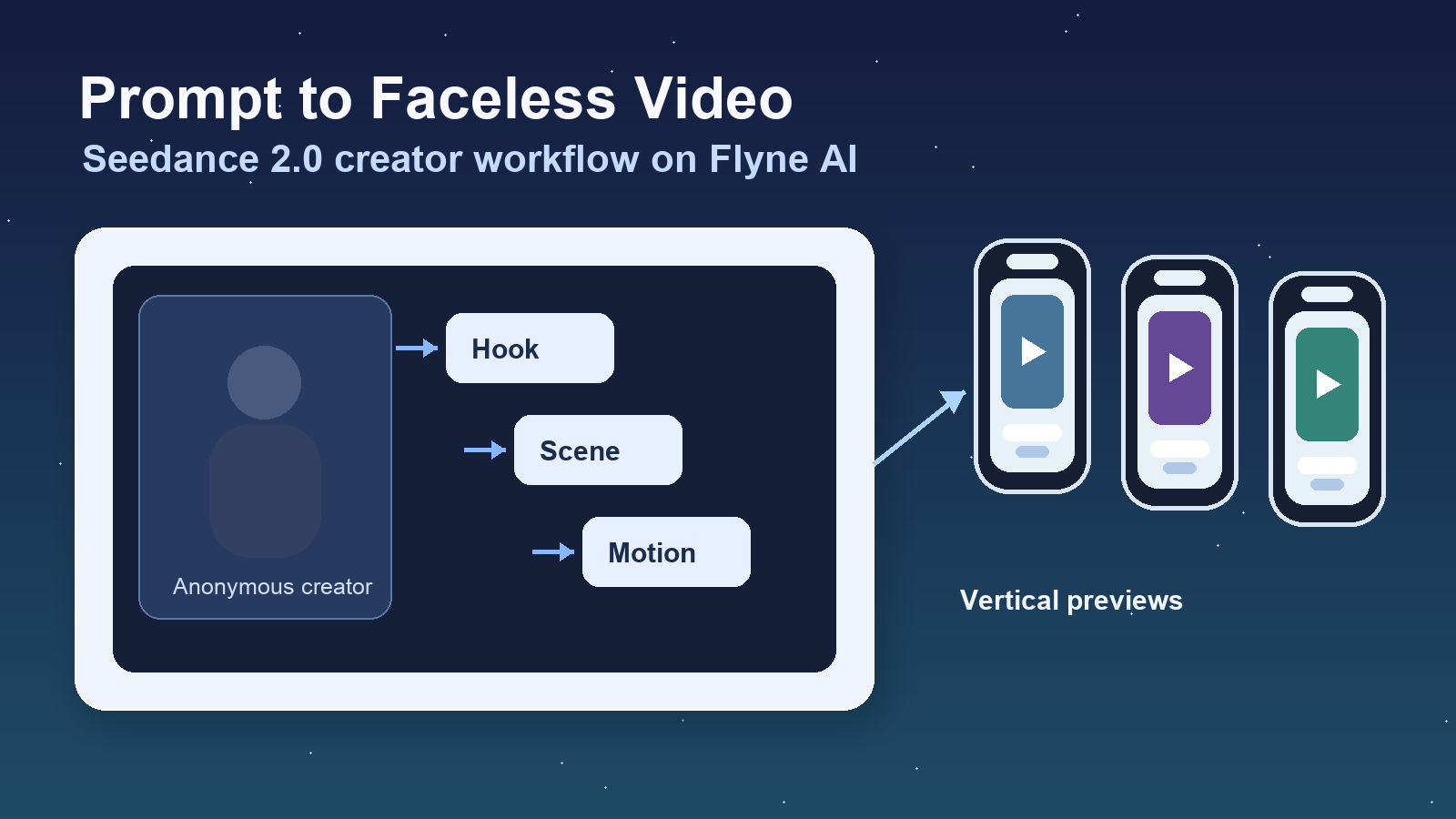
If you want to make faceless AI videos for TikTok, Reels, YouTube Shorts, affiliate content, tutorials, product explainers, or niche storytelling channels, the Seedance 2.0 AI Video Generator on Flyne AI is a practical place to start. Instead of filming yourself, you can plan a short script, turn each idea into a visual scene, and generate cinematic or realistic clips from prompts and reference images.
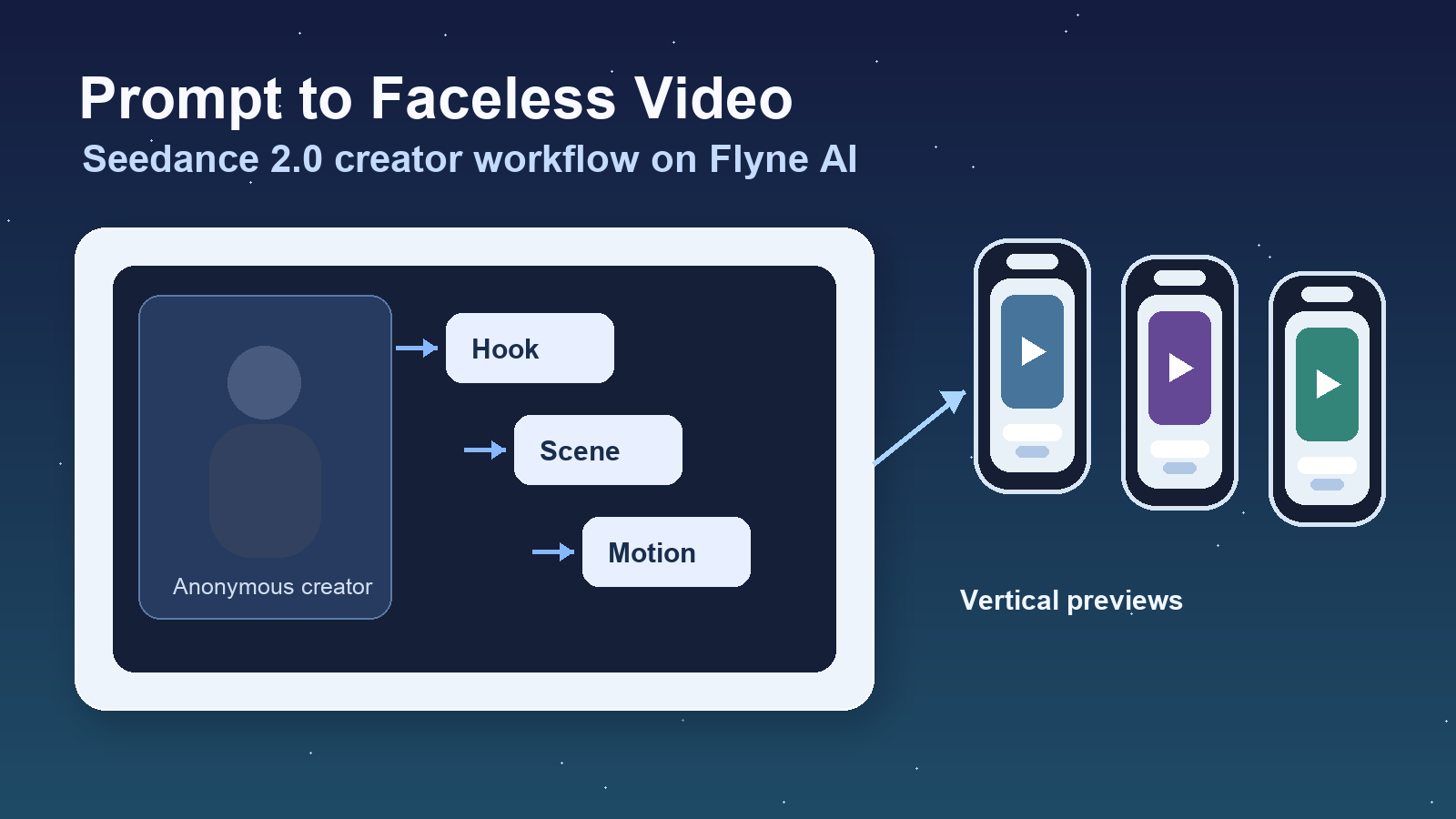
This tutorial explains how to create faceless videos with Seedance 2.0 using text prompts, reference images, scene planning, camera movement, consistent visual style, and short-form vertical video editing. It also explains when to use Flyne AI's related tools, including AI Video Generator, AI Text to Video Generator, Photo to Video AI, Product to Video, and Music Video Generator.
Quick Summary
The easiest way to create a faceless video with Seedance 2.0 is to write a short hook, break it into visual scenes, convert each scene into a prompt, generate short clips, then add captions, voice-over, music, and mobile-first editing. Flyne AI works well as the main platform because it gives creators several video tools in one workflow: Seedance 2.0 for controlled AI clips, text-to-video for prompt-only ideas, photo-to-video for still visuals, and broader model testing through its AI video tools.
Use this article as a Seedance 2.0 prompt guide for faceless content and a beginner-friendly workflow for short-form publishing.
Why Faceless AI Videos Work for Creators and Marketers
Faceless videos work because the content does not depend on the creator's face. The value comes from the idea, pacing, visual metaphor, captions, voice-over, music, and editing. That makes the format useful for YouTubers, TikTok editors, affiliate publishers, niche content sites, product marketers, and creators who prefer not to appear on camera.
Common faceless video niches include:
- Educational Shorts that explain one concept with b-roll and captions.
- Product videos that show use cases without a presenter.
- Affiliate videos that compare problems, benefits, and examples.
- Motivational clips with atmospheric visuals and voice-over.
- Finance explainers using desks, charts, phone alerts, and city scenes.
- Travel videos built from landscapes, maps, and motion shots.
- Documentary-style mini stories with establishing shots and narration.
- Quote videos that rely on typography, music, and visual mood.
The important point is that faceless does not mean generic. A strong faceless video still needs a clear niche, a specific message, and a repeatable visual style.
Why Use Flyne AI for Faceless Video Creation?
Flyne AI is useful for faceless video creation because it gives creators several AI video workflows in one platform. You can use a dedicated model page when you know which model you want, or use broader generator pages when you want to test prompts, images, products, or music-led concepts.
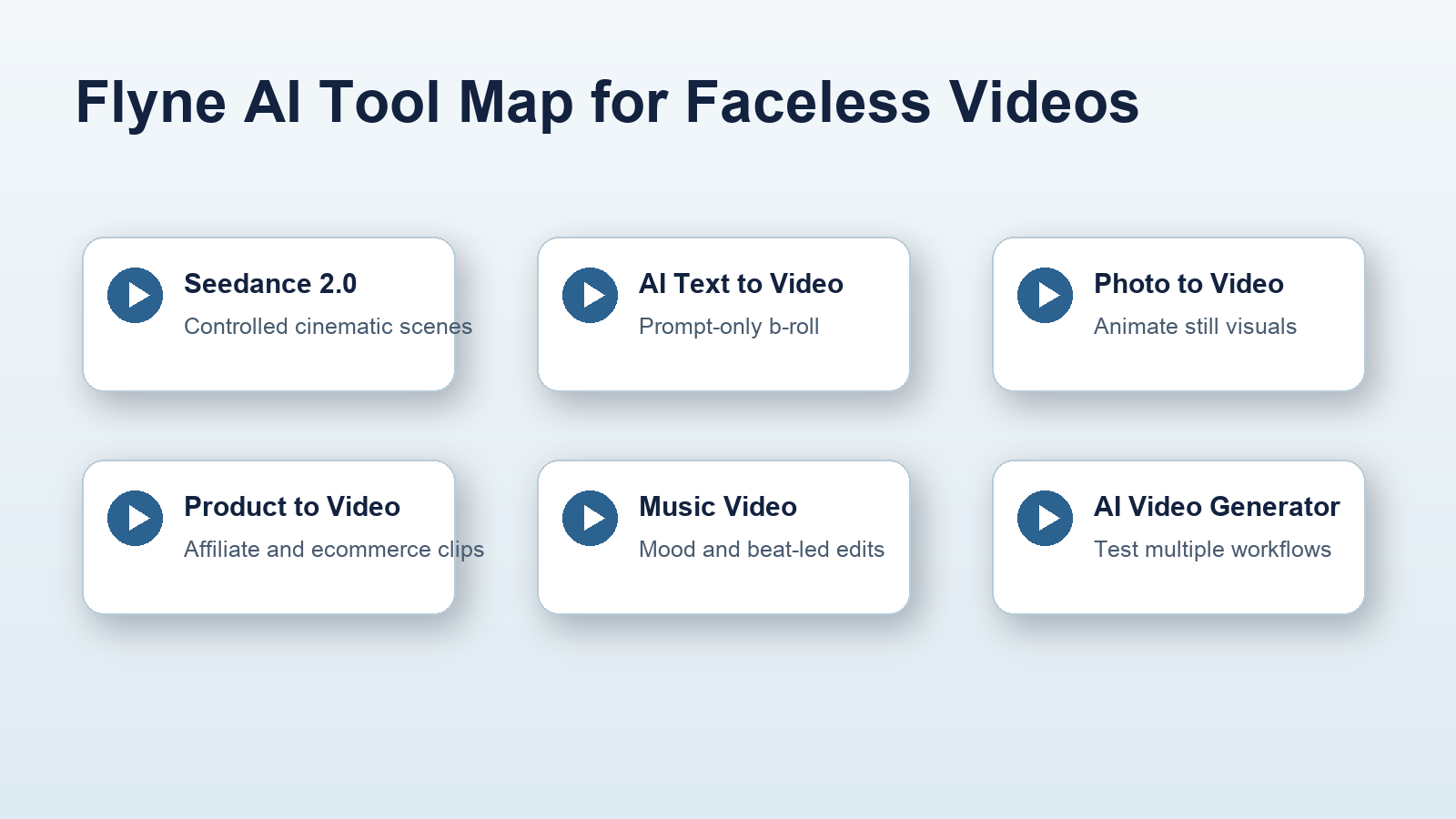
For most beginner and intermediate creators, the practical tool map looks like this:
- Use Seedance 2.0 AI Video Generator for cinematic or realistic clips where you want more control over the visual scene.
- Use AI Text to Video Generator when you only have a written idea or script.
- Use Photo to Video AI when you want to animate images into faceless videos from thumbnails, product photos, moodboards, or still visuals.
- Use AI Video Generator when you want the best AI video generator for faceless videos based on your own tests across multiple video styles.
- Use Product to Video for product-led content, ecommerce visuals, affiliate product scenes, or ad-style clips.
- Use Music Video Generator when your faceless video is built around a song, beat, mood, or music-led story.
Treat Flyne AI as the production hub, not just a single model page. Seedance 2.0 can be the main generation engine, while the other tools fill in scenes that need text-only generation, image animation, product context, or music-first editing.
Seedance 2.0 AI Video Workflow for Creators
A reliable Seedance 2.0 AI video workflow for creators starts before you generate the first clip. AI video tools respond better when the prompt is based on a planned scene rather than a vague topic.
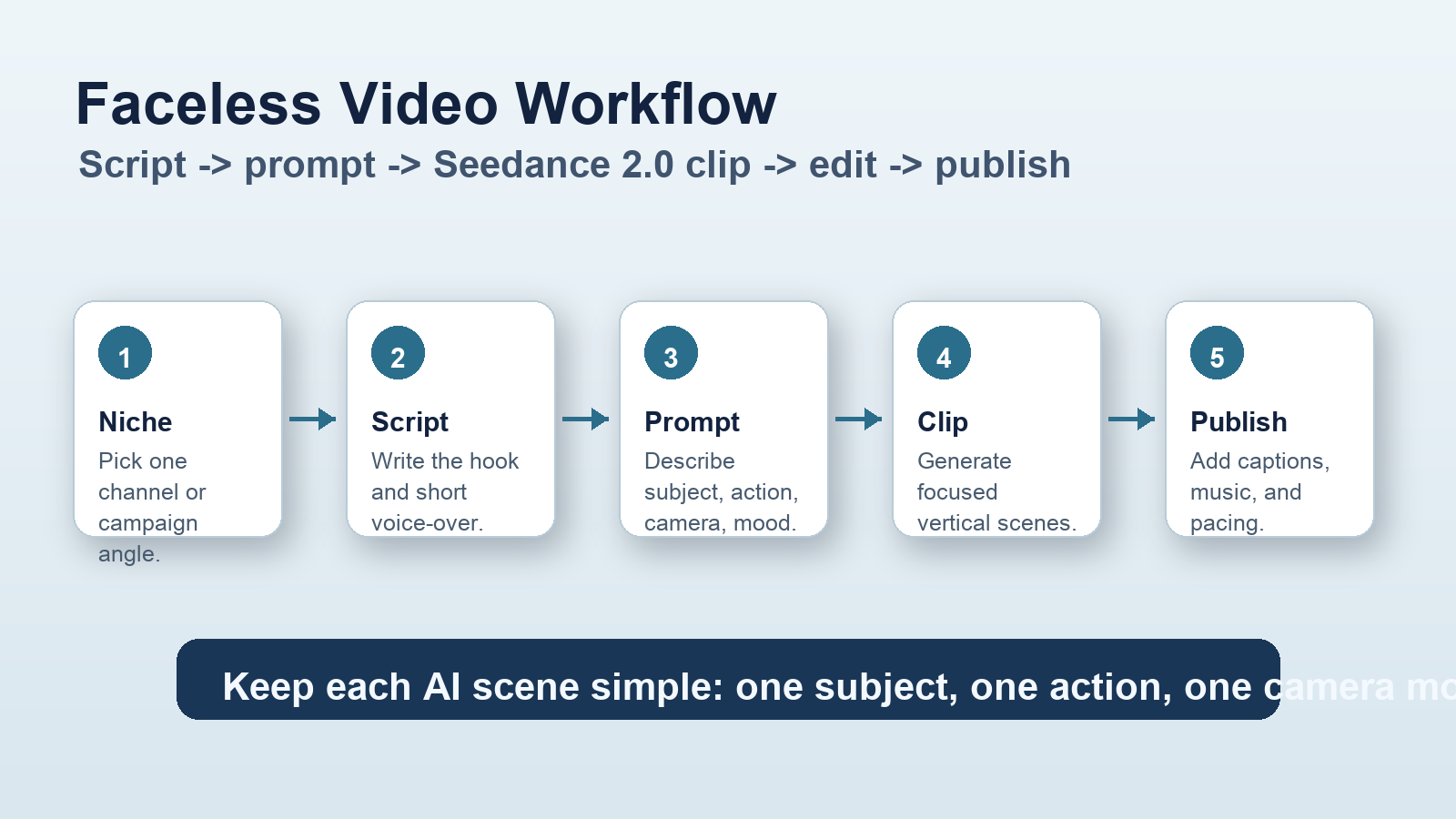
1. Choose a faceless video niche
Start by choosing the kind of channel or campaign you want to build. A finance explainer, travel story, SaaS tutorial, affiliate product clip, and motivational video need different visual rules.
For example, a SaaS tutorial might use laptop shots, hands typing, clean dashboards, animated panels, and bright office lighting. A documentary short might use city streets, archival-style stills, close-up objects, and natural light. A product affiliate video might use tabletop scenes, packaging, hands, and clean before-after visuals.
Choosing the niche first keeps your prompts focused.
2. Write a short hook or script
Write the spoken line or caption text before generating visuals. For short-form platforms, a simple script is enough:
Hook: The first line that stops the scroll.
Context: One sentence that explains the problem.
Visual beats: Three scenes that make the idea easy to watch.
Payoff: One practical takeaway or next step.
Example:
Most beginner creators do not need a studio to make good videos. They need a repeatable visual system. Here is how one faceless video can be built from a script, three AI scenes, captions, and music.
This script naturally suggests scenes: a creator desk, prompt cards, vertical preview panels, and a final editing timeline.
3. Break the script into visual scenes
A faceless video works best when every sentence has a matching visual. Break the script into three to six scenes. Each scene should have one subject, one action, and one camera idea.
For example:
- Hook scene: anonymous creator desk setup with only hands visible.
- Problem scene: scattered content ideas on a digital board.
- Process scene: prompt cards turning into video frames.
- Output scene: vertical TikTok, Reels, or Shorts preview panels.
- Final scene: edited timeline with captions and music waveform.
This structure helps you turn scripts into faceless AI videos without asking one prompt to do everything.
4. Convert each scene into a Seedance 2.0 prompt
Use this formula for a practical Seedance 2.0 prompt guide for faceless content:
Topic + visual subject + faceless framing + scene action + camera movement + lighting + mood + style + aspect ratio
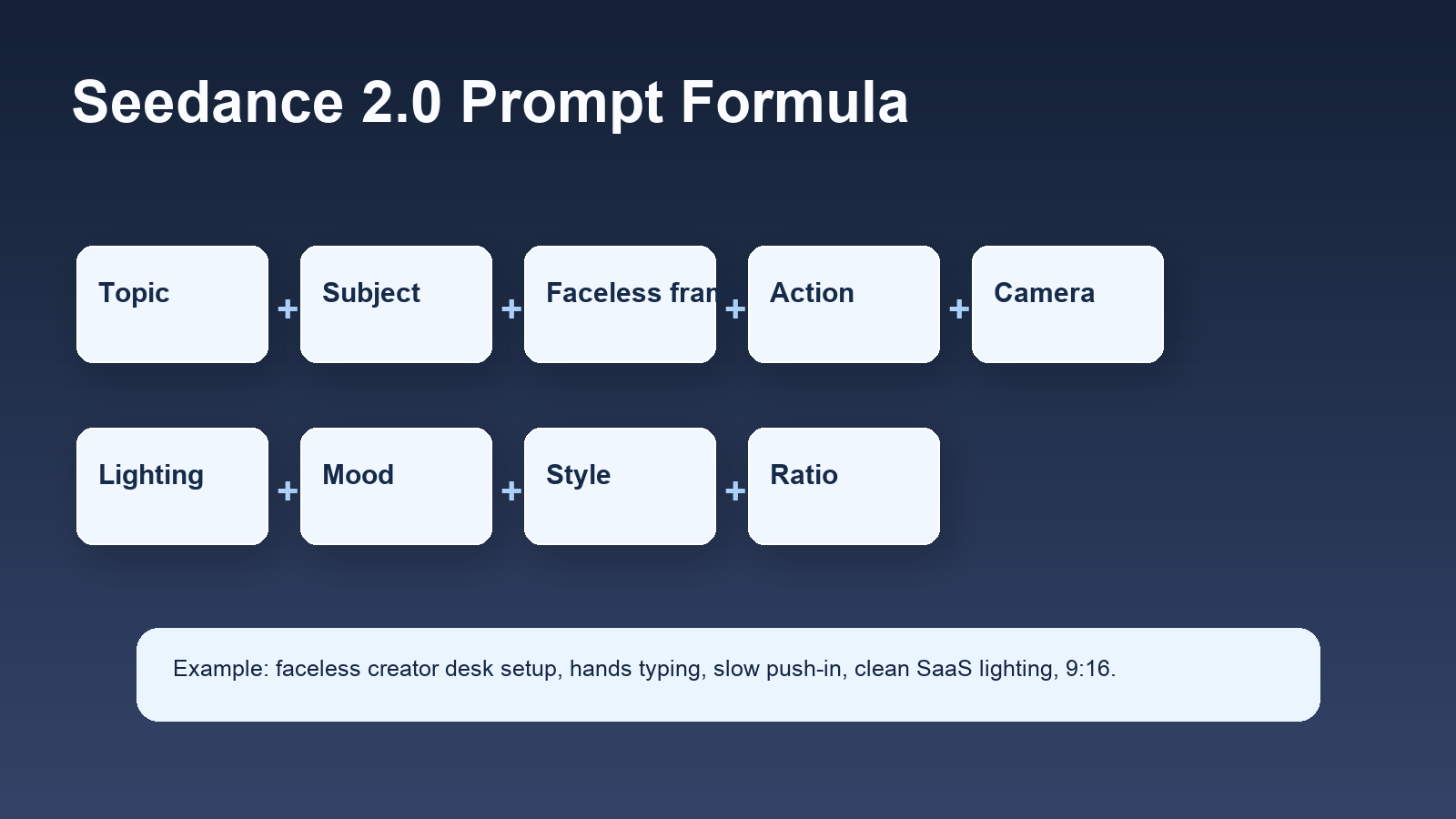
Example prompt:
A faceless creator desk setup, only hands typing beside a glowing laptop, animated infographic panels rising from the screen, slow push-in camera, clean SaaS lighting, modern educational YouTube style, 9:16 vertical video.
This prompt works because it gives the model visual subject, faceless framing, action, camera movement, lighting, mood, style, and ratio. It also avoids relying on a visible presenter.
5. Generate cinematic or realistic clips with Seedance 2.0
Open the Seedance 2.0 AI Video Generator and generate one scene at a time. If your goal is how to create faceless videos with Seedance 2.0, keep the clips short and focused.
Good faceless prompts often include:
- "only hands visible" for tutorial or product clips.
- "anonymous silhouette from behind" for creator or documentary scenes.
- "no face visible" when the shot should avoid a presenter.
- "slow push-in camera" for educational or product scenes.
- "handheld documentary style" for more natural storytelling.
- "vertical 9:16 video" for TikTok, Reels, and YouTube Shorts.
Review each result for motion, framing, visual clarity, and consistency. If the clip feels too random, simplify the scene. If it lacks energy, add a clearer camera movement or action.
Use AI Text to Video for Prompt-Only Scenes
The AI Text to Video Generator is useful when you do not have a reference image. It is a strong option for text to video prompts for faceless content, especially when your scene can be described clearly in words.
Use it when you need:
- A symbolic opening scene for a tutorial.
- A generic workspace, classroom, studio, or travel b-roll shot.
- A vertical explainer scene for an AI video generator for YouTube Shorts and TikTok.
- A quick social clip for a prompt-only idea.
- A simple AI text to video tutorial for beginners who are not ready to use image references.
For example, a creator making an affiliate video could prompt a clean product research desk, comparison notes, and a phone showing abstract shopping icons. A finance creator could prompt a late-night laptop scene with generic charts and a notebook. A travel creator could prompt a train window moving through mountains.
The key is to make the text prompt visual. Do not only describe the topic. Describe the scene the viewer will actually watch.
Use Photo to Video AI for Still Images and Thumbnails
Photo to Video AI is useful when you already have a still visual. This can include thumbnails, product images, screenshots prepared for social media, moodboard frames, travel photos, illustration references, or affiliate product images.
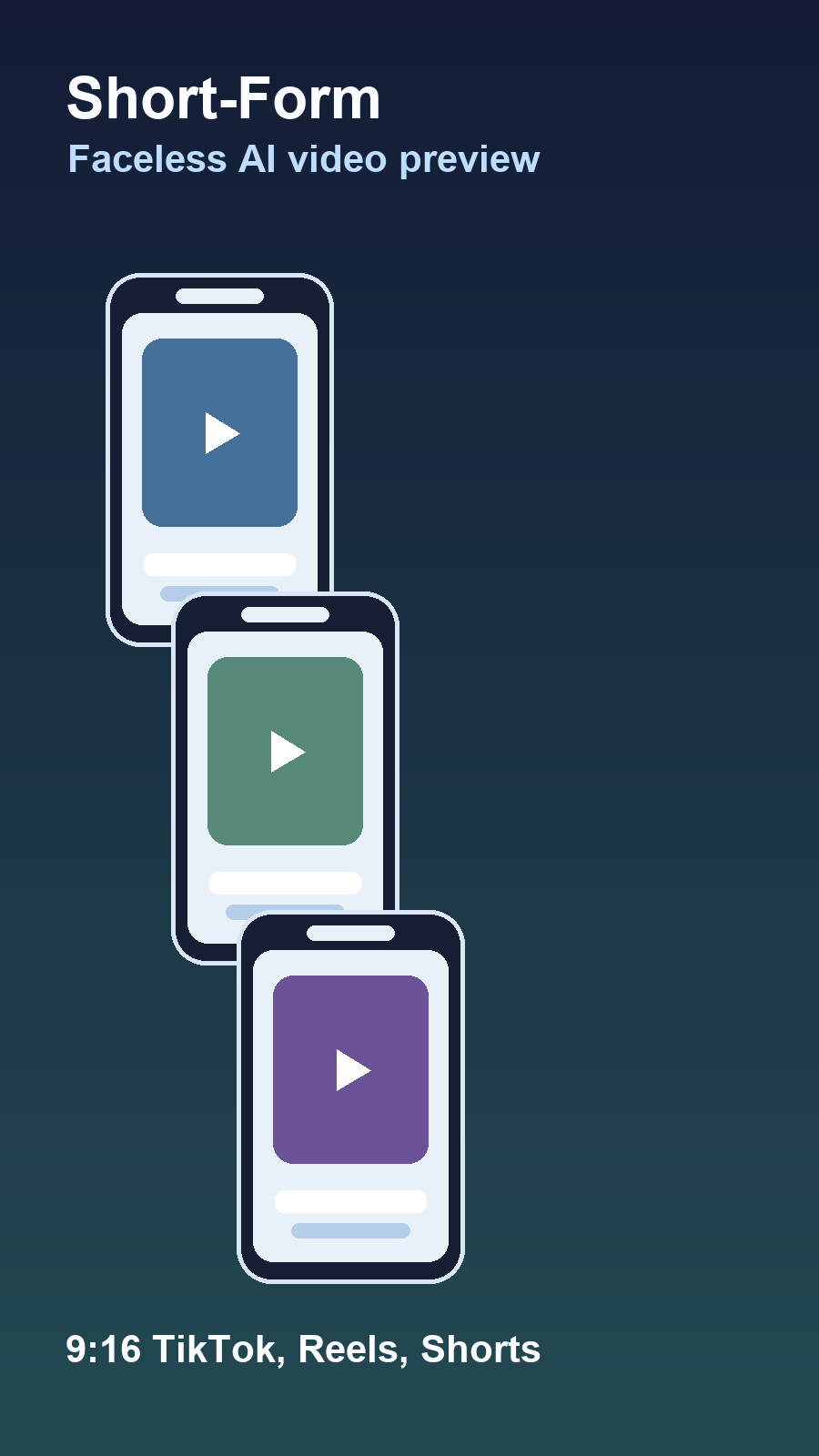
Use Photo to Video AI when you want to:
- Animate images into faceless videos.
- Create faceless videos from still images.
- Turn thumbnails into short moving intros.
- Make photo to video AI for social media clips.
- Add subtle motion to a product, travel, or educational visual.
For best results, choose a clean image with one clear subject. Then use motion language such as "slow push-in," "subtle parallax," "gentle pan right," "soft light movement," or "cinematic camera drift." This keeps the output useful for short-form editing.
Use AI Video Generator, Product to Video, and Music Video Generator for Bigger Campaigns
Once your faceless workflow is working, use Flyne AI's broader tools to expand production. The AI Video Generator is useful when you want to create faceless marketing videos with AI, compare model behavior, or test different visual routes for the same script.
For product-led content, Product to Video can help with ecommerce, affiliate, demo, and ad-style concepts where the product is the main character. This is useful when the creator does not need to appear on screen because the product, use case, and visual sequence carry the message.
For music-led faceless videos, Music Video Generator can support clips where the mood, beat, or song drives the visuals. This can work for quote videos, travel montages, motivational content, lyric-style edits, or creator channels built around atmosphere.
The best AI video tools for faceless content are not always one tool. In practice, a creator may use Seedance 2.0 for controlled cinematic shots, AI Text to Video for prompt-only b-roll, Photo to Video for still images, Product to Video for affiliate clips, and AI Video Generator for testing multiple visual approaches.
Editing Faceless AI Videos for TikTok, Reels, and YouTube Shorts
Generation is only the first half of the workflow. Short-form performance depends heavily on editing.
Use vertical framing for TikTok, Reels, and YouTube Shorts. Put the important subject in the center-safe area, avoid tiny details, and check whether captions are readable on a phone screen. If the clip is meant for a fast feed, the first two seconds should make the topic clear.
Add captions even when you use voice-over. Many viewers watch without sound at first, and captions help the video communicate immediately. Keep caption lines short, high-contrast, and consistent across the channel.
Use voice-over when the video teaches, explains, reviews, compares, or tells a story. Use music when the video is mood-led, motivational, travel-focused, quote-based, or cinematic. For some videos, use both: a quiet music bed and a clear voice-over.
Finally, trim aggressively. AI clips often contain a few seconds of strong motion and a few seconds that are less useful. Keep the best moments and edit around the script.
Safety, API, and Availability Cautions
Treat Seedance 2.0 availability, model options, output behavior, and access routes as platform-dependent. Tool pages, supported models, settings, pricing, trial rules, and API availability can change, so check the live platform before publishing operational details.
Do not claim unlimited free access, guaranteed API access, or fixed pricing unless you verify those details at publishing time. If your workflow requires API-oriented testing, reference Seedance 2.0 API access cautiously and confirm the current terms before building around it.
Also avoid prompts that impersonate real celebrities, copyrighted characters, private individuals, or misleading endorsements. For faceless creator content, safer prompts use anonymous subjects, hands, silhouettes, product scenes, generic environments, and original story concepts.
Related Articles
- How to Use Seedance 2.0 with Free Trials? API Access and Video Generation Guide
- Vidu Q3 vs Veo 3.1 vs Seedance 2.0: Which AI Video Model Fits Your Workflow in 2026?
- How to Make TikTok UGC Videos with AI Talking Avatar Generator
- Flyne AI Website Updates 2026: New Interface, Latest Models, and PayPal Support
People Also Read
- Seedance 2.0 Prompt Tips for More Human, Realistic AI Video
- Seedance 2.0 Video Generation Guide: How to Create Better AI Videos
- Seedance 2.0 Video Generation Guide (Tutorial + Prompts)
- Where to Use Seedance 2.0 Now: Access, Strengths, and Best Alternatives
FAQ
How do I make faceless AI videos with Seedance 2.0?
Choose a niche, write a short script, break it into visual scenes, convert each scene into a Seedance 2.0 prompt, generate clips on Flyne AI, then edit them with captions, voice-over, music, and vertical short-form pacing.
What is the best prompt formula for faceless Seedance 2.0 videos?
Use this formula: topic + visual subject + faceless framing + scene action + camera movement + lighting + mood + style + aspect ratio. This gives the model enough direction to create a scene instead of a vague video idea.
Can I use Seedance 2.0 for TikTok and YouTube Shorts?
Yes, Seedance 2.0 can support short-form vertical workflows when you prompt for 9:16 scenes and edit the results for TikTok, Reels, or YouTube Shorts. Keep each scene focused and make captions readable on mobile.
Should I use text prompts or reference images?
Use text prompts when you are creating a new scene from scratch. Use reference images or Photo to Video AI when you need visual consistency from a thumbnail, product image, still visual, or prepared design frame.
Is Flyne AI the only tool needed for faceless video creation?
Flyne AI can cover many parts of the workflow, including Seedance 2.0 generation, text-to-video, photo-to-video, product videos, music-led videos, and broader AI video testing. You may still use a separate editor for final captions, voice-over, timing, and publishing.
Conclusion
The best faceless AI videos are planned before they are generated. Choose a niche, write a tight script, turn each line into a visual scene, and use a consistent style across your clips. The Seedance 2.0 AI Video Generator on Flyne AI is a strong starting point for this workflow, especially when combined with AI Text to Video, Photo to Video AI, Product to Video, Music Video Generator, and the broader AI Video Generator for testing.