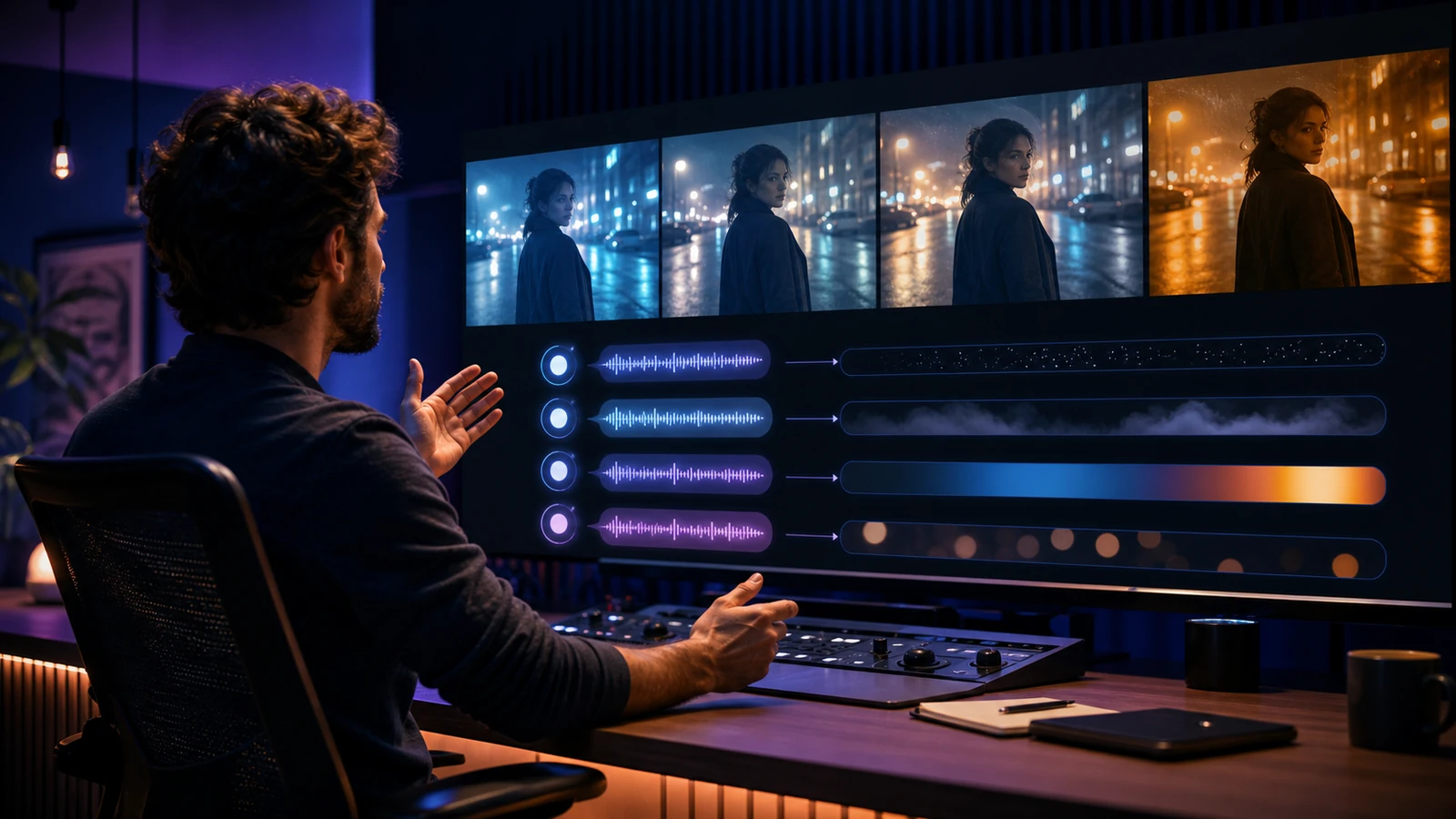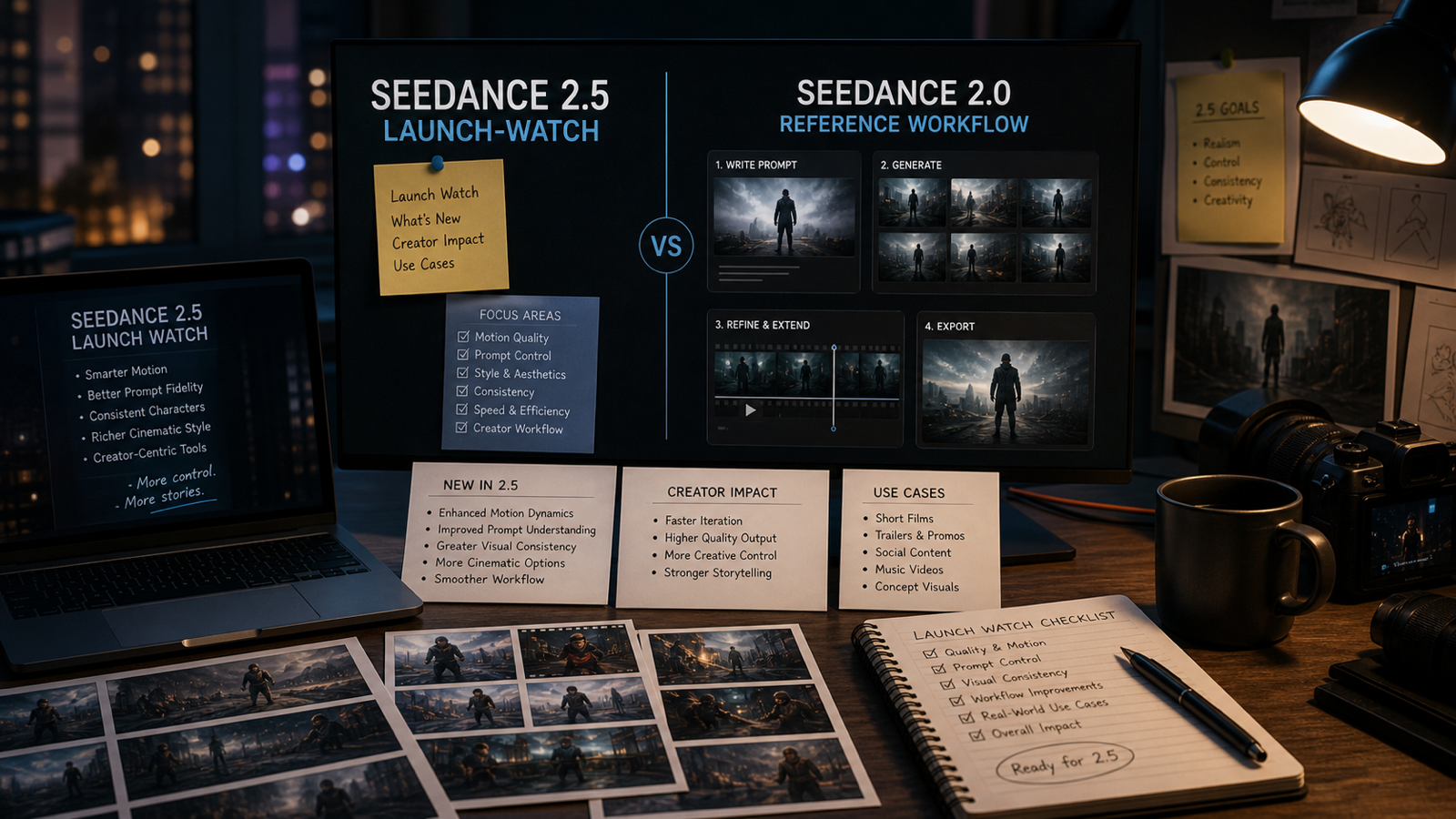
The Seedance 2.5 release is worth watching because Seedance-style video workflows are already central to short-form editing, product clips, UGC ads, cinematic drafts, and prompt testing. For now, Seedance 2.0 on Flyne AI is the practical baseline creators can use today while tracking whether Seedance 2.5 appears through official Seed pages or a live Flyne model page.

Seedance 2.5 Release Watch: What We Know So Far
The clearest public baseline is still Seedance 2.0. ByteDance’s official Seedance 2.0 page presents it as a multimodal video model, and the broader Seed models page is the right place to watch for official model updates. A dedicated Seedance 2.5 page was not visible in the supplied official references at the time this article was prepared, so the best approach is to treat Seedance 2.5 as an update to track rather than a fixed spec sheet.
For creators, the likely areas to watch are practical rather than abstract: motion stability, prompt following, reference-image control, start-frame and end-frame handling, audio workflow, character consistency, duration, resolution, export quality, and credit cost. Those are the details that affect whether a model is better for real social video production.
On Flyne AI, the best preparation is to build a reusable Seedance 2.0 test set now. Save prompts for product ads, creator-style UGC, cinematic scenes, faceless clips, social posts, and multi-shot storyboard tests. If Seedance 2.5 becomes available later, those same prompts become your side-by-side benchmark.

Seedance 2.5 vs Seedance 2.0: The Comparison That Matters
Seedance 2.5 vs Seedance 2.0 should be judged by workflow results, not model hype. A newer model only matters if it helps creators produce cleaner clips with less rewriting, fewer regenerations, and more predictable motion.
Use Seedance 2.0 as the current control model. Then compare Seedance 2.5, if available, with the same input:
| Comparison area | What to look for |
|---|---|
| Prompt following | Does the model follow the scene, action, camera, and mood more accurately? |
| Subject consistency | Does it keep products, faces, characters, clothing, and objects stable? |
| Motion quality | Are movements smoother, more natural, and easier to direct? |
| Reference inputs | Does it respect images, start frames, end frames, video references, or audio references? |
| Social formats | Does it handle 9:16, 1:1, and 16:9 without awkward crops? |
| Workflow cost | Does it reduce retries, editing time, or credit waste? |
| Publishing readiness | Are export options, privacy settings, watermarks, and usage terms clear enough for the project? |
This keeps the comparison grounded. A cinematic creator may care most about camera control and atmosphere. A UGC advertiser may care most about product consistency and realistic creator reactions. A social team may care most about fast 9:16 drafts and clean caption space.

How to Prepare Seedance AI Video Workflows on Flyne AI
Flyne AI is useful for Seedance-style preparation because it is not limited to one creative path. You can test prompt-to-video, image-to-video, video-to-video, music-led ideas, and alternative model behavior in one broader AI video workflow.
Start with these Flyne tools:
- Seedance 2.0 AI Video Generator for the current Seedance baseline.
- AI Video Generator for broad model discovery and comparison.
- Photo to Video for product photos, portraits, posters, travel shots, and storyboards.
- AI Text to Video Generator for scripts, scene prompts, short ads, and cinematic concepts.
- Video to Video for transforming existing clips when the source footage is cleared for use.
- Music Video Generator for rhythm-led visual experiments.
- Kling 3.0, Kling Motion Control, and Higgsfield AI Video Generator for alternative model and motion-control comparisons.
The practical workflow is simple: create a small library of repeatable prompts, keep source images organized, record output settings, and save notes on what failed. That makes every future AI video generator release easier to evaluate because you are not starting from a blank prompt box.

Seedance 2.5 Test Prompts for Product, UGC, and Short-Form Video
The best Seedance 2.5 test prompts should be useful even before the model is available. Run them in Seedance 2.0 first, keep the results, then reuse the same prompts later for comparison.
Reusable test prompt:
Create a [duration] AI video for [use case] in [format]. Subject: [main subject]. Reference input: [text prompt / image / start frame / end frame / video reference / audio reference]. Action: [one clear motion or event]. Camera: [slow push-in / orbit / handheld / overhead / tracking shot]. Lighting: [natural / studio / cinematic / warm / dramatic]. Mood: [realistic / UGC-style / premium / playful / emotional]. Audio: [no audio / ambient / voiceover / music / product sound]. Keep subject consistency, clean composition, stable motion, and platform-ready framing.
Copy-ready tests:
- Product ad: A skincare bottle on a marble counter, slow push-in, soft morning light, subtle steam, clean caption space, 9:16 and 16:9 versions.
- UGC demo: A creator uses a portable blender in a bright kitchen, handheld social style, product visible in every important shot.
- Ecommerce clip: A sneaker rotates on a reflective platform, controlled orbit camera, premium lighting, no readable brand text.
- Character consistency: A fictional character turns toward the camera in a studio, stable face, outfit, and proportions.
- Multi-shot storyboard: A travel backpack packing sequence with three readable cuts, consistent room lighting, no sudden scene jumps.
- Music-led visual: A short product montage paced to a beat, simple motion, clean transitions, and licensed or original audio.
These prompts cover the work most teams repeat: product videos, UGC ads, short-form social posts, cinematic drafts, character tests, and multi-shot storyboards. They also make Seedance 2.0 vs Seedance 2.5 comparisons much easier to review.

Launch Checklist, FAQ, and Final Recommendation
A good Seedance 2.5 launch checklist is not a list of cautions; it is a practical publishing checklist. Before updating an article, campaign plan, or internal model recommendation, confirm the details that affect production work: model availability, output settings, pricing, credits, watermark policy, commercial-use terms, privacy settings, source-asset rights, and API access if your team needs automation.
FAQ
Is Seedance 2.5 available on Flyne AI?
Use the live Flyne model pages to confirm availability. At the time this article was prepared, Seedance 2.0 was the practical Seedance model page to use as the baseline.
What should creators expect from a Seedance 2.5 update?
The useful things to watch are motion quality, prompt accuracy, reference handling, character consistency, duration, resolution, audio workflow, export options, and workflow cost.
How should I compare Seedance 2.5 with Seedance 2.0?
Run the same prompt, source image, aspect ratio, duration, and use case through both models. Compare consistency, motion, prompt following, editing time, and publishing readiness.
Which Flyne AI tools help prepare for Seedance 2.5?
Start with Seedance 2.0, then test Flyne’s AI Video Generator, Photo to Video, AI Text to Video, Video to Video, Music Video Generator, Kling 3.0, Kling Motion Control, and Higgsfield AI pages.
Related Articles
- Seedance 2.0 Video Generation Guide: How to Get Controlled, Consistent Results
- Best 10+ Seedance 2.0 Prompts: Flyne AI Video Generation Guide
- How to Use Seedance 2.0 with Free Trials?
- Seedance 2.0 Mini Is Coming: What Creators Should Watch
- Kling 3.0 vs Seedance 2.0
- Vidu Q3 vs Veo 3.1 vs Seedance 2.0
- Happy Horse 1.0 vs Seedance 2.0
- Flyne AI Video Generator Guide 2026
Conclusion
The Seedance 2.5 release is worth tracking because it could reshape how creators build cinematic clips, product videos, UGC ads, social shorts, character tests, and multi-shot workflows. Until confirmed Seedance 2.5 details are available, Seedance 2.0 on Flyne AI remains the best baseline. Build your repeatable tests now, then compare the models side by side when the next Seedance update becomes available.